VYROX Very Intelligent Platform (VIP)
Vehicle Plate Recognition Access
Introduction
This guide outlines the procedure to apply for vehicle plate recognition access. Learn how to register your vehicle and enable automated entry for effortless parking management.
Step 1: Vehicle Plate Recognition Access
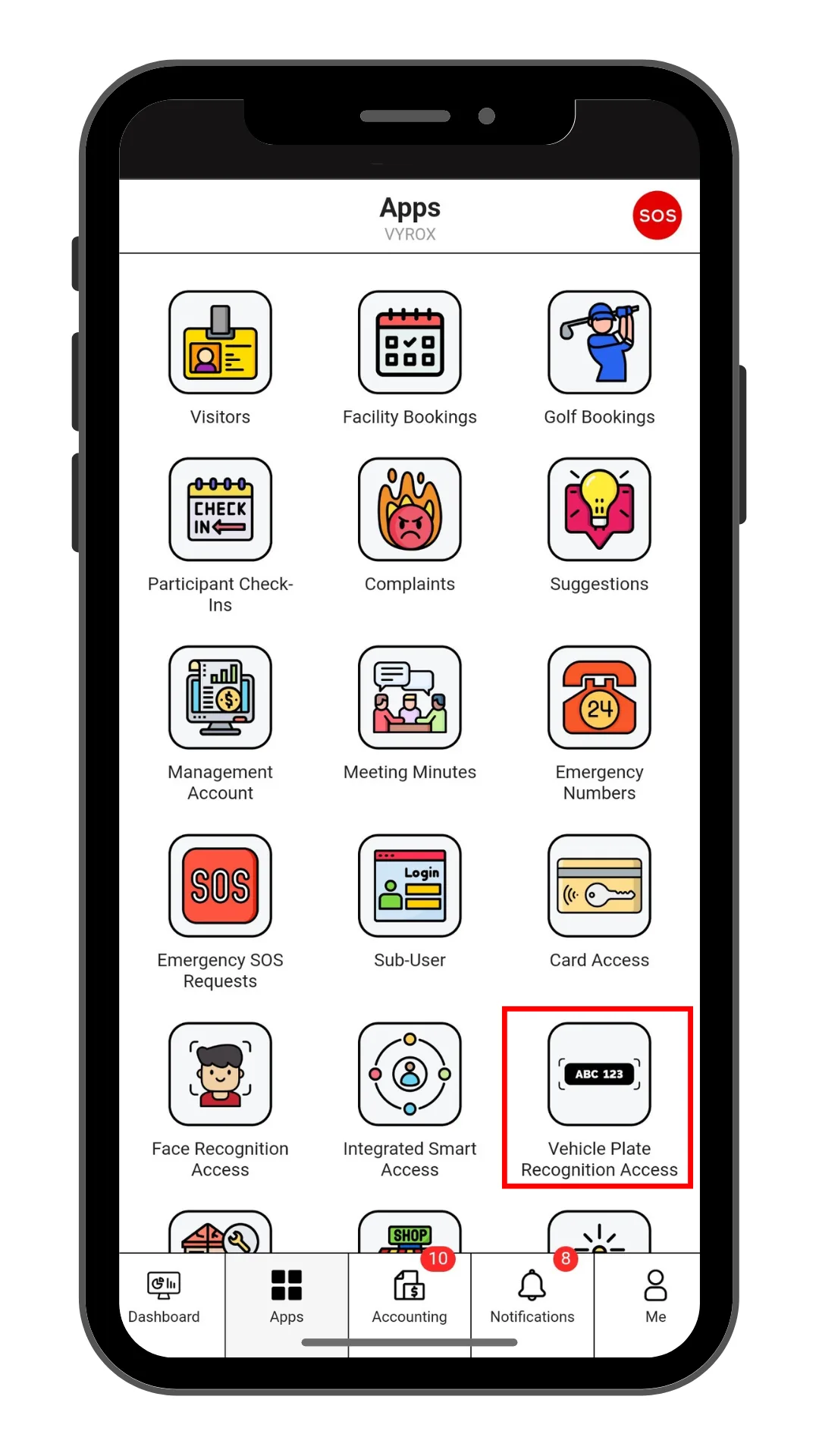
Click “Vehicle Plate Recognition Access” icon
Step 2: Create New Vehicle Plate Recognition Access
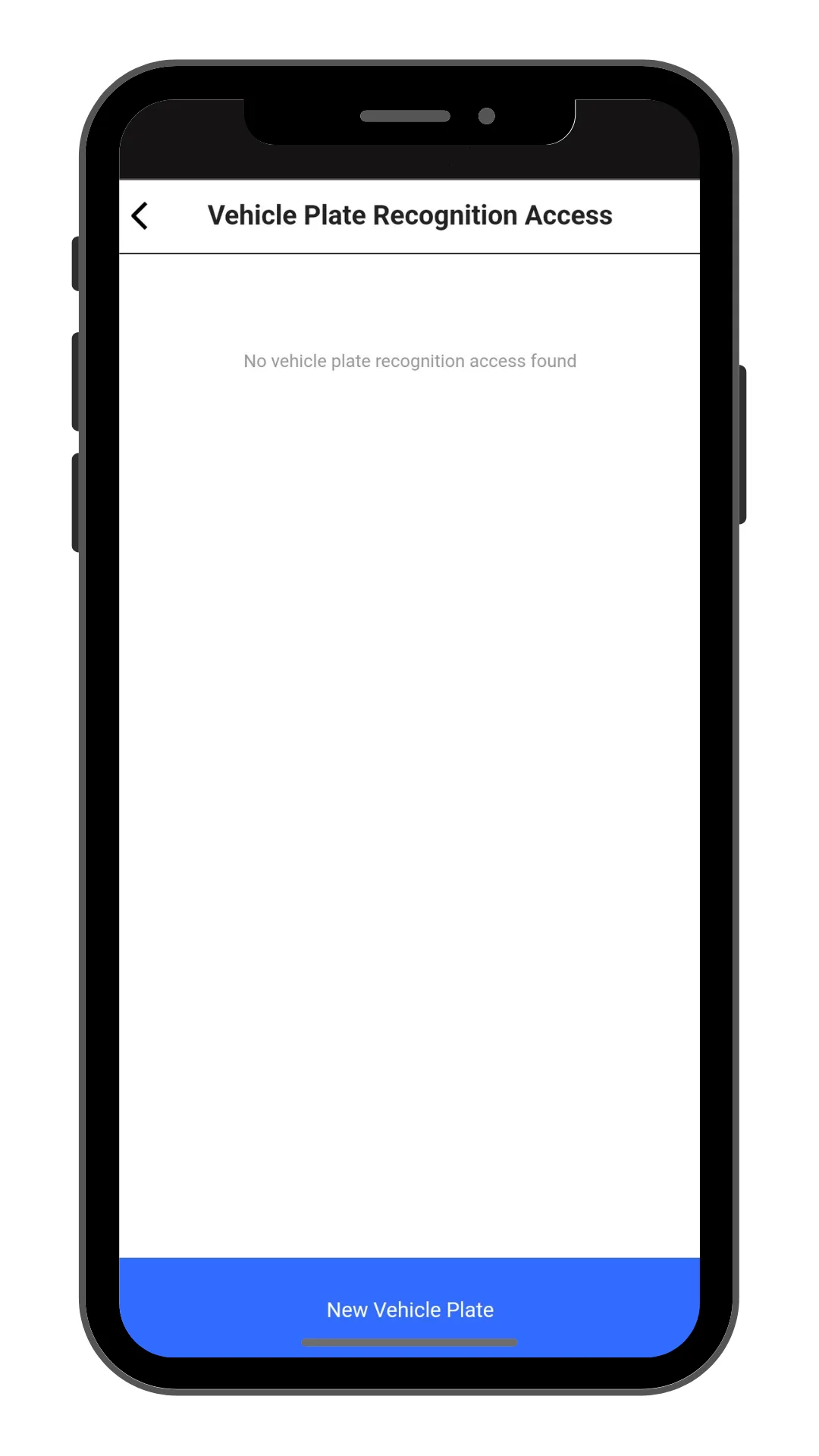
Click “New Vehicle Plate” to make a new Vehicle Plate Recognition Access.
Step 3: Fill in Vehicle Plate Recognition Access details
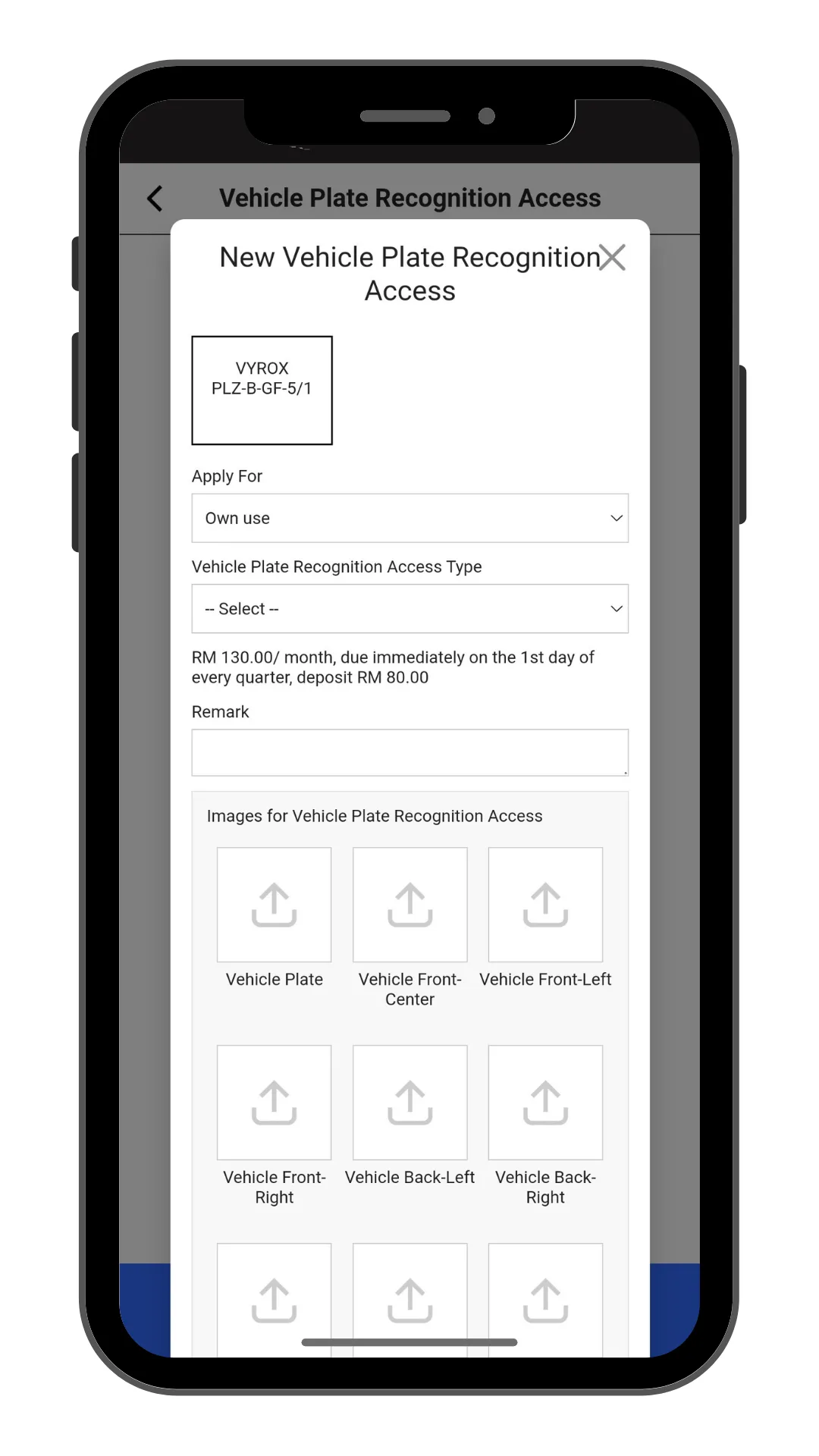
Select Apply for , Vehicle Plate Recognition Access Type, Remark, and include pictures of Vehicle Plate , Vehicle Images and Driving License.
Click “Add” to create.
Step 4: Wait for Manangement Approval
Manangement will need to approve access.
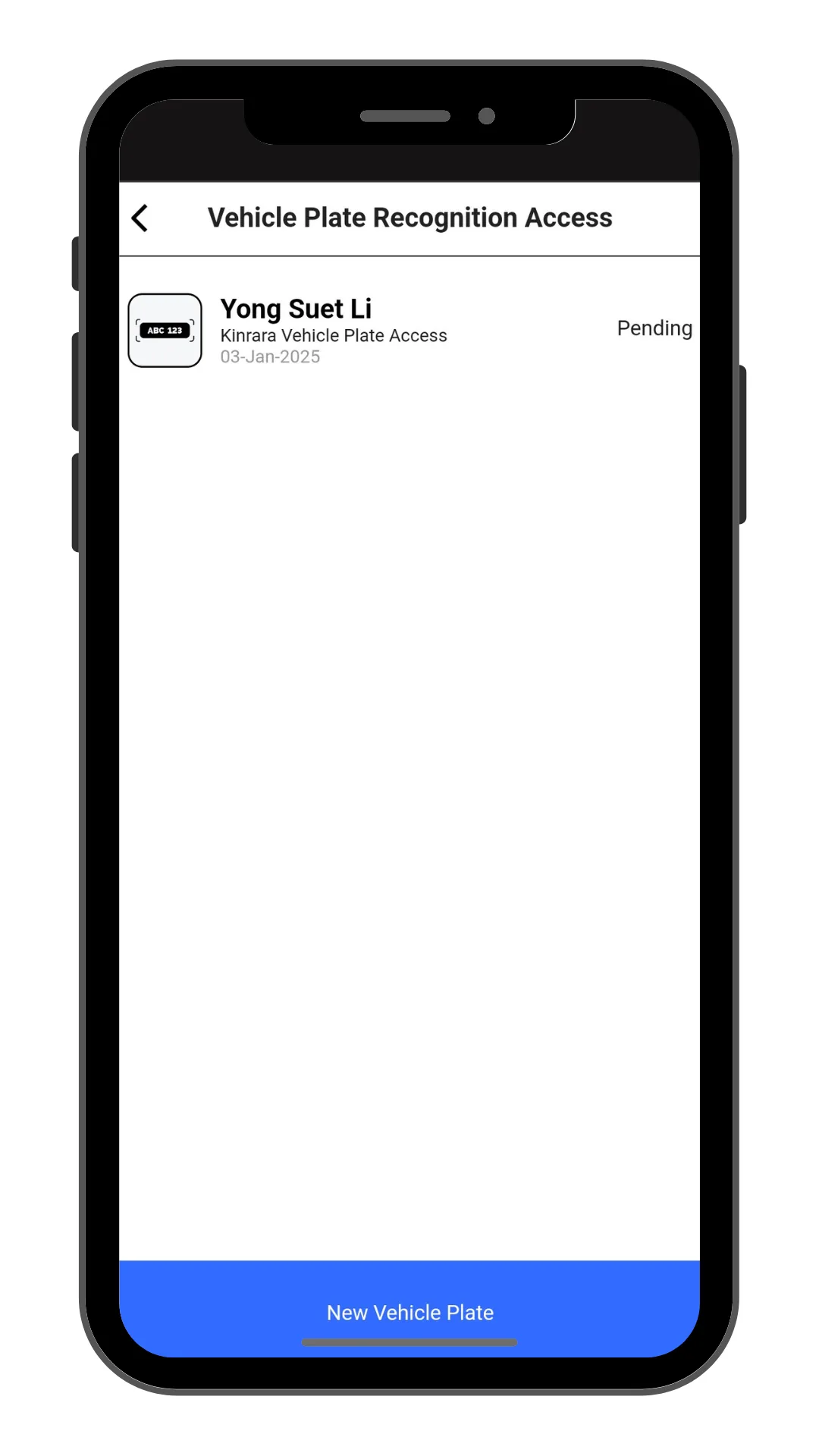
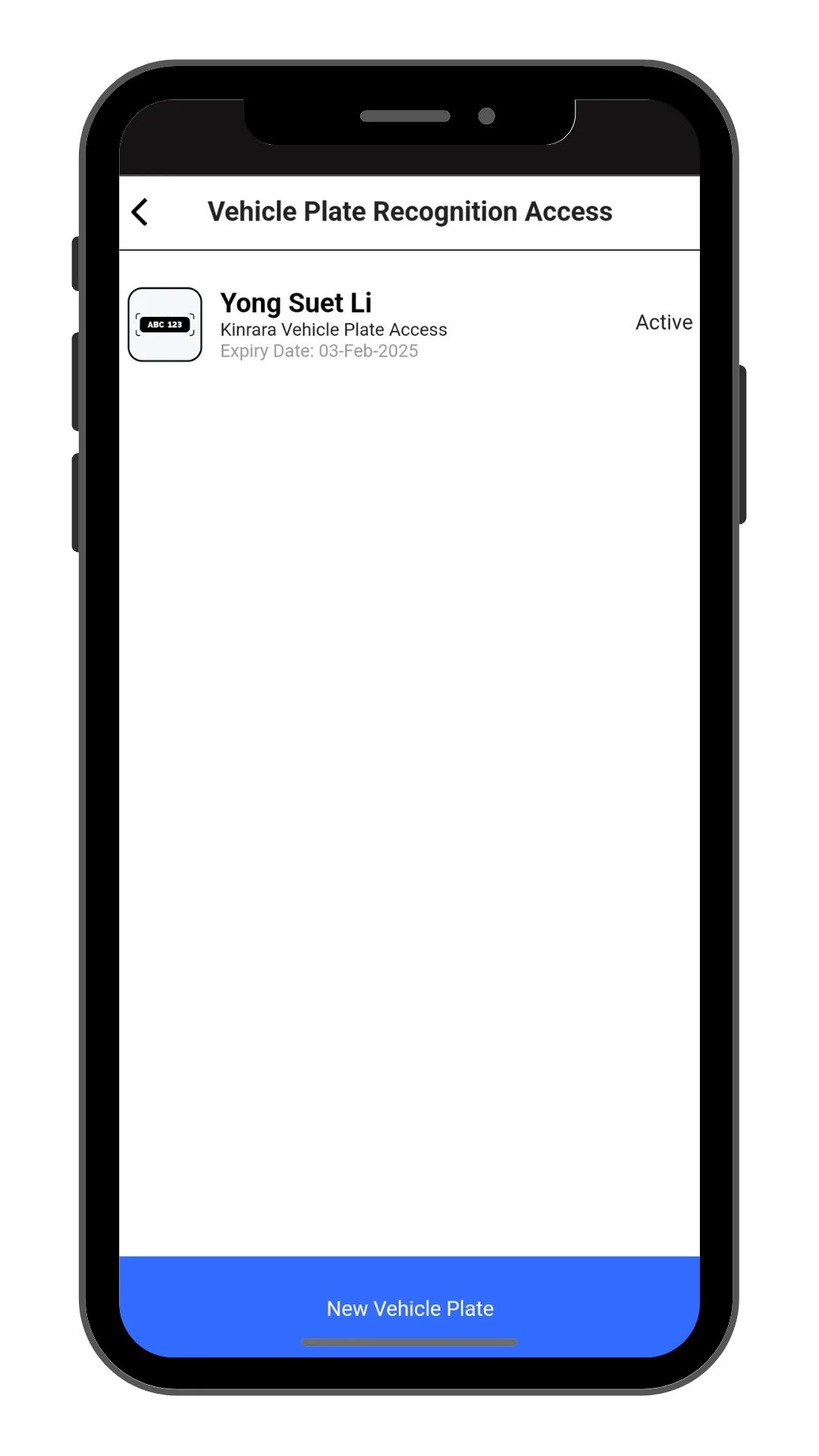
Step 5: Check New Created Access Status
New created access will be listed in this page.