VYROX AI Smart Mirror
8. Voice Control
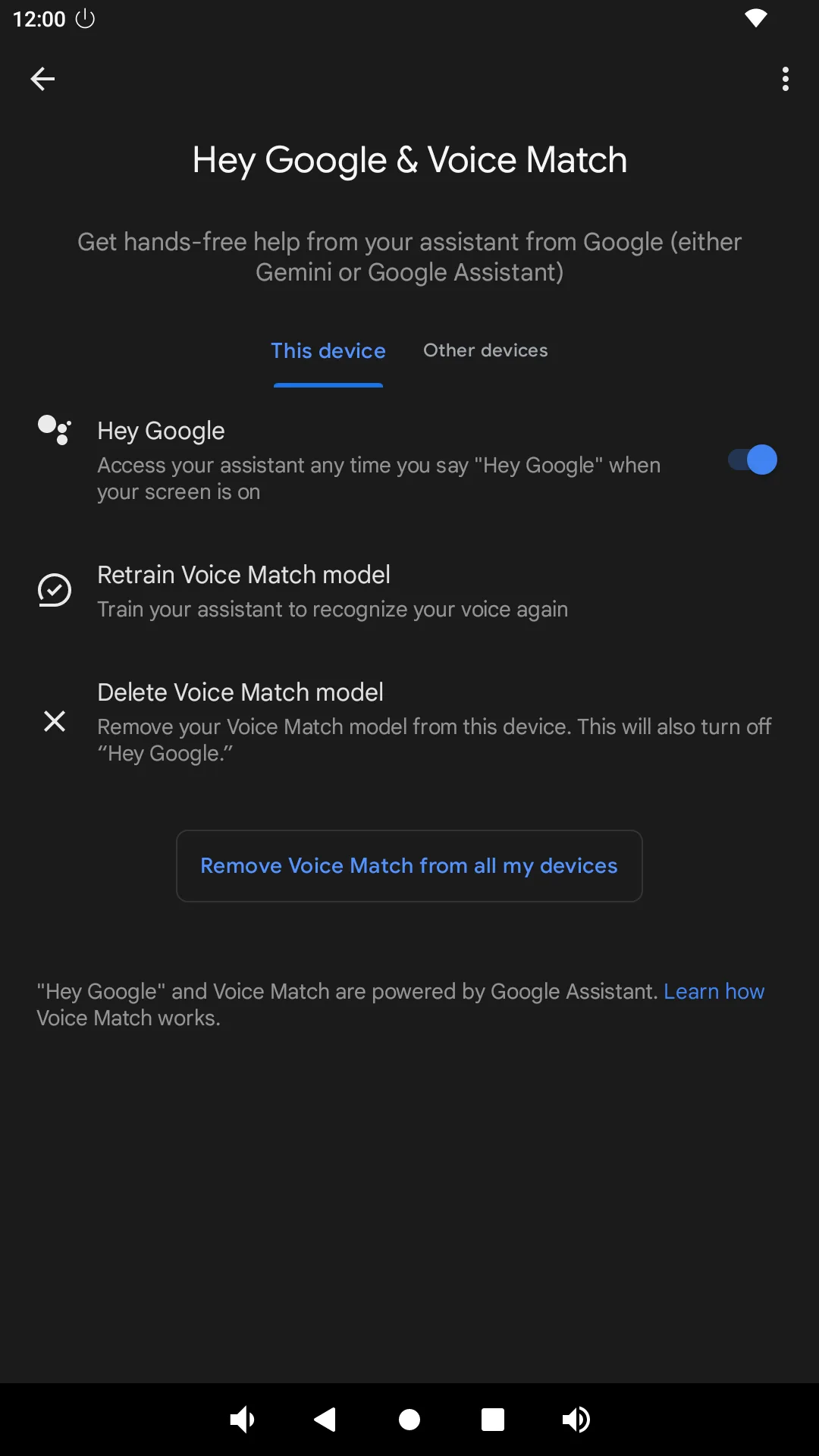
8.1 Setup Google Assistant Go to Google Assistant > Settings > Hey Google & Voice Match > Turn on Hey google .
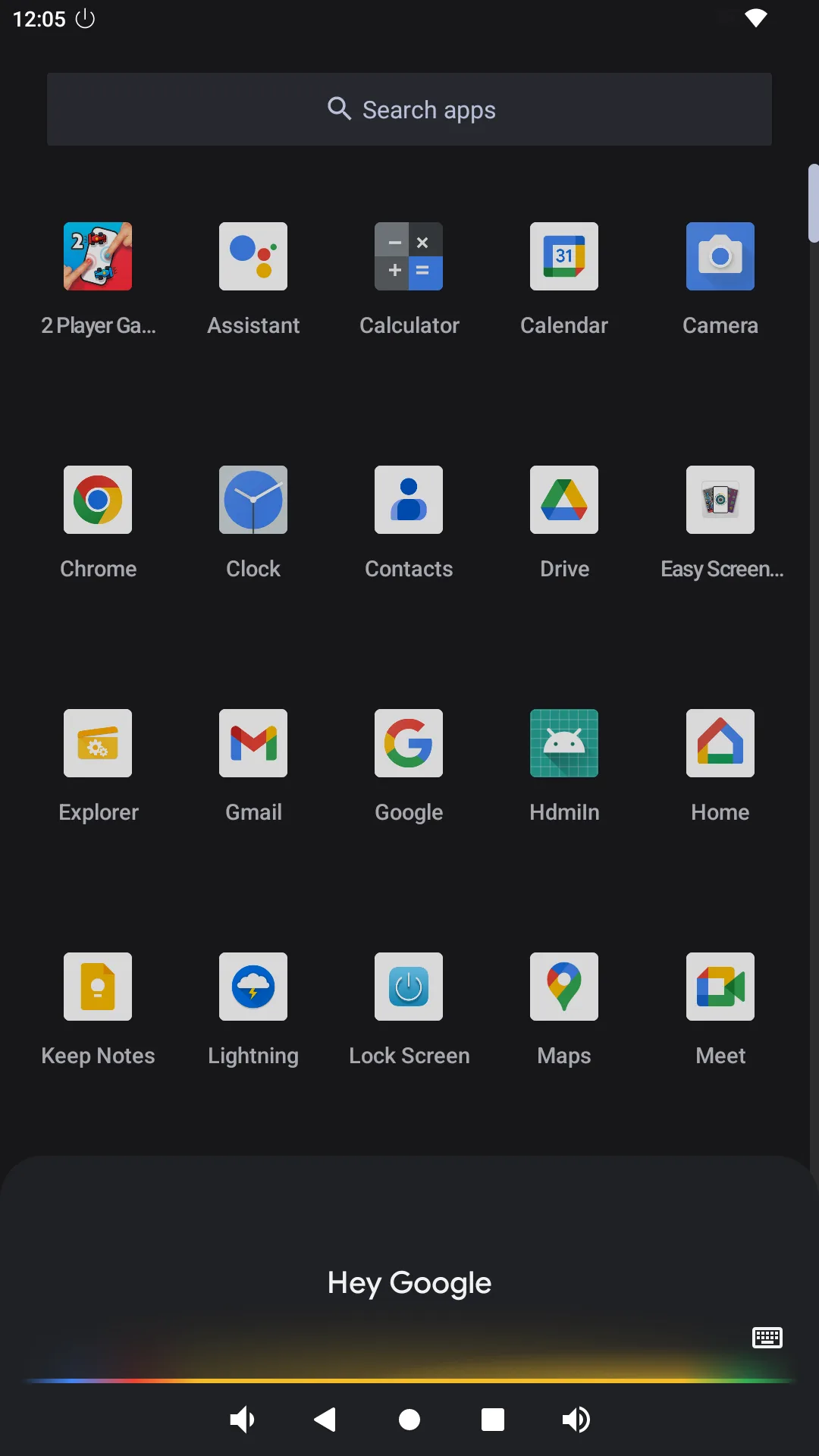
8.2 Activate Hey Google with Your Voice Say “Hey google”
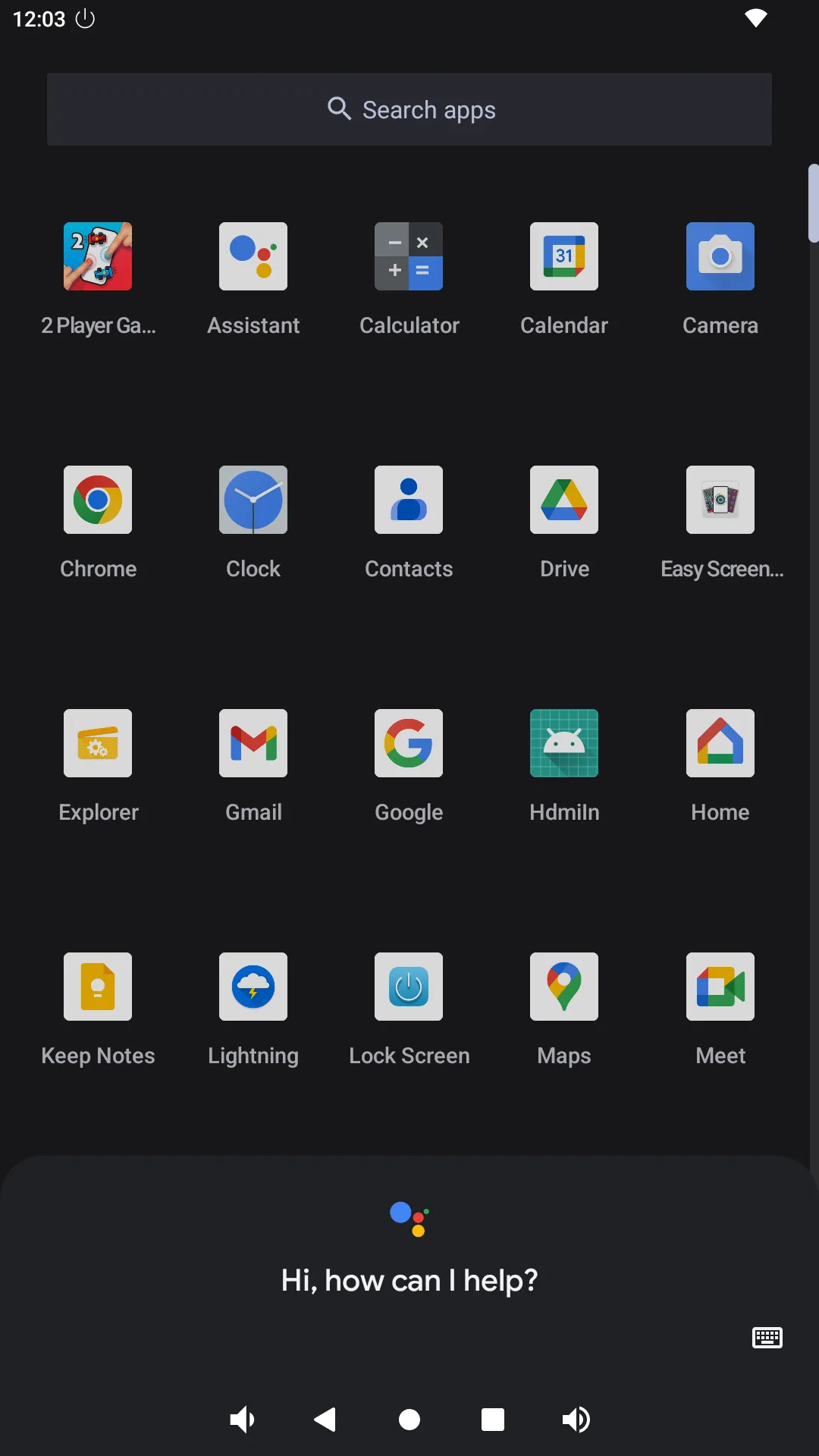
8.3 Activate Hey Google with A Button Go to Google Assistant
8.4 Make A Correction If Hey Google Misunderstands You Go to Google Assistant > Settings > Hey Google & Voice Match > Delete Voice Match model > Retrain Voice Match model .
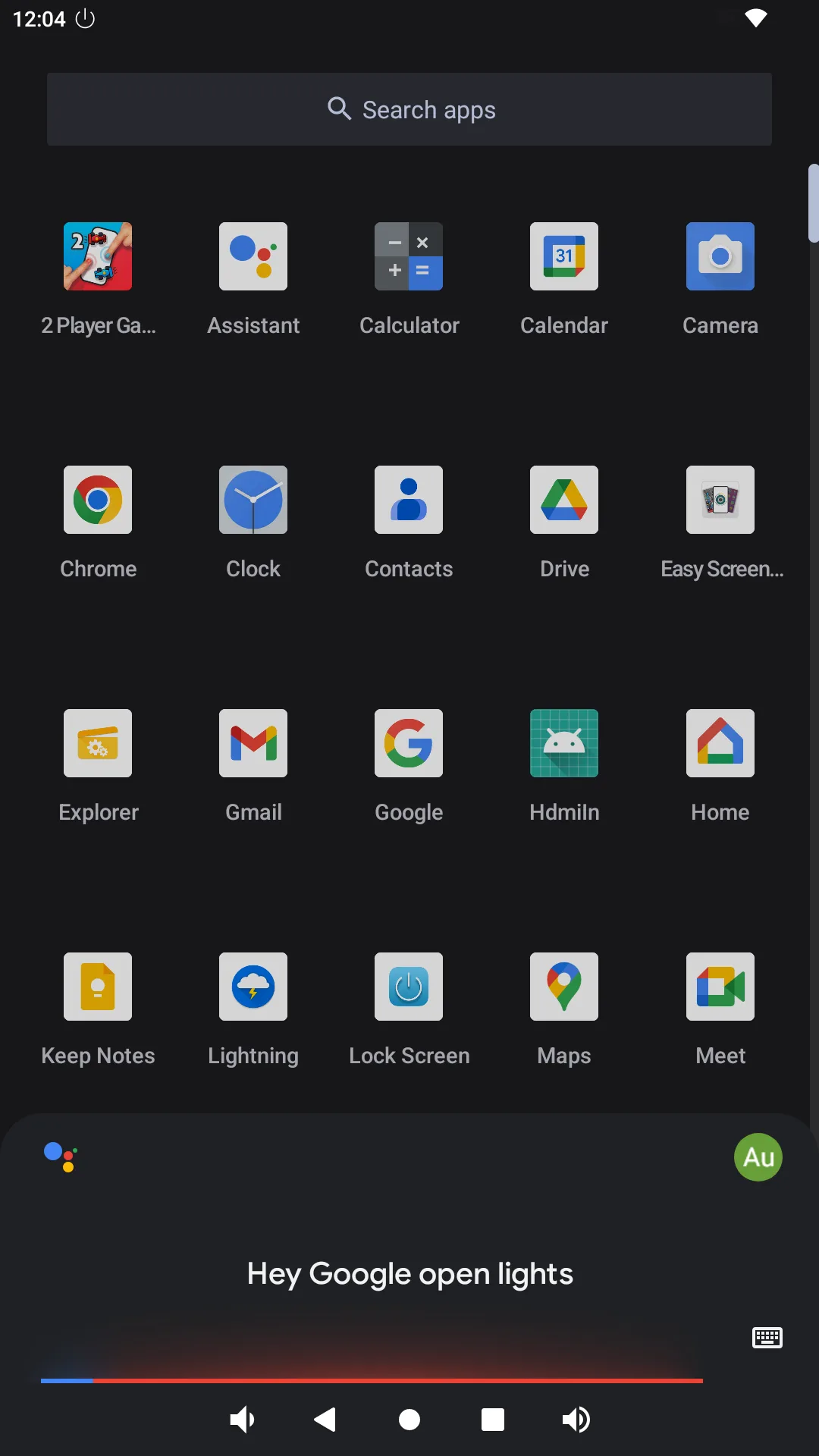
8.5 Voice Control Smart Home Device Control Say “Hey google, open lights.”
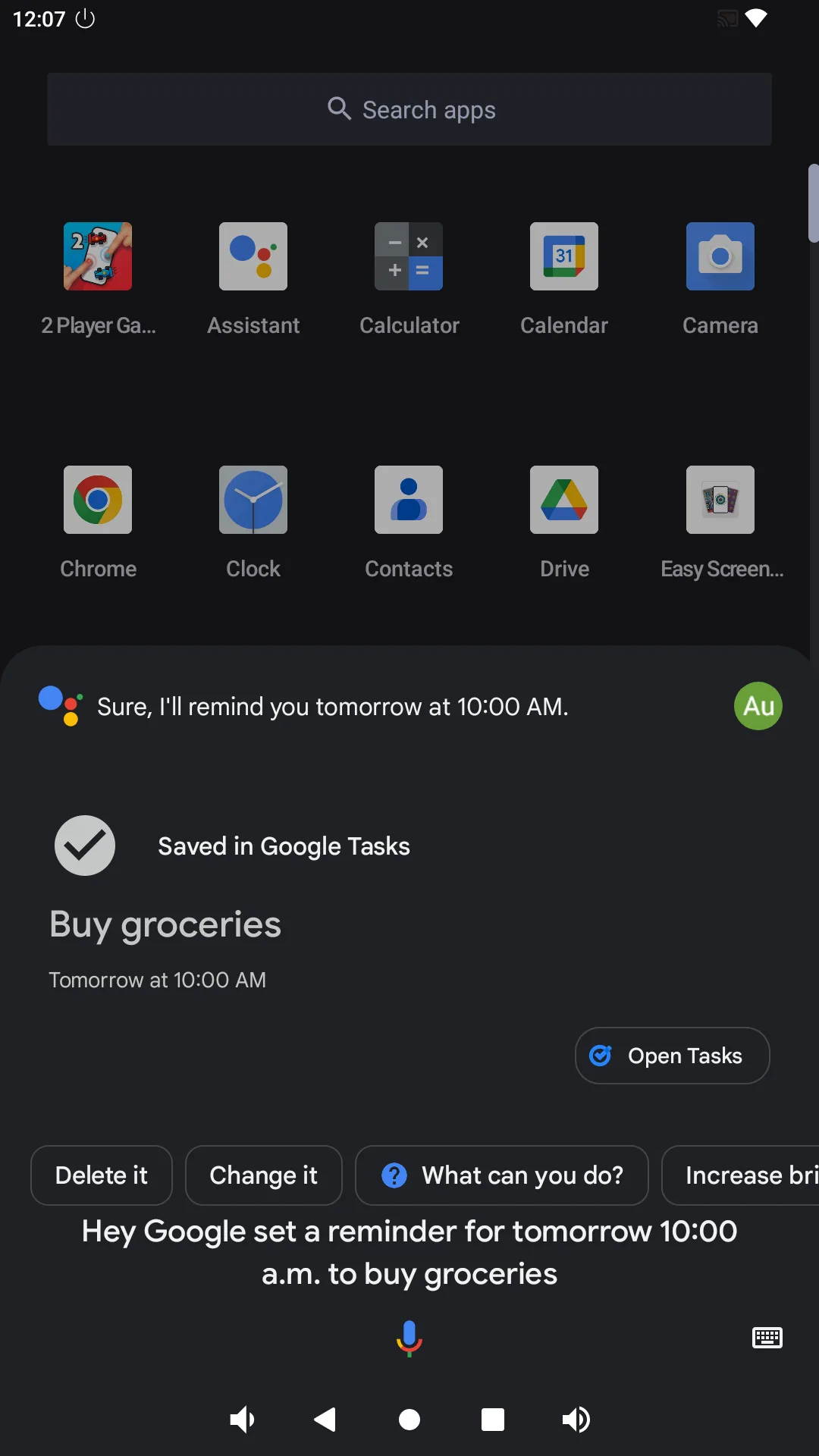
8.6 Voice Control Reminder Say “Hey google, set a reminder for tomorrow 10am to buy grocery . ”
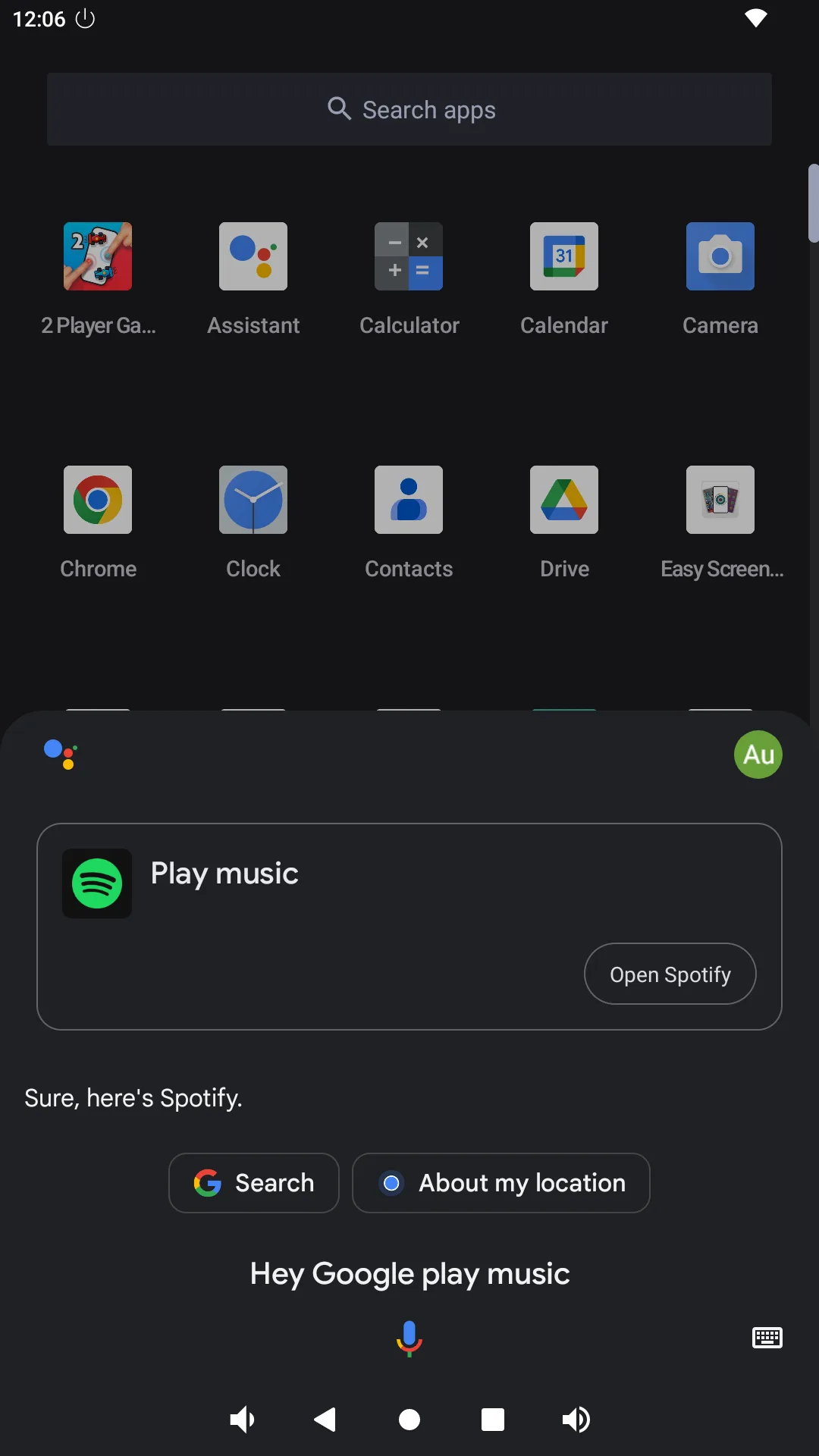
8.7 Voice Control Play Music Say “Hey google, play music . ”