VYROX Very Intelligent Platform (VIP)
Facility Bookings
Introduction
This guide provides a step-by-step process to submit complaints efficiently. Follow the outlined steps to register a complaint, track its status, and ensure timely resolution to your issues.
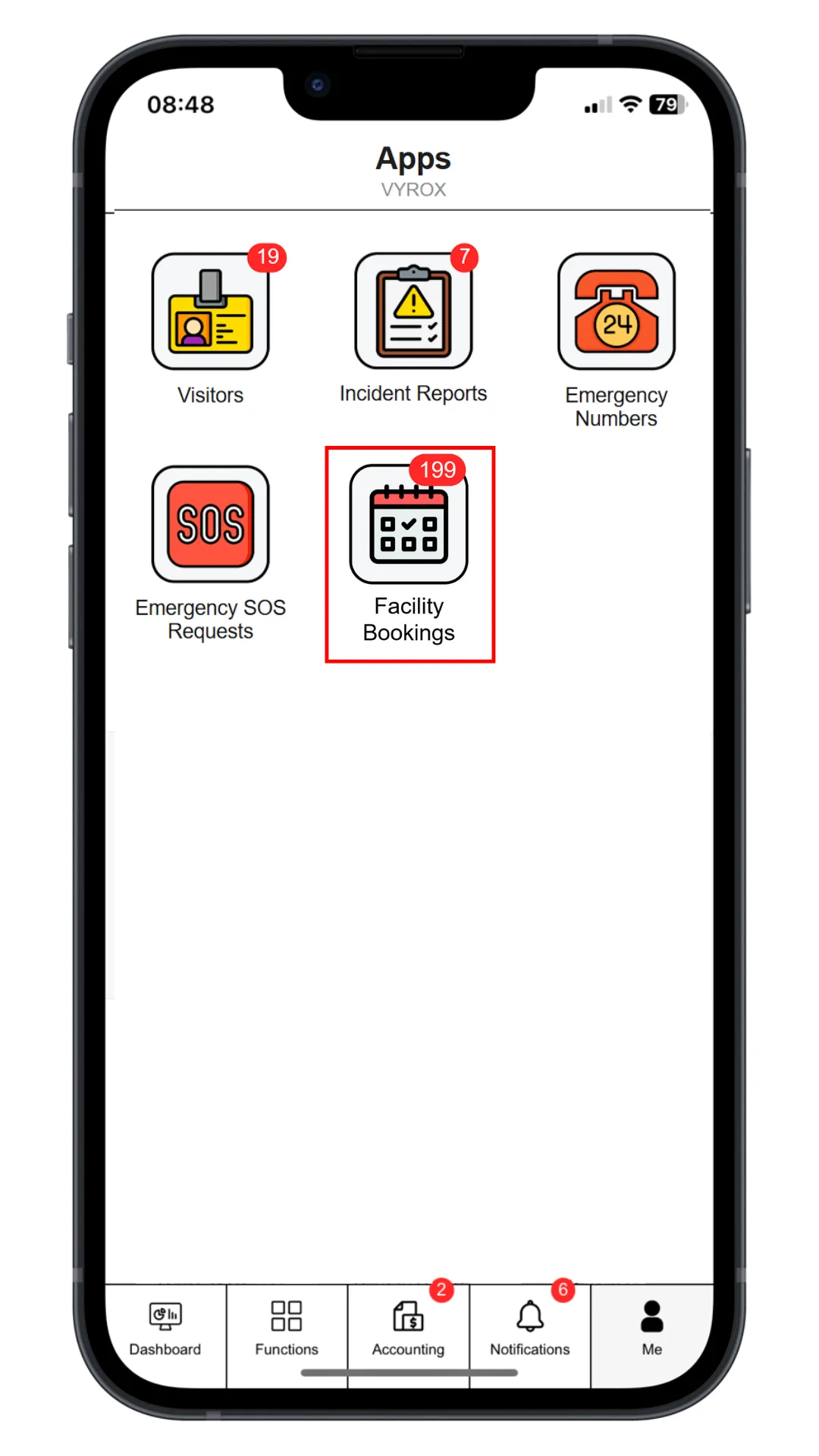
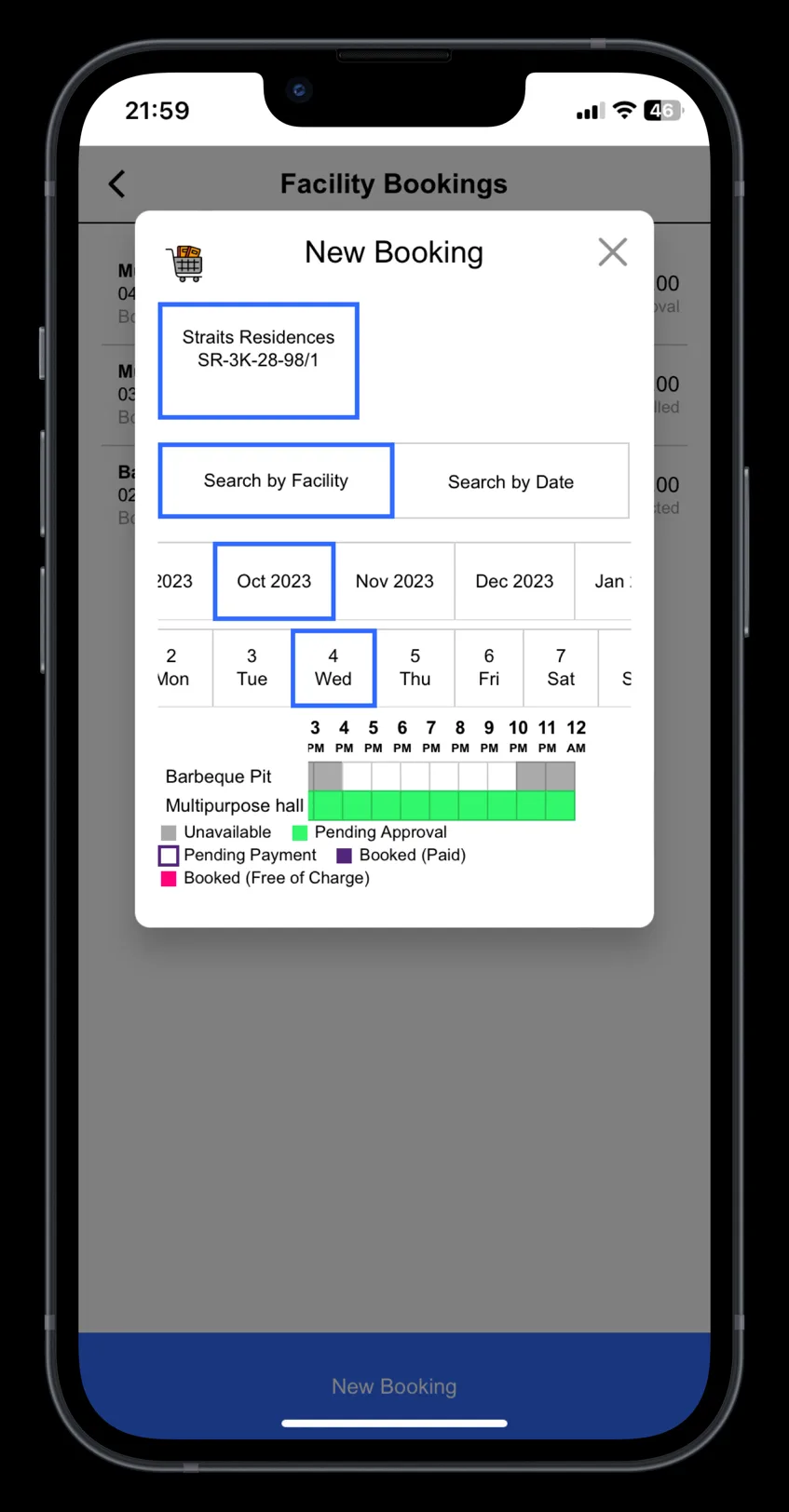
Step 1: Book Facility
Click “Facility Bookings” icon, select date and time, select “Facility”, select slot.
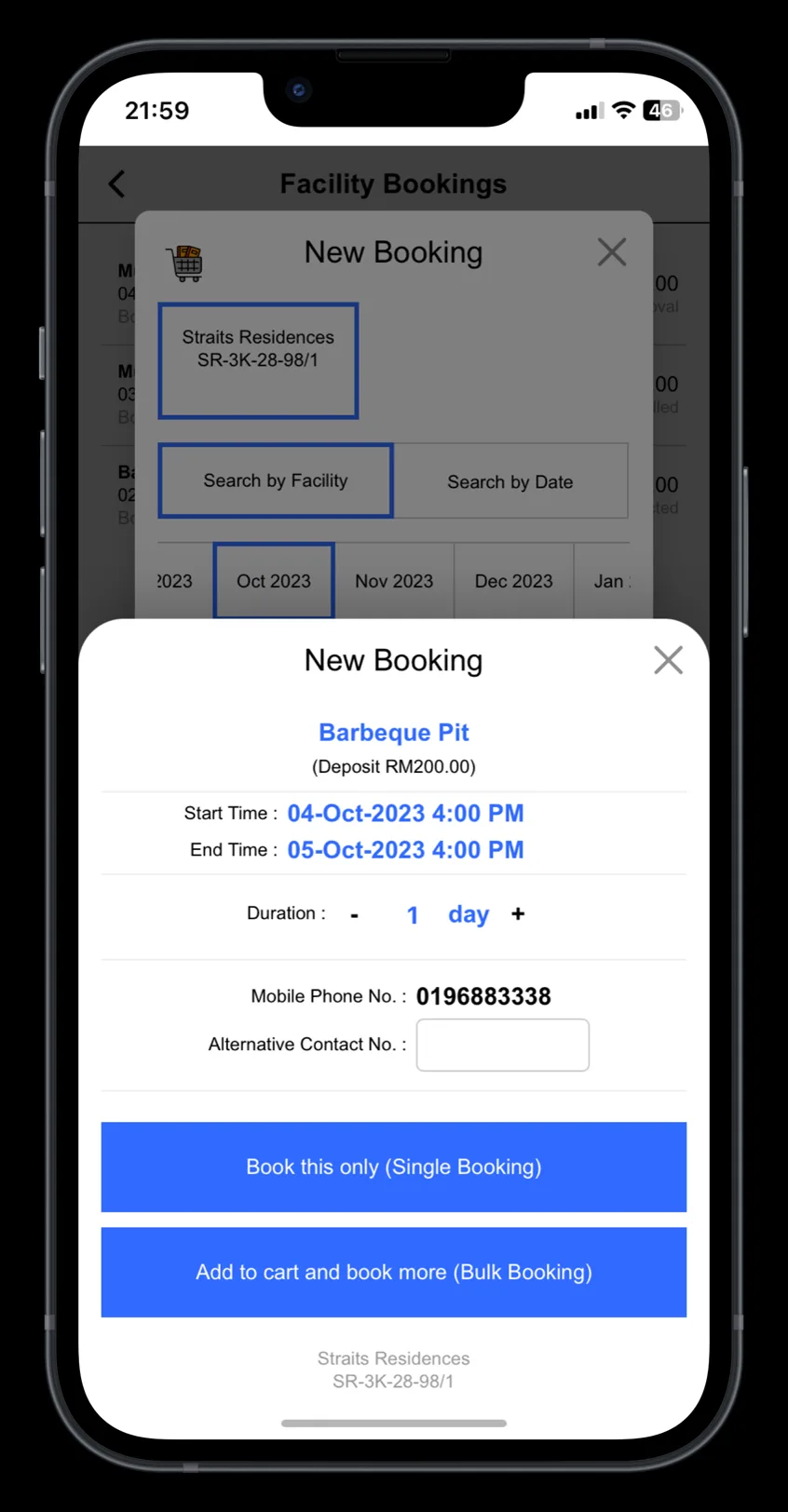
Step 2: Confirm The Booking
Click “Book this only” for single booking. Click “Add to cart and book more” for multiple bookings.
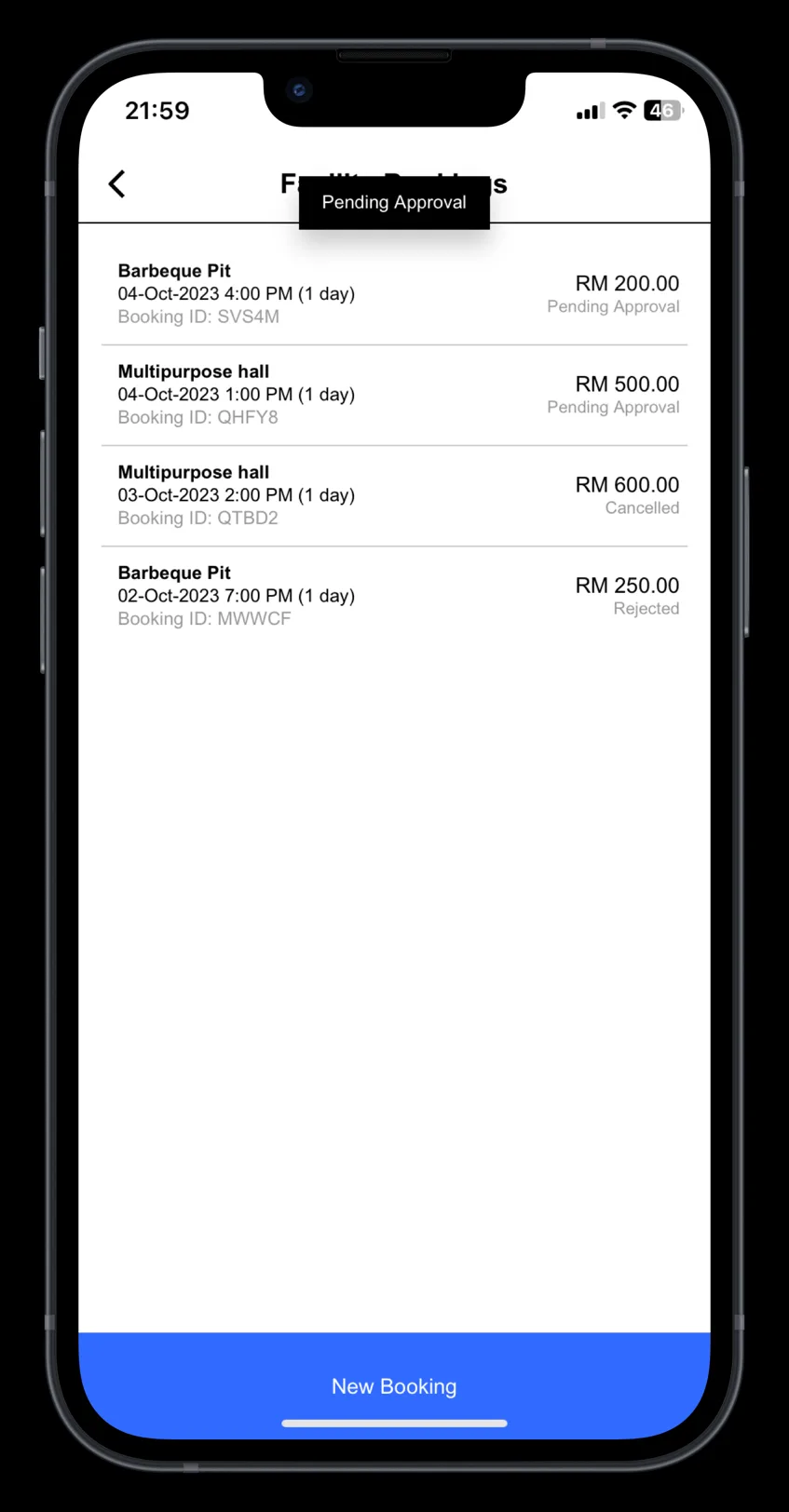
Step 3: Pending Management Approval
Approved booking slots will be listed in this page.