VYROX Very Intelligent Platform (VIP) · Very Intelligent Platform: User Guide
This guide provides a step-by-step process to submit complaints efficiently. Follow the outlined steps to register a complaint, track its status, and ensure timely resolution to your issues.
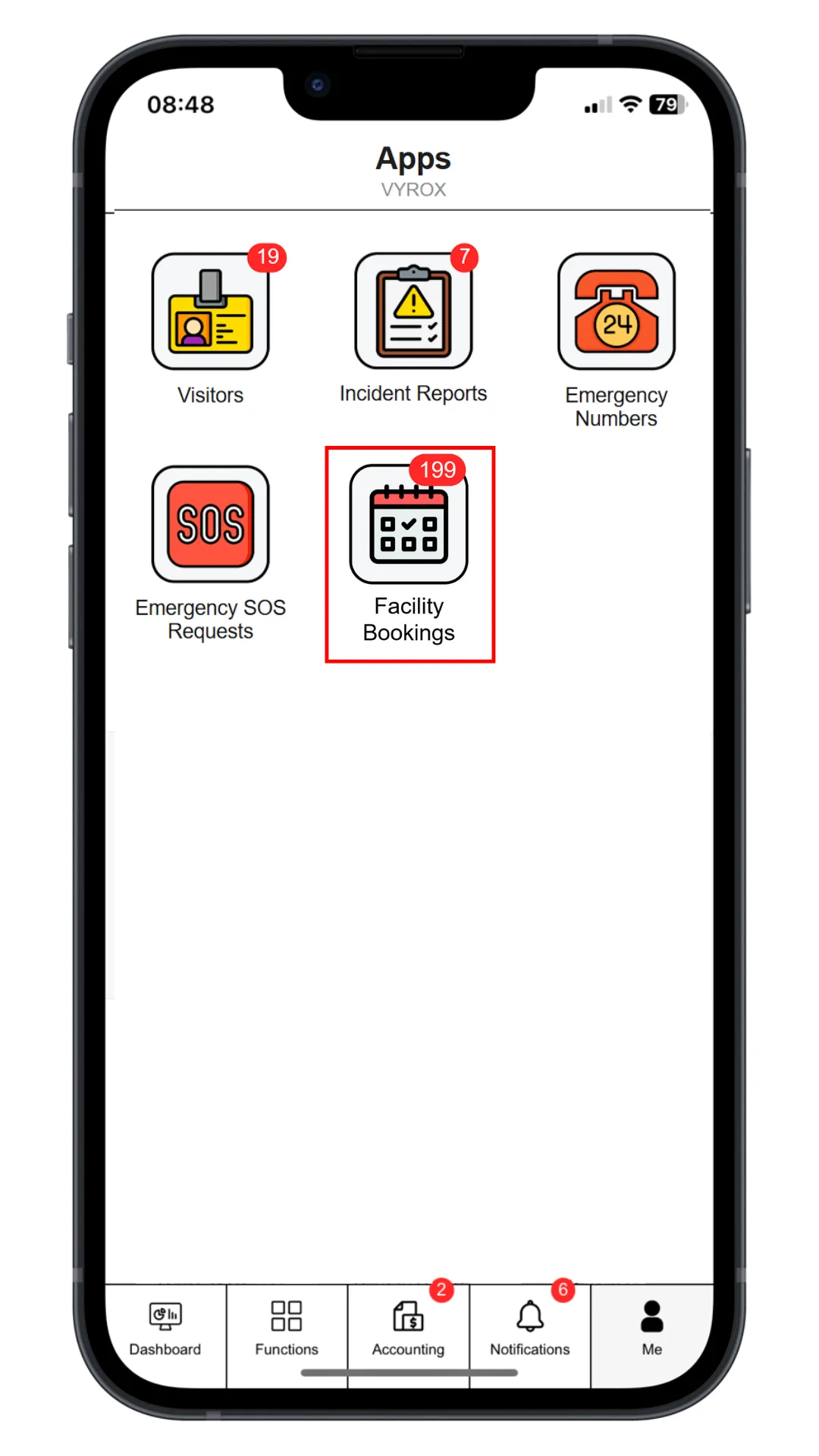
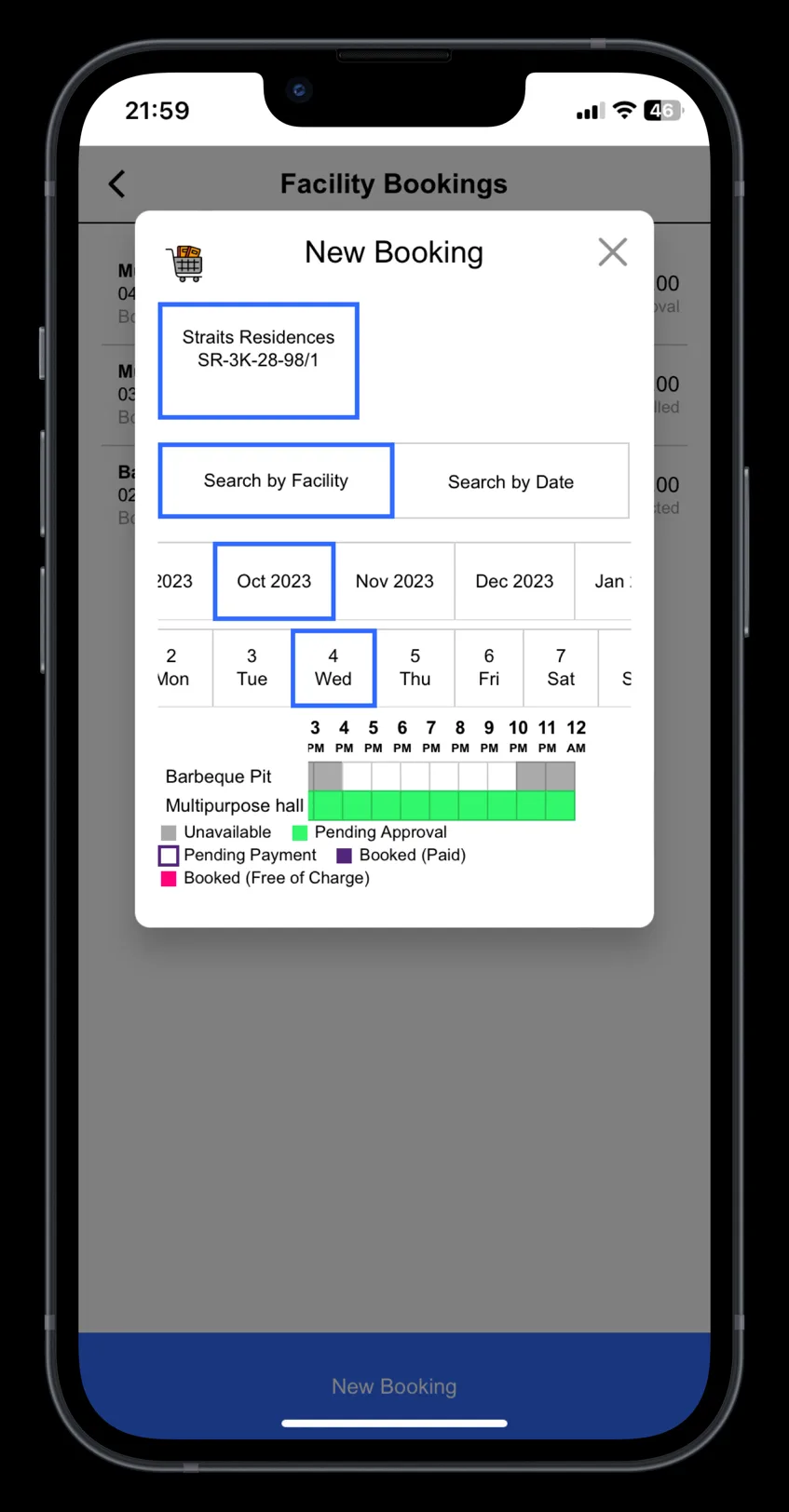
Click “Facility Bookings” icon, select date and time, select “Facility”, select slot.
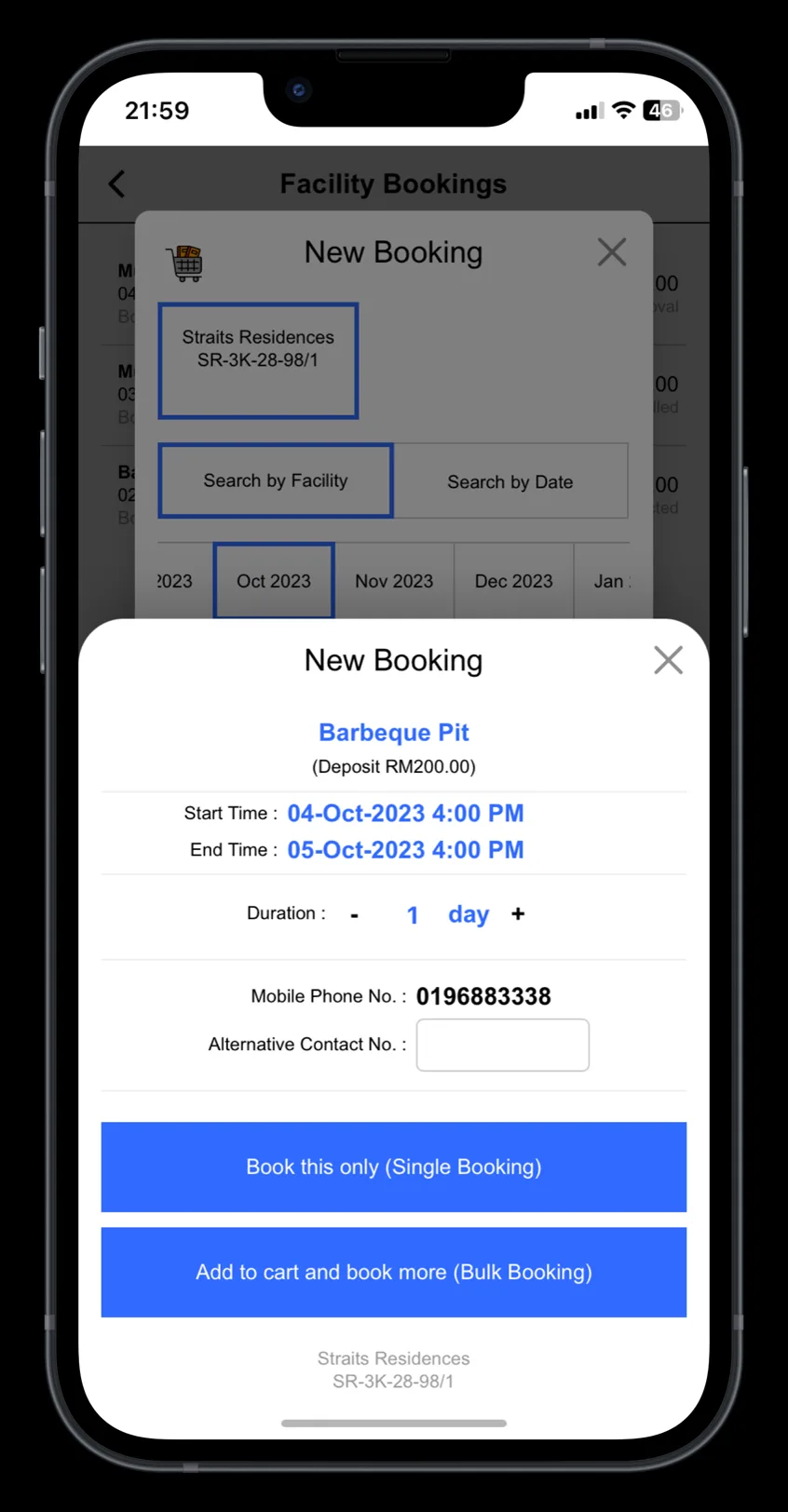
Click “Book this only” for single booking. Click “Add to cart and book more” for multiple bookings.
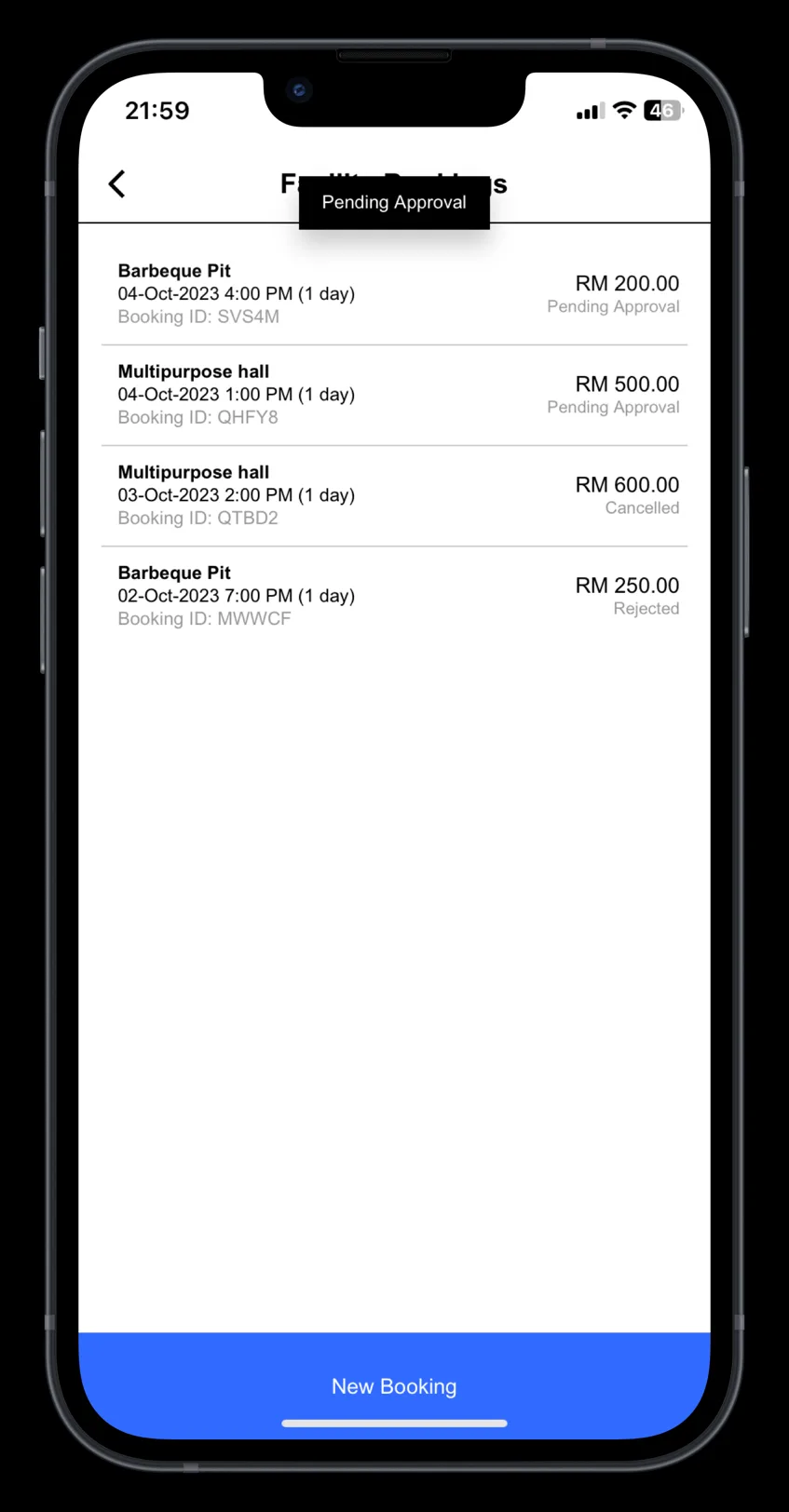
Approved booking slots will be listed in this page.