VYROX AI Smart Mirror
3. Get Started
Set up a few basic features before you start using your new smart mirror.
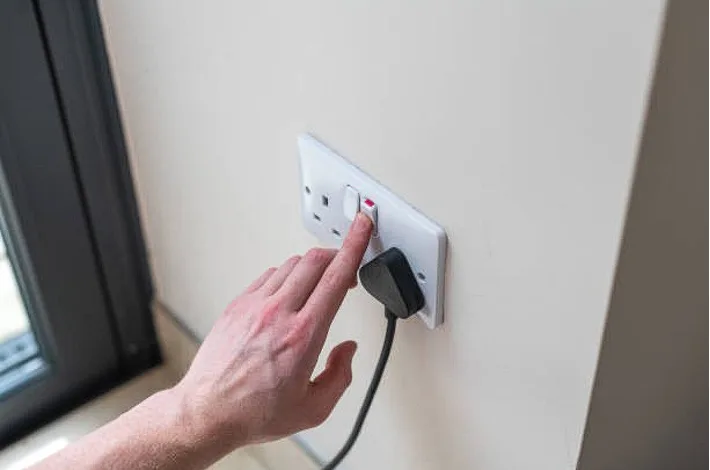
3.1 Turn On and Set Up Smart Mirror Switch on smart mirror
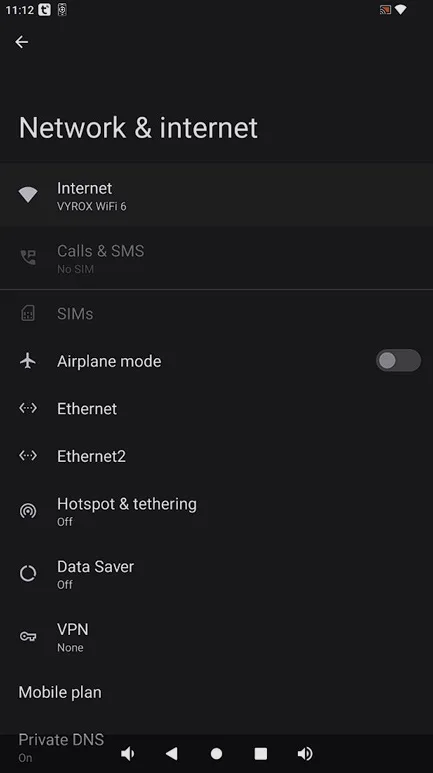
3.2 Connect to The Internet Go to Settings > Internet and connect to your home Wi-Fi
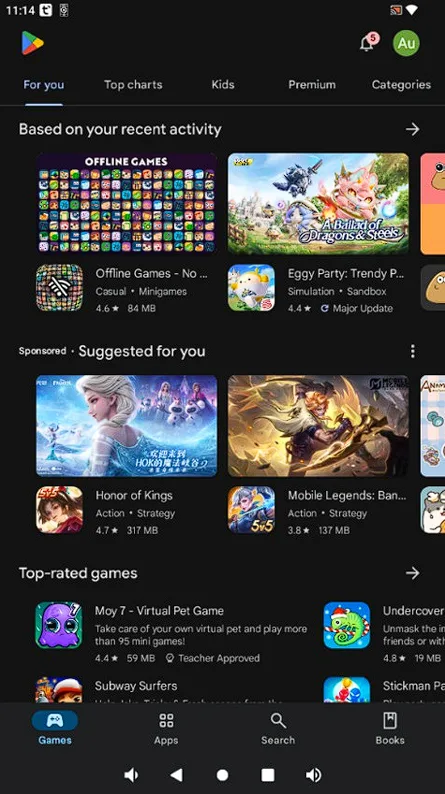
3.3 Sign In to Your Gmail Account in Play Store Go to Play Store > Sign in
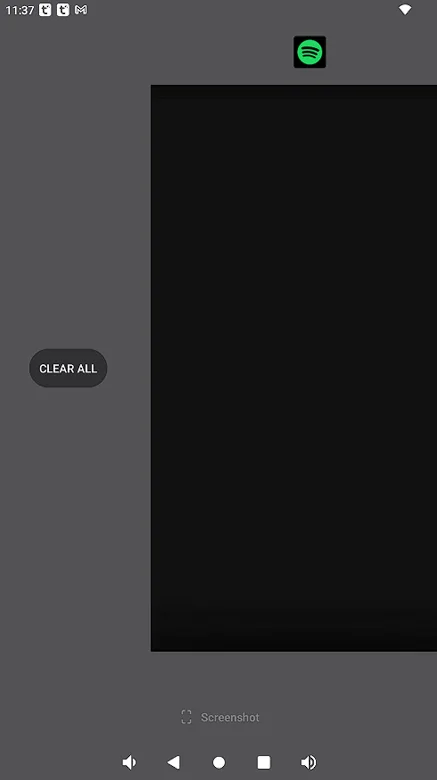
3.4 Clear Background Press on the square button > Scroll all the way right > Click on CLEAR ALL
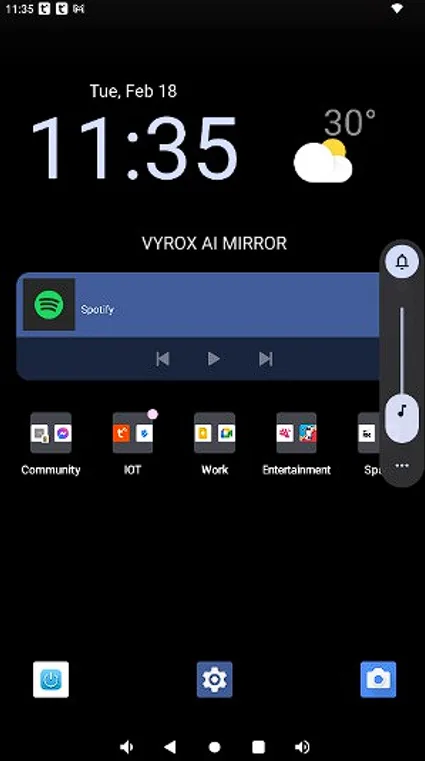
3.5 Turn Up/Down Volume Press on the volume button
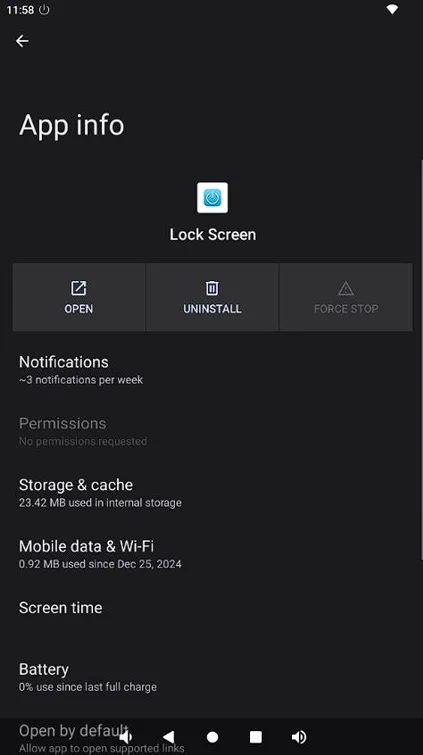
3.6 Lockscreen Go to Lockscreen > Press lockscreen to transform your device into a mirror for a seamless reflection view > Double tap the screen to turn the display back on
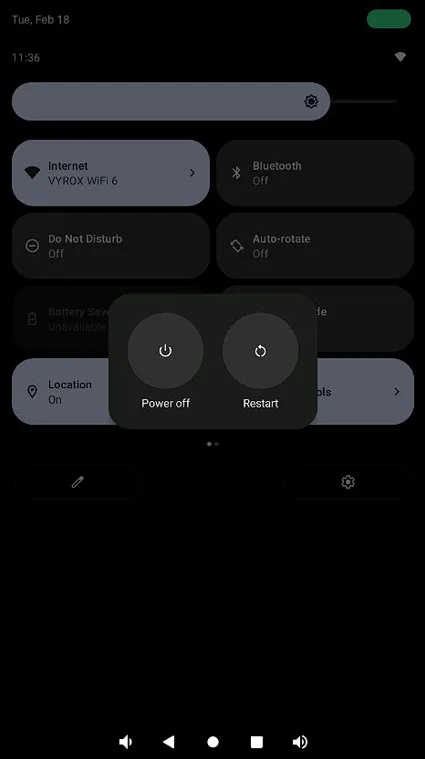
3.7 Off Screen Scroll down from the upper middle of the screen > Press Power Off