6. Countdown Game Rate
The Set Countdown Game Rate feature enables snooker club operators to configure fixed-duration pricing for countdown-based gameplay with precision and control. This module is designed to support predefined game sessions, ensuring clear time limits and consistent billing for each play.
Operators can set countdown rates based on table type, game category, or session duration. Pricing can be customised for fixed packages, promotional offers, peak and off-peak periods, or member-exclusive rates, allowing flexible pricing strategies while maintaining transparency.
With a streamlined and user-friendly setup process, operators can easily manage and update countdown game rates to match operational requirements. Once configured, all countdown pricing is fully integrated with the POS system, booking workflow, and automated table light control, ensuring accurate session tracking and smooth operational flow.
6.1 Set Countdown Game Rate
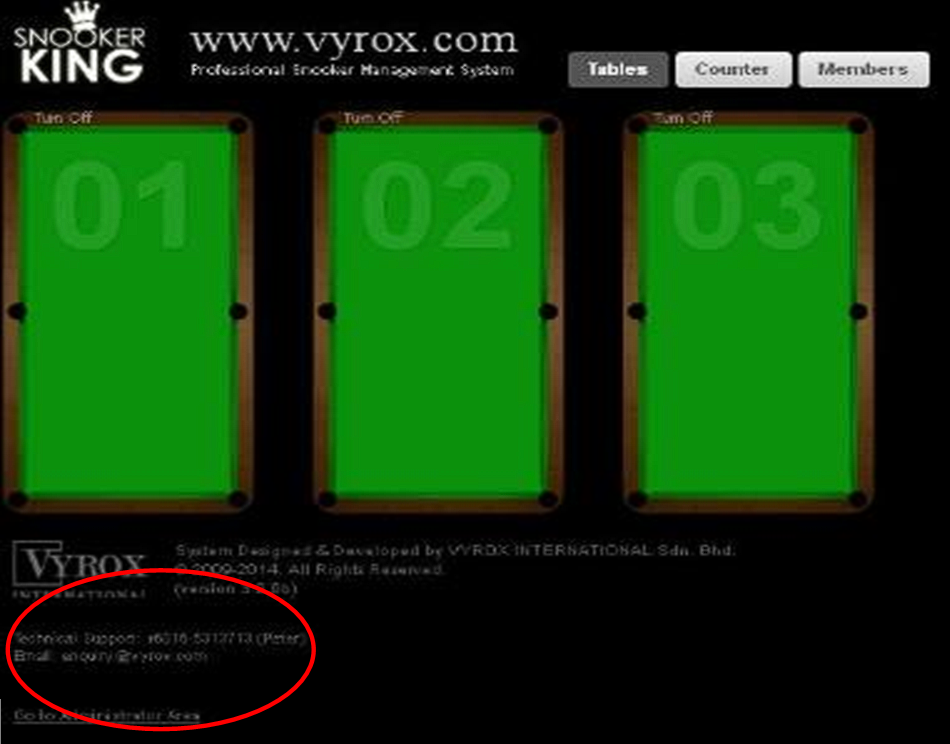
Go to Operation > Click Setting (the blue circle on below) > Go to Countdowns
Details to Set Up Table:
- Add package
- Fill package name
- Fill hour for package countdowns
- Fill the price for countdowns package
 Need to change pic