
get_started_sk
3. Start a Game and Auto Switch ON Table Lights
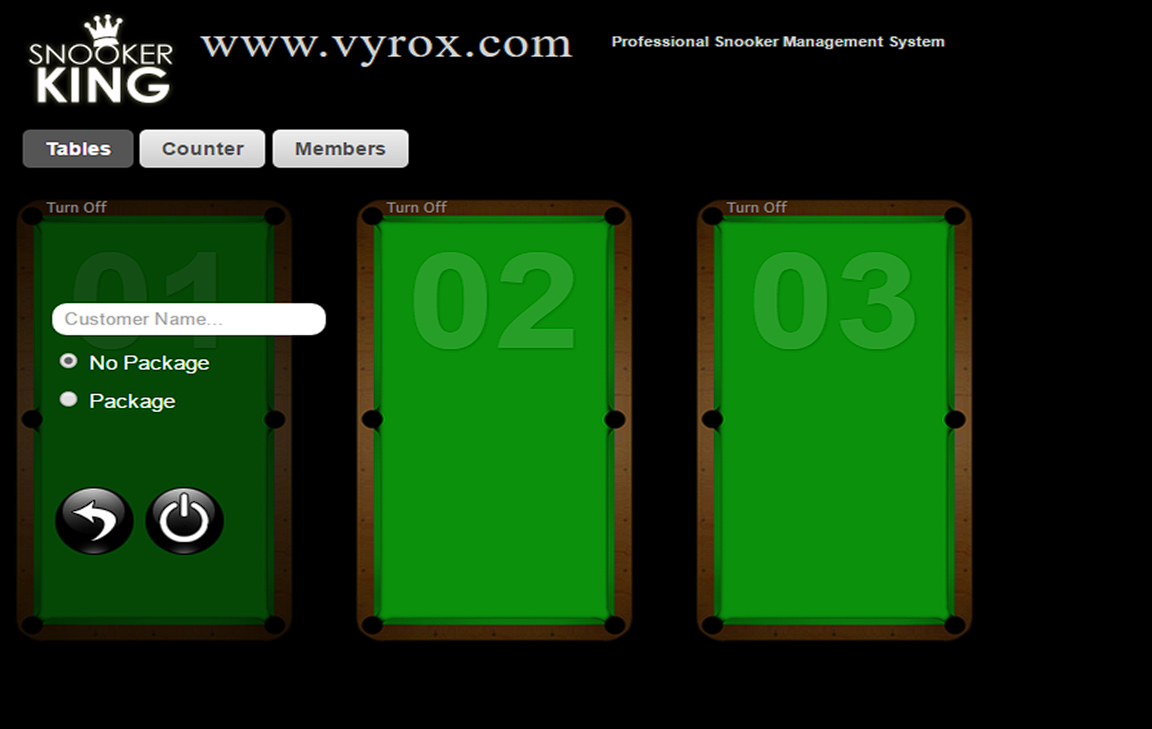
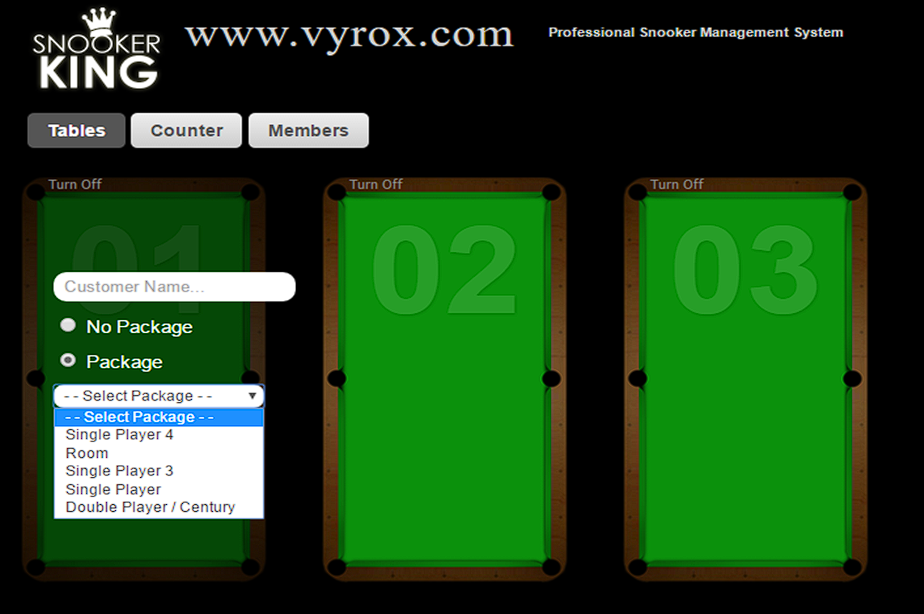
1. Click a snooker table > select “No Package” or “Package” > Click Power button to start the game > Lights ON
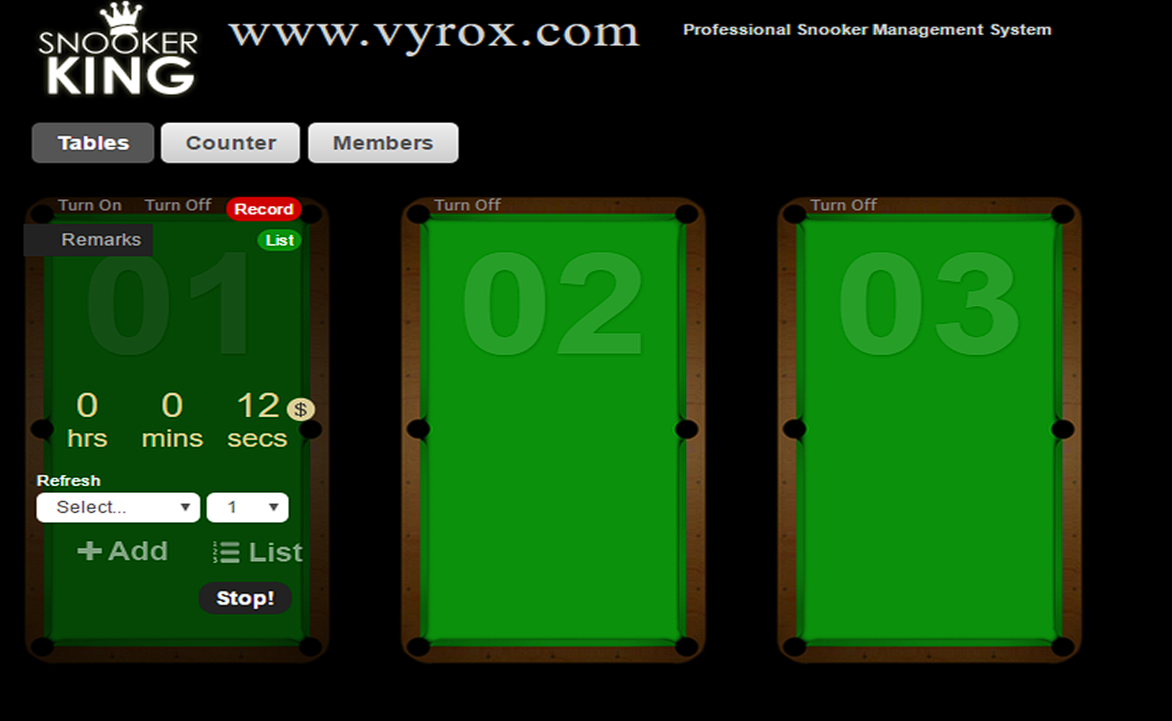
2. “No Package Option” is pay for a flat rate based on total usage. Click “Stop!” to switch OFF the lights when customers want to quit the games.
 |
 |
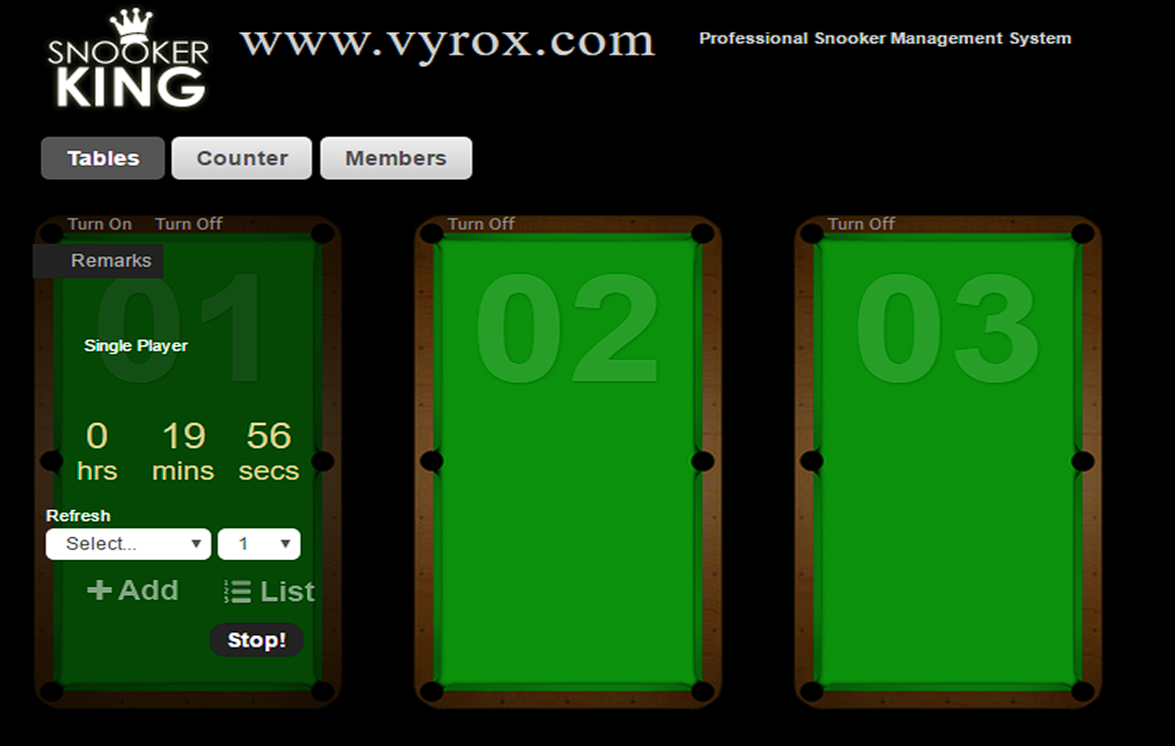
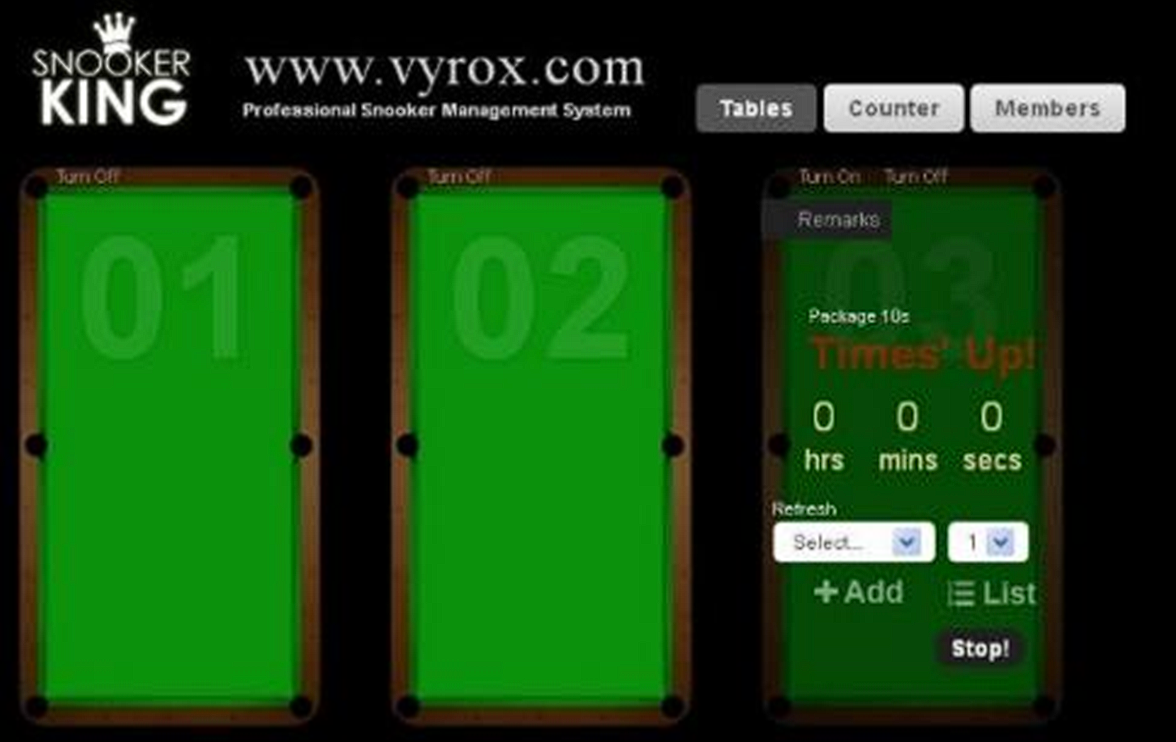
3. “Package Option” is pay for hourly rental package. Click “Stop!” to switch OFF the lights after timer countdown is finished.
 |
 |
4. There have many package selections in “Package Option”. For example, single player 4 package, room package, single player 3 package, single player package and double player/century package.
 |
get_started_sk.txt · Last modified: by yong