
account_management
Table of Contents
13. Account Management
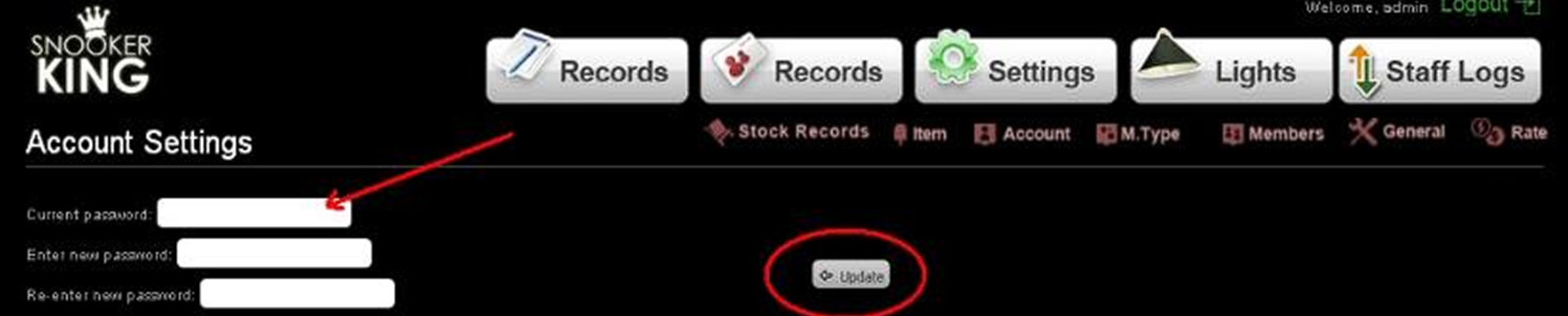
13.1. Changing administration account password (administration to view and edit settings)
- Fill in textbox on column one: current password
- Fill in textbox on column two: new password
- Fill in textbox on column three: Retype new password
- Remember to click “Update” button to save this setting
Sample:
 |
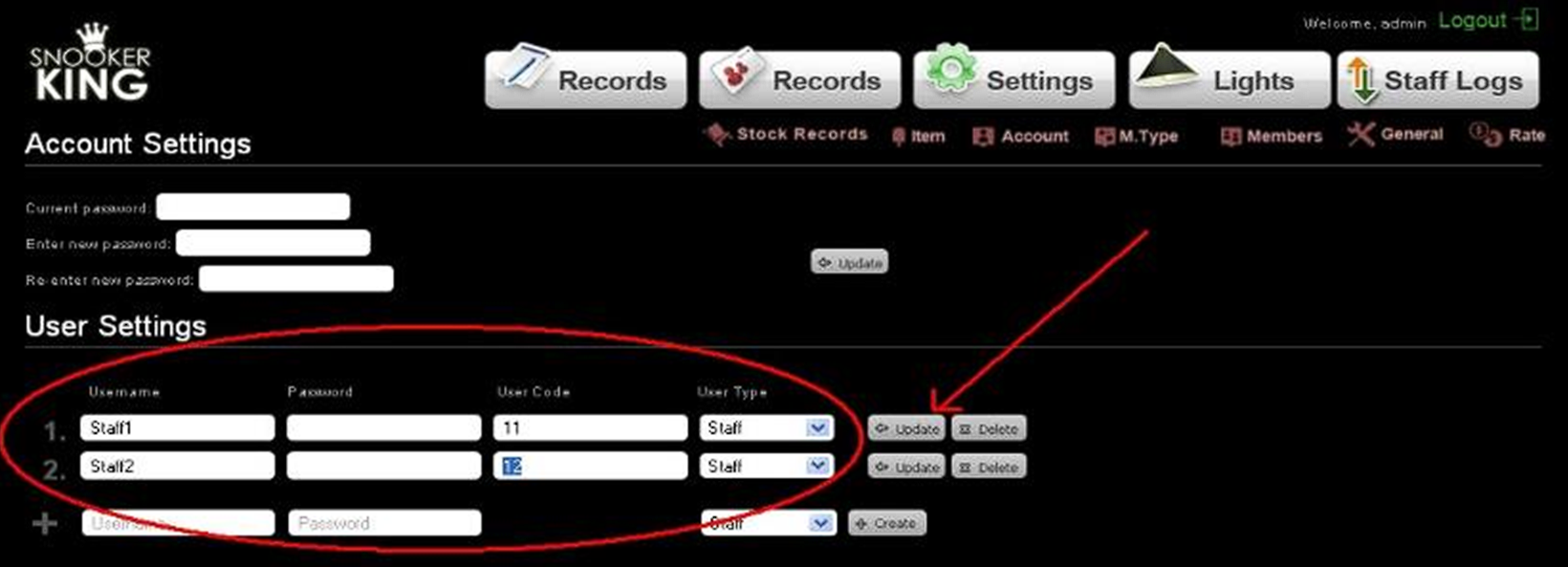
13.2. Creating a new user/staff account (staff to view records only, but can’t edit settings)
- Fill in username account, password and user code.
- Click “Create” button to add new account
- User code: for internal reference only
Sample:
 |
account_management.txt · Last modified: by yong