
user_suggestion
Table of Contents
Suggestion
Introduction
This guide outlines how to share your valuable suggestions to improve our services and facilities. Follow these steps to submit, update, and track your suggestions for consideration
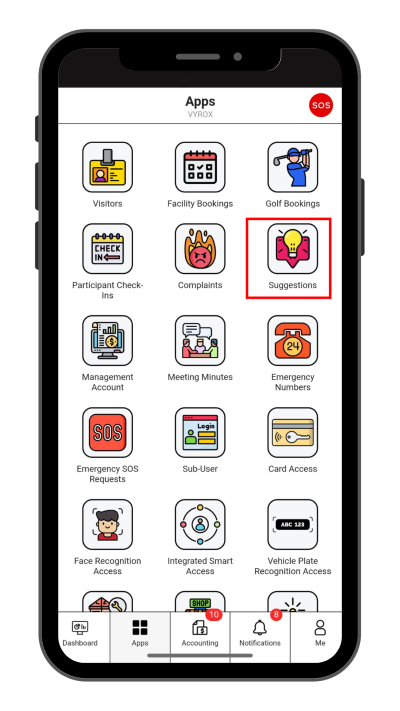
Step 1: Suggestion
Click “Suggestion” icon
 |
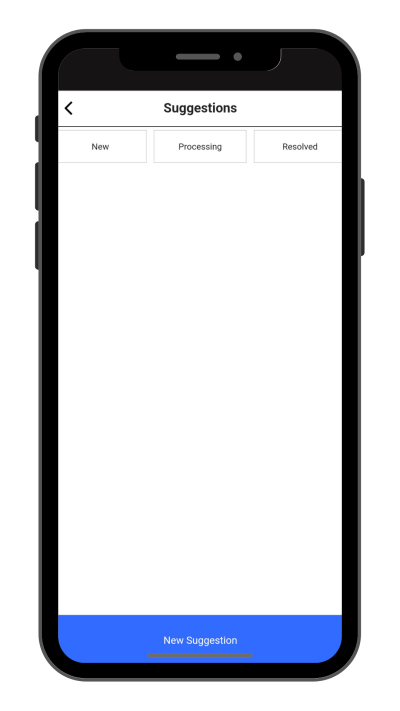
Step 2: Create New Suggestion
Click “New Suggestion” to make a new suggestion.
 |
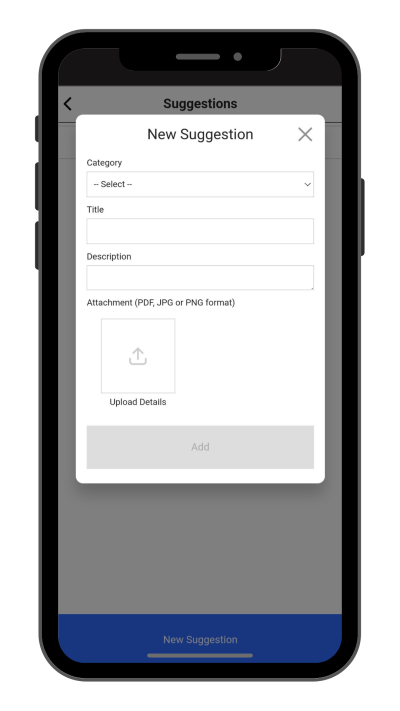
Step 3: Fil in Suggestion details
Fill in CCatagory, Title, Description.
Click “Add” to create.
 |
user_suggestion.txt · Last modified: by yong