5. Set Countup Game Rate
The Set Countup Game Rate feature allows snooker club operators to configure time-based pricing for countup gameplay with flexibility and accuracy. This module is designed to support dynamic billing based on play duration, ensuring fair and transparent charges for every game session.
Operators can define countup rates according to table type, game category, or time interval. Pricing can be customised for standard rates, peak or off-peak hours, promotional periods, and member-exclusive pricing, providing full control over revenue strategies.
With an intuitive configuration process, operators can easily update or adjust countup rates in real time to align with business needs. Once configured, all countup game rates are seamlessly integrated with the POS system, automated billing flow, and table light control to ensure precise time tracking and accurate charging throughout each session.
5.1 Set Countup Game Rate
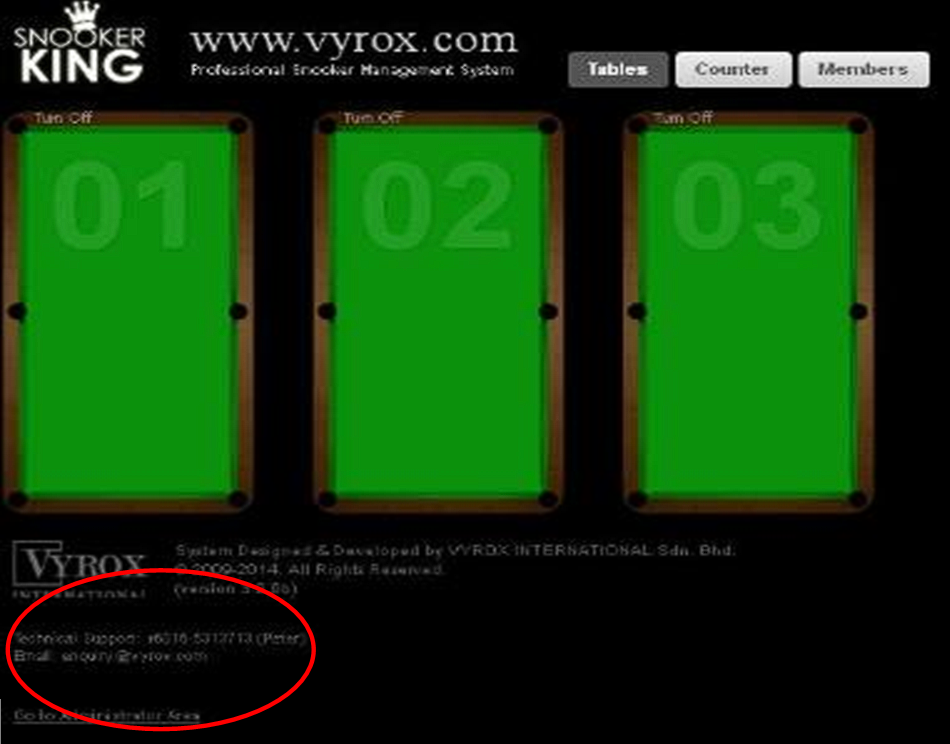
Go to Select Table for Rate Management > Click select a table to see rate
Details to Set Up Table:
- Choose Table want to set price
- Go to Rate Settings and Add Rate
- Go to Rate Type (Make sure time must 24 hours)
- If all table prices are the same choose Center Default if not choose Table Default and put (For example: your center operation from 10 am until 3 am; you must put time 10 am until 10 am if not the price at your table not show and not calculate when lighting table on)
 Need to change pic