
create_table
This is an old revision of the document!
4. Create Table
4.1 Set Up Table
Go to Operation > Click Setting (the blue circle on below) > Go to Tables
Details to Set Up Table:
- Add type table
- Go to table management and add table
Step 1:
Go to Type table > wirte Type Name > Choose Default Color
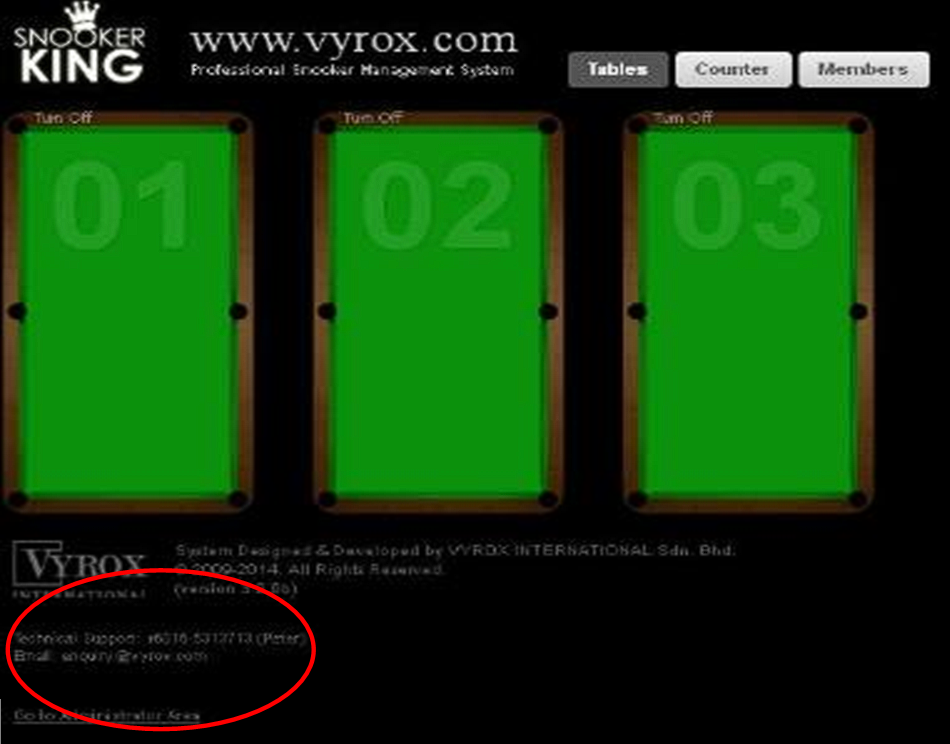 Need to change pic
Step 2:
Go to Table Management > Add Table > Table Name > Table Type > Custom Color (Click Use Type Default) > Select Lighting Control Device > Associated Lighting Control Channel
- Need to change pic
-
create_table.1765859034.txt.gz · Last modified: by jimmy