
user_complaints
This is an old revision of the document!
Table of Contents
User Guide: Complaints
Introduction
This guide is designed to streamline the process of managing complaints. It provides step-by-step instructions for using the complaints management system, enabling you to track, resolve, and improve the overall experience for users …….
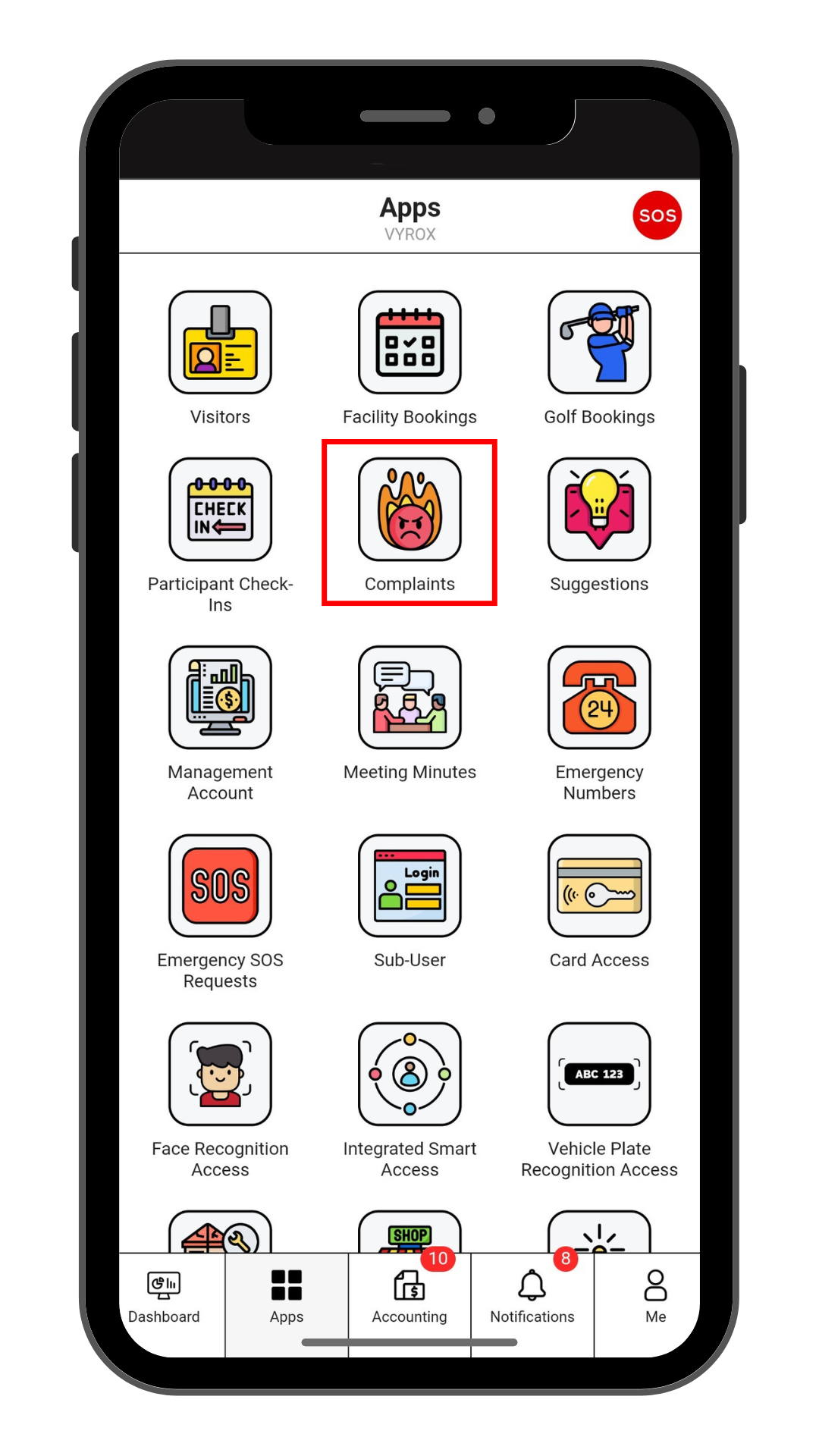
Step 1: Complaints
Click “Complaints” icon
 |
Step 2: Create New Complaints
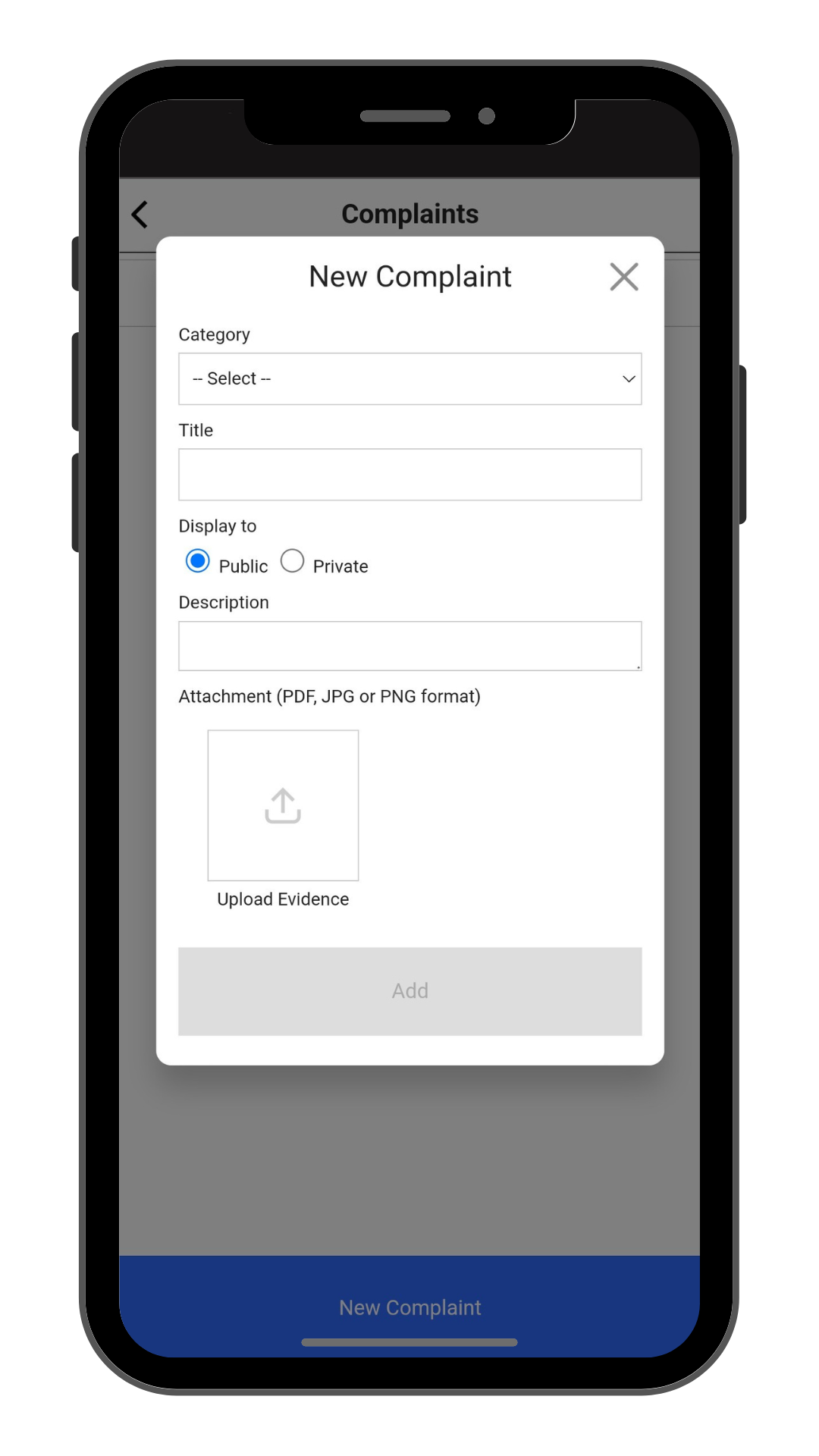
Click “New Complaints” to make a new compliant.
Step 3: Fil in Complaint details
Fill in Catagory, Title, Description, and Select display Public or Private.
Click “Add” to create.
 |
user_complaints.1735782282.txt.gz · Last modified: by yong