
get_started
This is an old revision of the document!
Get Started
Set up a few basic features before you start using your new smart mirror.
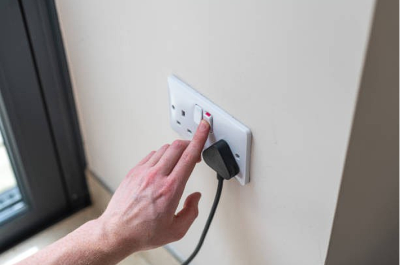
4.1 Turn On and Set Up Smart Mirror Switch on smart mirror
 |
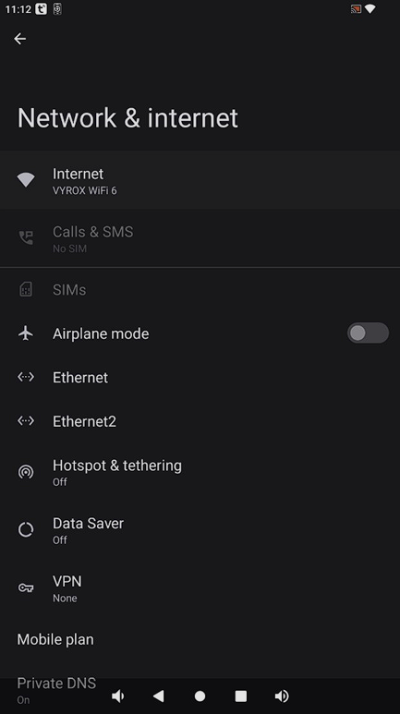
4.2 Connect to The Internet Go to Settings > Internet and connect to your home Wi-Fi
 |
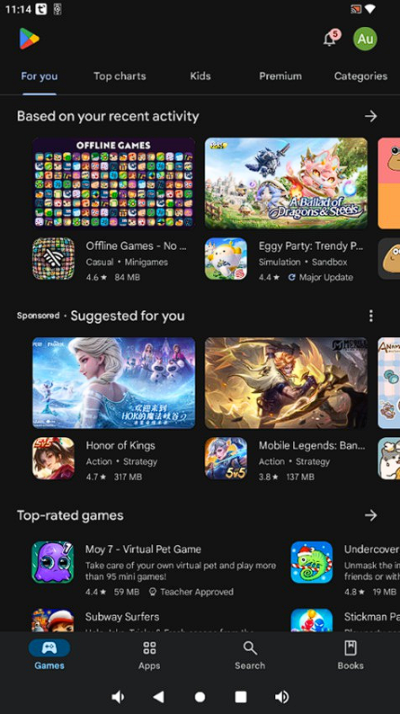
4.3 Sign In to Your Gmail Account in Play Store Go to Play Store > Sign in
 |
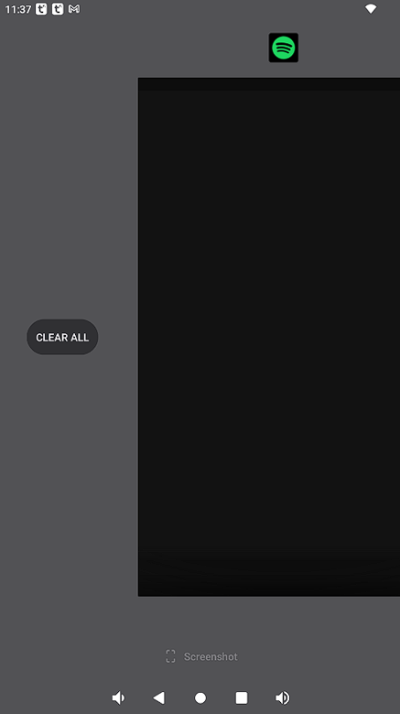
4.4 Clear Background Press on the square button > Scroll all the way right > Click on CLEAR ALL
 |
4.5 Turn Up/Down Volume Press on the volume button
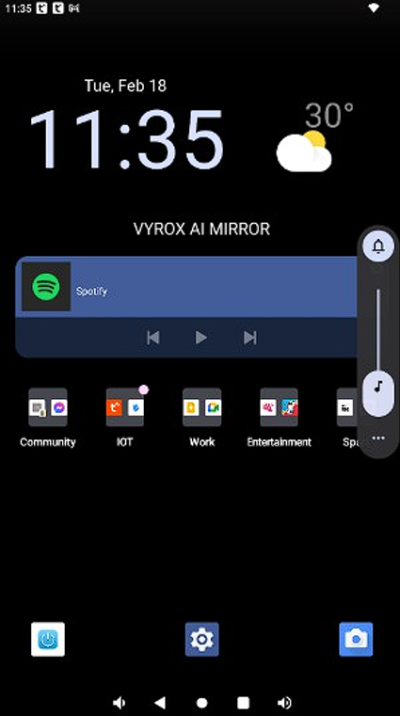 |
4.6 Lockscreen Go to Lockscreen > Press lockscreen to transform your device into a mirror for a seamless reflection view > Double tap the screen to turn the display back on
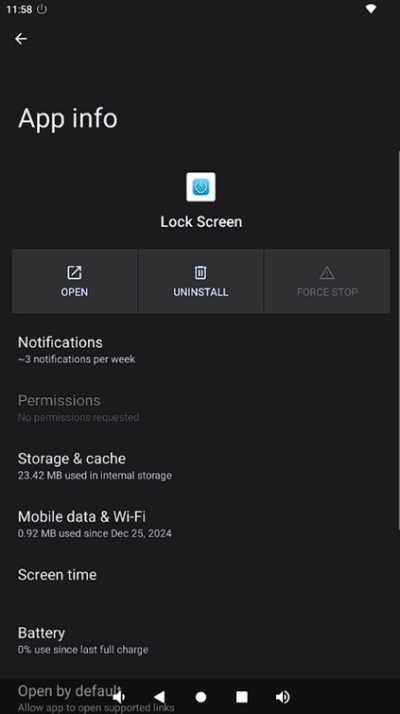 |
4.7 Off Screen Scroll down from the upper middle of the screen > Press Power Off
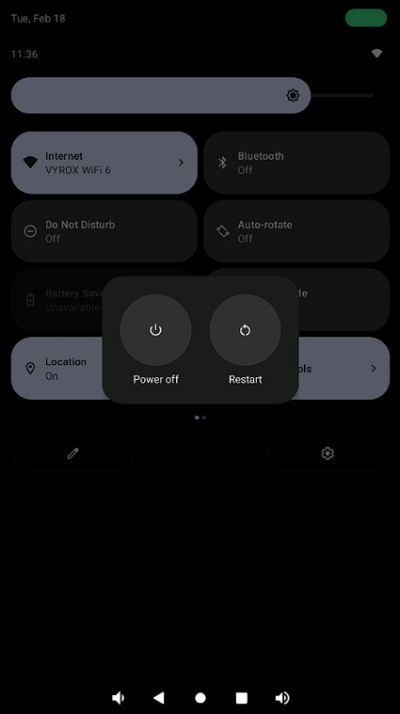 |
get_started.1740115978.txt.gz · Last modified: by yong