Solutions

A raw model is potential. Working business tools are the point.

VYROX AI turns a private local LLM into systems your team uses daily, on hardware you own.

17 things businesses run on a private local LLM.

A local model isn't a chatbot toy - it's the engine behind real systems your team uses daily. Filter by function; each shows the model + tool stack we'd deploy.

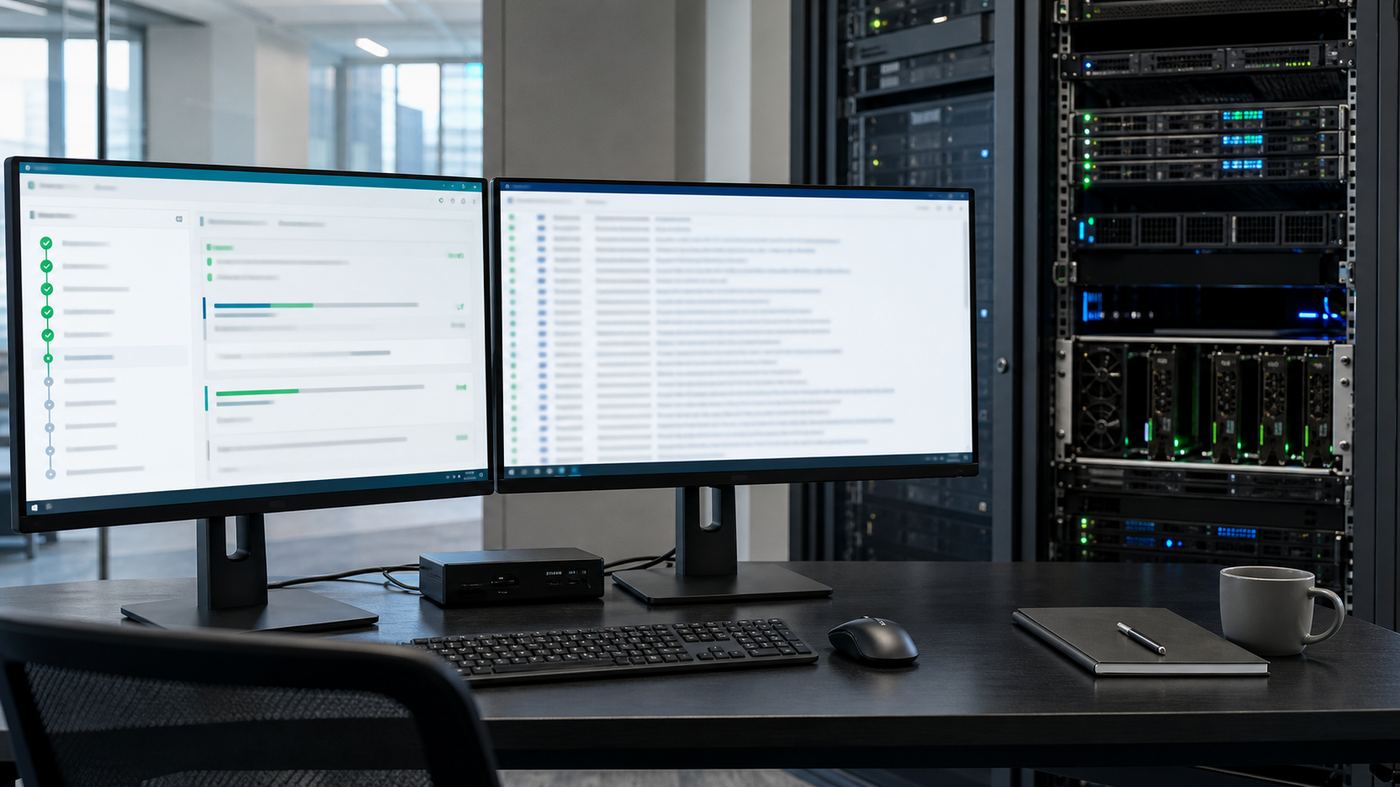
An engineer working late with a local LLM running on green-lit screens
Running on your own machine - full speed, no metering, no data leaving your desk.
All Knowledge & docs Extraction Comms & language Meetings & voice Engineering & data Industry

Three ways to put your local AI to work.

The same private model on the same hardware runs in three modes - along a spectrum of autonomy. Start with a chatbot for quick wins, add workflows for high-volume operations, then deploy agents for complex 24/7 work.

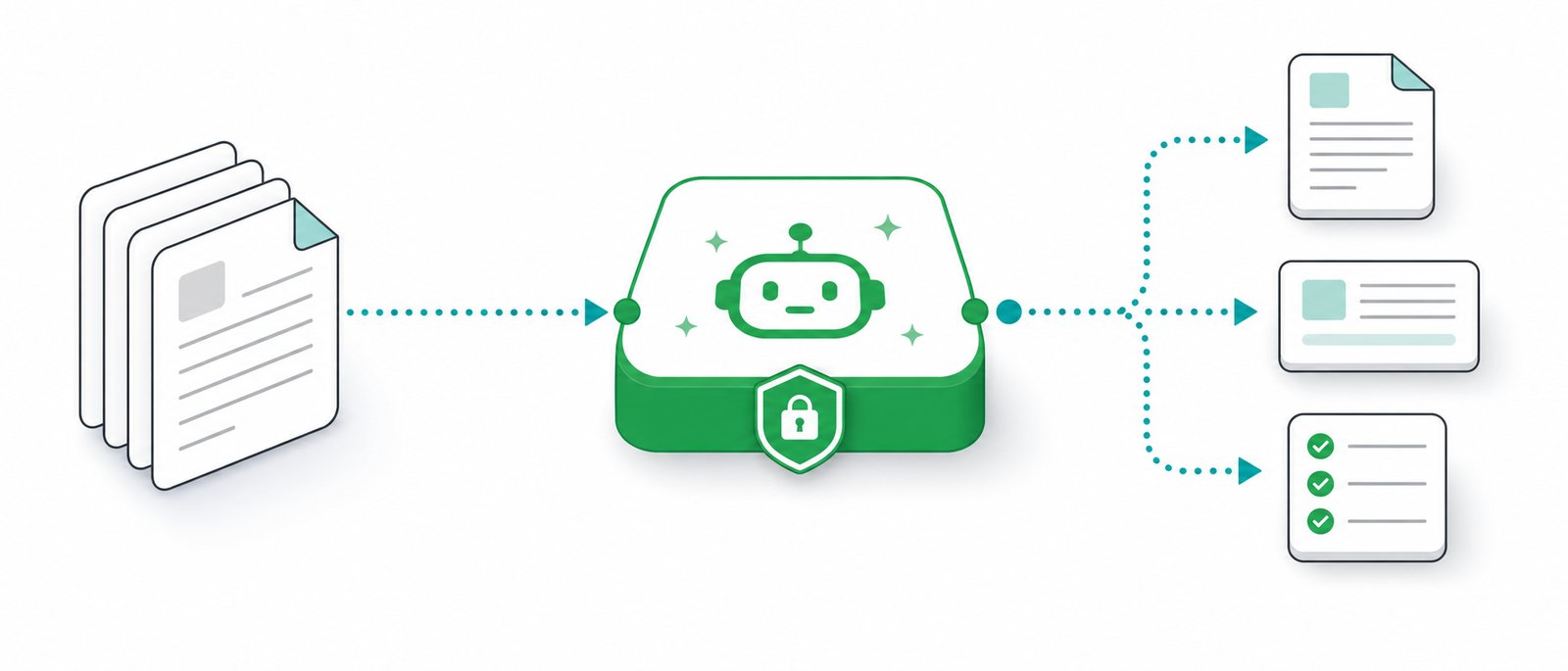
Workflow diagram showing documents flowing into a private AI co-pilot and out as drafted letters, summaries and checklists
Your documents in. Usable work out.
Chatbot
Workflow
Agentic
← human-driven · simple · instantautonomous · multi-step · 24/7 →
Chatbot AI Workflow AI Agentic AI
Conversational · human-in-every-turn

A private assistant your staff chat with.

The simplest, fastest mode: a ChatGPT-style window grounded in your own documents (RAG). The human reads every answer, so it's low-risk and quick to deploy.

Ask Retrieve (RAG) Answer + cite Human decides
STACK

Open WebUI / LibreChat / AnythingLLM front-end + Qwen3 or Gemma 3 + RAG (nomic-embed + Qdrant) · Ollama / LM Studio

USE CASES

Internal knowledge assistant, customer-support chatbot, HR/policy helper, documentation Q&A, onboarding buddy.

EFFORT

Days to deploy · lowest run-cost · human always in the loop.

Swipe to see all columns

At a glance💬 Chatbot🔀 Workflow🤖 Agentic
AutonomyLow - human every turnMedium - runs unattendedHigh - decides its own steps
PathFree conversationFixed pipeline (DAG)Planned at runtime
Determinismn/aHigh - repeatableLower - reasoned each run
Human oversightReads every answerReviews exceptionsApproves irreversible actions
Build effortDays1-3 weeks3-8 weeks
Run cost (local)LowestLowHigher (many calls/run)
Best local modelsQwen3.6, Gemma 4, LlamaQwen3.6, Qwen3-VL, MistralKimi K2.6, GLM-5.1, DeepSeek V4, Qwen3.6
FrameworksOpen WebUI, LibreChatn8n, LangGraph, Flowise, DifyLangGraph, CrewAI, AutoGen, OpenHands, MCP
Best forQ&A, support, knowledgeHigh-volume repetitive opsComplex multi-step, 24/7 automation

The mature path: most clients start with a chatbot (value in days), automate their highest-volume process as a workflow, then add agents where the work is genuinely multi-step. All three run on the same local box - and VYROX engineers tool-calling, MCP connectors, guardrails and an eval harness so agents are reliable, not just impressive.

Co-pilots for regulated professions

AI Doctor. AI Accountant. AI Lawyer. On your own hardware.

These three professions handle data that is legally confidential - patient records, privileged files, financial accounts. For them, local AI isn't just cheaper; it's often the only compliant option. Each is a co-pilot that keeps the licensed professional firmly in the loop.

A doctor, an accountant and a lawyer each working with a private local AI co-pilot
Doctor · Accountant · Lawyer - each with a co-pilot that never leaves the office.
AI Doctor AI Accountant AI Lawyer
For clinics · GPs · specialists · dental · allied health

A clinical co-pilot that never sends a patient record to the cloud.

It listens, drafts and retrieves - so clinicians spend less time on paperwork and more with patients. Every record stays inside the clinic.

  • Ambient scribe - transcribes the consultation and drafts structured SOAP notes (Whisper + LLM)
  • History summary - condenses long patient files before each visit
  • Letters - drafts referral & discharge letters for clinician review
  • Patient education - leaflets in EN/BM/ZH at the right reading level
  • Coding assist - suggests ICD-10 codes for claims
  • Guideline lookup - surfaces references from your own formulary & protocols (RAG)
  • Front-desk triage - structures symptom intake for the queue
STACK

Whisper large-v3 (transcription) + Qwen3 + RAG over clinical guidelines · air-gapped Desk or Studio build

PRIVACY & COMPLIANCE

Patient data never leaves the clinic - supports PDPA and medical confidentiality; air-gap option for full isolation. MMC-aware.

TYPICAL ROI

Clinicians recover ~1-2 hours/day of documentation time. Build from RM9k-32k, one-time.

⚕️ Decision-support only. A registered medical practitioner makes every clinical decision; the system does not diagnose or treat and is not a registered medical device. It assists documentation and retrieval, with the clinician reviewing all output.

AI transformation is not about giving every employee AI. It is about giving the right people the right AI.

Success isn't measured by how many AI licences you buy - it's measured by the business value AI creates. Here's how to deploy it strategically instead of universally.

Who uses which co-pilot, in practice.

The right starting point depends on who you are and what already eats your time, not on how advanced the technology sounds. Here is how six common roles typically map onto the patterns and co-pilots on this page.

Clinic consultation room workstation with a private AI note drafting interface and a local server
SOLO GP OR CLINIC OWNER-MANAGER

Starts with the AI Doctor co-pilot

Ambient scribe for consultations, SOAP note drafting and history summaries first, air-gapped for patient privacy. Coding assist and patient leaflets come next.

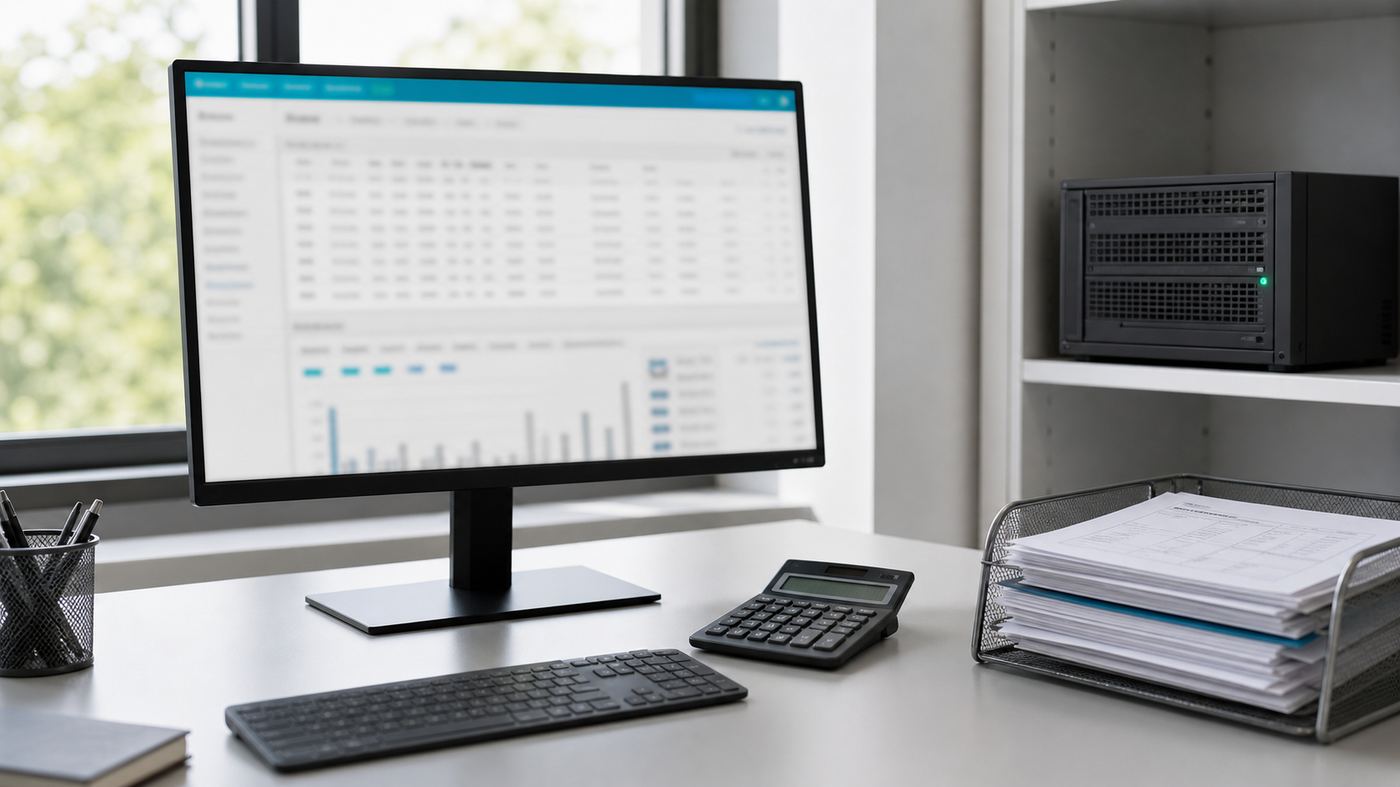
Accounting workstation with invoices, ledgers on screen and an on-premise server unit
MANAGING PARTNER, ACCOUNTING FIRM

Starts with the AI Accountant co-pilot

Document capture and reconciliation first, since that is the highest-volume, most repetitive task. Financial statement drafting and tax/e-invoice support follow.

Law office desk with a contract review screen showing highlighted clauses beside bound legal volumes
LITIGATION OR CONVEYANCING LAWYER

Starts with the AI Lawyer co-pilot

Contract review and clause flagging first, then drafting from the firm's own precedent bank. Legal research over your matter files (RAG) usually follows within the same build.

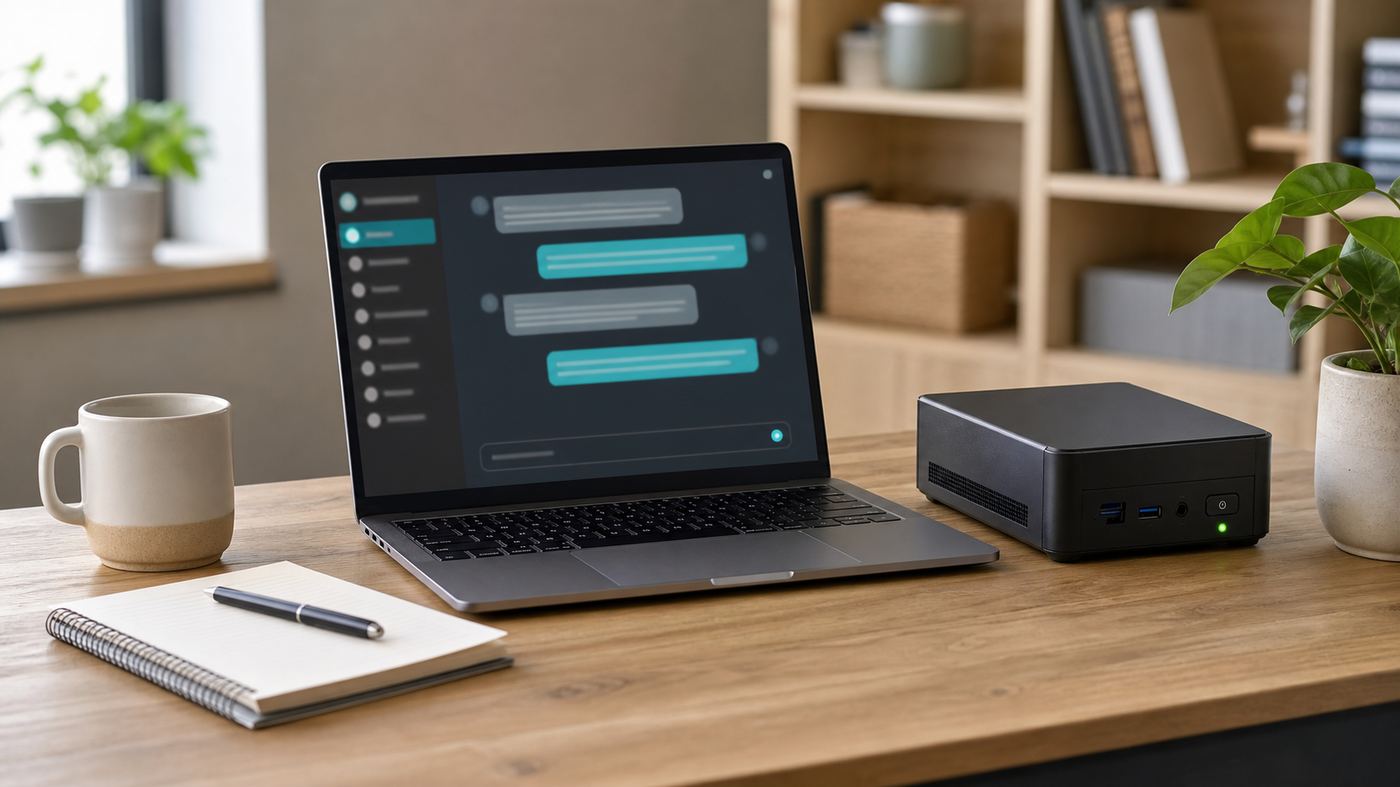
Compact desk setup with a mini PC server running a private chat assistant interface
SME OWNER, NO IN-HOUSE IT TEAM

Starts with the Chatbot AI pattern

A staff knowledge assistant or customer-support chatbot over existing SOPs and product docs. Lowest run-cost, days to deploy, and a human reads every answer.

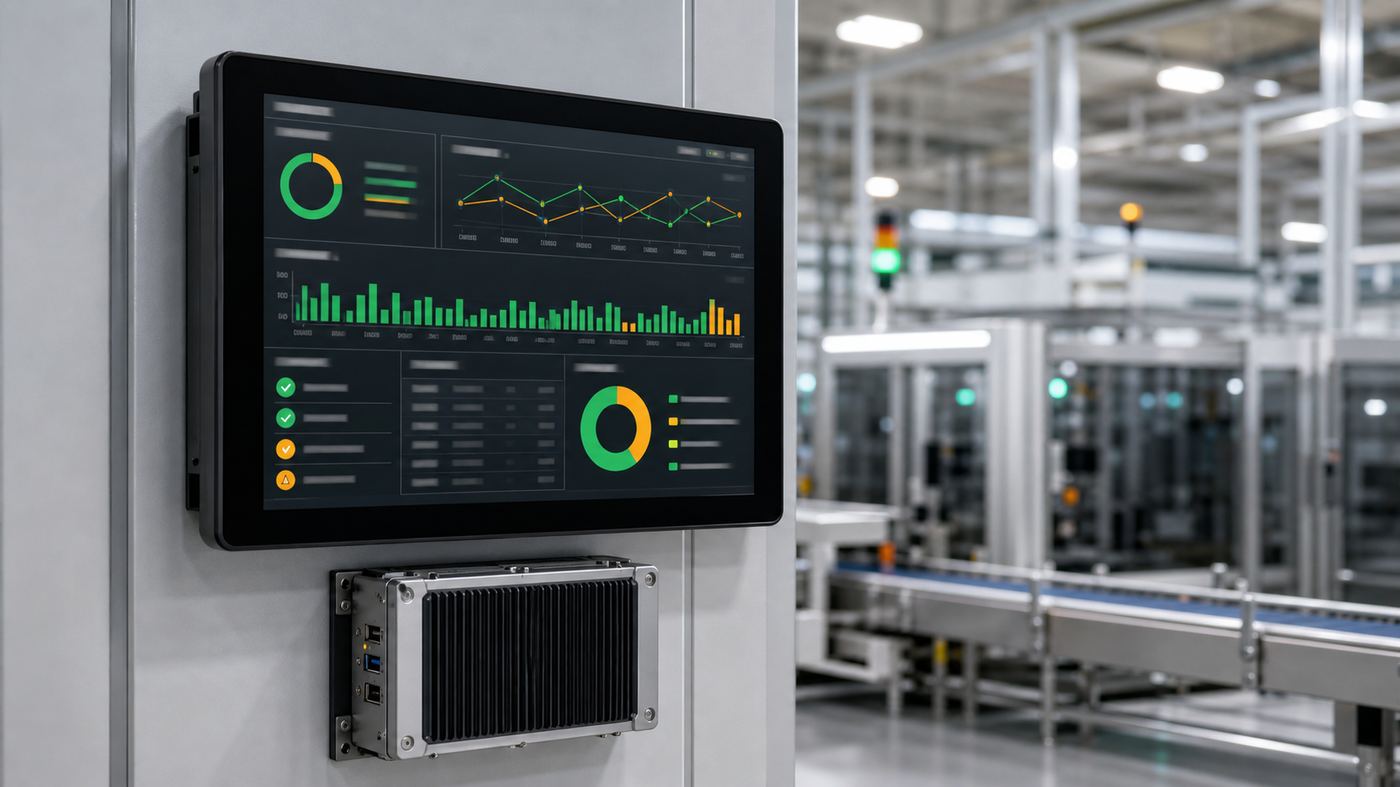
Factory floor terminal displaying an automated quality inspection dashboard
OPERATIONS OR QA MANAGER

Starts with the Workflow AI pattern

A fixed, auditable pipeline for invoice processing or QA report analysis: high determinism, exceptions reviewed by a human, everything else runs unattended.

Operations screens showing an autonomous agent task queue beside a rack mounted GPU server
IT LEAD EXPLORING AUTOMATION

Starts with the Agentic AI pattern

An IT helpdesk agent or procurement/quote-comparison agent, with human-in-loop approval gates on anything irreversible. Highest build effort, but runs 24/7 once live.

Make the model answer from YOUR files - privately.

A general model knows the public internet. It does not know your contracts, SOPs, pricing or customer history. RAG (Retrieval-Augmented Generation) grounds every answer in your own documents - with citations - and on a local deployment that data never leaves the building.

How it works - 6 steps

  1. Ingest - pull in PDFs, Word, Excel, scans, emails, DB records, intranet pages.
  2. Chunk - split documents into small, meaningful passages for precise retrieval.
  3. Embed - convert each chunk into a numeric fingerprint with a local model (nomic-embed / bge). No cloud calls.
  4. Store - fingerprints go into a local vector database (pgvector, Qdrant or Chroma) on your server.
  5. Retrieve - a question finds the most relevant chunks from your data.
  6. Ground & answer - the local LLM answers using only those chunks, and cites the source.
Why this is the killer use case
  • Turns a generic model into one that knows your business
  • Answers carry citations - staff verify, don't just trust
  • Slashes hallucination: it answers from retrieved facts
  • Update knowledge by adding files - no retraining
Why local makes it safe
  • Documents, index and model all sit on your server
  • Nothing sent to OpenAI, Google or any external API
  • For patient records, financials, legal files - often the only acceptable answer
  • PDPA-aligned by design, not by a vendor's promise

Most customers need RAG, not fine-tuning. We'll tell you which.

Use RAG when…

You want the model to know your facts - documents, policies, products, prices. Faster, cheaper, instantly updatable (just add files), and it cites sources. This covers the large majority of business needs.

Fine-tune (LoRA) when…

You need to change the model's behaviour or style - a consistent house tone, a strict output format, domain jargon, or a narrow task it must perform identically every time. RAG adds knowledge; fine-tuning shapes behaviour.

  • What it needs: a few hundred to a few thousand good example pairs - quality matters far more than quantity.
  • What it costs: LoRA is efficient - a single GPU, hours-to-days, not weeks of full retraining.
  • It stays private: training runs on your hardware; your data never leaves, and the resulting model is yours.
  • VYROX handles it end-to-end - curate examples, train, validate against real cases, and roll back if it doesn't beat the RAG baseline. We only fine-tune when it earns its keep.
Industry playbooks

Five industries, and the first job each one should give the model.

The co-pilots above cover clinics, accounting firms and law firms. These five industries start somewhere different. In each case the first task is the one that is already document-heavy, repetitive and slow, not the one that sounds the most advanced.

Swipe to see all columns

IndustryStart withPatternTypical stackBuild effort
ManufacturingQA and inspection report analysis: defect trends, recurring root causesWorkflow AIQwen3 + nomic-embed + Qdrant1-3 weeks
Retail and distributionSupplier invoice and delivery order extraction into the accounting systemWorkflow AIQwen3-VL + schema validation + MCP connector1-3 weeks
EducationStaff and student handbook Q&A over your own policies and circularsChatbot AIGemma 3 / Qwen3 + bge + Open WebUIDays
Property managementTenancy agreement and house-rule Q&A, plus complaint and work-order triageChatbot AI, then WorkflowQwen3 + nomic-embed + pgvectorDays to 3 weeks
LogisticsShipping document extraction: delivery orders, packing lists, customs paperworkWorkflow AIQwen3-VL + Qwen3 + validation on vLLM1-3 weeks

Build effort is the same scale used in the pattern comparison above: days for a chatbot, 1 to 3 weeks for a workflow, 3 to 8 weeks for an agent. It is engineering time, not calendar time waiting on hardware.

MANUFACTURING

Turn inspection paperwork into patterns

  • Read QA and inspection logs, surface repeat defects by line, shift or supplier
  • Summarise non-conformance reports into a weekly review pack
  • Answer questions over SOPs, work instructions and machine manuals on the floor
  • Draft corrective action reports for an engineer to review and sign
Why local: process data, yields and supplier terms are commercially sensitive.
RETAIL AND DISTRIBUTION

Stop keying in supplier paperwork

  • Extract supplier invoices, credit notes and delivery orders into structured entries
  • Match delivery orders against purchase orders and flag only the mismatches
  • Answer product, warranty and return-policy questions for counter and phone staff
  • Summarise customer reviews and complaints into themes for the buying team
Why local: supplier pricing and margin data stay inside the company.
EDUCATION

One place to ask about your own rules

  • Staff and parent Q&A over handbooks, circulars, fee structures and calendars
  • Draft parent letters and notices in English, Bahasa Melayu and Chinese
  • Summarise long policy documents and meeting minutes for department heads
  • Help teachers prepare lesson material from the school's own syllabus files
Why local: student and parent records are personal data under PDPA (Personal Data Protection Act).
PROPERTY MANAGEMENT

Answer the same tenancy question once

  • Q&A over tenancy agreements, house rules, by-laws and service charge schedules
  • Triage complaints and work orders into category, urgency and responsible trade
  • Draft notices, reminders and renewal letters from your own templates
  • Summarise a unit's or a tenant's history before a meeting or a dispute
Why local: tenant identity documents and payment histories never need to leave the office.
LOGISTICS

Read the paperwork that moves the goods

  • Extract fields from delivery orders, packing lists and shipping documents
  • Classify and route inbound customer emails: booking, tracing, claim, complaint
  • Answer questions over your own tariff sheets, SOPs and handling instructions
  • Draft exception and damage reports for an operations lead to approve
Why local: consignee details and rates are customer-confidential, and the model keeps working when the line drops.
NOT ON THIS LIST

Use the same three tests

  • Which task consumes the most staff hours per week today
  • Does that task run on documents or text you already hold
  • Can a human still check the output before it matters
Three yes answers means it is a good first build, whatever the industry.

What it connects to, and what that actually involves.

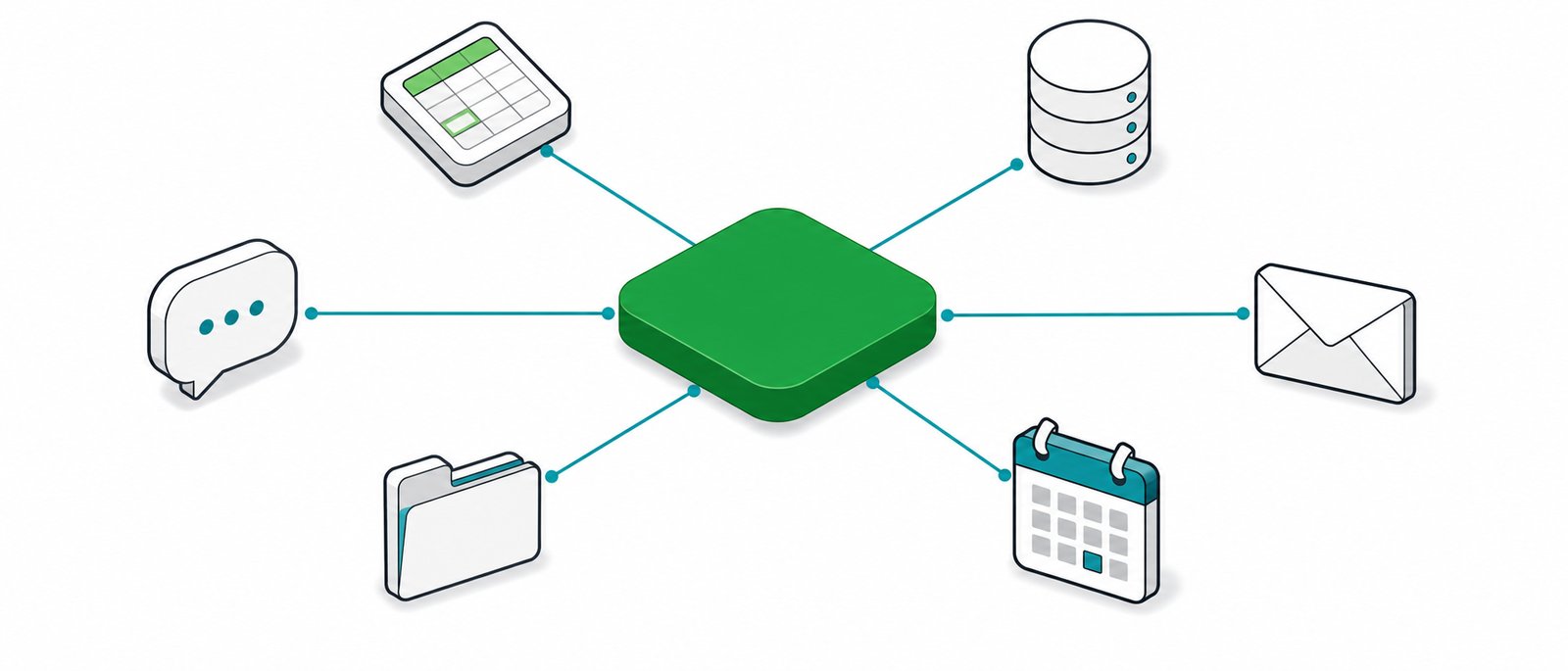
A local model is far more useful when it can read the systems you already run. We connect it over MCP (Model Context Protocol, a standard way for an AI model to call external tools) so it reads and assists rather than replacing anything. Every integration is scoped per project: what follows is the category, not a promise that your specific product version works out of the box.

Diagram-style view of a private local AI server connected to accounting, ERP, HR, document storage, email and messaging systems inside one office
Your existing systems stay. The model reads them.

Swipe to see all columns

System categoryWhat the model does with itUsual accessScoping note
Accounting and ledgersAnswers plain-language questions over the general ledger, drafts commentary, writes extracted entries back for reviewRead-only database view, or the product's own APIWrite-back is added only after read-only has run cleanly
ERP and inventoryLooks up stock, orders and supplier records to ground an answerRead-only view or APIDepends entirely on what your ERP exposes
HR systemsAnswers leave, claims and policy questions against real entitlementsAPI, with role-based access controlAccess is scoped per user, not per company
Document storesIndexes shared drives, intranets and folders for retrieval with citationsFile share or connector, indexed locallyFolder permissions must be mirrored in the index
EmailClassifies, routes, summarises and drafts replies for a human to sendIMAP or the mail platform's APISending stays behind a human approval step by default
Messaging and chatPuts the assistant where staff already work instead of a separate windowPlatform bot APIMessage content routes through your server, not a vendor cloud
Legacy apps with no APIDrives the interface directly when there is no other way inComputer Use or Browser Use, sandboxedSlower and more brittle, so it is a last resort
What we check before quoting an integration
  • Does the system have a documented API, or only a database we can read
  • Is a read-only account possible, and who owns granting it
  • Are the permissions per user, so the model cannot show someone data they could not open themselves
  • Is the vendor contract or support agreement affected by external access
  • Is there a test or staging copy we can build against first
The honest constraints
  • If a system has no API and no readable database, the only route left is interface automation, which is slower and breaks when the screen changes
  • An integration built for one product version can need rework after a major upgrade
  • Write-back into a system of record is a separate decision from reading, and needs its own approval and audit trail
  • Cloud-hosted business software still means that data sits with that vendor; connecting a local model does not change where their copy lives

Your first 30 days.

Adoption fails when a system is switched on for everyone at once with no owner and no measurement. This is the phased plan we run instead: a small pilot group, two use cases, a real baseline, then widening only on evidence.

Training room screen showing a step by step guide beside printed quick reference cards
Five pilot users who use it daily beat fifty who tried it once.

Swipe to see all columns

PhaseFocusWho is involvedWhat done looks like
Days 1 to 5Install, connect the first document set, set access rulesVYROX engineer plus your IT contactModel answering over real internal documents with citations
Days 6 to 12Pilot group starts, first use case only, daily use expected3 to 8 pilot users and one internal ownerEvery pilot user has asked it something real in their own work
Days 13 to 20Fix what the pilot exposed: missing documents, wrong permissions, weak promptsInternal owner plus VYROXThe top complaints from week one no longer happen
Days 21 to 26Add the second use case, usually the highest-volume repetitive oneThe team that owns that processSecond use case running with a human reviewing exceptions
Days 27 to 30Review against the baseline, decide who gets it nextManagement plus the internal ownerA written go or no-go with numbers, not impressions
Do this before day one
  • Name one internal owner. Not a committee, one person who cares whether it is used
  • Write down the current baseline: hours per week on the target task, or documents processed per day
  • Pick pilot users who do the work daily, not the most senior people in the room
  • Agree what counts as success before you start, in a sentence anyone can check
  • Decide which documents are in scope and who is allowed to see them
What kills adoption
  • Rolling it out to everyone at once, so nobody feels responsible for it
  • Starting with the most complex process instead of the most repetitive one
  • Feeding it a messy shared drive and blaming the model for vague answers
  • No baseline, so the review at day 30 becomes an argument about feelings
  • Treating it as an IT project when the value and the ownership sit in operations

After day 30 the pattern repeats: one new use case at a time, each with a named owner and a measurable before-and-after. Widening happens because the last one worked, not because the licence covers more seats.

How to tell whether it is actually working.

Usage counts are the easiest number to collect and the least useful. These are the measures worth putting in front of management at the 30-day review, and the ones we help you instrument.

Swipe to see all columns

MeasureHow to capture itWhy it matters
Time on the target taskSame simple timing method before the pilot and at day 30This is the number the business case rests on
Rework rateShare of outputs a human had to substantially redoDistinguishes a helpful draft from extra work
Exception rateFor workflows: items the pipeline could not handle aloneTells you how much human review is still required
Repeat use by pilot usersHow many of the pilot group are still using it in week fourHonest adoption signal, unlike total query count
Answer traceabilityShare of answers carrying a citation staff could openVerifiable answers are what make it trusted
Escalations avoidedQuestions answered without pulling in a senior colleagueCaptures value that never appears in a timesheet

A worked example of the day-30 review, using your own baseline.

Illustrative, using placeholder numbers you would replace with your own measurements. Suppose two staff each spend 8 hours a week keying in supplier invoices, so the baseline is 16 hours a week. At day 30 the workflow handles most items and the same two staff spend 5 hours a week reviewing exceptions instead. The saving is 11 hours a week, and the exception rate tells you whether that number is likely to improve further or has settled. Multiply the recovered hours by your own fully loaded hourly cost to get the figure a finance lead will ask for, and compare it against the one-time build cost on the Pricing page.

We do not publish saved-hours claims as if they were yours. The only numbers worth quoting internally are the ones you measured on your own baseline.

Which use case, which co-pilot, which pattern: answered.

Short, plain-language answers about picking a starting point. For the wider glossary and general FAQ, see the Resources page.

Which of the 17 use cases should we start with?
Whichever one already costs you the most staff hours today, usually document Q&A (RAG) for knowledge-heavy teams, or invoice/receipt extraction for finance-heavy teams. Start with a chatbot pattern for quick wins in days, then automate your highest-volume process as a workflow.
Do we need a specialised co-pilot, or just a general chatbot?
If your data is legally confidential, patient records, privileged legal files or client financials, a purpose-built co-pilot with the right compliance framing (PDPA, MMC, MIA, LPA) is worth the extra setup. A general SME with no regulated data usually starts with the plain chatbot pattern instead.
Can the AI Doctor, Accountant or Lawyer co-pilot make decisions on its own?
No. All three are decision-support tools. A registered medical practitioner, a qualified accountant or an advocate and solicitor reviews and signs off every output. The AI drafts, retrieves and summarises; the licensed professional decides.
What is RAG in plain terms?
RAG (Retrieval-Augmented Generation) lets the model answer from your own documents instead of just general internet knowledge. Your files are indexed locally, a question retrieves the most relevant passages, and the model answers from those passages and cites the source, all without any document leaving your server.
Should we use RAG or fine-tuning?
Use RAG when you want the model to know your facts (documents, prices, policies): it is faster, cheaper and instantly updatable. Fine-tune (LoRA, a lightweight training method) only when you need to change the model's behaviour or style, such as a strict output format or a consistent house tone. Most businesses only need RAG.
How does a chatbot differ from a workflow or an agent?
A chatbot answers one question at a time with a human reading every reply. A workflow runs a fixed, auditable pipeline (extract, validate, route) unattended. An agent is given a goal, plans its own steps, calls tools, and loops until done, with human approval gates on anything irreversible. Autonomy and build effort rise in that order.
Which use case has the fastest payback?
Document-heavy, repetitive tasks pay back fastest: invoice or receipt extraction, meeting transcription and summary, and internal knowledge-base Q&A typically go live in days to a few weeks and immediately recover hours of manual work per week.
Can these solutions connect to our existing software, like AutoCount or an EMR?
Yes. We connect the local model to your existing systems (accounting software, case management, EMR, internal wikis) over MCP (Model Context Protocol, a standard way for an AI model to call external tools), so it reads and assists rather than replacing what already works.
How much does a typical solution cost?
Illustrative one-time build ranges from this page: AI Doctor from RM 9,000 to RM 32,000, AI Accountant from RM 22,000 to RM 32,000, AI Lawyer from RM 22,000 to RM 75,000, depending on hardware tier and integration scope. See the Pricing page for the full cost model and break-even calculator.
We are not a clinic, firm or law practice. Where does our industry start?
See the industry playbooks above. Manufacturing usually starts with QA and inspection report analysis, retail and distribution with supplier invoice extraction, education with handbook and policy Q&A, property management with tenancy and house-rule Q&A, and logistics with shipping document extraction. If your industry is not listed, apply the same three tests: which task eats the most staff hours, does it run on documents you already hold, and can a human still check the output before it matters.
How long before people are actually using it?
Our first 30 days plan puts the system live over days 1 to 5, starts a pilot group of 3 to 8 daily users in the second week, fixes what the pilot exposes in the third, and adds a second use case in the fourth. Day 30 is a written go or no-go against a baseline you recorded before starting. Widening to more staff happens on evidence, not on a schedule.
What do we need to have ready before day one?
One named internal owner rather than a committee, a written baseline for the target task (hours per week, or documents per day), pilot users who do that work daily, an agreed one-sentence definition of success, and a decision on which documents are in scope and who may see them. Everything else is our side of the work.
Will it work with our existing software, and what if that software has no API?
We connect to accounting and ledger systems, ERP and inventory, HR systems, document stores, email and messaging over MCP (Model Context Protocol), usually starting read-only. If a system has neither an API nor a readable database, the remaining route is interface automation with Computer Use or Browser Use, which works but is slower and breaks when screens change. Each integration is scoped per project after we check what your specific product version exposes.
How do we measure whether it is working?
Not by query counts. Measure time on the target task before and after, the share of outputs a human had to substantially redo, the exception rate for workflows, how many pilot users are still using it in week four, the share of answers carrying an openable citation, and escalations avoided. Multiply recovered hours by your own fully loaded hourly cost to get the figure a finance lead will ask for.
Your move

Stop renting your AI. Own it by next quarter.

Book a free 45-minute Local-AI Audit. We measure your current cloud spend, spec the exact build, and give you the costed break-even date - in writing, no obligation.

  • Free, 45 minutes
  • Costed break-even date
  • No obligation

No deck pitch. Just engineers sizing your build.

Chat with VYROX AI on WhatsApp Free Local-AI audit