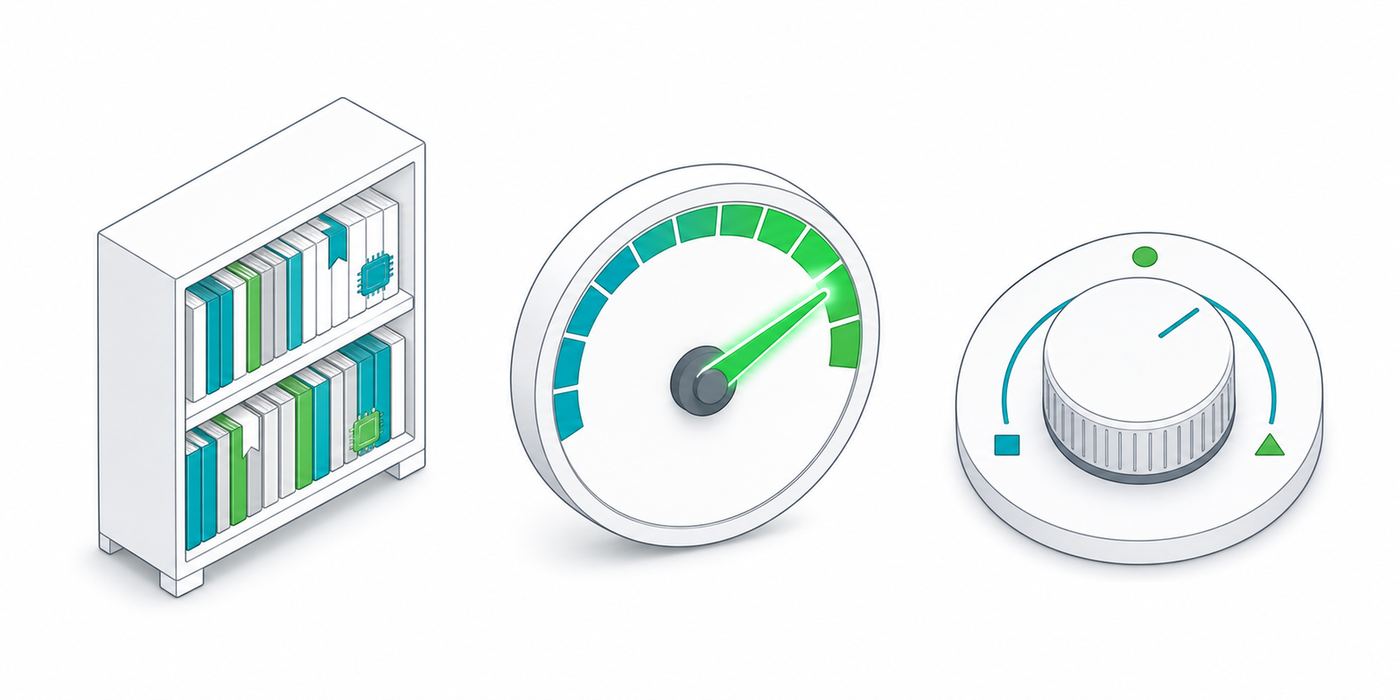
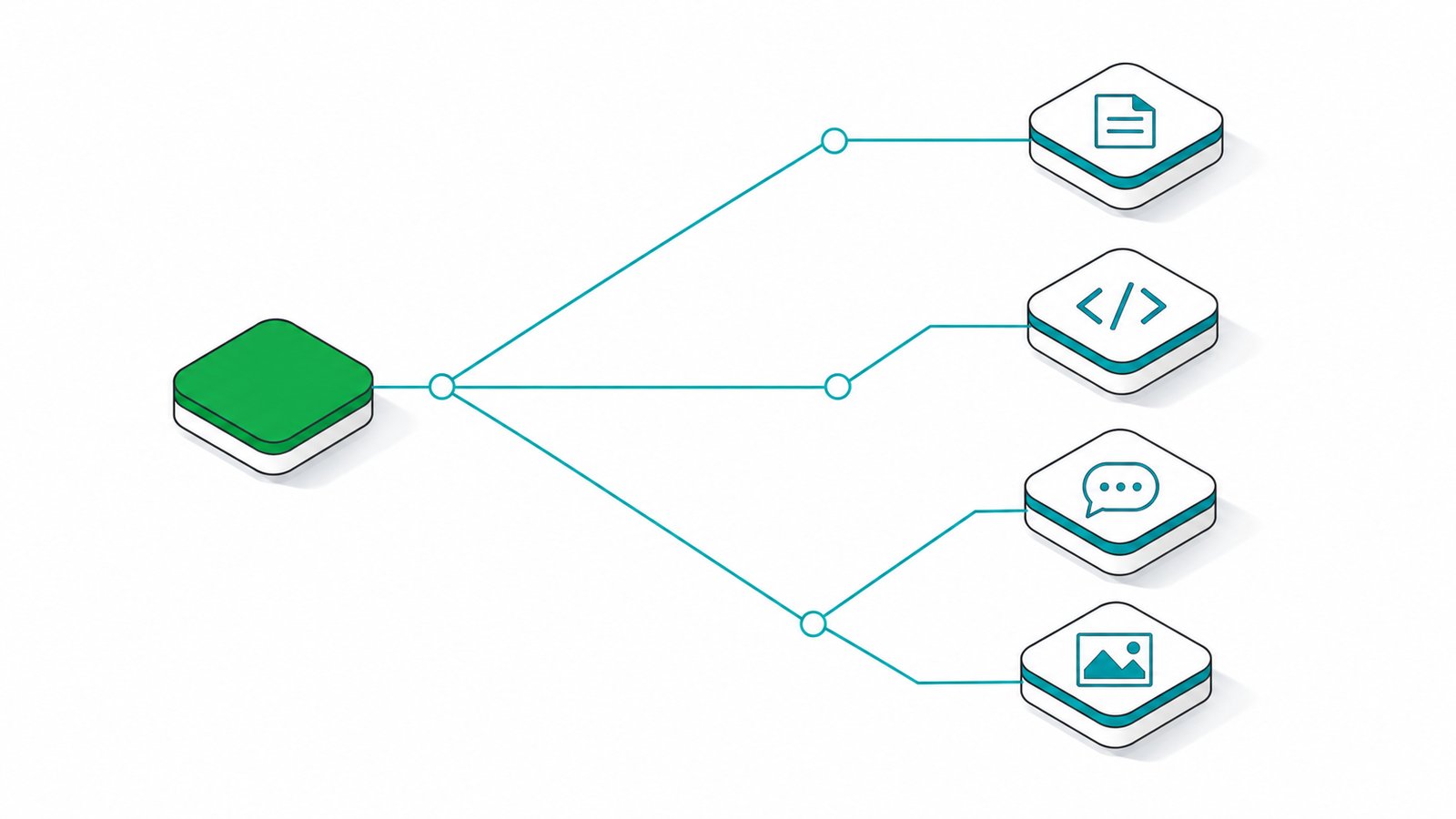
This page is written for engineers, but you do not need to be one to use it. Four ideas cover almost everything below: memory, speed, precision and context. Here is what each one means in terms a clinic manager, accountant or lawyer already understands. The live calculators further down then work out what fits in your VRAM, which quantization to pick, what your own machine can run, and how fast it will feel. When the numbers point to a build, we deliver it working.
Four numbers, translated plain-language
VRAM (video memory), like a bookshelf
VRAM is the memory on a graphics card, or the shared memory in an Apple Mac, that holds the model while it is thinking. A bigger model needs a bigger shelf. If the shelf is too small, the model simply will not load, the same way a bookshelf too short for a set of encyclopedias cannot hold them no matter how you arrange them.
Tokens per second, like typing speed
A token is roughly three quarters of a word. Most people read at about 5 tokens per second, so anything above that feels instant as it appears. As a working example: 40 tokens per second is close to 30 words per second, or about one A4 page of text typed out every 12 to 15 seconds. Our speed simulator further down lets you watch this at the real estimated speed.
Quantization, like a compressed photo
Quantization shrinks a model's numbers so it fits on smaller hardware, similar to saving a photo as a smaller JPEG instead of a raw file. The default we use, Q4, shrinks a model to roughly a quarter of its full size while keeping about 98% of its quality: visually identical for almost every business task.
Context window, like short-term memory
The context window is how much text the model can hold in mind at once, measured in tokens (so 128K context is roughly 90,000 to 100,000 words, a mid-size novel). A bigger context lets it read a whole contract, patient file or set of accounts in one go instead of forgetting the start by the time it reaches the end.
"Is local as good as ChatGPT?" On the work you do - close enough to matter.
The best open models now land within a few points of frontier cloud on knowledge, science and coding benchmarks - and run on hardware you own. Scores are approximate, drawn from public leaderboards and model cards (mid-2026); harnesses differ, so treat ±2-3 points as noise.
Swipe to see all columns
Model
Type
MMLU-Pro knowledge
GPQA science
SWE-bench coding
✓ Where open wins for you
On knowledge (MMLU-Pro ~84-90), graduate science (GPQA ~80) and coding (SWE-bench ~65-67), top open models match or beat older cloud models like GPT-4o - running privately on your hardware, with no per-token bill.
⚠ Where cloud still leads
The hardest agentic, long-horizon tasks - large-repo autonomous coding, sustained multi-step planning - still favour the latest frontier Claude/Gemini/OpenAI. That's exactly what our hybrid setups route to the cloud, on demand.
The honest bottom line
For drafting, summarising, extraction, Q&A, translation and everyday coding - the bulk of business work - open models are more than good enough. You keep ~all the quality and stop paying for everything.
Trending local models · updated 2026
The open models worth running - filter by what you do.
Now including the April-May 2026 wave - Qwen3.6, Kimi K2.6, GLM-5.1, DeepSeek V4, MiniMax M2.7 and Gemma 4. Every model below runs locally with Ollama, LM Studio or vLLM. Filter by task, sort by size, and see the VRAM each needs at Q4.
You do not need the biggest model on this list. You need the smallest one that does your job well, because that is the one your budget and your office can actually host.How we size every build
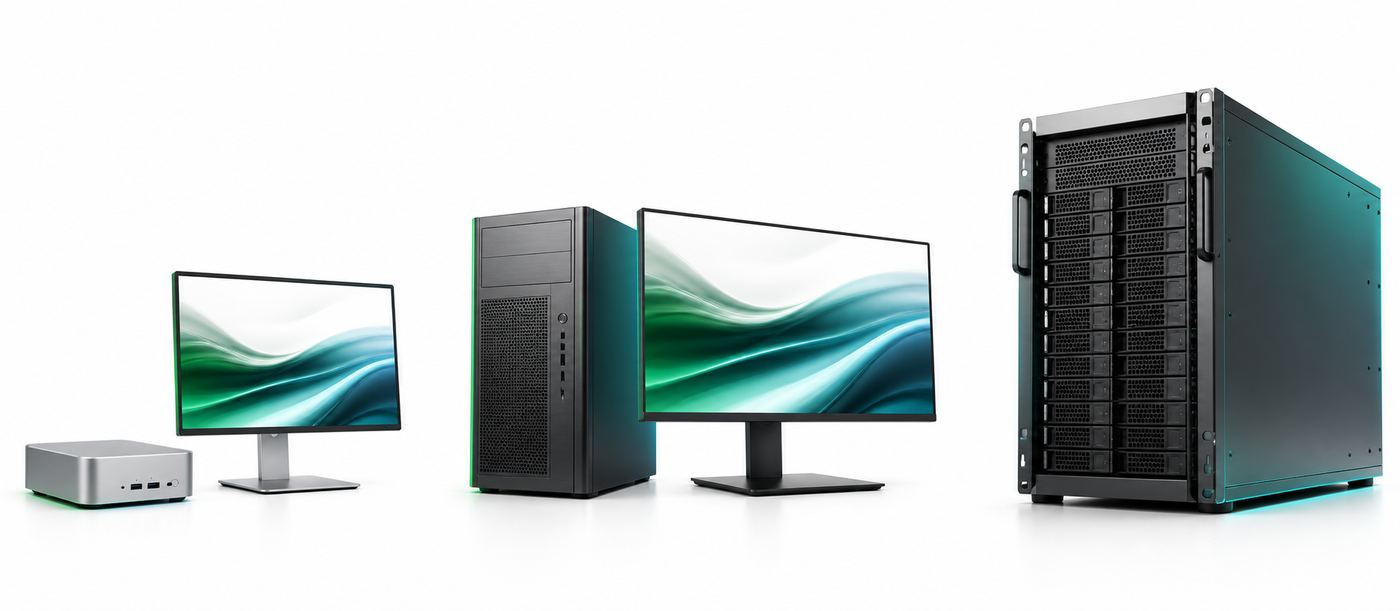
GPUs, Apple Silicon, mini-PCs, servers - the complete map.
The practical accelerators for genuine local LLM hosting. Prices are indicative mid-2026 street estimates (an active DRAM/GPU shortage is inflating prices - we confirm exact figures at quote time).
NVIDIA & AMD GPUs
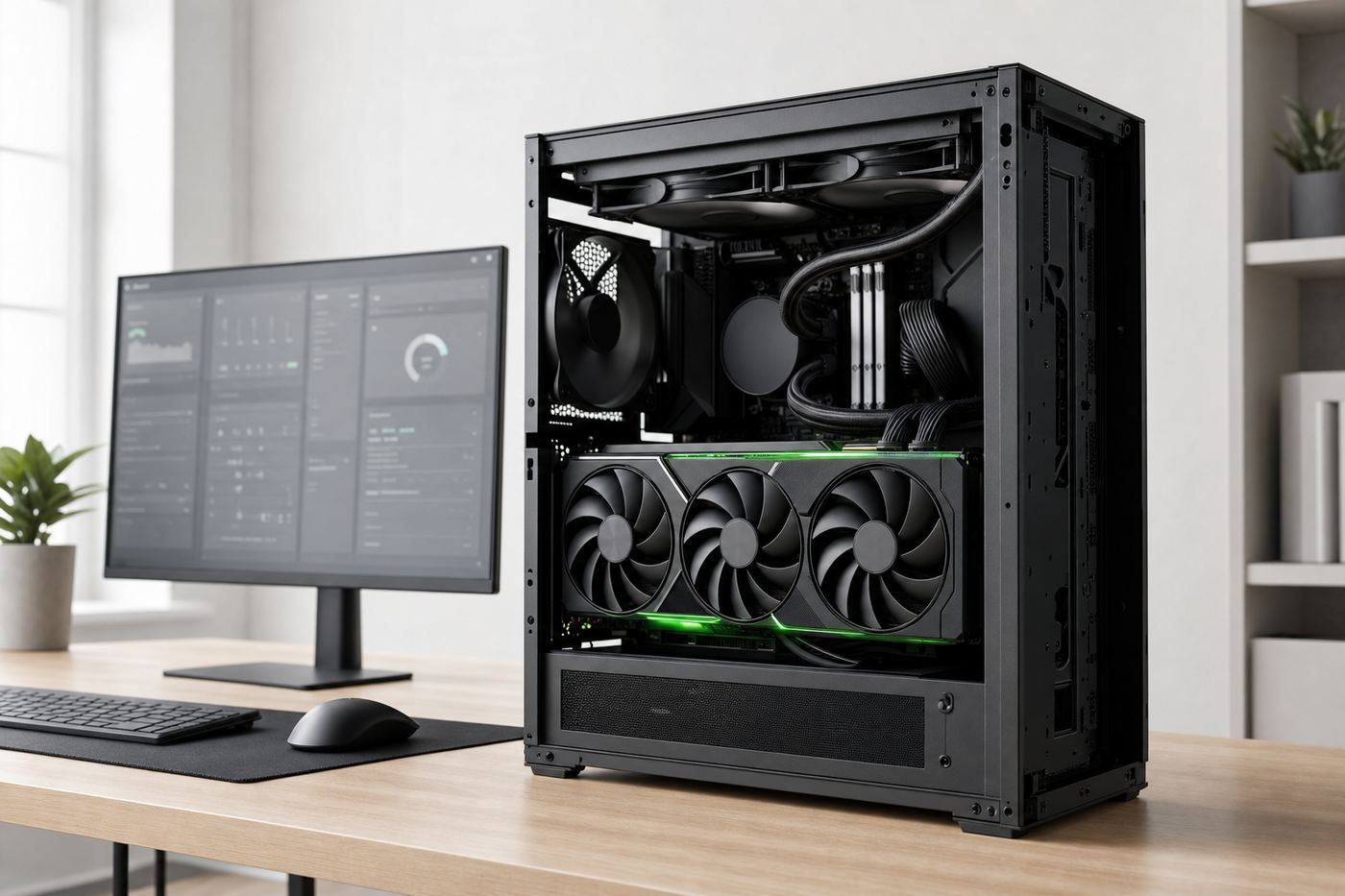
A single GPU tower is often all a small team needs
Swipe to see all columns
GPU
VRAM
Bandwidth
Approx RM
Biggest model @ Q4
Class
Intel Arc B580
12 GB
456 GB/s
RM 1.2k-1.6k
7-8B (IPEX/Vulkan)
Budget
RTX 3060
12 GB
360 GB/s
RM 1.3k-1.8k
7-8B
Budget
Intel Arc A770
16 GB
560 GB/s
RM 1.4k-1.9k
13-14B
Budget
RTX 4060 Ti 16GB
16 GB
288 GB/s
RM 2.2k-2.8k
13-14B
Budget
RTX 4070
12 GB
504 GB/s
RM 2.8k-3.2k
13B
Budget
RTX 5070
12 GB
672 GB/s
RM 3k-3.7k
13B
Consumer
RTX 5070 Ti
16 GB
896 GB/s
RM 4.2k-5.5k
14B; GPT-OSS 20B
Consumer
RTX 3090 / Ti
24 GB
936 GB/s
RM 4.1k-6k (used)
32B dense / 30B-A3B
Budget
RTX 4080 / Super
16 GB
717 GB/s
RM 4.6k-6k
14B; GPT-OSS 20B
Consumer
RTX 4090
24 GB
~1008 GB/s
RM 8.7k-12k
32B dense / Gemma 3 27B
Prosumer
RTX 5080
16 GB
~960 GB/s
RM 5.5k-8k
14B; GPT-OSS 20B
Prosumer
RTX 5090
32 GB
1792 GB/s
RM 14k+
32B comfortably; 70B Q3 tight
Prosumer
RTX PRO 5000 Blackwell
48 / 72 GB
1344 GB/s
RM 19k+
70B dense Q4
Workstation
RTX 6000 Ada
48 GB
960 GB/s
RM 31k-37k
70B dense Q4
Workstation
AMD Radeon PRO W7900
48 GB
864 GB/s
RM 16k-18k
70B (ROCm)
Workstation
RTX PRO 6000 Blackwell
96 GB
1792 GB/s
RM 39k-44k
120B-class on ONE card
Workstation
NVIDIA L4
24 GB
300 GB/s
RM 11k+
32B (low-power, slow)
Datacenter
NVIDIA L40S
48 GB
864 GB/s
RM 32k-41k
70B dense Q4
Datacenter
A100 80GB
80 GB
2039 GB/s
RM 41k-69k
120B-class; 235B (2×)
Datacenter
H100
80 GB
3.35 TB/s
RM 115k-147k
120B single; frontier multi
Datacenter
H200
141 GB
~4.8 TB/s
RM 115k-161k
235B single
Datacenter
B200 (Blackwell)
180 GB
~8.0 TB/s
RM 161k+
235B+ single; frontier
Datacenter
AMD Radeon 7900 XTX
24 GB
960 GB/s
RM 4.1k-5k
32B (ROCm/Vulkan)
Budget
AMD Instinct MI300X
192 GB
5.3 TB/s
RM 46k-69k
235B+ single GPU
Datacenter
AMD Instinct MI325X
256 GB
6.0 TB/s
RM 92k+
300B+ single GPU
Datacenter
Multi-GPU note: consumer 40/50-series have no NVLink - GPUs talk over PCIe (tensor-parallel via vLLM, with overhead). 2× 24GB ≈ 48GB → 70B Q4; 4× 3090 ≈ 96GB → 120B-class. A single RTX PRO 6000 96GB often beats multi-GPU on simplicity and power.
Apple Silicon - unified memory advantage
Unified memory: one pool, no VRAM ceiling
Swipe to see all columns
Chip
Max memory
Bandwidth
Product
Approx RM
Biggest model @ Q4
M4
16-32 GB
120 GB/s
Mac Mini / Air
RM 2.8k+
14B-30B-A3B
M4 Pro
64 GB
273 GB/s
Mac Mini Pro / MBP
RM 6.4k+
32B; 70B Q4 tight
M4 Max
128 GB
546 GB/s
Mac Studio / MBP 16
RM 9.2k+
70B dense; GPT-OSS 120B
M5 Max NEW 2026
128 GB
~546 GB/s
Mac Studio / MBP 16
RM 10.5k+
70B dense; faster GPU + NPU, better tok/s
M3 Ultra
256 GB
819 GB/s
Mac Studio
RM 18.4k+
235B-class; Qwen3-235B Q4
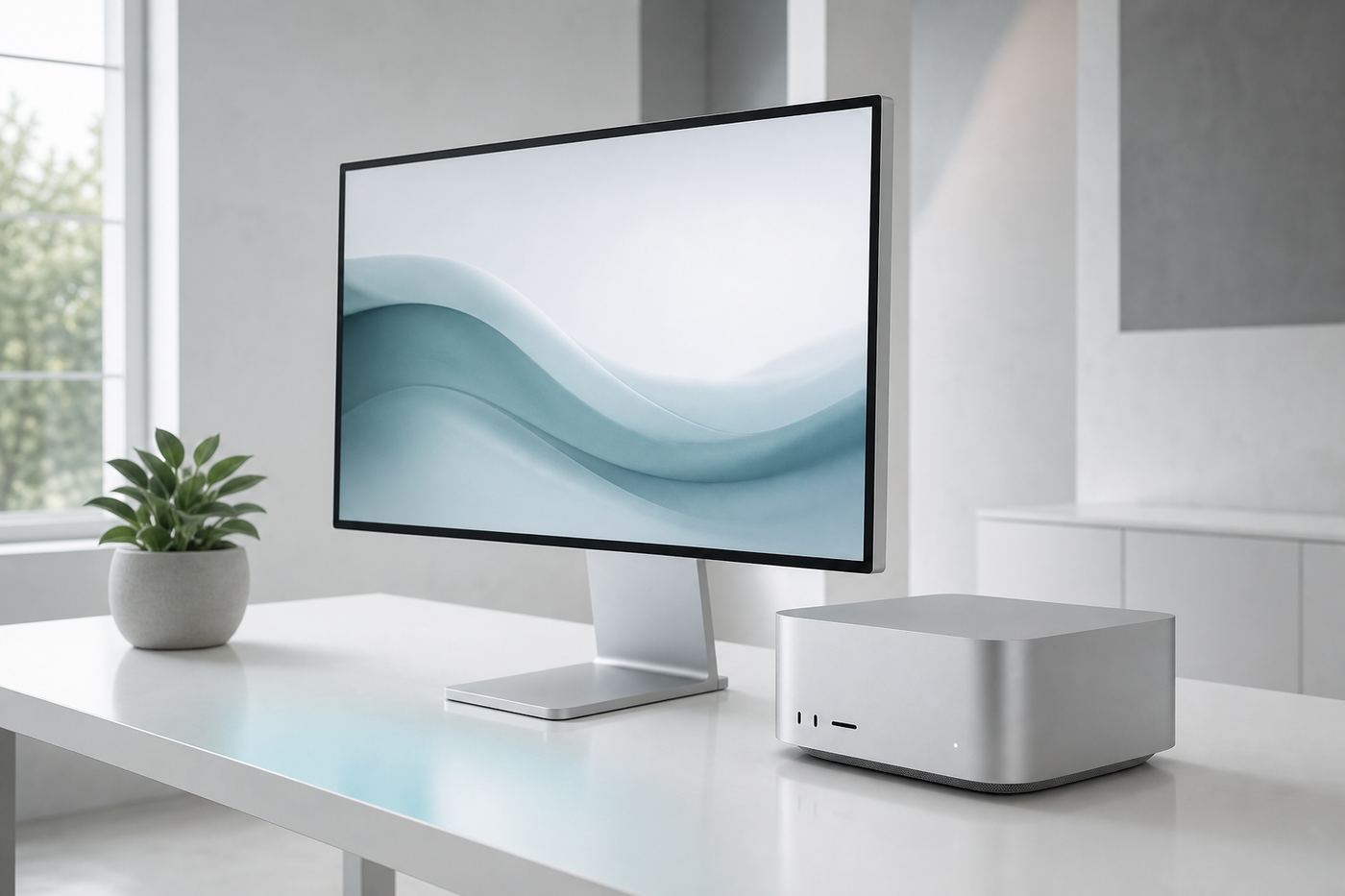
Apple's unified memory lets the GPU address all RAM - a cheap path to huge models, limited by bandwidth not capacity. A 256GB M3 Ultra Mac Studio is the most popular single-box big-model machine. (Note: M4 Ultra was never released; Apple withdrew the 512GB option in 2026.)
Mini-PCs & "AI-in-a-box"
Swipe to see all columns
Device
Chip
Memory
What it runs
Approx RM
NVIDIA DGX Spark
GB10 Grace-Blackwell
128 GB
up to ~200B Q4; CUDA-native dev box
RM 21.6k
Framework Desktop
Ryzen AI Max+ 395
128 GB unified
70B, GPT-OSS 120B, Qwen3-235B Q4
RM 9.2k-13k
GMKtec / Minisforum / Corsair
Ryzen AI Max+ 395
128 GB
same Strix Halo class
RM 11k-16k
Jetson Thor (AGX)
Blackwell edge
128 GB
70B-class at the edge
RM 16k
Jetson Orin Nano/AGX
Ampere edge
8-64 GB
7B-13B (robotics / CCTV)
RM 1.1k-9.2k
DGX Spark vs Strix Halo: DGX Spark wins on CUDA software compatibility; Strix Halo wins on price (~half) and x86/Linux. Both are bandwidth-limited (~256-273 GB/s) - great for memory-heavy MoE inference, weaker on fast prefill.
Memory capacity decides what you can run. Memory bandwidth decides how fast it feels. Almost every hardware choice on this page comes down to those two numbers.The one rule worth memorising
TPUs & other accelerators - the honest truth
Swipe to see all columns
Accelerator
Local LLM?
Reality
Google Coral Edge TPU
✗ No
Built for tiny vision CNNs. No DRAM, int8 only, no transformer/attention support - cannot run even a 1B LLM.
Google Cloud TPU (Trillium/Ironwood)
⚠ Cloud-only
Powerful for training/serving via JAX, but rented hourly - not on-prem hardware you own.
Groq LPU
⚠ Cloud
Ultra-low-latency inference as a cloud API; real deployments need racks. Not a consumer-local box.
Cerebras WSE-3
✗ No
Wafer-scale, $2M+ datacenter systems. Not local in any SME sense.
Hailo-8/10 NPU
⚠ Niche
Edge vision / very small on-device models only.
Takeaway: for genuine local LLM hosting, the practical accelerators are NVIDIA GPUs, AMD Instinct/Radeon, Apple Silicon, and unified-memory mini-PCs. We'll tell you honestly which fits - never sell you a Coral stick for an LLM.
Multi-GPU servers & rack
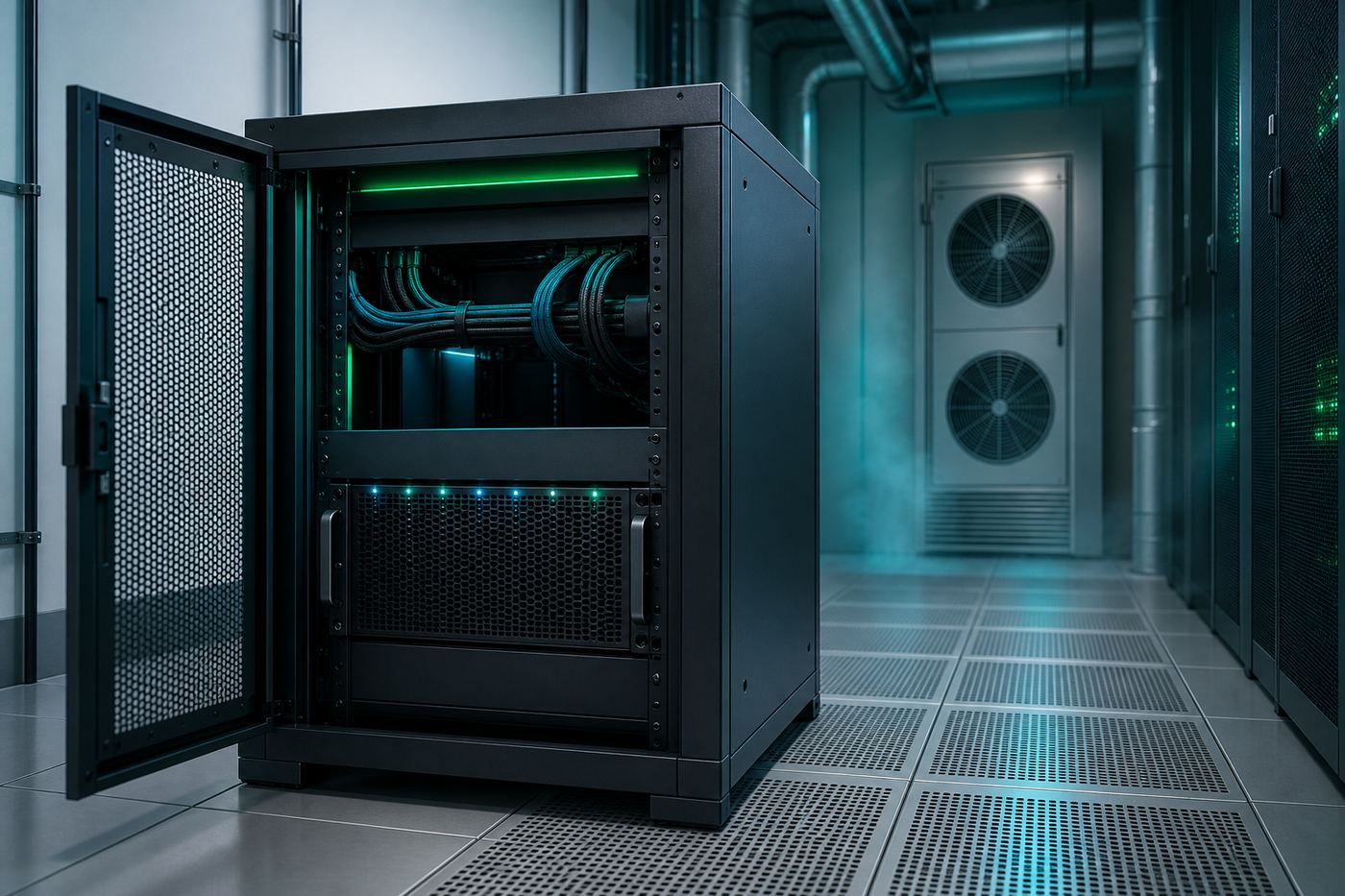
Rack AI: production concurrency for a whole organisation
Swipe to see all columns
Tier
GPUs
Host
Use case
Approx RM
Entry rig
2× RTX 3090/4090
Threadripper, 128GB, 1500W
70B Q4, small team
RM 23k-41k
Prosumer WS
1-2× RTX PRO 6000 96GB
TR PRO, 256GB ECC
120B single-box
RM 55k-100k
4-GPU server
4× L40S / RTX 6000 Ada
Dual EPYC, 512GB-1TB ECC, 4U
235B Q4, multi-user vLLM
RM 184k-322k
8-GPU HGX
8× H100/H200 SXM
NVLink/NVSwitch, 2TB RAM, liquid
Frontier inference + training
RM 1.4M+
Engineering: 8× H100 ≈ 5.6kW (needs 3-phase power); 4U GPU servers are loud (liquid cooling above 4× SXM); EPYC/Threadripper PRO for PCIe 5.0 lanes; platinum/titanium PSUs with N+1 redundancy. VYROX sources, assembles, commissions and supports the whole node.
Will it fit? · interactive
Pick a model. See the VRAM it needs and what runs it.
Choose a model, quantization and context length - we compute the memory and light up the hardware that fits.
Quantization
FP16Q8Q6Q4Q3
Context length 8K
Concurrent users 1
VRAM / memory required
18 GB
Qwen3-Coder 30BQ4
Smaller numbers, almost the same brain.
Quantization shrinks a model by storing weights at lower precision. Drag to see size vs quality - Q4 is the local sweet spot.
Precision Q4_K_M
Q4_K_M - the local default. ~4× smaller than FP16 with only ~2-3% quality loss. The best fit-vs-quality tradeoff for almost every build.
Llama 70B: 140 GB → 40 GB
Size
28%
Quality
98%
FP16
2.0 B/param
reference, fine-tuning
Q8
~1.1 B/param
near-lossless
Q4_K_M
~0.6 B/param
sweet spot
Q2
~0.4 B/param
squeeze big models, quality drops
Tell us your hardware. We'll list what fits.
VRAM / unified memory (GB) 24
Usable memory for models
~30 GB
A capable single-GPU / Apple-Silicon class machine.
Models that run on your machine (best practical quant)
Choosing a model in four questions.
There are dozens of open models in the explorer above and no single "best" one. In practice four questions narrow the list to two or three candidates, and the calculators on this page settle the rest. Answer them in order: the first two decide the family, the last two decide the size.
Four questions, then a shortlist
1. What is the work, mostly?
Everyday office work (drafting, summarising, answering questions from your own documents) asks for a general instruction model. Writing or reviewing code asks for a coding model such as the Qwen3-Coder family in the explorer above. Reading scanned forms, invoices or ID documents asks for a vision-capable model. Pick one primary job. A build can host more than one model, but size the machine for the one you will use every day.
2. Which languages must it handle?
If your staff and documents are English-only, almost every model in the list is a candidate. If you need Bahasa Malaysia, Mandarin or mixed-language documents, that is a filter you should apply before anything else, because a model that is weak in your language cannot be fixed with more hardware. We test candidates on a sample of your own real documents during the audit rather than trusting a leaderboard.
3. How long is the longest thing you feed it?
A one-page email is nothing. A 90-page tenancy agreement or a year of meeting minutes is a context-length question, and context is not free: per the sizing note above, a 7B to 8B model adds roughly 0.5 to 1 GB of KV-cache memory per 8K tokens, and a 70B model at a full 128K context can add 20 to 40 GB on top of the weights. Decide your real working context before you decide the card.
4. What memory ceiling are you buying, or do you already own?
This is the hard limit. Use the rule of thumb from the sizing cheat sheet: Q4 memory in GB is roughly the parameter count in billions multiplied by 0.6, then add the context cost from question 3. Whatever fits inside the memory you have (or intend to buy) is your real shortlist. The VRAM fit calculator and the "what can I run" tool above do this arithmetic for you.
Swipe to see all columns
Question
What it decides
Where to answer it on this page
1. Task type
Model family: general, coding, vision or reasoning
The model explorer filters above
2. Language needs
Which candidates survive the first cut
Tested on your own documents during the audit
3. Context length
Extra KV-cache memory on top of the weights
Context slider in the VRAM fit calculator
4. Memory ceiling
The largest size you can actually load, and the quant
Sizing cheat sheet and the "what can I run" tool
Worked example: a 12-person accounting firm
Illustrative only, using figures already on this page. Task is document Q&A and drafting, so a general instruction model. Language is English plus Bahasa Malaysia, so shortlist is tested on their own files. Longest document is a set of year-end statements, so an 8K to 32K working context rather than 128K. That points at a 24B to 32B-class model, which the sizing table puts at roughly 16 to 20 GB at Q4, plus context. A 32 GB card or a 128 GB unified-memory box clears it comfortably, which is the Studio AI tier at from RM 22,000 in the team-size helper below. The exact model and machine are confirmed against their real workload in the audit, not assumed here.
Which tier fits your team size.
If the calculators above feel like a lot, start here. Match your headcount to a tier below, then use the hardware tables to see the exact machine behind it. Prices are indicative mid-2026 estimates, confirmed exactly at quote time.
Match headcount to hardware, not the other way round
1-3 people
Desk AI from RM 9,000
A single quiet workstation (Mac Mini M4 Pro or an RTX 4090 tower) sitting under a desk. Runs a strong 30B-class model such as Qwen3-Coder 30B-A3B comfortably at Q4. Good for a founder, a solo professional, or a 2-3 person back office.
5-15 people
Studio AI from RM 22,000
A Mac Studio M4/M5 Max 128GB or an RTX 5090 workstation, shared over the office LAN via Open WebUI. Comfortably runs 32B-70B-class models for a department: clinic front desk plus doctors, or a full accounting team.
15-40 people + agents
Engine AI from RM 55,000
2x RTX 5090 or an RTX PRO 6000 96GB, served with vLLM so many staff and always-on background agents can query it at once without queuing. Fits a mid-size firm or a busy multi-branch operation.
Whole organisation
Rack AI from RM 180,000
A 4-8x GPU (H100/H200-class) server node. Runs frontier-scale open models at production concurrency for an entire company, agency or hospital network. See the multi-GPU server table above for the exact configurations.
Rule of thumb: if you are unsure between two tiers, undersizing is the more common mistake. A free 45-minute Local-AI Audit confirms the right tier from your actual headcount and workload before you spend a ringgit.
Model size → memory → hardware, at a glance.
Rule of thumb: Q4 VRAM (GB) ≈ params(B) × 0.6. MoE models size to total params for memory, but run at the speed of their active params. Always add KV-cache for long context.
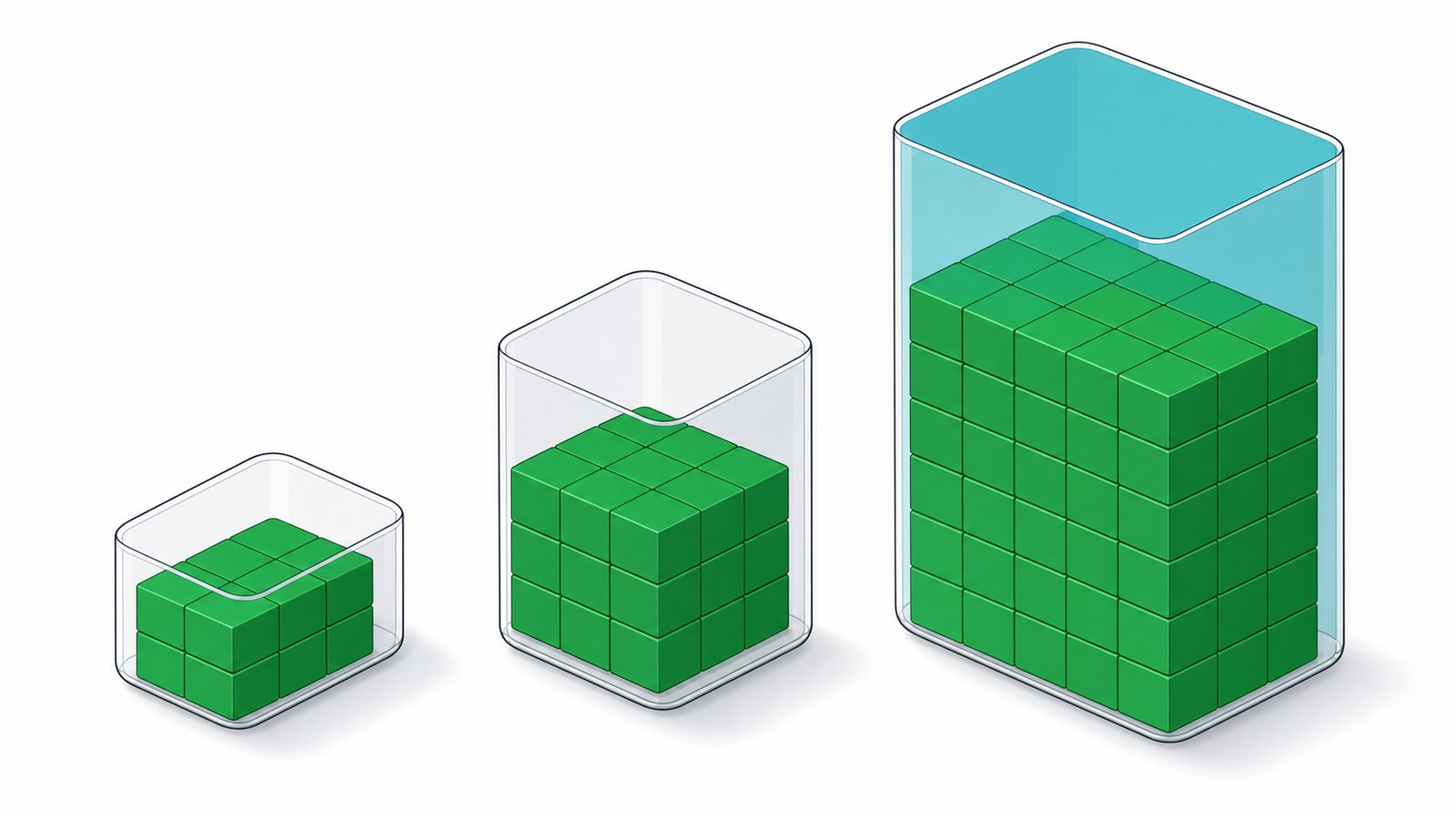
Think of memory as a container. The model has to fit, with room to spare.
Swipe to see all columns
Model size
Q4_K_M
Q8
FP16
Example hardware (Q4)
1-3B
~1-2 GB
~3 GB
~6 GB
Any iGPU, phone, Jetson, 8GB GPU
7-8B
~5-6 GB
~9 GB
~16 GB
RTX 4060 8GB, M4 16GB
13-14B
~9-10 GB
~16 GB
~28 GB
RTX 4070/4080, M4
24-32B
~16-20 GB
~34 GB
~65 GB
RTX 3090/4090/5090, M4 Pro
70B dense
~40-43 GB
~75 GB
~140 GB
2× 3090/4090, RTX 6000 Ada, M4 Max
120B MoE (GPT-OSS/Scout)
~60-65 GB
~120 GB
-
RTX PRO 6000 96GB, A100, M3 Ultra, DGX Spark
235B MoE
~135-145 GB
~250 GB
-
2× A100, MI300X, M3 Ultra 256GB
671B (DeepSeek)
~380-400 GB
~700 GB
-
8× H100/H200, multi-MI300X
~1T MoE (Kimi K2.6 / DeepSeek V4)
~550-880 GB
~1-1.6 TB
-
8× H200/B200 server
Context cost: KV-cache grows with context length × layers. A 7-8B model adds ~0.5-1 GB per 8K tokens; a 70B at full 128K context can add 20-40GB+ - often the hidden cost that blows a VRAM budget. We size for weights plus your real context window.
The details that decide whether you can actually run it.
Open weights don't all mean "free for business." And a multi-GPU box has real power, heat and uptime needs. We handle all of it - here's the honest picture.
Yes, under Google's Gemma terms (prohibited-use policy applies)
Llama Community / Llama 4
Llama 3.x, Llama 4 Scout / Maverick
Yes - but a special licence is required above 700M monthly active users
Mistral Research (MRL)
Mistral Large 2, Ministral 8B
Research/non-commercial weights - commercial needs a Mistral licence
MNPL (non-production)
Codestral 22B
Not for production without a commercial agreement
VYROX defaults your build to permissively-licensed models (Apache/MIT) so you own your deployment outright - and flags any model with commercial restrictions before it's used.
Power, heat & electrical
Swipe to see all columns
Tier
Peak draw
Heat output
Power / cooling
Noise
Desk AI
~0.4-0.6 kW
~2,000 BTU/h
Standard 13A wall socket, room air
Quiet desktop
Studio AI
~0.6-0.9 kW
~3,000 BTU/h
Dedicated 13-15A circuit, ventilated
Low-moderate
Engine AI
~1.2-1.8 kW
~6,000 BTU/h
20A circuit, UPS, server cupboard / aircon
Server-grade fans
Rack AI (8-GPU)
~6-7 kW
~22,000 BTU/h
3-phase power + room cooling / liquid, N+1 PSU
Loud - data-centre/room
A Desk/Studio build sips a few ringgit of electricity a day. Engine tiers want a UPS and a ventilated cupboard. Rack tiers need real facilities - we assess your site and spec power, cooling and UPS as part of delivery.
Networking & access
Staff reach it on your LAN via a browser (Open WebUI) or an OpenAI-compatible API. Remote access over VPN; a reverse proxy + gateway handles auth, SSO and rate-limiting; vLLM load-balances many users across GPUs.
Backup & high availability
Models, the vector DB and configs are backed up and reproducible. For mission-critical use we add a warm spare, a cloud-failover line, or a second node so a single box is never a silent point of failure.
Warranty & support
Hardware carries manufacturer warranty (typically 3 years on workstation/datacentre parts); we handle RMA. Optional managed-service tier adds monitoring, model upgrades and a same-business-day SLA. Leasing / instalment options available.
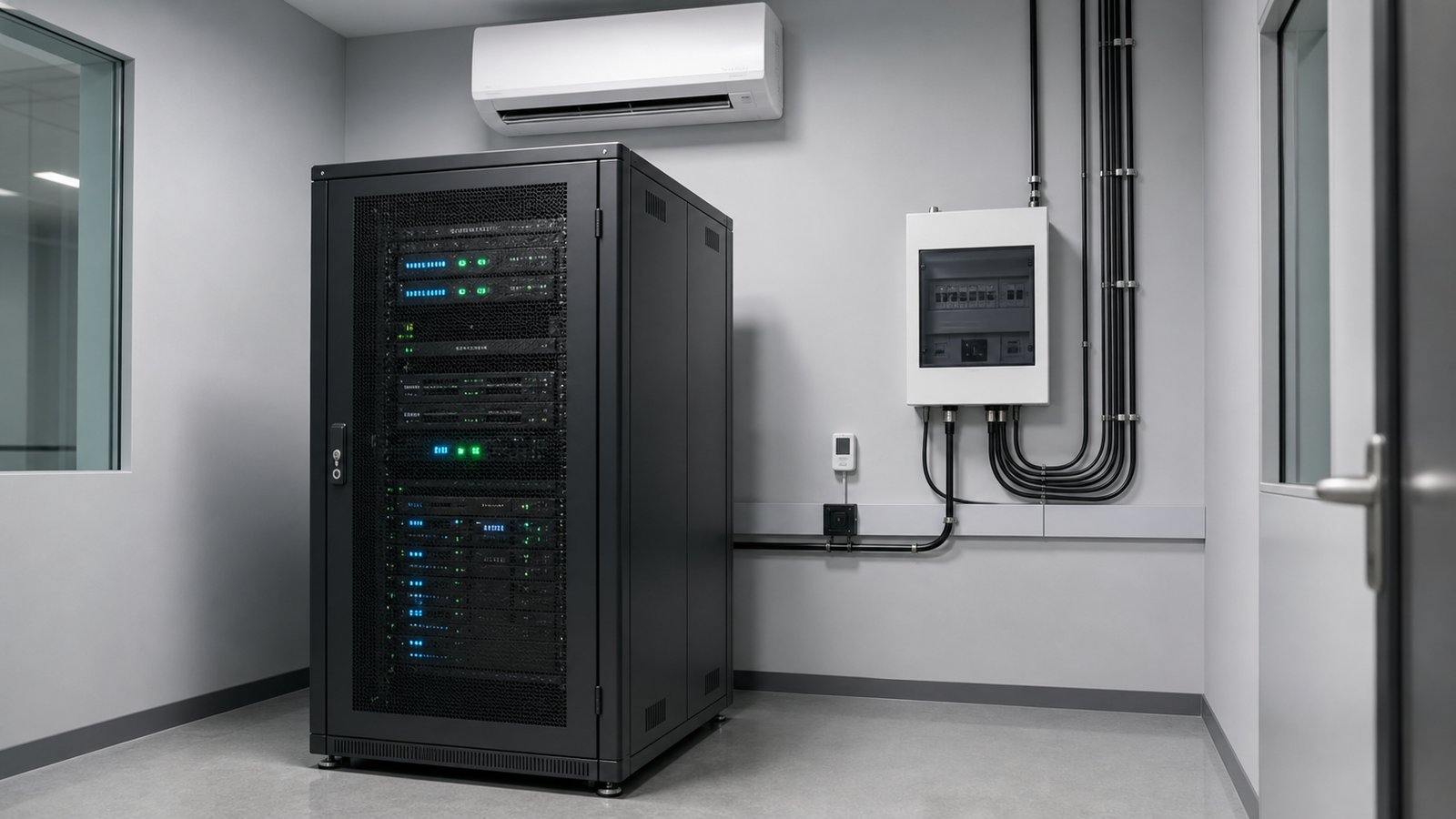
What the room actually needs: power, cooling and space.
The question we get after "what will it cost" is "where do I put it". For a Desk or Studio build the honest answer is a desk and a normal wall socket. From Engine AI upward it becomes a small facilities question: a dedicated circuit, a UPS (uninterruptible power supply), somewhere ventilated, and somewhere the fan noise will not sit two metres from a person. The peak-draw figures used below are the same ones in the power table above.
Power, cooling and a door: the practical checklist
Swipe to see all columns
Tier
Peak draw
Where it physically lives
Electrical
UPS
Cooling & noise
Desk AI
~0.4-0.6 kW
Under or on a desk, like any workstation
Standard 13A wall socket
Optional, a small desktop UPS for clean shutdown
Room air is enough; quiet desktop
Studio AI
~0.6-0.9 kW
A corner of the office or a store room shelf
Dedicated 13-15A circuit
Recommended, so a power dip does not corrupt a running job
Ventilated spot, not a sealed cupboard; low to moderate
Engine AI
~1.2-1.8 kW
Server cupboard or comms room, not an open office
20A circuit
Yes, sized for graceful shutdown
Aircon or forced ventilation; server-grade fans
Rack AI (8-GPU)
~6-7 kW
A real server room or data centre rack
3-phase power, N+1 redundant PSUs
Yes, plus generator or facility power planning
Room cooling or liquid; loud, keep it behind a door
Two things people underestimate. First, heat: every watt the machine draws ends up as heat in that room, so a cupboard with no airflow will throttle the hardware and shorten its life. Second, noise: a workstation is fine beside a desk, but the 4U server chassis in the multi-GPU table above is genuinely loud and belongs behind a wall. We survey the site and confirm circuit, ventilation and UPS sizing as part of delivery, before anything is ordered.
What the electricity actually costs, worked through
Malaysian commercial electricity tariffs typically fall somewhere around RM 0.45 to RM 0.60 per kWh depending on your tariff class and usage band, so substitute the rate printed on your own bill. The examples below use RM 0.55 per kWh purely as an illustration, and they take each tier at the top of its peak-draw range from the table above. That is a deliberate worst case: a real machine idles between prompts and does not sit at peak every second it is powered on, so treat these as a ceiling, not a forecast.
Desk AI, illustrative: 0.6 kW x 10 hours x 22 working days = 132 kWh a month, about RM 73 at RM 0.55 per kWh.
Studio AI, illustrative: 0.9 kW x 10 hours x 22 working days = 198 kWh a month, about RM 109 at RM 0.55 per kWh.
Engine AI, illustrative: 1.8 kW x 12 hours x 30 days (agents run outside office hours) = 648 kWh a month, about RM 356 at RM 0.55 per kWh.
Rack AI, illustrative: 7 kW x 24 hours x 30 days = 5,040 kWh a month, about RM 2,772 at RM 0.55 per kWh, before the cooling load.
Add cooling on top. Air conditioning has to remove the heat the machine produces, so for Engine and Rack tiers budget a further increment on the room's cooling bill. We do not publish a multiplier for it, because it depends entirely on your room, your existing aircon and how many hours it already runs. For Desk and Studio builds in an office that is already air conditioned during working hours, the difference is small enough that most clients never notice it as a line item.
Site readiness checklist
Power
Confirm the socket and the circuit it sits on, and what else shares that circuit. A workstation on the same breaker as a kettle and a photocopier is a nuisance trip waiting to happen. Engine and Rack tiers get their own circuit, specified before install.
Airflow and dust
Clearance at the front and back, no sealed cabinet, and a room that is not a dust trap. Filters and fans are consumables and get cleaned at service visits. A machine that runs cool runs faster for longer, because thermal throttling is invisible until you benchmark it.
Continuity
A UPS is not there to keep the model answering through a blackout. It is there to give the machine enough seconds to shut down cleanly so nothing is corrupted. Size it for shutdown, not for runtime, unless you have specifically asked for ride-through.
Network and access
A wired LAN port beside the machine, and a decision on who can reach it: office LAN only, VPN for remote staff, or fully offline. Per the networking note above, the reverse proxy and gateway handle authentication and rate limiting on top.
Physical security
The whole point of on-premise is that the data is in your building, so treat the box like a filing cabinet of confidential records. A lockable cupboard or a server room with controlled access, not a shelf in a public corridor.
Noise placement
Decide early where the fan noise is acceptable. Desk and Studio tiers are office-friendly. Engine tiers want a cupboard with a door. Rack tiers want a proper room, and retrofitting that after delivery is the expensive way to learn it.
Feel the speed · interactive
How fast is local, really?
Pick a model and a machine - we'll stream sample text at the estimated tokens/sec so you can feel it.
Qwen3-Coder 30B · RTX 5090~48 tok/s
Press “Run it” to watch the model generate at its estimated local speed…
Estimated single-stream throughput; real speed varies with quant, context and batching. Most people read at ~5 tok/s - anything above that feels instant.
What you actually drive the model with.
EASIEST · GUI
LM Studio
The most polished, beginner-friendly graphical app. Browse, download and chat with models - no command line.
POPULAR · CLI
Ollama
Developer favourite. One command - ollama run qwen3 - pulls and serves a model in the background.
API · OFFLINE
LocalAI
Drop-in replacement for the OpenAI API. Point existing apps at your local server - text, audio and image, fully offline.
PROD · THROUGHPUT
vLLM
High-throughput serving for teams: tensor-parallel multi-GPU, batching, OpenAI-compatible endpoints.
Open WebUI · team chatRoo Code · IDE agentCline · autonomous codingAider · terminal pair-programmerContinue.dev · IDE copilotllama.cpp · the engineMCP · tool connectors
Which runtime, when?
Swipe to see all columns
Runtime
Best for
Interface
Multi-GPU
Scale
Ollama
Easiest one-dev prototyping, any OS
CLI + API
Weak (1 GPU/req)
Single user
LM Studio
GUI-first desktop for non-CLI users
GUI + server
Limited
Solo → small team
vLLM
Production multi-user serving
Server + API
Strong (TP/PP)
Production team
llama.cpp
Edge / embedded / max format control
CLI + server
Yes (layers)
Single / edge
LocalAI
OpenAI-compatible API gateway over many backends
REST API
Via backend
Team / gateway
Open WebUI
Shared ChatGPT-style team interface
Web GUI
N/A (front-end)
Team chat
Rule of thumb: solo + simplicity → Ollama / LM Studio · edge/embedded → llama.cpp · concurrent production serving → vLLM · one API over mixed backends → LocalAI · team chat UI → Open WebUI on top. VYROX picks and configures the right combination for your build.
How this ages over three years.
The fear behind almost every hardware question on this page is that a better model lands next year and the machine becomes a paperweight. That is not how open-weight local AI ages, because the model and the hardware are separate purchases and only one of them changes often. Here is the honest three-year picture, and what belongs in a budget line.
Swipe to see all columns
Horizon
What typically changes
What it costs you
What stays the same
Months 0-12
Several new open-model releases. You swap the model file and adjust a config.
Download time
Same box, same memory, same electricity
Year 2
Newer models tend to do more with the same parameter count, so your existing memory ceiling usually buys you a better model, not a worse one.
Nothing, on permissive licences
Hardware still under manufacturer warranty
Year 3
Warranty on workstation and datacentre parts typically ends. Fans, thermal paste and drives are the wear items, not the GPU silicon.
Service parts; optional extended cover
The model you run today still runs
Year 3 and beyond
A refresh becomes a choice, not a forced move. The usual trigger is wanting a larger model class, not the old one breaking.
A new build, or add a second node
Your data, prompts, documents and configs move across
Model upgrades are free, and that is the point
Apache-2.0 and MIT weights, per the licensing table above, carry no per-token fee and no subscription. When a better model appears in that licence class, running it is a download and a config change on the same hardware. There is no vendor who can raise your price, deprecate your model, or change the terms of a system that sits in your own building.
Memory capacity is the thing that ages
Speed improves gradually with each GPU generation, but what actually retires a machine is a model class that no longer fits. A card bought today for 32B-class work still runs 32B-class work in three years. If you expect to grow into 70B or 120B-class models, the cheaper decision is to buy the memory headroom now rather than replace the box later.
Resale and redeployment
GPUs hold value better than most IT hardware, which is why the GPU table above lists a used price band for the RTX 3090. An upgraded workstation rarely gets thrown away: it becomes the department's second node, a test box, or a warm spare for the high-availability setup described in the operations section.
What to put in a three-year budget
Year 0: the build itself, at the tier price in the team-size helper above, plus any electrical or ventilation work the site survey identifies.
Every year: electricity, using your own tariff and the worked method in the power section above rather than our illustrative rate.
Every year: the optional managed-service tier if you want monitoring, model upgrades and an SLA handled for you rather than by your own IT staff.
Year 3 onward: a service and parts allowance once manufacturer warranty ends, and a decision point on whether to refresh or add a node.
Not in the budget: per-user licence fees, per-token charges, model subscription renewals, or a price rise from a vendor. Open weights on permissive licences do not have these.
The six ways people get the hardware wrong.
These are the mistakes we see most often when someone has already bought a machine before speaking to us, or has been quoted by a supplier who sells boxes rather than working systems. Every one of them is avoidable with a number that is already on this page.
1. Sizing for the weights and forgetting the context
The classic. A 32B model at Q4 fits a 24 GB card on paper, then the first 64K-token contract blows the budget because KV-cache was never counted. Size for weights plus your real working context, which is exactly what the context slider in the VRAM calculator above exists for.
2. Buying an accelerator that cannot run an LLM at all
Edge NPUs and vision sticks such as the Coral Edge TPU are excellent at what they were built for, and cannot run even a 1B language model, as the accelerator table above sets out. If a quote lists a part you do not recognise, check it against that table before you sign.
3. Chasing bandwidth when the problem is capacity, or the reverse
Capacity decides what will load; bandwidth decides how fast it feels. A high-bandwidth 16 GB card cannot run a model that needs 40 GB, and a 256 GB unified-memory box will load a huge model but generate more slowly than a top GPU. Decide which of the two constraints is actually biting you first.
4. Multi-GPU as a default instead of a last resort
Consumer 40 and 50-series cards have no NVLink, so they talk over PCIe with real overhead and real complexity. As the multi-GPU note above says, a single large-memory card often beats two smaller ones on simplicity, power and support. Go multi-GPU when one card genuinely cannot hold the model, not before.
5. Ignoring the licence until after deployment
"Open weights" is not the same as "free for commercial use". A research-only or non-production licence discovered after a model is embedded in a live workflow is an expensive rollback. Check the licensing table above first; we default every build to Apache-2.0 or MIT for this reason.
6. Specifying the box and not the room
Power circuit, ventilation, UPS and noise are part of the build, not an afterthought. A perfectly specified Engine AI node that ends up in a sealed cupboard on a shared breaker will throttle, trip and disappoint. Work through the site readiness checklist above before ordering anything.
The cheap insurance: the free 45-minute Local-AI Audit exists mostly to catch these six before money is spent. Undersizing is the more common error than overspending, and it is the more expensive one to correct.
Questions we get on every call.
No jargon wall, just an honest answer
What does VRAM actually mean when I am buying a GPU?
VRAM (video memory) is the on-card memory that holds a model while it runs. Think of it as a bookshelf: a 30 billion parameter model at Q4 needs about 17-20 GB of shelf space, so a 24 GB card fits it with room to spare, while a 12 GB card does not. Our VRAM fit calculator above computes this exactly for any model you pick.
What is quantization, and is Q4 safe to use for real work?
Quantization shrinks a model's numbers so it takes up less memory, similar to compressing a photo. Q4_K_M, our default recommendation, shrinks a model to roughly a quarter of its full size while keeping about 98% of its quality: the quality drop is not noticeable for drafting, summarising, extraction, Q&A or everyday coding. Try the quantization explainer above to see the size-versus-quality tradeoff yourself.
How many tokens per second do I actually need?
Most people read at roughly 5 tokens per second, so anything faster feels instant as it streams in. A working example: 40 tokens per second is close to 30 words per second, about one A4 page typed out every 12 to 15 seconds. Use the speed simulator further up this page to watch any model and hardware combination generate at its real estimated speed.
What is the difference between a dense model and an MoE model?
A dense model uses all of its parameters on every response. An MoE (mixture of experts) model, like Kimi K2.6 or Qwen3.6-35B-A3B in the explorer above, has many more total parameters but only activates a small slice for each response, so it needs memory sized to its total parameters but runs at roughly the speed of its smaller active portion. That is why a 1 trillion parameter MoE model can still answer quickly.
Can I actually run a model as big as Kimi K2.6 or DeepSeek V4?
Yes, but it needs a multi-GPU server, not a desktop. Per the sizing cheat-sheet above, a 1 trillion-class MoE model needs roughly 550 to 880 GB at Q4, which means an 8x H200 or B200 server (our Rack AI tier). For a single team of 1 to 15 people, a 27B to 70B-class model on a Desk AI or Studio AI build gets you 90% of the practical quality at a fraction of the cost.
Should I choose a Mac Studio or an NVIDIA GPU?
Apple Silicon's unified memory lets one pool of RAM serve as VRAM, so a 128 GB or 256 GB Mac Studio can load huge models a same-priced GPU cannot fit. NVIDIA GPUs are faster per GPU on raw throughput and have the widest software support (CUDA, vLLM). Rule of thumb: choose Apple Silicon to fit the biggest model on one quiet box; choose NVIDIA for the fastest single-user response or when you need vLLM-grade multi-user serving.
Do open-weight models cost anything to use commercially?
It depends on the license, not the fact that it is "open." Apache-2.0 and MIT models (Qwen3, DeepSeek, GPT-OSS, GLM) are free for commercial use with no per-token fee ever. A few models, like Mistral Large 2 or Codestral, carry research-only or non-production licenses that need a separate commercial agreement. See the licensing table above; VYROX defaults every build to permissively-licensed models so you own the deployment outright.
What happens to power, heat and noise as I add more GPUs?
A one-GPU Desk AI build draws about the same power as a gaming PC and sips a few ringgit of electricity a day on a standard wall socket. An 8-GPU Rack AI server draws roughly 6 to 7 kW, needs 3-phase power and real room cooling, and is loud enough that it belongs in a server room, not an open office. The power and operations table above breaks down every tier in between.
How do I know which tier, Desk, Studio, Engine or Rack, fits my team?
Match headcount first, model size second: 1 to 3 people generally fits Desk AI, 5 to 15 fits Studio AI, 15 to 40 with background agents fits Engine AI, and a whole organisation fits Rack AI. See the "Which tier fits your team size" decision helper above for the exact hardware and price behind each, or use the "what can I run on my machine" tool if you already own hardware.
Will a newer, better model next year make this hardware obsolete?
No. Because you own the hardware and the deployment stack, swapping in a newer open model, such as whatever supersedes Qwen3.6 or DeepSeek V4, is normally a download and a config change rather than a new purchase. The GPU or Mac you buy today keeps running whichever model is best for years; only the very largest frontier-scale models eventually ask for more memory than a given card holds.
How much electricity will a local AI build add to my bill?
Work it out from the peak draw of your tier and your own tariff. As an illustration only, at RM 0.55 per kWh, a Studio AI build held at its 0.9 kW peak for 10 hours a day across 22 working days comes to 198 kWh, roughly RM 109 a month. That is a deliberate worst case, because a real machine idles between prompts rather than sitting at peak. The power and cooling section above works the same calculation for every tier so you can substitute the rate on your own bill.
Do I need a dedicated server room or extra air conditioning?
Not for the smaller tiers. Desk AI sits on a normal desk on a standard 13A socket, and Studio AI wants a dedicated 13-15A circuit and a ventilated corner rather than a sealed cupboard. Engine AI is where it becomes a facilities question: a 20A circuit, a UPS and a cupboard with a door, because the fans are server-grade. Rack AI needs a genuine server room with 3-phase power and room cooling. We survey the site and confirm all of this before any hardware is ordered.
How do I pick a model without understanding benchmarks?
Answer four questions in order: what the work mostly is (general office work, coding, or reading scanned documents), which languages it must handle, how long the longest document you feed it is, and how much memory you have or intend to buy. The first two decide the model family, the last two decide the size. The "Choosing a model in four questions" section above walks through each one, and we test the shortlist on a sample of your own real documents during the audit rather than trusting a leaderboard.
What should I budget for over three years, after the purchase?
Electricity every year at your own tariff, the optional managed-service tier if you want monitoring and upgrades handled for you, and a service and parts allowance from year three when manufacturer warranty on workstation and datacentre parts typically ends. What is not in the budget is just as important: no per-user licence fees, no per-token charges and no subscription renewals, because Apache-2.0 and MIT open-weight models carry none of those. The three-year section above breaks this down line by line.
What is the most common mistake when buying local AI hardware?
Sizing for the model weights and forgetting the context memory. A 32B model at Q4 looks like it fits a 24 GB card until the first long contract is loaded and the KV-cache pushes it over. The other frequent errors are buying an edge accelerator that cannot run a language model at all, defaulting to multi-GPU when one larger-memory card would be simpler, checking the model licence only after deployment, and specifying the machine without specifying the power and ventilation around it.
Your move
Stop renting your AI. Own it by next quarter.
Book a free 45-minute Local-AI Audit. We measure your current cloud spend, spec the exact build, and give you the costed break-even date - in writing, no obligation.