Facility Booking System
The Facility Booking System handles court, hall, meeting room and tee time bookings for sports clubs, condominiums and corporate spaces. Customers search by facility and date, book a single slot or several at once, and pay online or at the counter.
Approval rules, deposits, rate cards by day and time, and QR check-in are all configurable per facility, so one system covers everything from a badminton court to a conference hall.

Double bookings die at the slot, not at the counter
0 open slots on Sat 08 Aug
- Open
- Pending approval
- Pending payment
- Partially paid
- Fully paid
- Free of charge
- Unavailable
Tap any open cell in the calendar. Occupied cells tell you who holds them.
Weekday and weekend rate cards are held separately, and where two rate periods overlap the lower rate is applied. Sample calendar: no slot is held, no payment is taken and no record is created.
Facility Booking System on screen
The management console and the customer app, captured from the live product.


Tutorial videos
Walkthroughs of the Facility Booking System in English and Chinese.
Common Sports Center & Residential Facility Management Challenges
Scheduling & Availability Challenges
Court Overbooking & Facility Conflicts
Managing high demand for courts (badminton, futsal, tennis) or residential facilities (BBQ areas, meeting rooms, karaoke rooms) without an automated booking system can lead to double bookings and confusion.
Last-Minute Cancellations
Handling last-minute cancellations and no-shows can result in lost revenue and underutilized spaces, whether it's a futsal court or a community BBQ pit.
Operational Challenges
Resource Allocation Issues
Optimizing facility usage, whether for sports or residential facilities like meeting rooms, can be complex without real-time data and proper scheduling systems.
Manual Booking Systems
Paper-based booking systems can lead to human errors, delayed responses, and inefficiencies, especially for managing multiple types of facilities.
Security & Access Challenges
Access Control
Unauthorized access to facilities like tennis courts, karaoke rooms, or BBQ areas can lead to overuse or damage, impacting residents or sports center patrons.
Security Monitoring
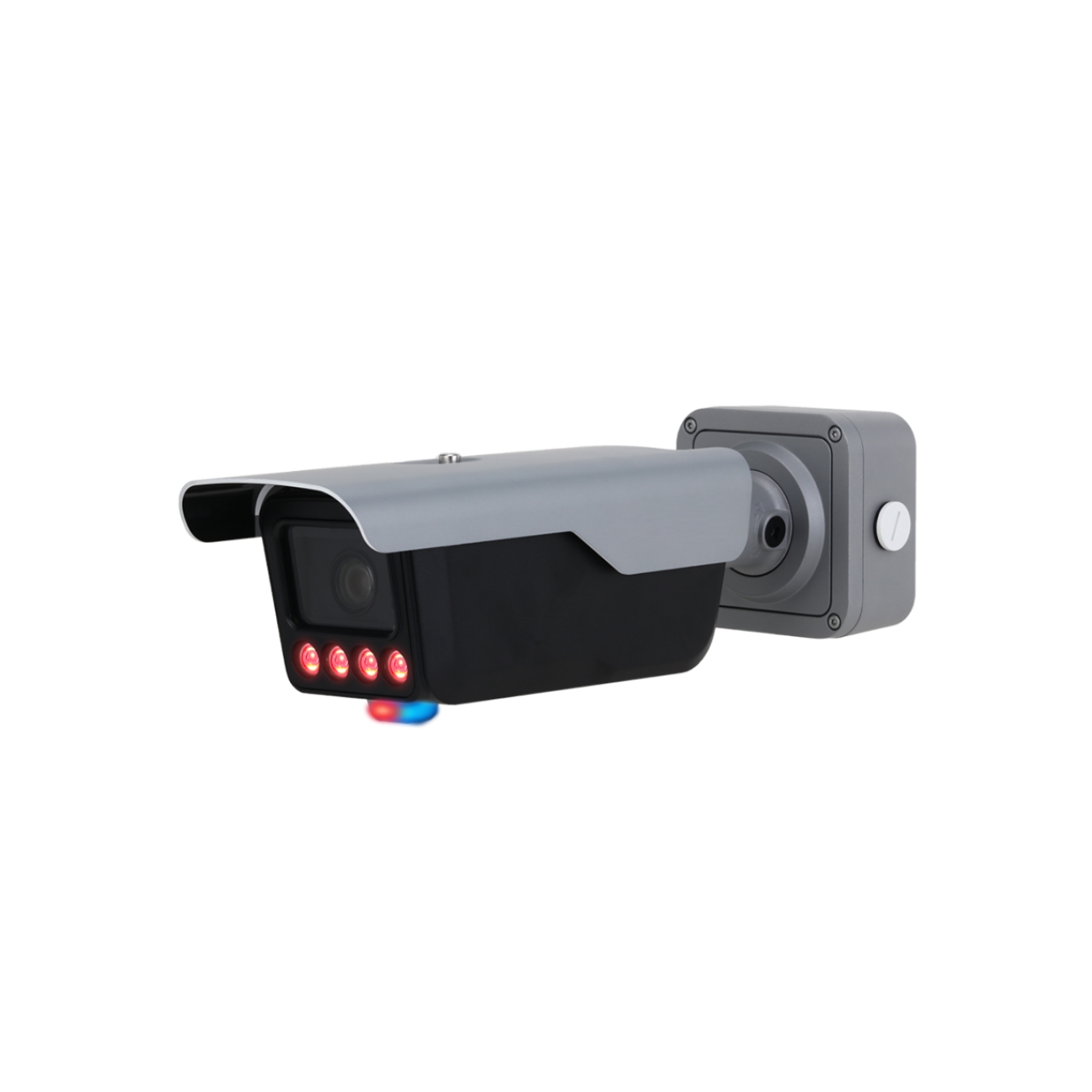
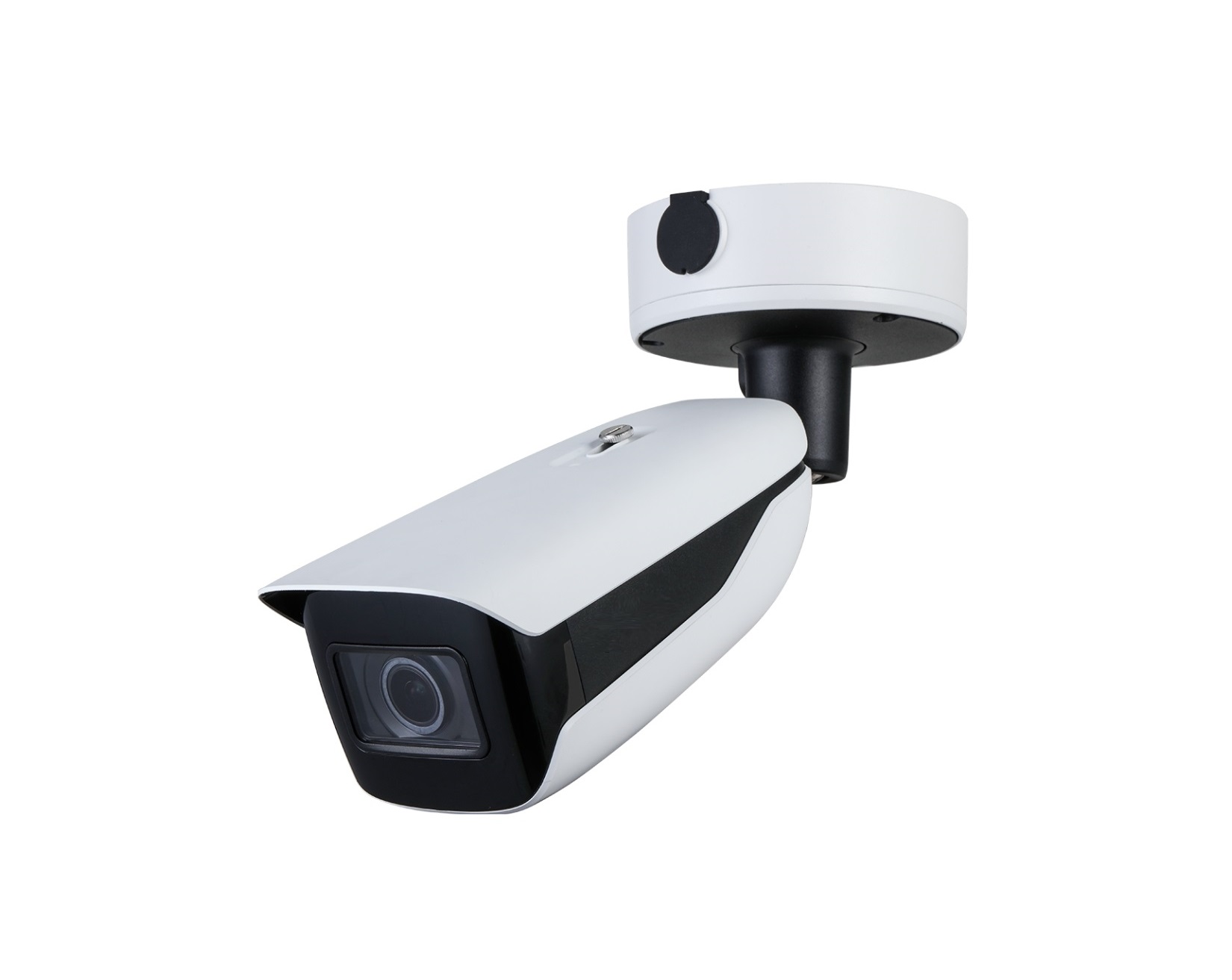
Lack of proper surveillance and monitoring of who uses the facilities can result in property damage, theft, or unauthorized events.
Smart Facility Booking Solutions
Court Booking System
Real-Time Court Availability
Our system provides live updates on court availability for sports such as badminton, tennis, and futsal, making it easier for players to book and manage court time.
Automated Reservations
With automated booking confirmations and reminders, users can easily book courts without any conflicts or last-minute errors.
Resource & Facility Management
Equipment Tracking
Manage sports equipment inventory effectively and ensure availability for users by tracking equipment usage and location in real-time.
Facility Utilization Reports
Get detailed reports on court usage, demand trends, and peak hours, allowing you to optimize facility scheduling and resource allocation efficiently.
Residential Facility Booking System
Meeting Rooms, BBQ Pits, & Karaoke Rooms
Our platform makes it easy to book common facilities in residential buildings, such as meeting rooms, BBQ pits, and karaoke rooms, ensuring smooth and hassle-free bookings for residents.
Booking Restrictions & Usage Limits
The system enforces booking restrictions and usage limits to prevent overbooking and misuse, ensuring fair access to facilities for all residents.
Implementation Benefits
Operational Efficiency
Automate booking processes, manage resources efficiently, and save administrative time with one system covering both sports centers and residential facilities.
Improved Security & Access Control
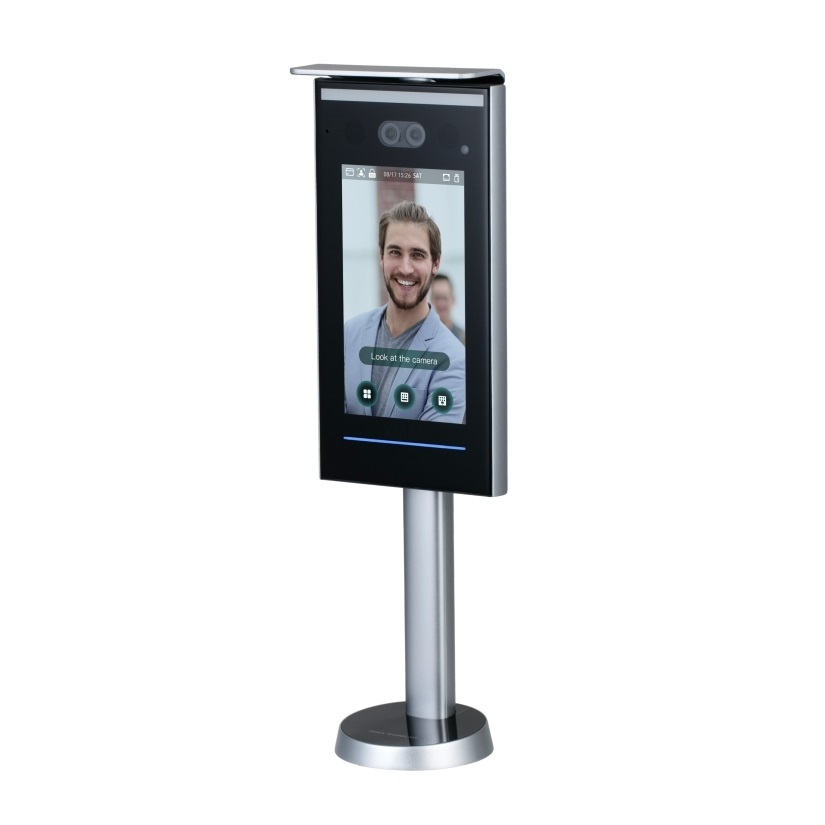
With integrated access control and real-time monitoring, ensure that only authorized members or guests access your courts or residential facilities.
Fraud Prevention & Payment Integrity
Eliminate fraudulent bookings and free facility access by ensuring all payments are properly recorded, and no games or sessions skip the payment system.
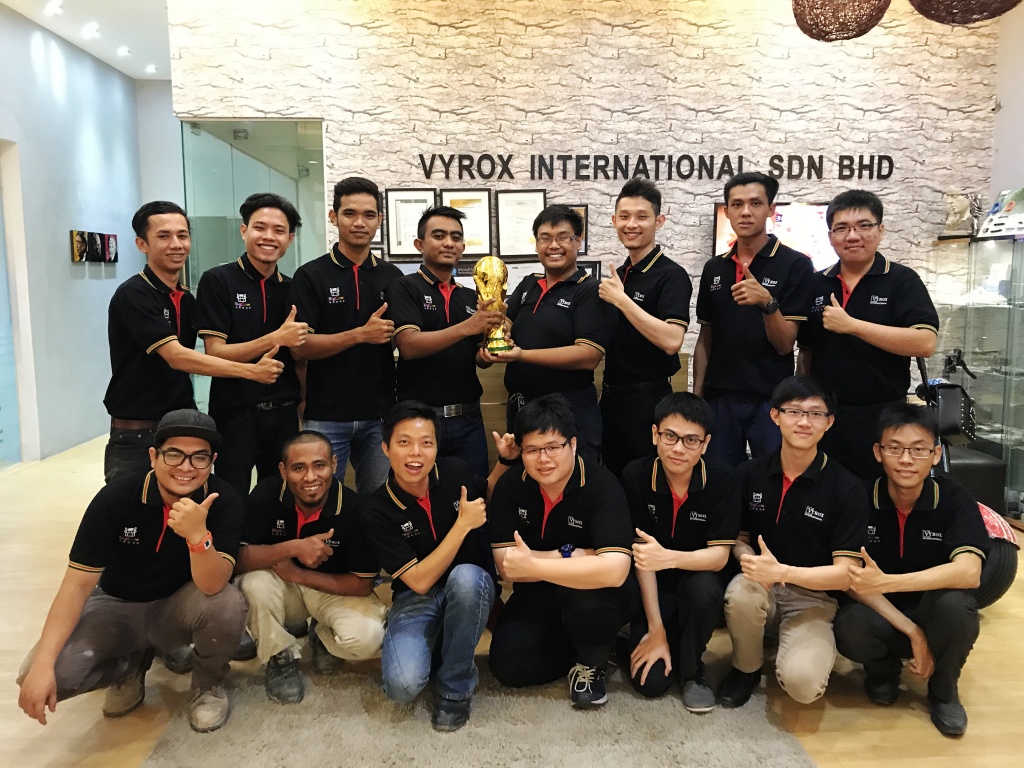
Facility Booking System at work
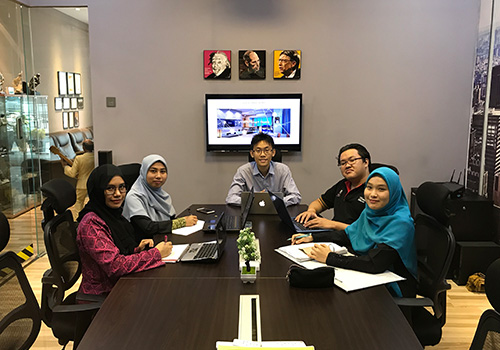
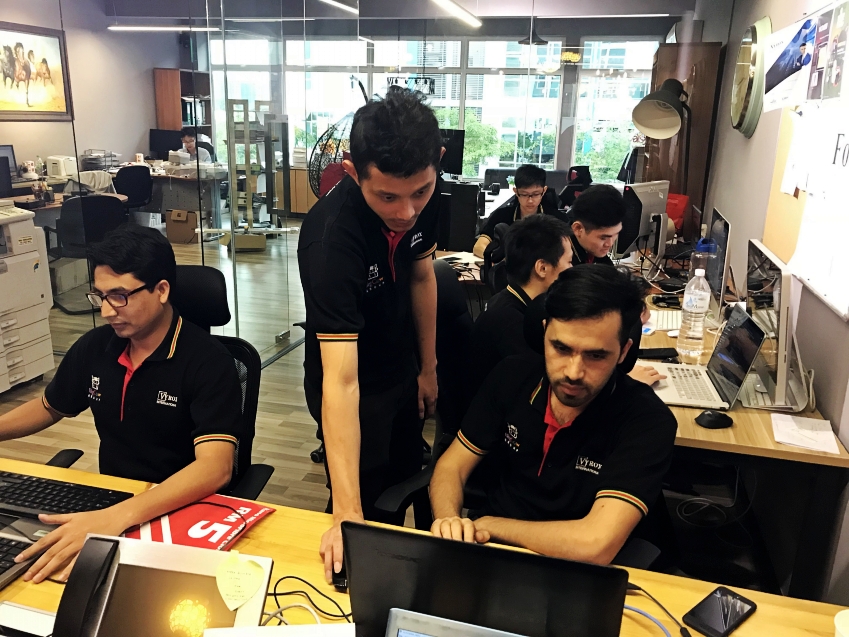
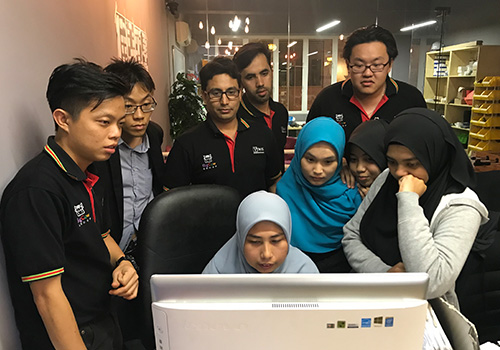
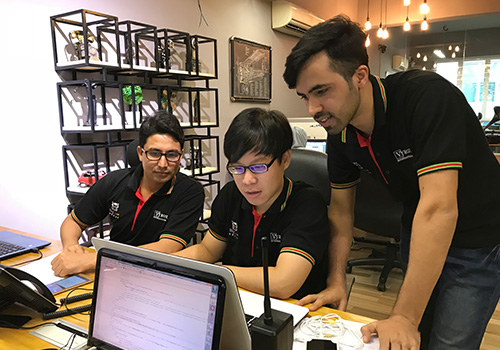
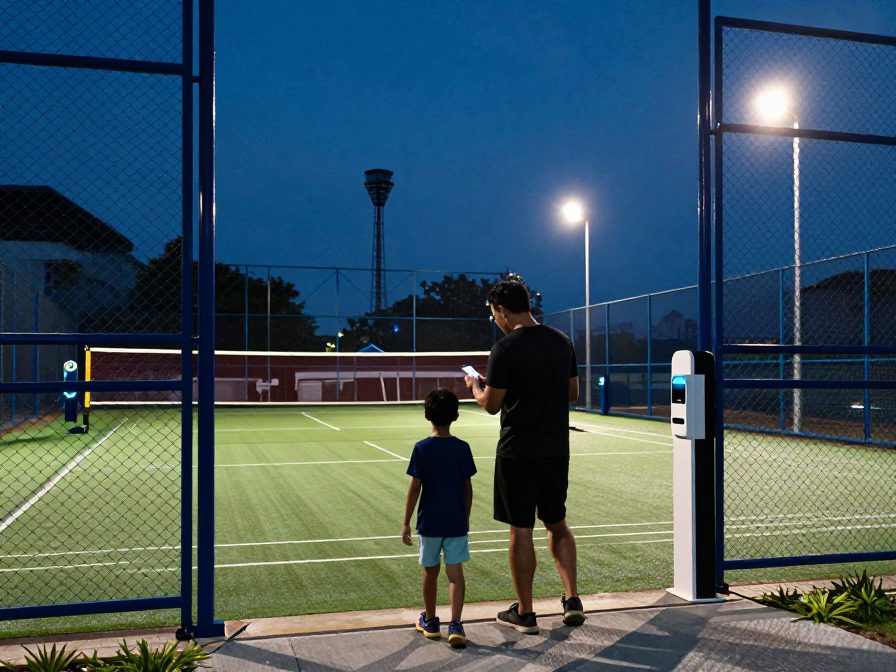
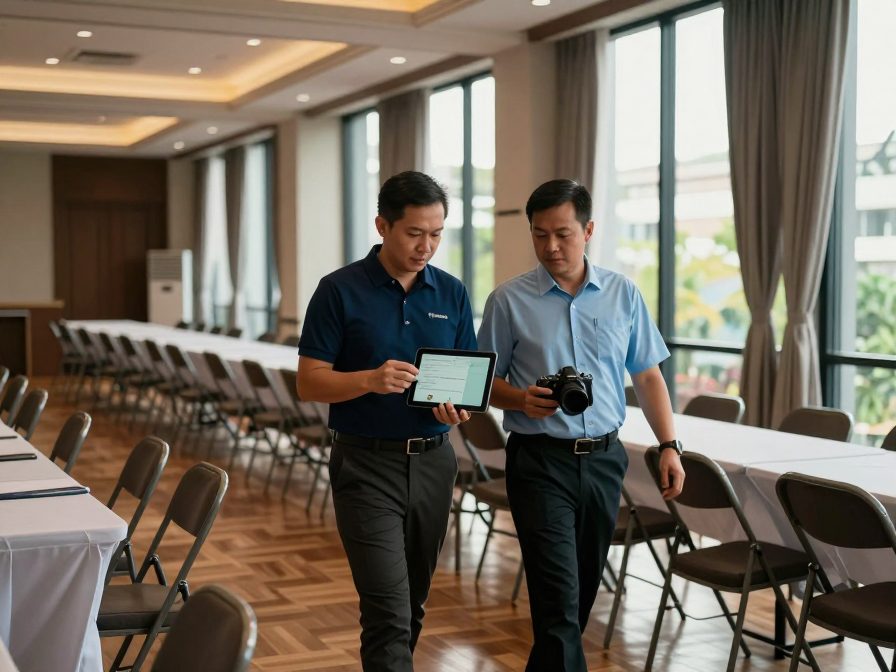
What these features look like on the ground, in a Malaysian property.


Facility Booking System features
Everything included, in one place.
- Customers may book via the user app and pay online for their bookings, or customers may go to the counter and book for their customers
- Bulk booking (select a slot then add to cart, select the one you want, then checkout and pay all at once)
- The facility may set whether approval is needed or not for a booking. The management may reject customer booking requests
- Once approved, customers are allowed to change their bookings if needed
- Customers will be notified by emails immediately automatically if there is a change in the booking status
- Check-in with QR code, let the operator scan your QR code or self-check-in. Within the booked time period, customers may control their lighting on-off to start
- Flexible settings:
- Minimum Booking Duration
- Restrict the booking start time to even hours only. For example, 8:00 AM, 10:00 AM, and 6:00 PM
- Able to collect refundable Deposit
- Auto-cancel a user's booking and release the slot for others if full payment is not received successfully within a certain time
- Able to allow or disallow amendments of booking is prohibited once payment has been made
- Users are not allowed to amend bookings
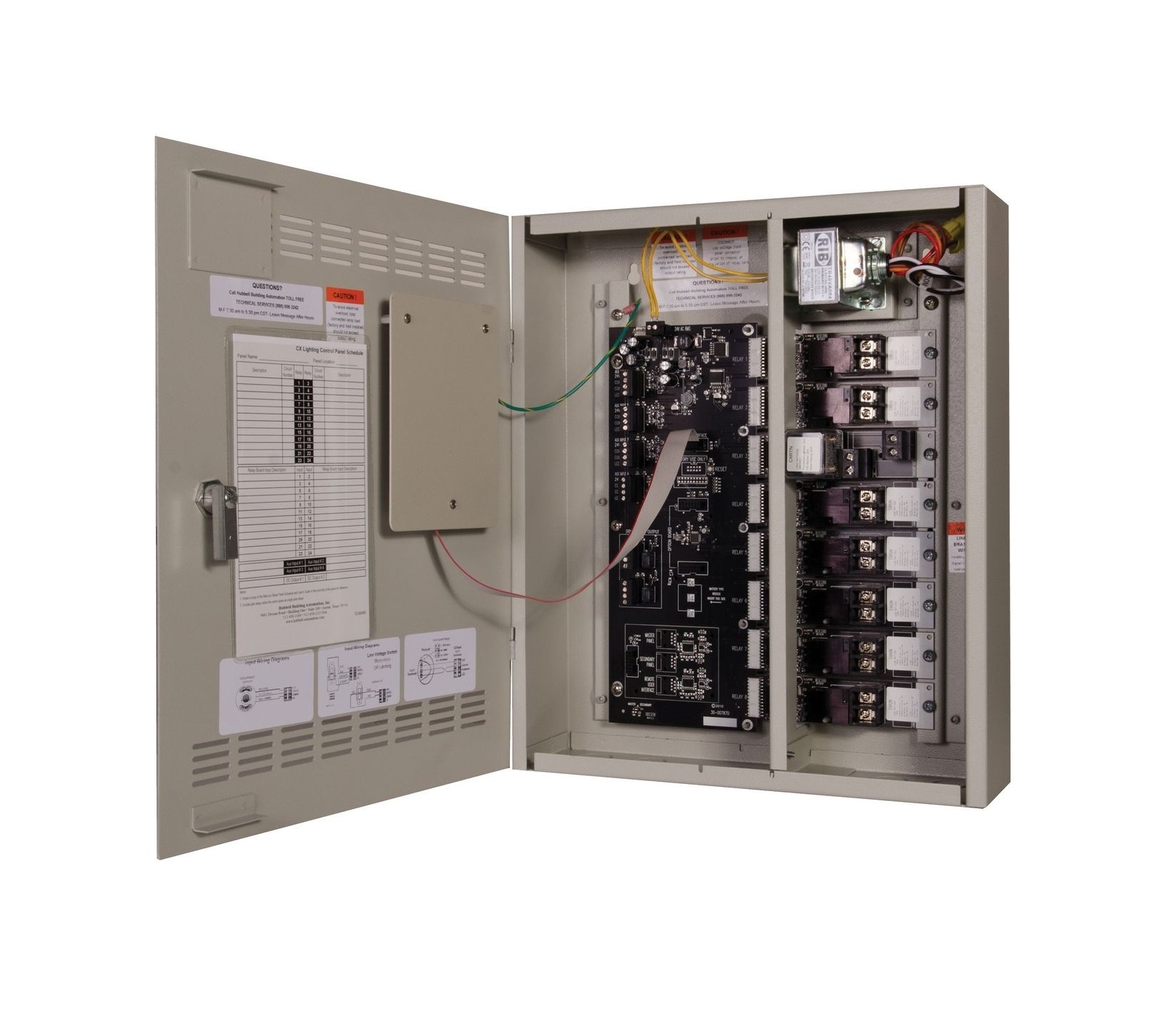
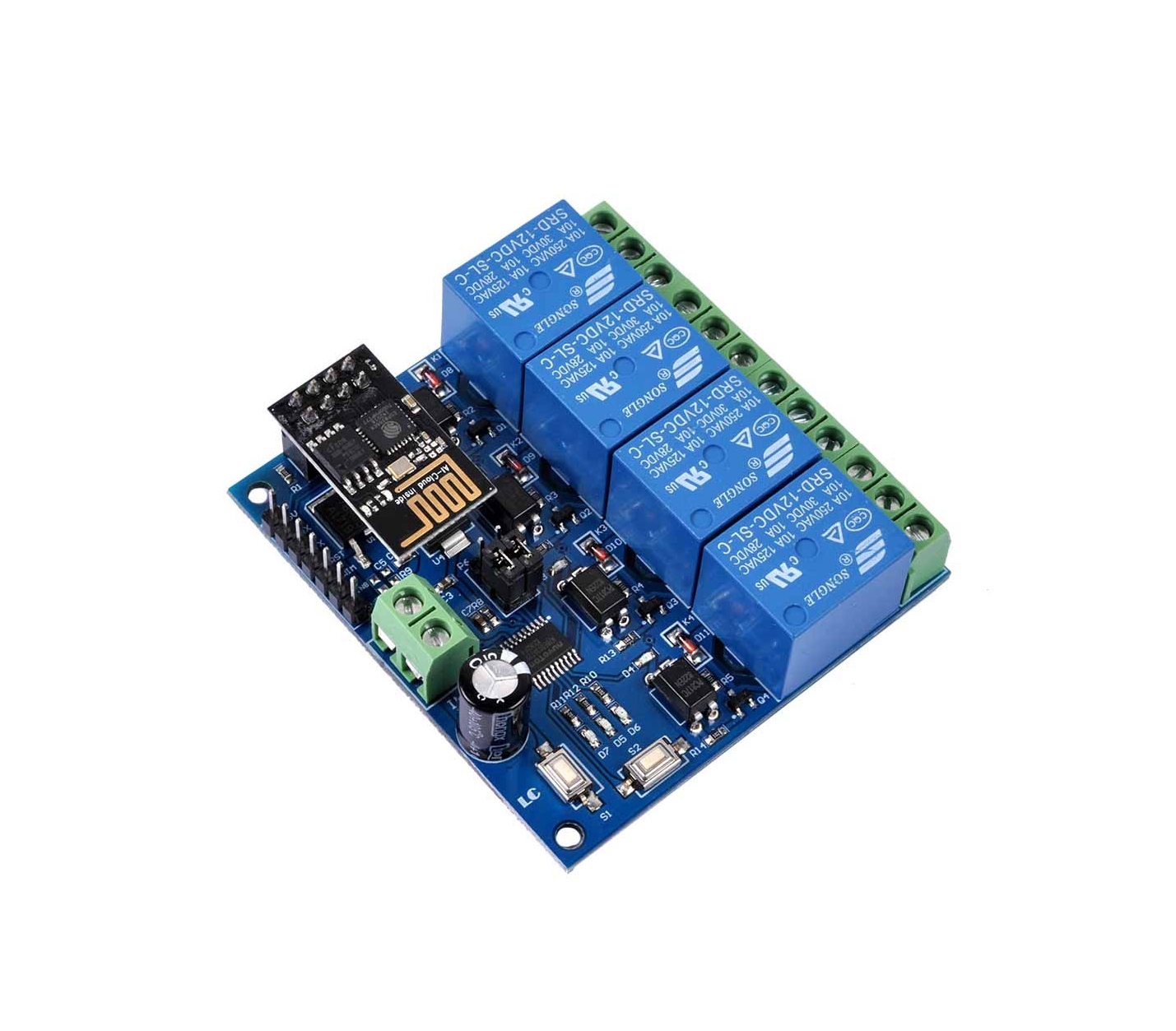
- Able to link to lighting control automation
- Able to set the minimum and maximum booking window (set days in advance or pick a date. Set the farthest day or pick a date for booking), able to set conditional one too (If today's date is earlier than the Pick a day of the month, then the maximum booking window date will be the last day of the current month, or else the next month)
- Allow to book even if the start-time is over, and the current time is no more than x minutes to the start-time
- Unit of Booking Duration (hourly, daily, monthly)
- Able to set multiple rates for a facility for different day-time periods (per day, weekdays, weekends, public holiday eves, public holidays)
- Note: If rate settings overlap, whichever lower will be applied
- For bookings (search by facilities, search by dates, like booking a flight ticket)
- Slot-based, calendar view-based booking operation (overview, directly choose the date-time-facility you like)
- Every slot is colored to represent different status of the booking (Unavailable, Pending Approval, Pending Payment, Partially Paid (Booked), Fully Paid (Booked), Free of Charge (Booked))
- Full booking status lifecycle: Pending Booking Approval, Pending Customer Payment, Pending Verification, Confirmed, Changed Confirmed, Checked-Out, Completed, Expired, No-Show, Rejected and Cancelled
- Cancellation reasons are recorded and distinguished: cancelled by user, cancelled by the management, or cancelled automatically due to non-payment
- Complete refund workflow with separate stages for Pending Refund Request, Pending Refund Approval, Pending Refund Payment and Refunded, each stamped with the approving officer
- Refundable deposits can be released in full, partially forfeited against damage or cleaning, or fully forfeited on a no-show, always with a written reason
- Booking charge, deposit, amount received and amount still receivable are tracked as separate columns on every booking
- Price Changed and Deposit Changed amendments raise a Pending Change Approval step, recording the change from and change to values
- Manual payment verification for bank transfers and counter payments, with online gateway payments auto-verified on callback
- Facility types group facilities so members can search by type first, then by date and time
- Per-facility settings for facility number, description, channel number, tax type and auto-approval
- Booking calendar slot interval is configurable per facility (for example 30 or 60 minute slots)
- Facility utilization analysis by hour or by minute, with member and non-member breakdowns, counts, charges and averages
- Date range filters throughout: Today, Yesterday, This Month, Last Month, This Year, Last Year, Other Day, Other Month, Other Year and Custom Time Frame
- Bookings can be searched and sorted by booking creation time, start time, customer account ID, booked for or booked by
- Separate views for Today and Tomorrow Onwards so counter staff see what matters right now
- Remark field on every booking so staff can pass context to the next shift
- Amenities catalogue with its own rate card, and amenity QR codes that show rate, duration and total before payment
- Every booking action is written to an audit trail with the timestamp and the officer or resident who performed it
AI IoT Industry Solutions
Six industry solutions built from these apps: facility booking, class scheduling, snooker centre, gym and fitness, RFID tracking, membership.AI-powered, IoT-connected systems built for every industry vertical.

AI IoT Facility Booking
AI-optimized scheduling with IoT occupancy sensors for courts, pools and halls
AI IoT Class Scheduling
AI-powered class scheduling with IoT capacity tracking and automated instructor assignment

AI IoT Snooker Center
IoT-automated table lighting, AI billing analytics and real-time occupancy dashboard

AI IoT Gym & Fitness
AI face recognition, IoT RFID check-in, smart billing and IoT-connected trainer scheduling

AI IoT RFID Tracking
IoT RFID sensors for real-time asset tracking, AI stock alerts and cloud-based management

AI IoT Membership
AI-powered membership tiers, IoT access integration and automated loyalty rewards