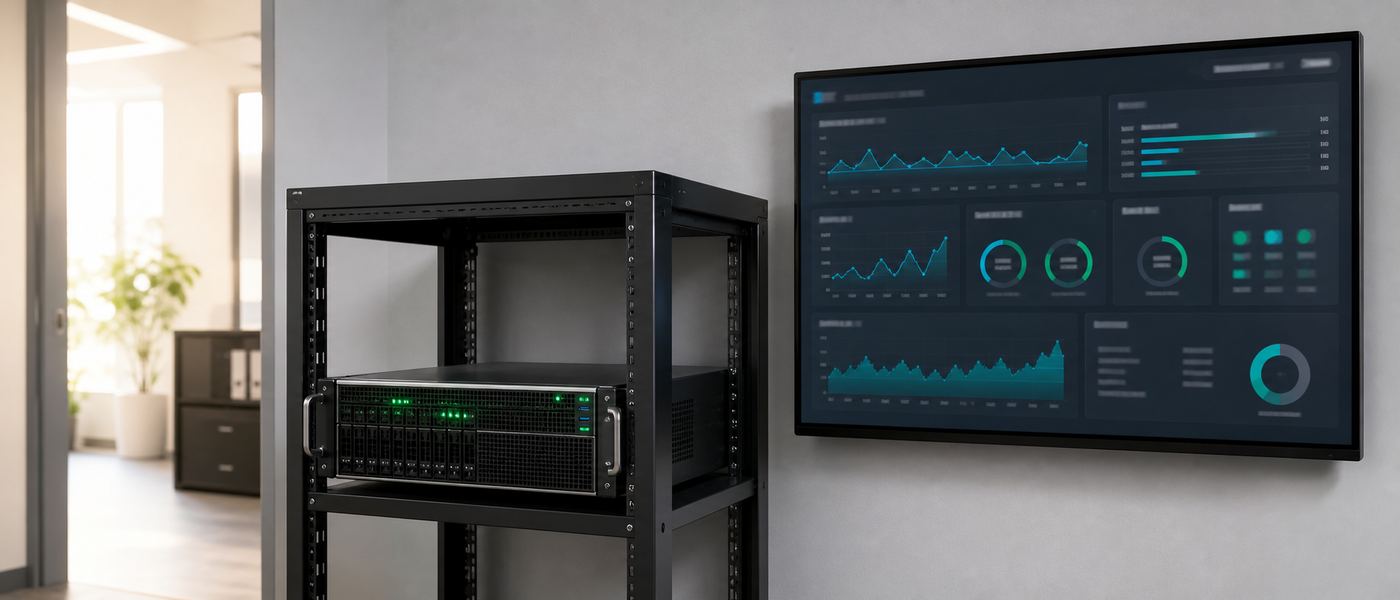
Every prompt you send to a cloud AI is a copy of your business leaving the building.
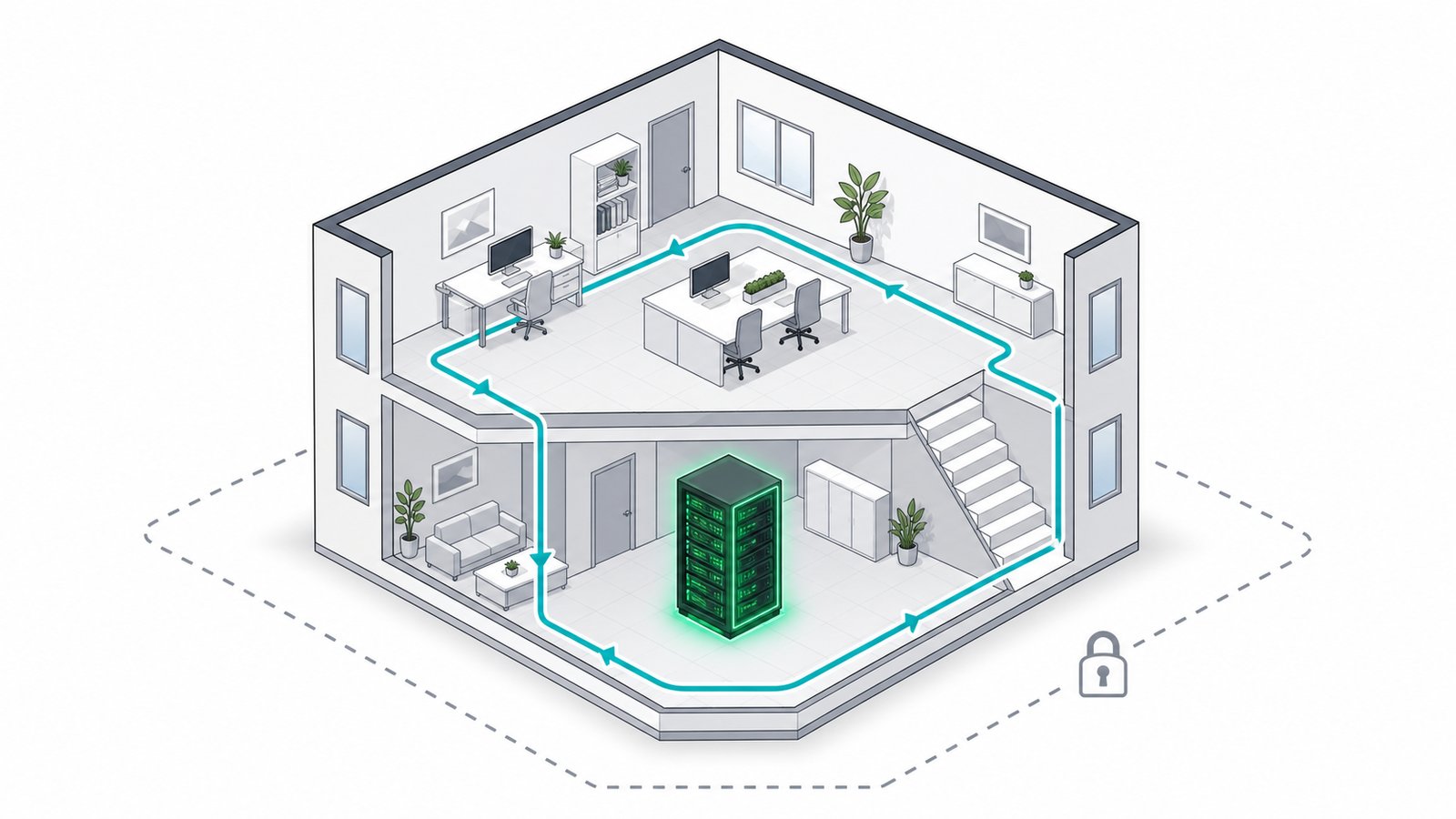
Contracts, financials, patient notes, source code: a local Large Language Model removes the risk at the architecture level, because there is simply no path out. The AI runs on your own computer or server, not a remote cloud like OpenAI or Anthropic. Here is the full privacy, security and practicality case.
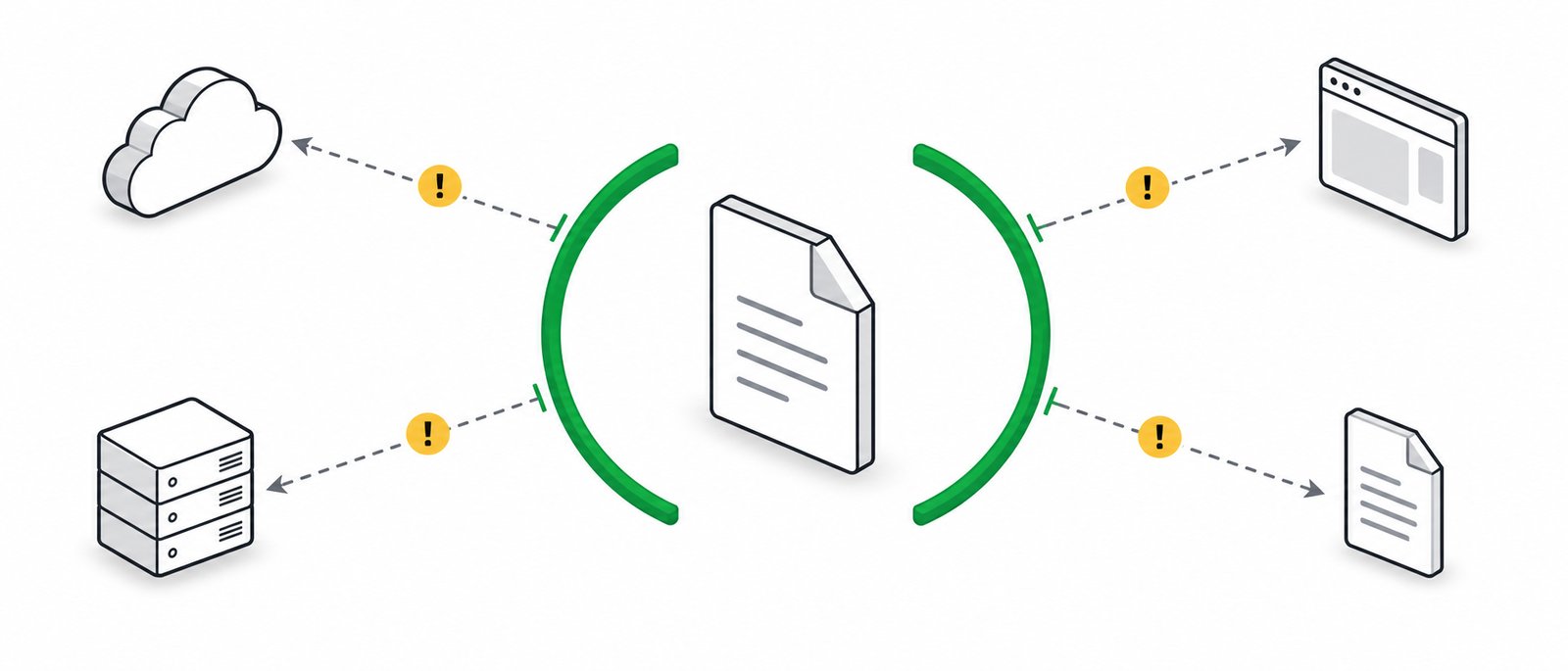
Contracts, financials, source code and customer records are processed on a machine you own. Nothing is uploaded, logged by a vendor, or used to train someone else's model. PDPA-aligned by default.
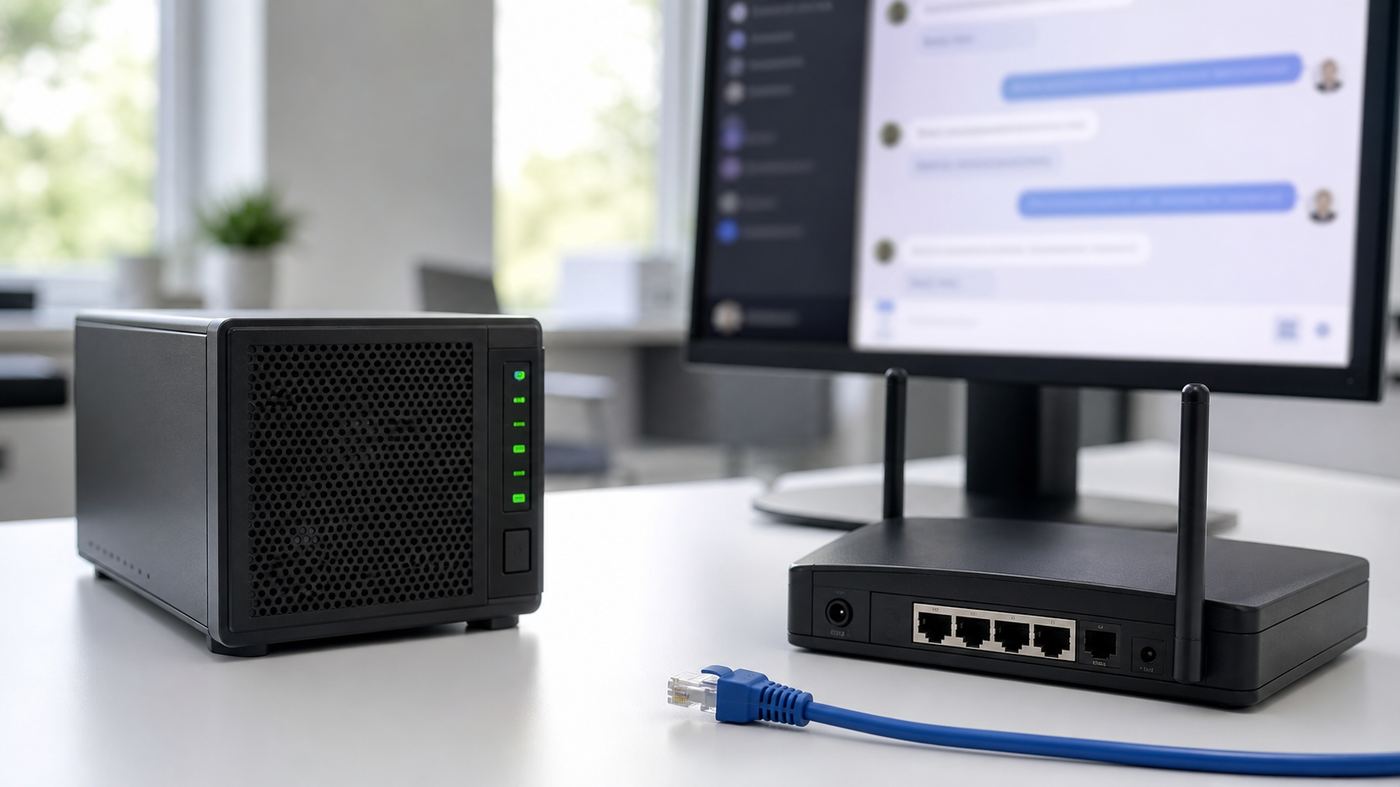
No internet, no problem. The AI keeps running on the factory floor, in a clinic, at a remote site, or during an outage. No API downtime, no rate limits, no "service unavailable."
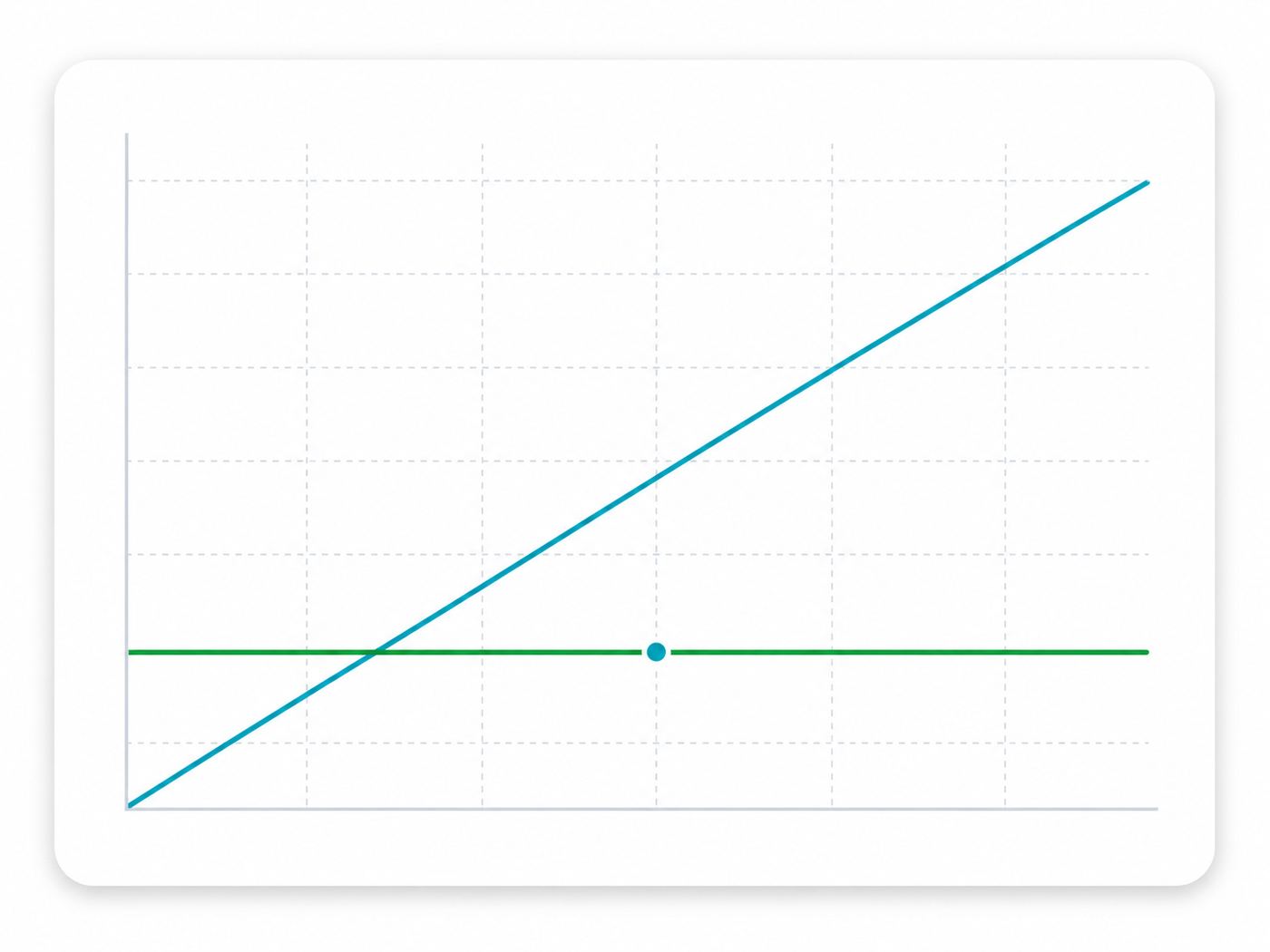
Cloud AI charges per user, per month, per token - forever. A local model is a one-time setup that then serves your whole team for the price of electricity. No per-seat licence.
None of these require a vendor to act in bad faith. They are ordinary properties of a system where the model runs on someone else's computer. This is the list to walk through with your compliance lead before signing anything.
Whatever you type, and whatever file you attach, is stored on the vendor's side for some retention window so that abuse review, debugging and safety systems can work. Even where training is disabled, retention usually is not zero. You are trusting a setting, not an architecture.
Consumer and free tiers commonly default to using conversations to improve the model. Business tiers usually turn this off, but the control lives in an account setting that any admin, or any future change of terms, can move. A local model has nothing to turn off, because there is nowhere for the data to go.
A cloud AI vendor runs on other people's infrastructure: hosting, logging, analytics, abuse screening, support tooling. Each is a sub-processor with some level of access. Your data protection assessment has to cover the whole chain, not just the name on the invoice.
Processing region is set by the vendor's available regions, not by you. For a Malaysian organisation, that can mean personal data leaving the country as a routine side effect of a staff member summarising a document. On-premise or a Malaysian VPC removes the question entirely.
This is the leak most organisations actually suffer. Someone under deadline pastes a client contract or a payroll sheet into a free chatbot on their own account, outside any corporate agreement, outside any log. Policy alone does not stop it. Giving staff a fast internal tool that is always available does, because there is no reason to go elsewhere.
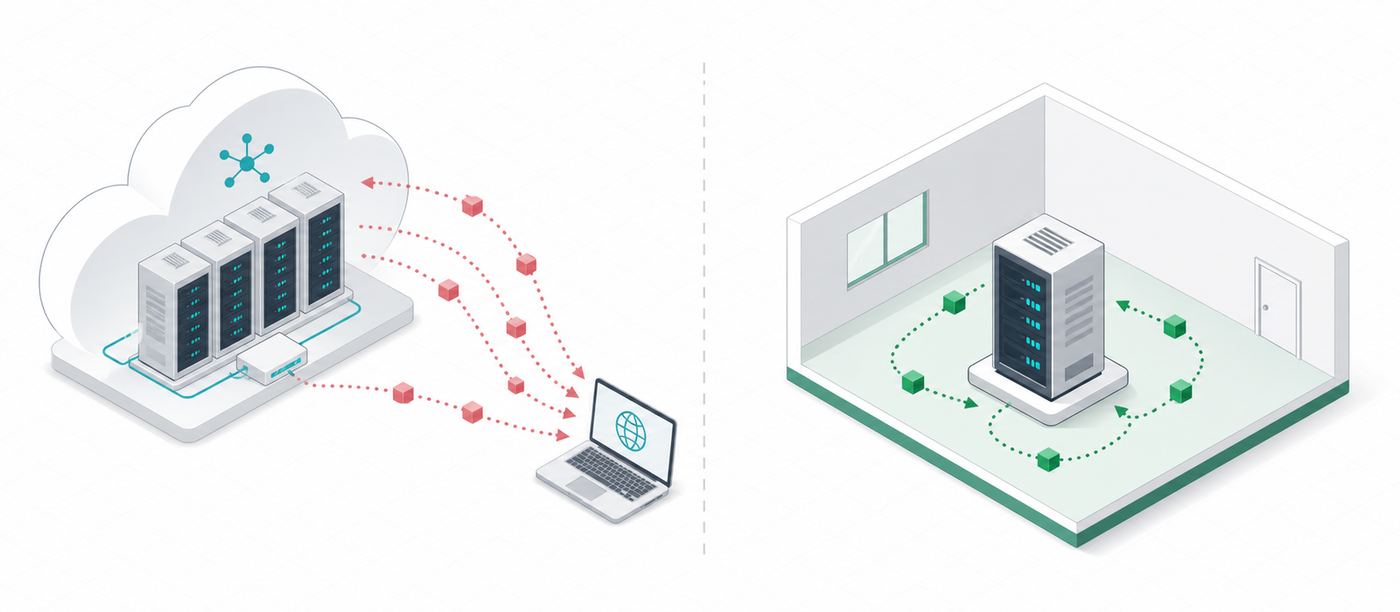
On a multi-tenant service your data sits in the same platform as thousands of other customers. You inherit their attack surface and the vendor's incident history. One phished staff password on a cloud AI account exposes an entire conversation archive, from anywhere in the world. A LAN-only server is not reachable from the internet at all.
The moment an AI tool is wired into your email, drive or CRM through a third-party connector, the data flowing through it is governed by that connector's terms as well. Every added integration widens the perimeter you have to audit. Local integrations run inside your own network, under your own credentials.
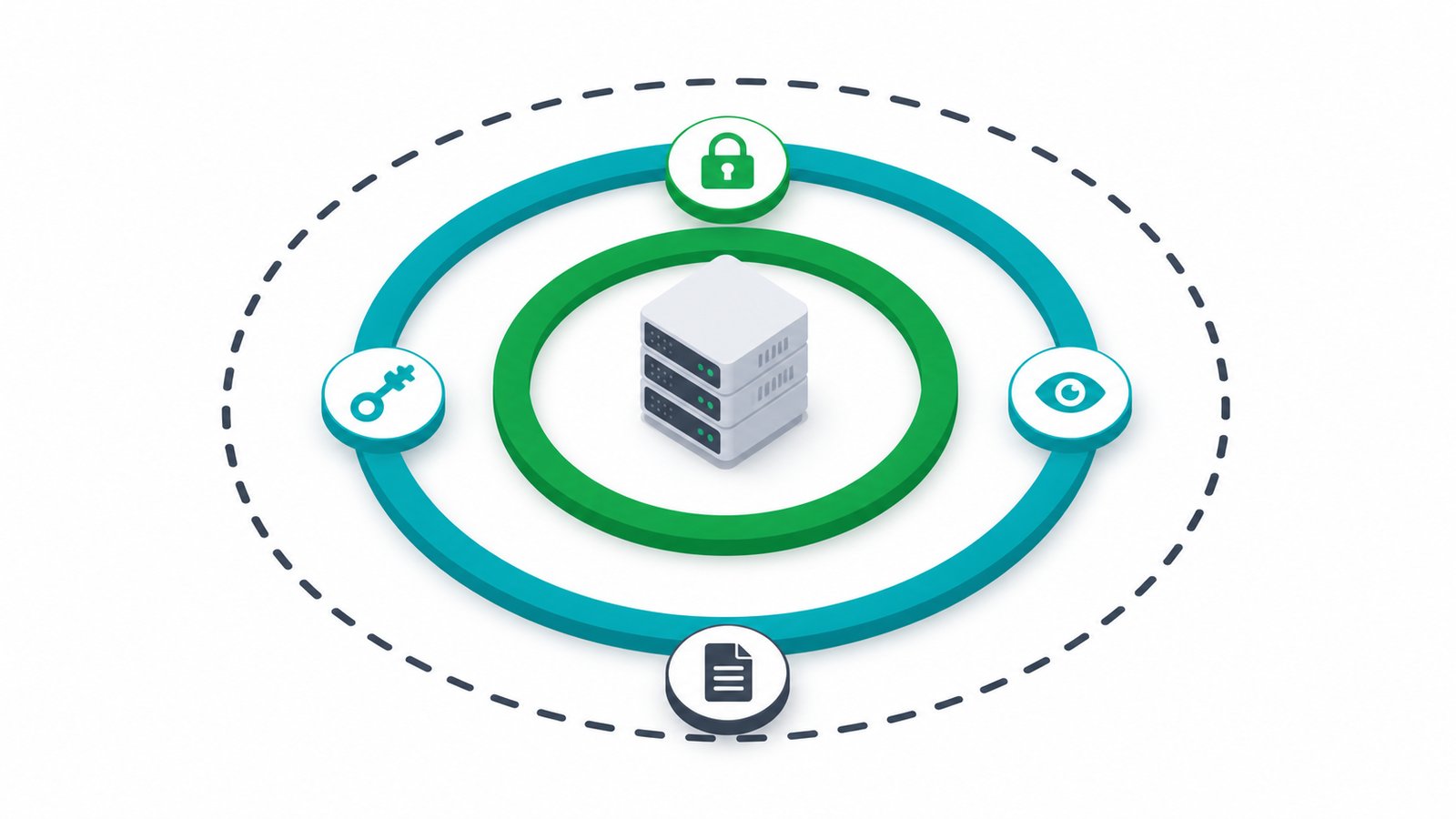
The honest test is simple: if the vendor deleted every promise from their terms tomorrow, what could still reach your data? With cloud AI the answer is "a lot". With an on-premise build the answer is "nothing, there is no route". That difference is structural, and it is the only kind of privacy guarantee that survives a change of management, a change of terms or an acquisition.
Not marketing language, the actual trade-offs on cost, privacy and speed. Figures are illustrative examples for a 20-person team, drawn from the pricing and hardware figures used across this site.
Swipe to see all columns
| Factor | Cloud AI (ChatGPT/Claude Team) | Local AI (VYROX build) |
|---|---|---|
| Monthly cost, 20 users | RM2,600 to RM5,600, every month, forever | RM0/seat after setup, electricity only |
| Typical setup cost | RM0, but you never stop paying | RM18,000 to RM32,000 one-time |
| Break-even vs subscriptions | Never, cost keeps rising with seats and tokens | 6 to 14 months, then effectively free |
| Where your data goes | Uploaded to a third-party server you do not control | Stays on hardware you own, in your building |
| Works with no internet | No, fails the moment the link drops | Yes, fully offline capable |
| Rate limits / outages | Subject to vendor limits and downtime | None, capacity is yours alone |
| Data residency control | Determined by the vendor's regions | You choose: on-prem, air-gapped or MY-based VPC |
| Model upgrades | Whatever the vendor ships, on their schedule | Free, swap to any open model, on the same hardware |
Figures are a worked example for a 20-seat team based on publicly listed cloud AI team pricing and the hardware tiers referenced elsewhere on this site. Your exact numbers depend on team size, usage and model choice, and are confirmed in the free audit.
Local versus cloud is not really a two-way choice. Most organisations are picking between four, and the middle two are where the confusion sits. Here is the honest layout of what each one gives you and what it costs you.
Swipe to see all columns
| What matters | Consumer chatbot (personal accounts) | Business cloud AI tier | Private instance in your cloud | On-prem VYROX build |
|---|---|---|---|---|
| Cost model | Free or low per person, paid personally, invisible to finance | Per seat, per month, forever | Per hour the instance runs, plus storage and egress, billed by your cloud provider | One-time build, then electricity |
| Illustrative cost, 20 users | Unbudgeted, often several personal subscriptions | RM2,600 to RM5,600 per month | Depends on how many hours the GPU instance is left running, not on seat count | RM18,000 to RM32,000 one-time |
| Where the data sits | Vendor servers, under a personal account with no company agreement | Vendor servers, in the vendor's chosen regions | Your cloud tenancy, in a region you pick | Hardware in your own building |
| Works with no internet | No | No | No, it is still a network service | Yes, fully offline capable |
| Who controls the model version | The vendor | The vendor | You, from the open models available | You, swap any open model on the same hardware |
| Audit logging and RBAC | None you can see | Admin console, within the vendor's feature set | Yours to configure and run | Yours, delivered configured |
| Effort to set up | None, which is exactly the problem | Low, a purchase order and some admin settings | High, someone has to build and keep running it | Moderate, VYROX builds and commissions it, your team is trained on it |
| Ongoing effort for you | None, and no oversight either | Seat management and licence renewals | Full platform ownership, patching, scaling and the bill | Routine care, with remote health monitoring and a same-business-day response SLA |
| Honest best fit | Personal, non-confidential tasks only | Teams whose work is not confidential and who want zero infrastructure | Teams with a real cloud engineering function and spiky, seasonal demand | Confidential work, steady daily usage, or a site where the internet is not dependable |
The 20-user figures repeat the worked example used elsewhere on this page and are illustrative, not a quote. Private-instance cost is deliberately left unpriced because it is set by your cloud provider's GPU instance rates and by how many hours you leave it running, not by anything VYROX controls.
It solves data residency and isolation. It does not remove the recurring bill, it does not work offline, and it hands your team a platform to operate. It is the right answer when demand is spiky and you already run cloud infrastructure well.
If your work is not confidential, usage is light, and you have no one to look after a server, paying per seat is a defensible decision. The cost case for local only wins once usage is steady and the team is past a certain size.
It is almost certainly already in use in your organisation, on personal accounts, with no log and no agreement. Whichever of the other three you choose, choosing quickly is what removes this one.
Built for the privacy-driven buyer. Choose a deployment mode, and layer on the controls your auditor expects.
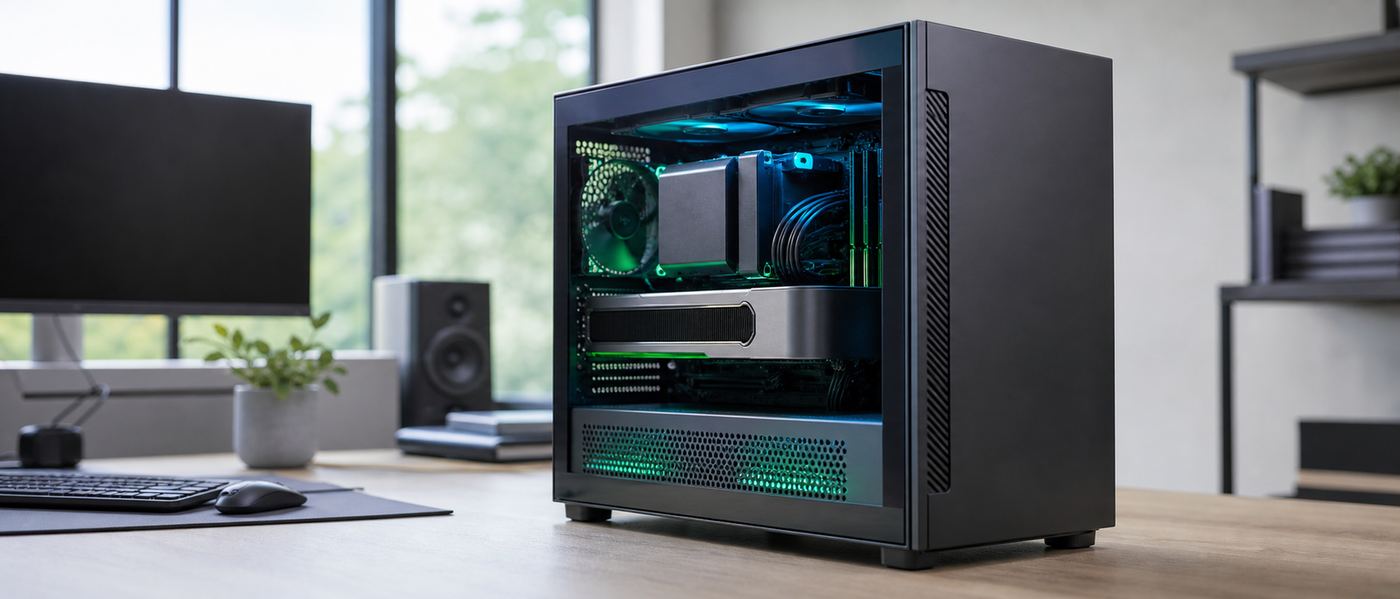
The LLM runs on a server physically inside your office, factory or data centre. Reachable over your LAN/VPN; the public internet cannot touch it. Best balance of control and convenience.
No internet connection at all. Updates applied manually via controlled media. For the most sensitive environments - defence-adjacent, critical infrastructure, regulated health/finance.
Deployed inside your own cloud tenancy or a Malaysian data centre. You keep data residency and isolation, with cloud scalability - local-grade control without owning physical servers.
Swipe to see all columns
| PDPA alignment | Architected so personal data stays within your control and within Malaysia, supporting your PDPA 2010 obligations. |
| Data residency | You choose exactly where data physically lives - it can stay entirely on your premises / in Malaysia. |
| No third-party sharing | No prompts, documents or outputs are sent to any external AI provider. Full stop. |
| Role-based access (RBAC) | Users and teams only see the data and tools they're permitted to. |
| Audit logging | Every query and access is logged for traceability and incident review. |
| Encryption | At rest (documents, vector DB, model data on disk) and in transit (TLS across LAN/VPN). |
| Single Sign-On | Integrates with Microsoft Entra/Azure AD, Google Workspace, or LDAP. |
| ISO 27001-aligned process | We follow ISO 27001-aligned practices for access, change and key management during delivery. |
VYROX implements ISO 27001-aligned and PDPA-aligned controls and supports your compliance posture; formal certification of your organisation remains with you and your auditor.
The most common objection to on-premise AI is not privacy or cost, it is "we do not have the people for this". Here is the honest split of who does what, so your IT lead can judge the workload instead of guessing at it.
Swipe to see all columns
| Task | Who owns it | What it involves in practice |
|---|---|---|
| Sizing and specification | VYROX | We measure your usage, pick the model and the hardware tier, and put the break-even date in writing before you buy. |
| Build and commissioning | VYROX | Assembly, model install, runtime configuration, access control setup and documentation, delivered working. |
| Rack space, power and network drop | Your team | A power outlet, a network port and somewhere with airflow. A workstation-class build fits under a desk; a team server wants a proper cabinet. |
| User accounts and permissions | Your team | Day-to-day joiners and leavers, through your existing directory. Single sign-on integrates with Microsoft Entra/Azure AD, Google Workspace or LDAP, so this is the same process you already run. |
| Backups | Your team | Your documents and the vector database go into your existing backup routine. The model itself does not need backing up, it can be reinstalled from source. |
| Health monitoring | VYROX | Remote monitoring of system health is included. This covers uptime, disk, temperature and service status, not document content. |
| Model and runtime upgrades | VYROX | Included and free. When a better open model ships, it is swapped on the same hardware, scheduled with you. |
| Fault response | Shared | Same-business-day response SLA. Your team is trained to do the first-line checks; anything deeper comes back to us. |
| Adding new use cases | Shared | Connecting a new document store or workflow is scoped per project. Your team can do it with the documentation, or we can. |
If someone in your organisation can look after a file server, a network switch and a directory, they have the skills for this. It is standard, documented open-source tooling on standard hardware, not a proprietary appliance with its own vocabulary.
Remote health monitoring reports whether the machine is up and healthy. It does not read prompts, documents or outputs. If we need to see content to diagnose something, you decide what to share, case by case.
Open models, open runtime, your own hardware, your own data. If you ever stopped working with VYROX, the system keeps running and your team has the documentation to run it. That is the point of using standard components.
If you have no internal IT function at all, say so during the audit. It changes the recommendation, usually towards a smaller build with a simpler support arrangement rather than towards a cloud subscription.
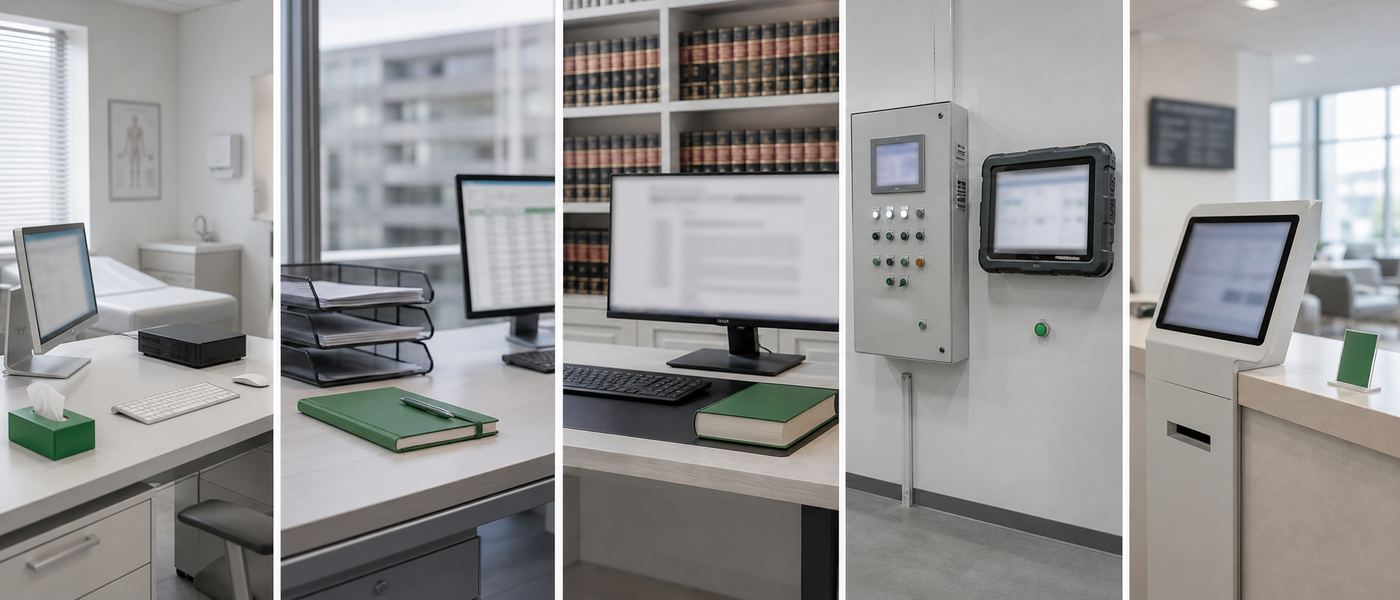
Local AI matters most wherever confidentiality is a professional duty, not just a preference. Five roles where the case is strongest.
Financials, HR records, supplier contracts and customer data run through daily drafting and reporting. A local AI removes the "did that leak to a vendor's training set" question entirely, and drops the per-seat bill to zero after setup.
Patient notes and consultation transcripts are the most sensitive data a clinic holds. An air-gapped setup (a machine with no internet connection at all) keeps every SOAP note and referral letter inside the clinic, supporting patient confidentiality and PDPA.
Bank statements, payroll and unaudited financials are client-confidential by professional obligation. Local extraction and drafting keeps every ledger line on your own server, with a full audit log of who accessed what.
Privileged documents cannot legally leave the firm's control without risking solicitor-client privilege. A local research and drafting assistant reads your matter files (RAG: retrieval-augmented generation, meaning the model answers from your own documents) without a single page touching a third-party server.
Citizen data and internal correspondence fall under strict data-residency and security expectations. On-premise or private-cloud deployment inside Malaysia keeps data sovereignty intact while still giving staff a modern AI assistant.
Fact: for everyday work - drafting, summarising, extraction, coding, internal Q&A - Qwen3.6, Kimi K2.6, GLM-5.1 and DeepSeek V4 run at quality very close to the big clouds. We build hybrids that call cloud only when it genuinely wins.
Fact: new open models ship monthly and are free. Swapping today's model for next year's best is a one-line change on the same hardware. Your rig gets smarter over time, for RM0.
Fact: every build ships with remote monitoring, free model upgrades, and a same-business-day SLA. Standard open-source, documented, your IT trained. No black box, no lock-in.
If your measured first-year savings don't beat the subscriptions it replaced, we re-tune the system at our cost until they do - and you keep the hardware either way. Every build also includes remote health monitoring, free model & runtime upgrades, and a same-business-day response SLA.
A page arguing one side is worth less if it never names the other. These are the situations where we would tell you not to buy, or to buy something smaller than you were planning.
The cost case is arithmetic. If three people use AI occasionally, a per-seat subscription is cheaper than any hardware you could buy, and it will stay cheaper. Below roughly the point where a monthly cloud bill would clear a build inside twelve months, we will say so during the audit rather than quote you a system.
Open models track close to the leading cloud models on everyday business work, and the gap has kept narrowing. On the hardest frontier reasoning tasks, the top proprietary model of the moment can still be ahead. If your work genuinely lives at that edge, a hybrid build that keeps confidential work local and calls the cloud for the rare hard task is the honest recommendation.
A local AI answering from your own files is only as good as those files. Scattered folders, five versions of the same policy and no naming convention will produce confident answers drawn from the wrong document. This is fixable, but it is work you do, and it is better to know that before the server arrives than after.
A local model has no live web access by default. It knows what it was trained on and what you give it. Search over your own documents is standard; live external lookup is an integration decision you make deliberately, and it reopens an outbound path you may have bought this system to close.
It drafts, summarises, extracts and searches. It does not sign off. A lawyer still reviews the clause, an accountant still checks the figure, a doctor still makes the call. Output that goes to a client or a regulator needs a human name against it, and any AI system can produce a fluent answer that is wrong.
This is physical hardware. It needs somewhere to live, a stable outlet, airflow, and someone whose name is on it. If nobody in the organisation can own that, a smaller workstation build on one desk is a better starting point than a team server nobody looks after.
Every limitation above is about cost, capability or effort. None of them touch the privacy argument, because that one is structural rather than a matter of degree. If your work involves other people's confidential information, the privacy case can justify a build before the cost case does, and the free audit gives you both numbers separately so you can weigh them yourself.
A simple, honest worked example. Not a promise for your business, but the kind of math the free audit runs for you exactly.
Privacy, savings, hardware and delivery - walked through slide by slide. Share it with the person who signs off.
Book a free 45-minute Local-AI Audit. We measure your current cloud spend, spec the exact build, and give you the costed break-even date - in writing, no obligation.
No deck pitch. Just engineers sizing your build.
Free Local-AI audit