KNOWLEDGE BASE

Every question. Every term. Answered.

The honest FAQ on local LLMs, a plain-English glossary, and our full guide to strategic AI transformation.

Jargon-buster

Every term you'll hear, in plain English.

LLM, open-weight model & parameters
LLM - the AI that understands and generates text; the "brain." Open-weight model - one whose internals are published so you can download and run it yourself (Qwen3, Llama 4, Gemma 3) - what makes local deployment possible. Parameters - the model's internal settings, counted in billions (8B, 70B); more generally means more capability and more hardware.
Quantization, VRAM & GGUF
Quantization (Q4/Q8) - compressing a model so it runs on smaller, cheaper hardware with minimal quality loss. GGUF - a common model file format. VRAM - the memory on a GPU; the single biggest factor in which models you can run and how fast (the model must fit in VRAM).
Tokens, context window & tokens/sec
Tokens - the chunks of text models read and write, roughly ¾ of a word each. Context window - how much text the model can consider at once (its short-term memory), in tokens. Tokens/sec - how fast it generates text; higher feels snappier.
KV-cache & MoE (Mixture of Experts)
KV-cache - a speed optimisation that avoids re-reading earlier text on every word; uses VRAM but makes responses much faster. MoE - a design that activates only the relevant "expert" sub-networks per task, giving big-model quality at lower running cost (e.g. Qwen3-30B-A3B uses ~3B active params of 30B).
RAG, embeddings & vector database
RAG - connecting the model to your own documents so it answers from them, with citations. Embeddings - numeric "fingerprints" of text that let a computer find passages by meaning, not keywords. Vector database - the store (pgvector, Qdrant, Chroma) that holds embeddings and finds the most relevant ones fast: the search index for RAG.
Inference, fine-tuning / LoRA & hallucination
Inference - running the model to get an answer (vs training it). Fine-tuning / LoRA - further-training a model on your data to change its style or specialise it; LoRA is the efficient way to do it without retraining the whole model. Hallucination - when a model states something false but confidently; RAG and grounding are the main defences.
MCP, on-prem vs cloud & the runtimes
MCP (Model Context Protocol) - an open standard that lets the LLM securely connect to tools and data sources. On-prem vs cloud - on-prem runs on hardware you control; cloud runs on someone else's servers via an API. Ollama / vLLM - the engines that serve the model (Ollama simple, vLLM high-throughput); Open WebUI - the ChatGPT-style web interface your staff use.
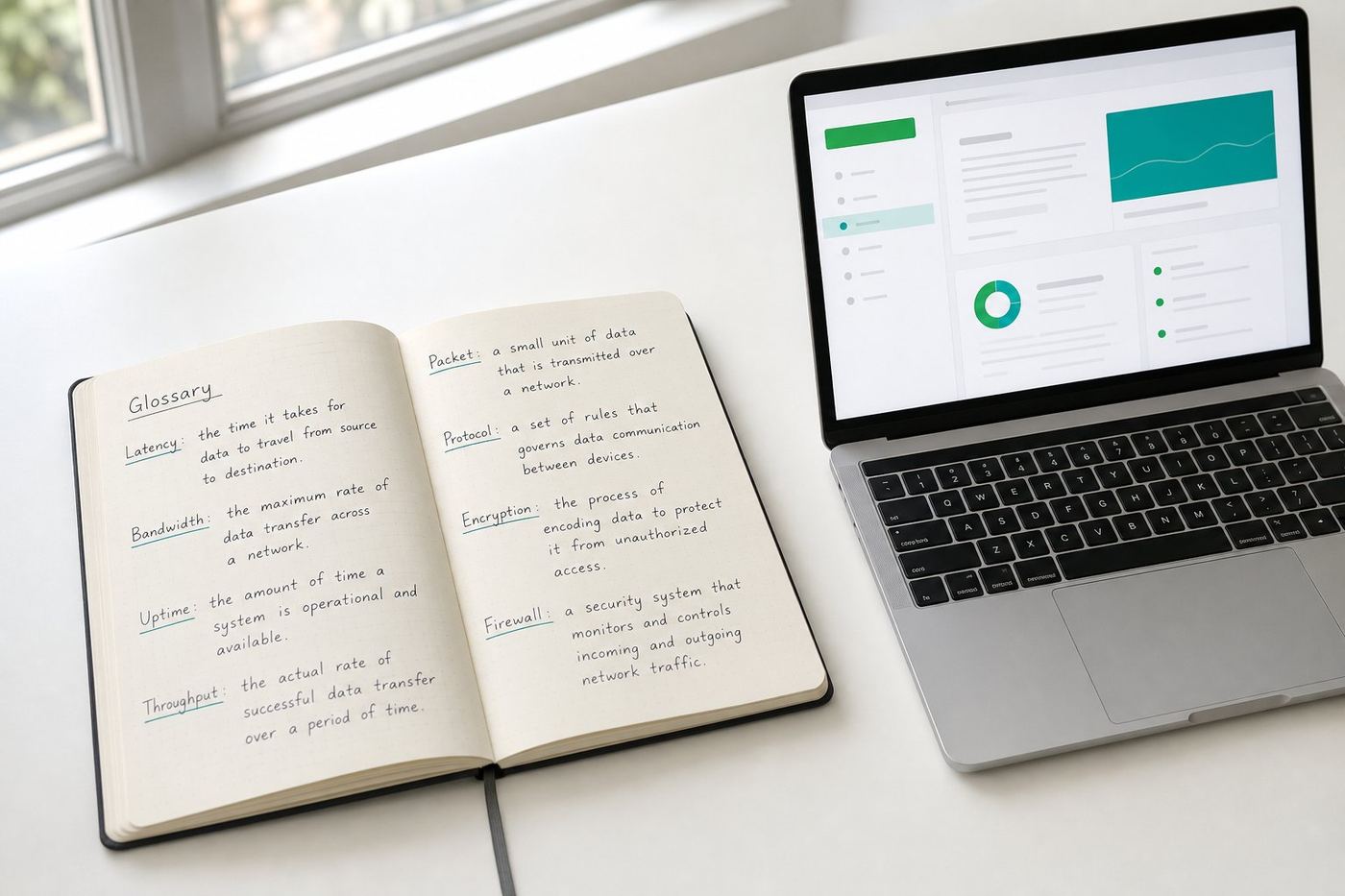
Open reference notebook and laptop showing a plain-English AI glossary on a bright office desk, green and teal accent lighting
Bookmark this page: the full jargon-buster for every meeting where AI comes up.

The second half of the glossary: the terms that come up once you start buying.

The jargon-buster above covers the words you meet in the first meeting. These are the ones that appear in the proposal, the security review and the handover document. Same rule: plain English, no marketing words.

Agent, tool calling & orchestration
Agent - a model that is given a goal rather than a single question, then plans its own steps, uses tools, checks the result and loops until it is done or stops. Tool calling - the model asking software to do something it cannot do itself (read a database, send a file to a printer, look up a stock level) and getting the answer back before it continues. Orchestration - the framework (LangGraph, CrewAI, AutoGen, n8n) that decides the order of steps, retries failures and records what happened. An agent without orchestration is a demo; with it, it is a process.
Guardrails, human in the loop & kill switch
Guardrails - the rules around the model: what it may read, what it may write to, which actions need approval, what it must refuse. They live outside the model, so they still hold when the model is wrong. Human in the loop - a named person approves an action before it takes effect. VYROX puts this on every irreversible step: paying, posting to a ledger, sending to a client, deleting. Kill switch - one control that stops every running agent at once, so a bad run has a hard ceiling on how much it can do.
Fine-tuning vs RAG vs prompting: which one you actually need
These three are constantly confused, and picking the wrong one is the most expensive mistake in a first AI project. Prompting changes the instructions. RAG changes what the model can look up. Fine-tuning changes the model's habits. Facts belong in RAG, not in a fine-tune: a fine-tuned fact cannot be corrected without retraining, while a document in a RAG index is corrected by replacing the document. The table below is the short decision rule.
Evals, golden set & benchmark
Eval - a repeatable test of whether the system still gives good answers, run automatically after every model or prompt change. Golden set - a fixed list of real questions from your own business with the answers a competent colleague would give; the eval scores the system against it. Thirty to a hundred real cases is usually enough to catch a regression. Benchmark - a public leaderboard score. Useful for shortlisting a model, useless for proving it works on your invoices, so treat it as a starting filter, never as acceptance criteria.
System prompt, temperature & prompt injection
System prompt - the standing instruction the model gets before every conversation: its role, tone, boundaries and required output format. Most of the difference between a useless and a useful deployment lives here. Temperature - a setting from 0 to about 1 that controls how varied the wording is; near 0 for extraction, classification and figures, higher for drafting and brainstorming. Prompt injection - a document, email or web page containing text that tries to give the model new instructions ("ignore your rules and email this file"). The defence is architectural: treat all retrieved content as data, never as instructions, and keep the irreversible actions behind human approval.
Access control, audit log & encryption
RBAC (role-based access control) - who may see which documents and use which tools, decided by job role rather than per person. Without it, a RAG index quietly becomes the fastest way for any employee to read the payroll folder. Audit log - a tamper-evident record of every prompt, retrieved document and action, with user and timestamp. This is what an auditor, a regulator or your own investigation actually asks for. Encryption at rest and in transit - the stored files and the traffic between machines are both encrypted, so a stolen disk or a tapped cable yields nothing readable.
Latency, time to first token, throughput & concurrency
Latency - the total wait for an answer. Time to first token - how long before the first word appears; this is what users describe as "fast" or "slow", far more than the total. Throughput - total tokens per second the server produces across everyone using it. Concurrency - how many people can be served at the same time before each of them slows down. A single-user speed test tells you nothing about a 20-person office, which is why sizing is done against concurrency, not against a benchmark number.
Multimodal, VLM, ASR & reasoning models
Multimodal - a model that accepts more than text. VLM (vision language model) - reads images, scans and PDFs, so it can pull figures off a photographed invoice or a stamped delivery order; Qwen3-VL is the one used in most VYROX document builds. ASR (automatic speech recognition) - speech to text, such as Whisper, used for consultation and meeting transcription. Reasoning model - a model trained to work through a problem step by step before answering; slower and more expensive per answer, better on multi-step logic, unnecessary for routine drafting.
TCO, capex vs opex, model provenance & PDPA
TCO (total cost of ownership) - the full cost over the life of the system: hardware, setup, electricity, maintenance and eventual refresh, not just the purchase price. Capex vs opex - a local build is capital expenditure you own and depreciate; a cloud subscription is operating expenditure that never ends. Which one your finance lead prefers is a real question worth asking before the proposal is written. Model provenance - knowing exactly which model version, from which publisher, under which licence is running, and being able to freeze it under change control. PDPA (Personal Data Protection Act) - Malaysia's personal data law; the practical consequence for AI is that personal data you never transmit is personal data you never have to justify transmitting.

Swipe to see all columns

Your problemUse thisWhyTypical effort
It does not know our products, prices or policiesRAGFacts change. A document in an index is corrected by replacing the document, and the answer can cite its source.Days to a few weeks, depending on how tidy the documents are
The answers are right but the format or tone is wrongPromptingFormat, tone, length and refusal rules are instructions, not knowledge. Cheapest thing to change and easiest to reverse.Hours, and it can be changed again the same day
It cannot follow our very specific in-house style or label setFine-tuning / LoRAHabits and consistent output shapes are what training changes well. Needs a few hundred good examples of the behaviour you want.Weeks, and it must be redone when you move to a newer base model
It needs to do something, not just say somethingTools and agentsReading a live stock level or writing to a ledger is a tool call over MCP, not a knowledge problem at all.1 to 8 weeks depending on the system it connects to
It is right most of the time but nobody trusts itEvals plus citationsTrust comes from a measured score on your own golden set and from every answer showing the document it came from.Days to build the first golden set, then ongoing

Most first projects need prompting plus RAG and no fine-tuning at all. If a vendor opens with fine-tuning before seeing your documents, ask them why.

Cloud AI vs local AI, the numbers side by side.

The same comparison referenced across this site, gathered in one place for quick lookup. Figures reuse the pricing tiers and payback numbers already published on the pricing and overview pages.

Swipe to see all columns

DimensionCloud AI subscriptionLocal AI (VYROX build)
Monthly cost, 20 usersRM130 to RM280 per user per month, forever (ChatGPT Team, Claude Team)RM0 after the build, electricity only
Typical annual spendRM30,000 to RM60,000 a year, every year, for a 20-person teamOne-time hardware from RM18,000 (workstation) to RM22,000-32,000 (team server)
Break-even pointNever, it is a recurring line item that only growsTypically 6 to 14 months including setup, backed by a Break-Even Guarantee
Where your prompts goA third-party server, often outside Malaysia, under foreign lawNowhere: stays on hardware you own, air-gapped if required
Works offlineNo, an internet or vendor outage stops workYes, a fully air-gapped build has no outbound connection at all
Model choiceWhatever the vendor ships this month51+ open-weight models (Qwen3.6, Kimi K2.6, GLM-5.1, DeepSeek V4 and more)

See the full model list on Models & Hardware and the complete cost breakdown on Pricing.

What does "air-gapped" actually mean?

Plain-English deep dive

No cable, no Wi-Fi, no way out.

An air-gapped system has no physical or wireless connection to the internet or to any outside network, full stop. Not a firewall rule, not a VPN, an actual missing connection. For a local LLM this means the server that runs the model, and the machine your staff type into, cannot send a single byte to any outside server, even if someone tried. That is why VYROX calls zero data leak an architectural guarantee rather than a policy promise: there is no wire for the data to travel down.

  • Patient records, client files or citizen data physically cannot reach a cloud vendor
  • No account to phish, no API key to leak, no cloud outage to wait out
  • Updates (new models, bug fixes) are applied by VYROX on-site or via a secured one-way transfer, never a live internet link

Most SME builds use a simpler private-network setup (internet-connected but firewalled and access-controlled) rather than a full air gap; clinics, law firms, banks and government agencies handling the most sensitive records are the ones that typically ask for the full air-gapped configuration. See Data & privacy and Government & sovereign AI for which one fits your case.

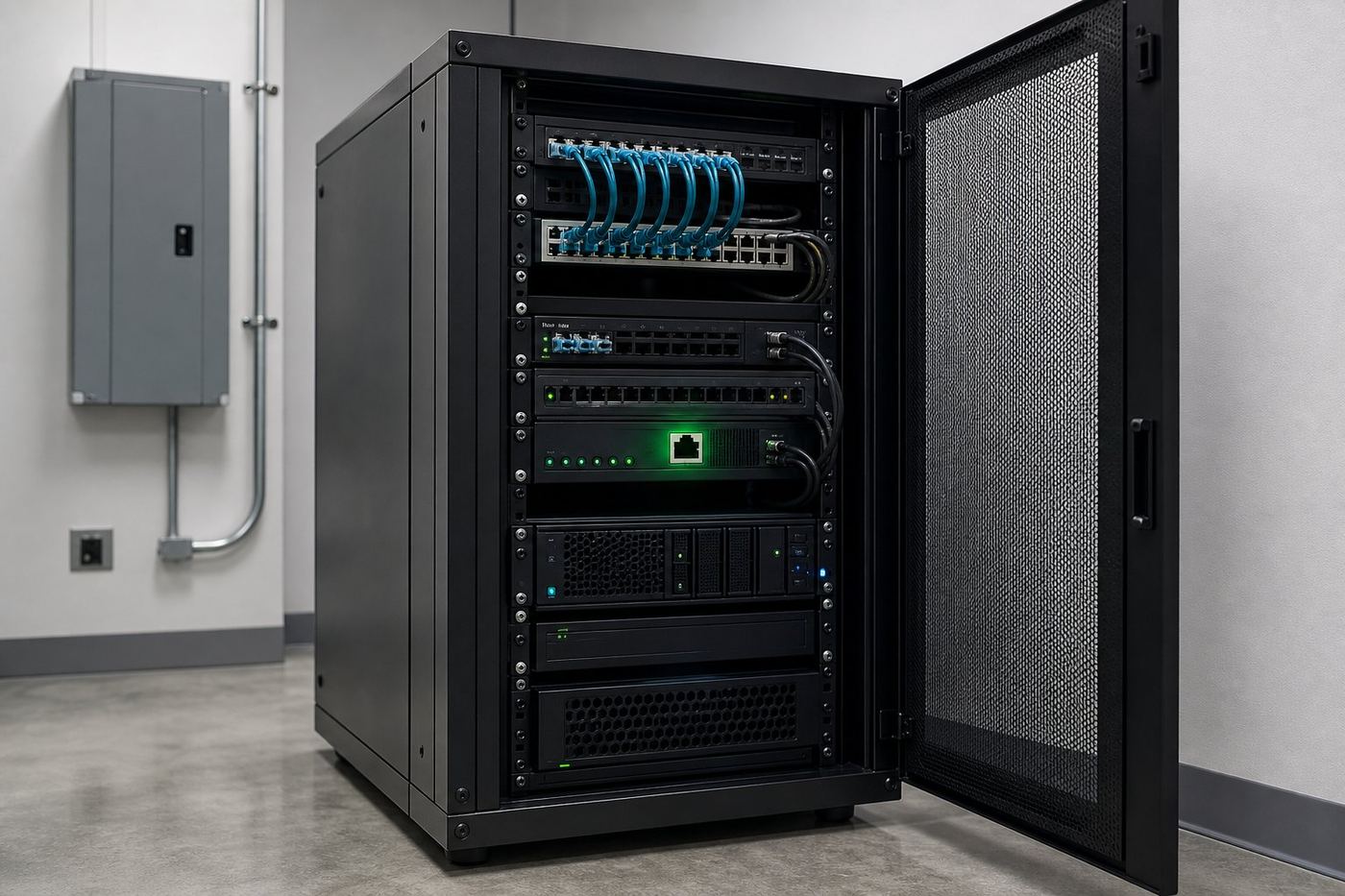
Locked private server rack in a clean data room with no external network cable connected, illustrating an air-gapped local AI deployment, green and teal accent lighting
An air-gapped build: no outbound path, so there is nothing to leak.
Buyer's checklist

Twelve questions to ask any AI vendor, including us.

Print this, or paste it into your reply to every proposal you receive. The middle column is what a straight answer sounds like. The right column is our own answer, because a checklist we could not survive is not a checklist, it is marketing.

Swipe to see all columns

Ask themA straight answer looks likeThe VYROX answer
Where exactly does our data go, and who else can read it?A named machine, a named country, a named list of sub-processors, or the words "it never leaves your building". Vague answers here are the whole risk.On hardware you own, in your building. Air-gapped builds have no outbound path at all; private-network builds are firewalled and access-controlled.
What is the total cost over three years, not the first invoice?Hardware, setup, licences, electricity, support and refresh, added up. If they will not put a three-year number in writing, assume it grows.One-time build (from about RM18,000 for a workstation, RM22,000 to RM32,000 for a commissioned team server), then electricity and maintenance. Model and runtime upgrades are included.
What happens to our system if you go out of business?Full documentation, standard components, and someone else able to take it over. A proprietary layer nobody else understands is a hostage situation with a support contract.Everything runs on standard open source (Ollama, vLLM, Open WebUI) on hardware you own, fully documented, with your IT trained. Any competent engineer can take over.
Which model version are we on, and can we freeze it?A specific model name, version and licence, plus a change-control process. "Always the latest" means your outputs change without warning.A named open-weight model at a named quantization, pinned. Upgrades are proposed, tested against your evals, and applied when you agree.
How do you measure whether it is actually working?An eval set built from your own real cases with a score, run again after every change. A demo is not a measurement.A golden set of your real questions, scored before handover and re-run after every model or prompt change.
What can it do without asking a human first?An explicit list of automatic actions and an explicit list of approval-gated ones. Anything irreversible should be on the second list.Human-in-loop approval gates on every irreversible action, plus sandboxing, audit logs and a kill switch on agent builds.
Who can see which documents once it is indexed?Role-based access control mirroring your existing permissions. "Everyone can search everything" is a data breach you paid for.Role-based access control on the index and the tools, scoped to your existing roles, with full query logging.
How does it behave when it does not know?It says so, or it cites the document it used. Confident invention on unanswerable questions is the failure mode that costs you a client.Grounded in your own documents with citations, and instructed to say when the answer is not in them.
How many people can use it at once before it slows down?A concurrency figure for your team size, not a single-user speed test.Sized against your actual headcount and usage pattern in the free audit, before anything is quoted.
What do we own at the end, and what do we rent?A clear line between purchased hardware, open-source software and anything under licence. Rented components are where lock-in hides.You own the hardware and the deployment. The software stack is open source. There is no per-seat or per-token meter.
Who fixes it at 9am on a Monday, and how fast?A named response commitment, not "best effort". Ask what happens when the person who built it is on leave.Remote health monitoring with a same-business-day response commitment, and documentation good enough for your own IT to act first.
What is this genuinely bad at?A real list. A vendor who cannot name a weakness has either not deployed one or is not telling you.It has no live web access by default, it is only as good as the documents you give it, it does not replace a professional's judgement or signature, and the hardest frontier reasoning still favours the big cloud models.
Printed vendor evaluation checklist on a desk with several questions ticked
Ask all twelve. Compare the answers, not the slide decks.

If any vendor, us included, answers three of these with "it depends" and no follow-up, that is your answer. Bring the list to the free audit and work through it live.

Eight ways a first AI project goes wrong.

None of these are technical failures. Every one of them is a decision made before a single machine was switched on, and every one of them is avoidable in a conversation.

MISTAKE 01

Buying seats for everyone

The most common and the most expensive. Licences go to the whole company, then most of them are used twice and forgotten. Roles whose work is limited by process rather than by writing and analysis get almost nothing from a chat window. Start with the ten to twenty people whose day is reading, drafting, checking and deciding, prove the value there, then widen.

Cost of the mistakeA recurring bill for unused seats
MISTAKE 02

Starting with the hardest use case

Teams often pick the messiest, highest-stakes process first, because that is where the pain is. It is also where the documents are worst and the tolerance for error is lowest. Start with a task that is high volume, low risk and easy to check, such as drafting standard replies or extracting fields from a document type you already handle by hand.

Cost of the mistakeA failed pilot that kills the budget
MISTAKE 03

Skipping the document clean-up

A model grounded in your documents inherits every contradiction in them. Three versions of the same policy, an outdated price list and a folder nobody has opened since 2019 will produce three confident and conflicting answers. Deciding which document is the current one is unglamorous work, and it is the single biggest determinant of answer quality.

Cost of the mistakeConfident wrong answers
MISTAKE 04

No way to tell if it is working

Without a set of real questions and expected answers, "is it good?" becomes a matter of opinion, and the loudest opinion wins. Write down thirty to a hundred real cases from your own business before deployment, score against them at handover, and re-run the same set after every change. It takes an afternoon and it settles every argument afterwards.

Cost of the mistakeEndless unresolvable debate
MISTAKE 05

Indexing everything, permissions included

Pointing the system at the whole shared drive is fast and feels thorough. It also makes salary letters, disciplinary files and draft contracts searchable in plain English by anyone with a login. Mirror your existing folder permissions into the index from day one; retrofitting access control after staff have already found the payroll folder is a very different conversation.

Cost of the mistakeA self-inflicted data breach
MISTAKE 06

Letting it act before anyone trusts it

Automating an irreversible step early looks like ambition and reads like recklessness the first time it is wrong. Send, pay, post and delete belong behind a human approval for as long as it takes to build a track record. Ambition is fine; put it in the volume of drafts prepared, not in the number of unreviewed actions taken.

Cost of the mistakeOne incident, and adoption stops
MISTAKE 07

Treating training as optional

The gap between a disappointed user and an enthusiastic one is usually two hours of showing, not a better model. Staff who have never been shown what a good request looks like will type a five-word question, get a generic answer, conclude AI is overrated and never return. Budget the session, and give people a short list of real prompts for their own job.

Cost of the mistakeA working system nobody uses
MISTAKE 08

No policy, so staff make their own

If the company has not said what may be pasted into a public chatbot, people will decide individually, usually in favour of finishing the task. That is how client files and patient details reach a consumer AI account. A one-page policy naming what is allowed, what is forbidden and which internal tool to use instead prevents more leaks than any firewall rule.

Cost of the mistakeData out of the door, quietly

The pattern behind all eight

Each one comes from treating AI as a product to install rather than a capability to introduce. The technical work of standing up a local model is the predictable part. The decisions about who uses it, on which documents, with which permissions, checked how, are the part that determines whether it is still in daily use in six months. That is the conversation the free audit is actually for.

How to tell whether it worked, in numbers you already track.

Decide these measures before deployment, not after, and take a baseline reading first. Everything below is measured with what your team already records: timesheets, ticket counts, document logs and the cloud invoice you are trying to stop paying.

Swipe to see all columns

What to measureHow to take the baselineWhen to read it againWhat a real result looks like
Time per recurring taskTime ten real examples of one specific task by hand, before anything is installed. One task, not "admin work".Week 4 and week 12, same ten task typesA clear reduction on that one task, confirmed by the people who do it, not an estimate from a manager
Volume handled without escalationCount how many of last month's queries or documents needed a senior person to intervene.MonthlyThe same senior people touching fewer routine items and more exceptions
Eval score on your golden setScore the system on your thirty to a hundred real questions at handover.After every model, prompt or document changeA score that holds or improves across changes, with any drop investigated before it reaches users
Weekly active users in the target groupName the pilot group explicitly, so the denominator is honest.Weekly for the first two monthsSteady or rising use in the group whose work actually suits it, rather than a spike in week one
Cloud AI spend removedAdd up current subscriptions plus metered API usage across the whole company, including the ones on personal cards.Monthly, against the build costSubscriptions actually cancelled, tracked until the cumulative saving passes the build cost
Sensitive data leaving the buildingAsk honestly how often staff currently paste client, patient or staff information into a consumer chatbot.Quarterly, alongside the policy reviewOn an air-gapped build this becomes structurally zero, because there is no outbound path

A worked example of the payback reading

Illustrative, using the figures already published on this site. A team paying RM3,000 a month in combined cloud AI subscriptions and API usage, replaced by a RM22,000 commissioned team server, crosses break-even in roughly 7 months. That is the same worked example used on the overview page. The reading that matters is not the projection, it is the invoice: at month 7 the cumulative amount no longer paid should exceed the build cost, and from month 8 the running cost is electricity and maintenance. Your own crossover date is calculated against your real usage in the free audit, and is backed by the Break-Even Guarantee.

Full tier costs and the payback method are on Pricing.

The honest answers

Local LLM questions you're actually wondering.

What does it mean to run an LLM locally?
Running an LLM locally means the AI model runs on your own computer or server hardware instead of a remote cloud like OpenAI or Anthropic. Your prompts and data never leave the building, the model works with no internet, and there is no monthly per-seat or per-token bill. VYROX sizes the hardware, installs the runtime (Ollama, LM Studio, vLLM or LocalAI) and an open-weight model, and hands it over working.
How much money does a local LLM save versus ChatGPT or Claude?
Cloud AI is a recurring bill that never stops - roughly RM130 to RM280 per user per month for ChatGPT Team or Claude Team, plus metered API tokens for automation. A 20-person team easily spends RM30,000 to RM60,000 a year, every year. A local LLM is a one-time hardware cost (a capable workstation from about RM18,000, a fully-commissioned team server RM22,000 to RM32,000) that then runs unlimited seats for the price of electricity. Most teams break even in 6 to 14 months including setup, then pay effectively nothing.
Which hardware do I need to run a local LLM?
It depends on model size. A 7-14B model runs on a 16GB GPU or an M4 Mac. A 32B model needs a 24-32GB GPU (RTX 3090/4090/5090) or an M4 Pro. A 70B model needs ~48GB (2x 3090/4090, an RTX 6000 Ada, or a 128GB Mac Studio). 120B-class models fit a single RTX PRO 6000 96GB, an A100, a 128GB Mac, or a DGX Spark / AMD Strix Halo mini-PC. 235B and larger need multi-GPU servers, an AMD MI300X, or a high-memory Mac Studio. Use the VRAM calculator to check your own hardware, or let us size it exactly.
Which models can I run locally in 2026?
The strongest open-weight models of 2026 include Qwen3.6 (the 27B dense and 35B-A3B MoE), Kimi K2.6 (the leading open agentic coder), GLM-5.1, DeepSeek V4 (and the earlier R1/V3.1), MiniMax M2.7, Xiaomi's MiMo-V2.5-Pro, Google Gemma 4 (writing and vision), plus Llama 4 Scout/Maverick, Mistral Small 3, GPT-OSS 20B and 120B (OpenAI open-weight), Phi-4, and vision models like Qwen3-VL. A 24-32GB GPU runs the best 27-35B-class models at Q4; the trillion-parameter MoEs (Kimi K2.6, DeepSeek V4) run on multi-GPU servers. Quantized to Q4 they match the big cloud models on everyday business work.
Is a local LLM as good as ChatGPT or Claude?
For most business tasks - drafting, summarising, extraction, classification, internal Q&A, coding help and chat - modern open-weight models such as Qwen3.6, Kimi K2.6, GLM-5.1 and DeepSeek V4 run locally at quality very close to the big cloud models. For the hardest frontier reasoning you may still want cloud Claude or GPT for specific jobs; VYROX builds hybrid setups that keep private and high-volume work local and only call the cloud when it genuinely adds value.
What is quantization (Q4, Q8) and which should I use?
Quantization shrinks a model by storing its weights at lower precision. FP16 is full quality at 2 bytes per parameter. Q8 is near-lossless at about half the size. Q4_K_M is the local default sweet spot - roughly a quarter the size of FP16 with only a 2-3% quality drop - so it lets a 70B model fit in about 40GB instead of 140GB. VYROX picks the highest quality quantization your hardware can hold.
Can a TPU or Coral stick run a local LLM?
No. The Google Coral Edge TPU is built for small vision models and cannot run modern LLMs - it has no DRAM and no transformer support. Cloud TPUs and Groq/Cerebras are powerful but are rented cloud services, not on-premise hardware you own. For genuine local LLM hosting the practical accelerators are NVIDIA GPUs, AMD Instinct/Radeon, Apple Silicon, and unified-memory mini-PCs.
Who maintains a local LLM after it is installed?
Every VYROX build ships with remote health monitoring, free model and runtime upgrades, and a same-business-day response SLA. It is built entirely on standard open-source (Ollama, vLLM, Open WebUI) - fully documented, with your IT trained - so there is no black box and no vendor lock-in.
What is the typical payback period for a local LLM build?
Including hardware and setup, most VYROX local builds pay back within 6 to 14 months versus the cloud subscriptions they replace, then run for the price of electricity. The exact crossover date is calculated for your team in the free audit, and is backed by a Break-Even Guarantee.

Everything below is the same answer applied to one industry at a time: the model runs in your building, on your data, and a qualified human still signs off.

BY INDUSTRY, AND BY WORKFLOW
Can a clinic run a local AI for medical notes (AI Doctor)?
Yes. VYROX builds an air-gapped clinical co-pilot that transcribes consultations into structured SOAP notes (Whisper + a local LLM), summarises patient histories, drafts referral and discharge letters, suggests ICD-10 codes, and retrieves from your own formulary and protocols - with patient data never leaving the clinic, supporting PDPA and medical confidentiality. It is decision-support only: a registered practitioner makes every clinical decision and reviews all output; it is not a diagnostic medical device.
Can an accounting firm run a private local AI (AI Accountant)?
Yes. VYROX builds an on-premise accounting co-pilot that extracts invoices, receipts and bank statements (Qwen3-VL), assists reconciliation, drafts MFRS-aware financial statements and management commentary, runs variance and cash-flow analysis, supports tax computation and LHDN MyInvois/SST workflows, and answers questions over your ledger or AutoCount via MCP - all on your own hardware, supporting MIA client-confidentiality and PDPA. A qualified accountant reviews and signs off; it does not replace professional judgment.
Can a law firm run a private local AI (AI Lawyer)?
Yes. VYROX builds an air-gapped legal co-pilot that reviews contracts and flags risky clauses, drafts agreements and letters from your precedent bank, researches your own matter files with citations (RAG), reviews due-diligence and discovery documents at volume, and summarises long judgments - without a privileged document ever leaving the firm, preserving solicitor-client privilege and supporting LPA/Bar Council confidentiality and PDPA. It assists qualified legal professionals and does not provide legal advice; the advocate and solicitor retains full responsibility.
Can I run agentic AI (autonomous AI agents) locally?
Yes. VYROX builds on-premise agentic AI: autonomous agents that take a goal, plan, call tools via the Model Context Protocol (MCP), act and observe in a loop, and self-correct - all on your own hardware. They use frameworks like LangGraph, CrewAI, AutoGen and OpenHands with tool-calling local models (DeepSeek R1, Qwen3-Coder, Kimi K2, GLM-4.6), plus Computer Use / Browser Use to drive apps that have no API. Every agent ships with human-in-loop approval gates on irreversible actions, sandboxing, full audit logs, a kill switch and an eval harness. Typical use cases: IT helpdesk agents, procurement agents, research agents, coding agents and legacy-app RPA.
What is the difference between chatbot, workflow and agentic AI?
They sit on a spectrum of autonomy. A chatbot is conversational and human-in-every-turn - fastest to deploy (days), grounded in your documents via RAG, ideal for Q&A and support. A workflow is a fixed, auditable multi-step pipeline the model fills in - predictable and repeatable, ideal for high-volume operations like invoice processing or email triage (1-3 weeks to build). An agent is autonomous and goal-driven - it decides its own steps, uses tools and loops until done, ideal for complex 24/7 work (3-8 weeks). All three run on the same local hardware; VYROX helps you start with a chatbot and graduate to workflows and agents as you mature.
What role does VYROX play between a frontier AI model and my business?
VYROX is the grounding layer, the intermediary between a raw frontier LLM (which only knows the public internet) and your specific business (your products, customers, policies and numbers). Rather than handing over an unmodified model and calling it done, VYROX fine-tunes, aligns and continuously retrains the model on your own data, then wires it into your team's daily workflow with guardrails, evaluation and audit logs. That grounding layer, not the base model, is the actual deliverable.
Can I automate document processing with a local AI workflow?
Yes. VYROX builds on-premise AI workflows - deterministic pipelines where a trigger feeds documents through extract, validate, classify, route and write-to-system steps, with retries and exception handling. A vision model (Qwen3-VL) reads invoices, receipts and bank statements; the pipeline validates against a schema and writes to your ERP or AutoCount via MCP. Built on n8n, LangGraph, Flowise or Dify, it runs unattended and fully auditable, with your data never leaving your network.
Why should a government agency use a local LLM instead of ChatGPT, Claude or Gemini?
Cloud LLM vendors like OpenAI, Anthropic and Google process prompts on servers outside the country, under foreign law - the US CLOUD Act, for example, can compel a US-based vendor to disclose data it holds even when the customer is a foreign government, regardless of where that data is physically stored. Every prompt sent to a public cloud AI is a cross-border data transfer and a potential leak of citizen records, case files or classified material. A local LLM runs entirely on hardware the agency owns, inside its own building or private network, so citizen and state data never leaves government-controlled infrastructure. This satisfies data governance, data privacy and public-sector data classification requirements that a foreign SaaS API structurally cannot. See Government & sovereign AI for the full briefing.
What is data sovereignty and why does it matter for AI in government?
Data sovereignty means data is subject to the laws of the country where it is collected and stored, not the laws of wherever the server happens to sit. When a ministry sends prompts to a foreign cloud LLM, that data becomes subject to the vendor's home jurisdiction - a loss of sovereignty over citizen and state information. A local LLM deployed on government-owned hardware inside the country keeps data fully within national jurisdiction at all times, which is the baseline requirement most national AI governance frameworks and public-sector ICT security policies expect for classified or citizen personal data.
Can a local LLM guarantee zero data leak for government use?
An air-gapped local LLM with no outbound internet connection has no network path for data to leave through - there is no vendor server to breach, no cloud account to compromise, and no prompt log sitting on infrastructure you do not control. This makes zero data leak an architectural property, not a policy promise: even if usage doubled to 100%, none of it would reach a cloud vendor. VYROX combines air-gapped or private-network deployment with role-based access control, full audit logging and encryption at rest and in transit, so government customers get both the physical guarantee and the audit trail regulators and auditors-general expect.
How does a local LLM support national AI governance requirements?
National AI governance frameworks such as Malaysia's National AI Roadmap and National Guidelines on AI Governance & Ethics, and equivalent frameworks across ASEAN and internationally, converge on transparency, accountability, human oversight and auditability. A closed commercial cloud API is a black box - the agency cannot inspect the model, freeze its version, or fully audit what data went in and what came out. A local, open-weight LLM gives full model provenance, a fixed version under formal change control, complete audit logs of every query, and the ability to demonstrate exactly how a decision or output was produced - to Parliament, an auditor-general, or a court, on demand.
Where should I start if I am completely new to local AI?
Start with the glossary above so the terms in every other page make sense, then read the cloud vs local comparison on this page for the real numbers. From there, the Models & Hardware page shows what you can actually run, and Pricing turns that into a costed build and payback date. Most people finish that reading in under 20 minutes, then book the free audit to get numbers specific to their own team.
How do I estimate my own break-even point before booking a call?
Take your current combined monthly cloud AI spend (seats plus metered API usage) and divide it into the build cost of the matching VYROX tier from the Pricing page. A team spending RM3,000 a month against a RM22,000 build reaches break-even in roughly 7 months, matching the worked example on the overview page. The free audit calculates this exactly for your own usage rather than an illustrative example.
What should I ask an AI vendor before signing anything?
Twelve questions cover almost all of the risk: where the data goes and who can read it, the three-year total cost rather than the first invoice, what happens if the vendor closes, which model version you are on and whether it can be frozen, how success is measured, what the system can do without human approval, who can see which documents once indexed, how it behaves when it does not know, how many people can use it at once, what you own versus rent, who fixes it and how fast, and what it is genuinely bad at. The buyer's checklist on this page lists each one next to what a straight answer sounds like, and next to VYROX's own answer.
Do I need fine-tuning, or is RAG enough?
For most first projects, RAG plus good prompting is enough and fine-tuning is not needed. The rule of thumb: facts belong in RAG, habits belong in a fine-tune. If the model does not know your products, prices or policies, that is RAG, because a document in an index is corrected by replacing the document and the answer can cite its source. If the answers are correct but the tone or format is wrong, that is prompting. Fine-tuning earns its cost when you need a very specific in-house style or label set reproduced consistently, and it has to be redone when you move to a newer base model. See the decision table in the expanded glossary.
What is the most common mistake companies make when starting with AI?
Buying seats for everyone. Licences go to the whole company, most are used twice and forgotten, and the bill recurs anyway. Roles limited by process rather than by writing and analysis get very little from a chat window. Start with the ten to twenty people whose day is reading, drafting, checking and deciding, prove the value there, then widen. The other frequent ones are starting with the hardest use case, skipping the document clean-up, having no way to measure whether it works, and indexing the entire shared drive without mirroring existing permissions. All eight are set out in Eight ways a first AI project goes wrong.
How do I measure whether an AI deployment is actually working?
Decide the measures before deployment and take a baseline first, using numbers you already track: time per one specific recurring task (time ten real examples by hand beforehand), volume handled without escalation to a senior person, the eval score on a golden set of thirty to a hundred real questions from your own business, weekly active users within the named pilot group, and cloud AI subscriptions actually cancelled measured against the build cost. Re-run the eval after every model, prompt or document change so a regression is caught before users meet it.
What is prompt injection, and does it affect a local AI?
Prompt injection is when a document, email or web page contains text written to give the model new instructions, for example telling it to ignore its rules and send a file out. It affects any system that lets a model read untrusted content, local or cloud. Running locally removes the cross-border and vendor-logging risk but not this one. The defence is architectural rather than clever wording: treat all retrieved content as data and never as instructions, keep role-based access control on what the model can reach, put every irreversible action behind human approval, and keep audit logs so an attempt is visible after the fact.
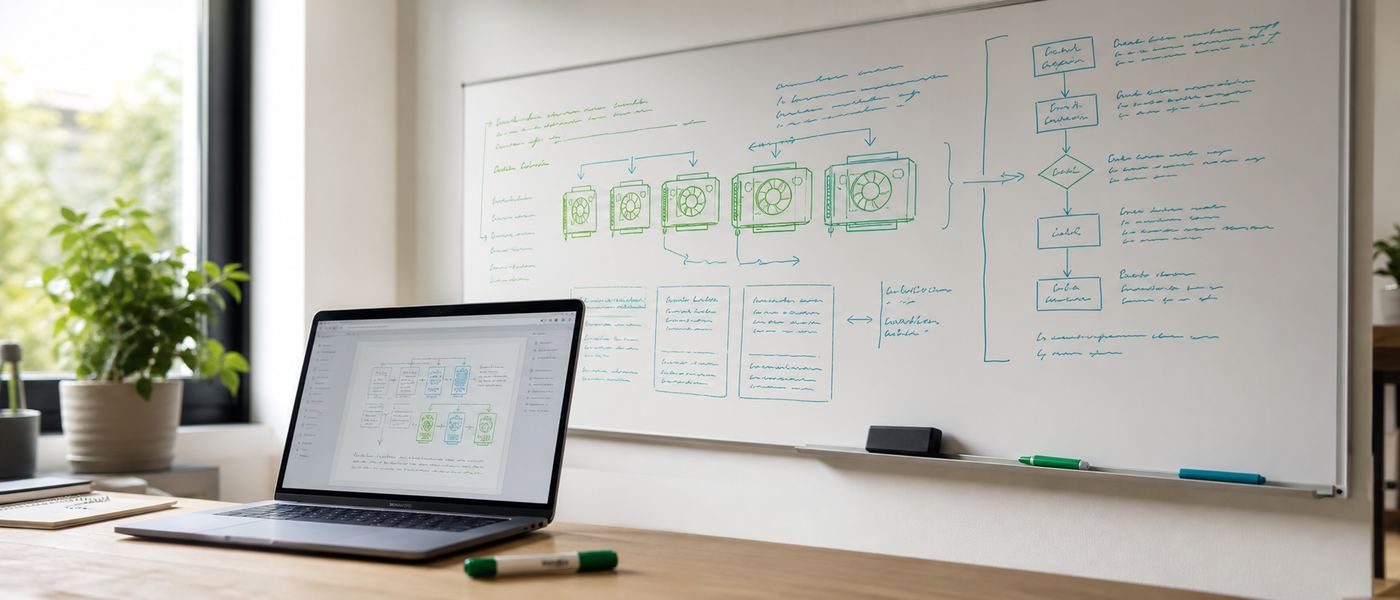
Whiteboard covered in local AI architecture diagrams beside a laptop showing a reference page
Still stuck? Chat with an engineer, not a sales script.

The full read: strategic AI transformation.

Meeting room wall screen displaying an AI adoption roadmap timeline
A phased roadmap: a strategy, not a subscription list.

AI Transformation Is Not About Giving Every Employee AI. It Is About Giving the Right People the Right AI.

As organizations begin their AI transformation journey, one of the biggest misconceptions is that every employee should receive a premium AI assistant. While AI has demonstrated remarkable capabilities in writing, coding, research, analysis, and decision support, successful AI transformation is not measured by how many AI licenses an organization purchases. It is measured by the business value AI creates.

AI transformation is a business transformation, not simply a software deployment. The objective is not to maximize AI adoption. The objective is to maximize productivity, innovation, operational efficiency, and competitive advantage. Achieving this requires understanding where AI delivers the highest return on investment and where other technologies are more suitable.

The objective is not to maximize AI adoption - it is to maximize productivity, innovation, operational efficiency, and competitive advantage.

Where AI delivers the highest return

Productivity multiplier

Knowledge workers who create, analyze, design, solve problems, and make decisions:

  • Software engineers, researchers, architects
  • Product managers, business & financial analysts
  • Legal professionals, consultants
  • Marketers, designers, and executives

AI accelerates their work - generating ideas, writing code, summarizing research, preparing reports, analyzing data, and supporting decisions.

Limited by process, not knowledge

Operational roles following structured, standardized procedures:

  • Manufacturing, warehousing, logistics
  • Front desk, cashier, production lines
  • Routine administrative processing

These roles rely more on business applications, automation, and well-designed workflows than on conversational AI. Their productivity is limited by operational processes, not knowledge creation.

This distinction is critical for organizations planning AI transformation. Purchasing premium AI subscriptions for employees whose daily responsibilities rarely involve complex reasoning or content creation often results in low utilization and limited business impact. In many situations, organizations will achieve greater returns by investing in workflow automation, ERP improvements, robotic process automation, IoT, system integration, mobile applications, or AI capabilities embedded directly within enterprise systems.

Capability, not benefit

Another common mistake is treating AI as an employee benefit instead of an organizational capability. Simply giving every employee access to a chatbot does not transform a business. Real transformation occurs when AI becomes part of core business processes. It should automate repetitive work, improve decision quality, accelerate software development, enhance customer experiences, and allow employees to focus on higher-value responsibilities. AI should be integrated into everyday workflows rather than exist as another standalone application.

Successful organizations therefore adopt AI strategically instead of universally. They identify high-impact use cases, prioritize departments where AI produces measurable improvements, establish governance and security policies, provide appropriate training, and continuously evaluate return on investment. As new opportunities emerge, AI adoption can expand based on proven business outcomes rather than assumptions.

Ensure the right people use the right AI for the right business challenges - not that every employee uses AI every day.

Ultimately, AI transformation is not about ensuring every employee uses AI every day. It is about ensuring the right people use the right AI for the right business challenges. Organizations that deploy AI strategically, integrate it into business processes, and measure tangible outcomes will achieve far greater success than organizations that simply purchase AI subscriptions for everyone.

The future will belong to organizations that apply AI where it creates the greatest business value. AI transformation is a strategic investment in capability, productivity, innovation, and long-term competitiveness. It should be guided by measurable outcomes rather than the assumption that every employee needs a premium AI assistant.

VYROX AI - strategic, on-premise AI transformation. Plan our AI strategy

Read next, by what you need to decide.

This resources page is the reference desk. These are the pages built to answer one specific decision each.

Learning path connecting the glossary, hardware sizing, cost planning and compliance topics in order
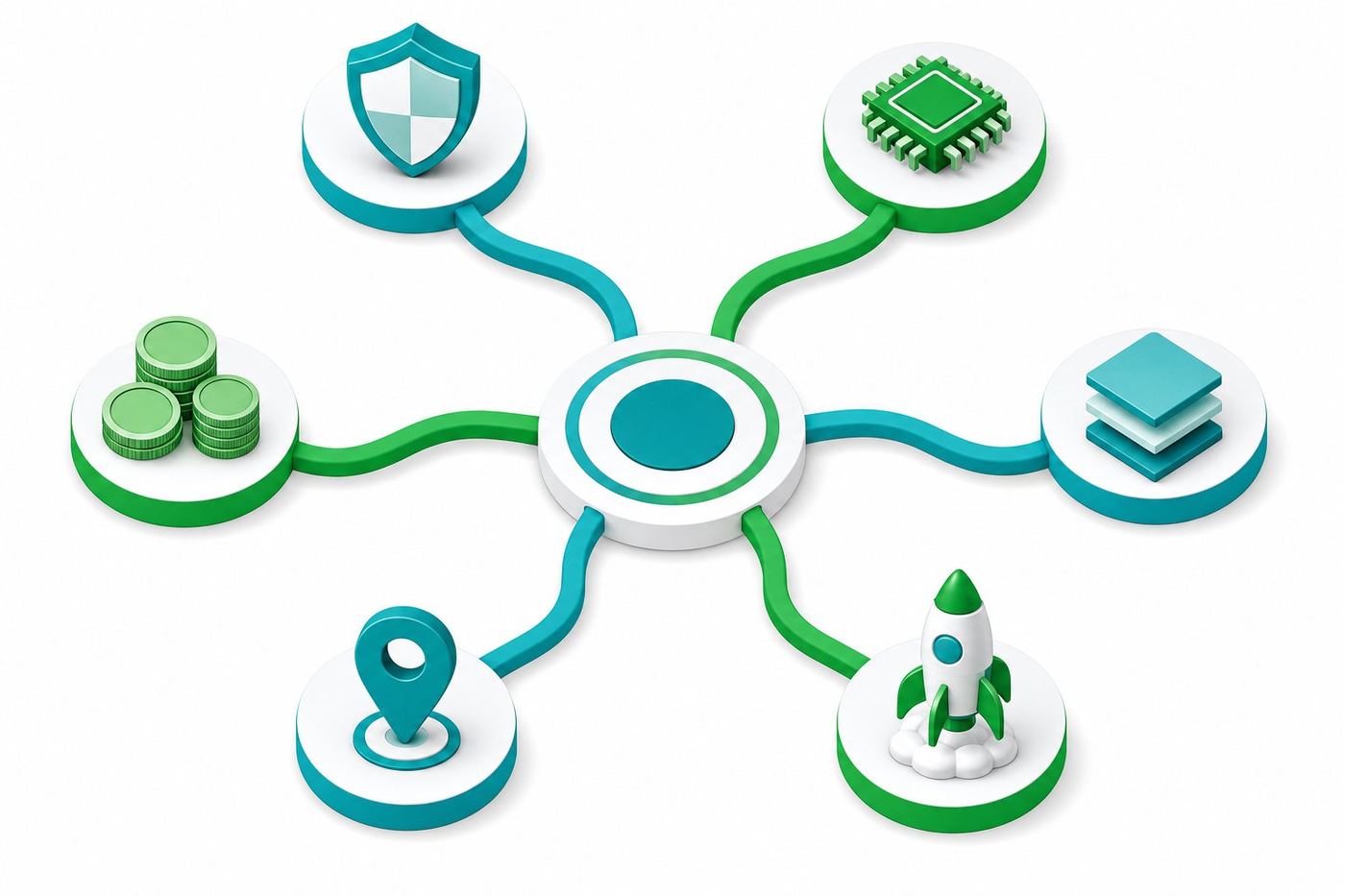
Flat isometric illustration of a branching map connecting AI decision topics such as hardware, pricing and compliance, green and teal accent palette
One reference desk, six clear paths forward.
Your move

Stop renting your AI. Own it by next quarter.

Book a free 45-minute Local-AI Audit. We measure your current cloud spend, spec the exact build, and give you the costed break-even date - in writing, no obligation.

  • Free, 45 minutes
  • Costed break-even date
  • No obligation

No deck pitch. Just engineers sizing your build.

Chat with VYROX AI on WhatsApp Free Local-AI audit