Every month you rent AI, the meter resets to zero. This page shows exactly what owning your AI costs - four costed build tiers, the honest local-vs-cloud trade-off, and interactive calculators that find your break-even month to the day.
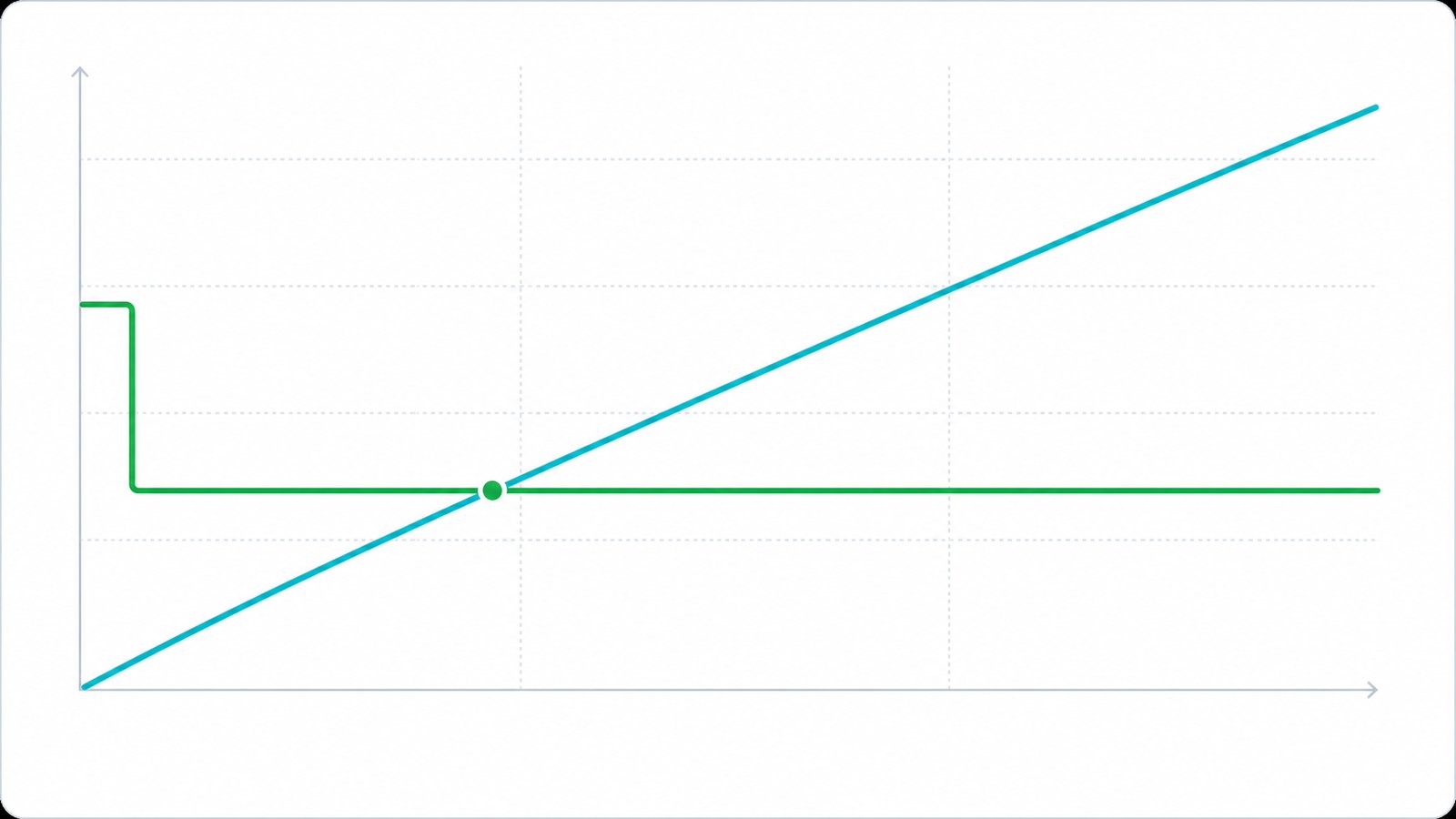
Move the sliders to your team. Watch the cumulative cost diverge and find your break-even month.
Illustrative estimate. Cloud ≈ ChatGPT Team / Claude Team seats (~RM130-280/user/mo) at ≈ RM4.6/USD; local figure includes hardware + commissioning; electricity ~RM1-6/day. Your exact crossover is calculated in the free audit.
No single answer is right for everyone. Here's the comparison without the spin - including when cloud or hybrid is genuinely the better call.
Swipe to see all columns
| Dimension | Local / On-prem | Cloud API | Hybrid |
|---|---|---|---|
| Data privacy | Highest - never leaves you | Lowest - sent to a third party | High - sensitive stays local |
| Recurring cost | Low & fixed (power + support) | Variable - can balloon | Mixed - base + overflow |
| Upfront cost | Higher - hardware | Near zero | Moderate |
| Latency | Low, predictable (your LAN) | Internet + provider load | Depends on path |
| Offline operation | Yes | No | Partial |
| Frontier reasoning ceiling | Very good (hardware-capped) | Highest | Best of both |
| Scaling to spikes | Hardware-limited | Elastic | Burst to cloud |
| Maintenance | Managed by VYROX | Vendor-managed | Most complex |
For most SMEs handling private or regulated data with steady daily volume, local pays for itself in months and removes per-token billing risk. If cloud or hybrid fits you better, we'll tell you - and build that instead.
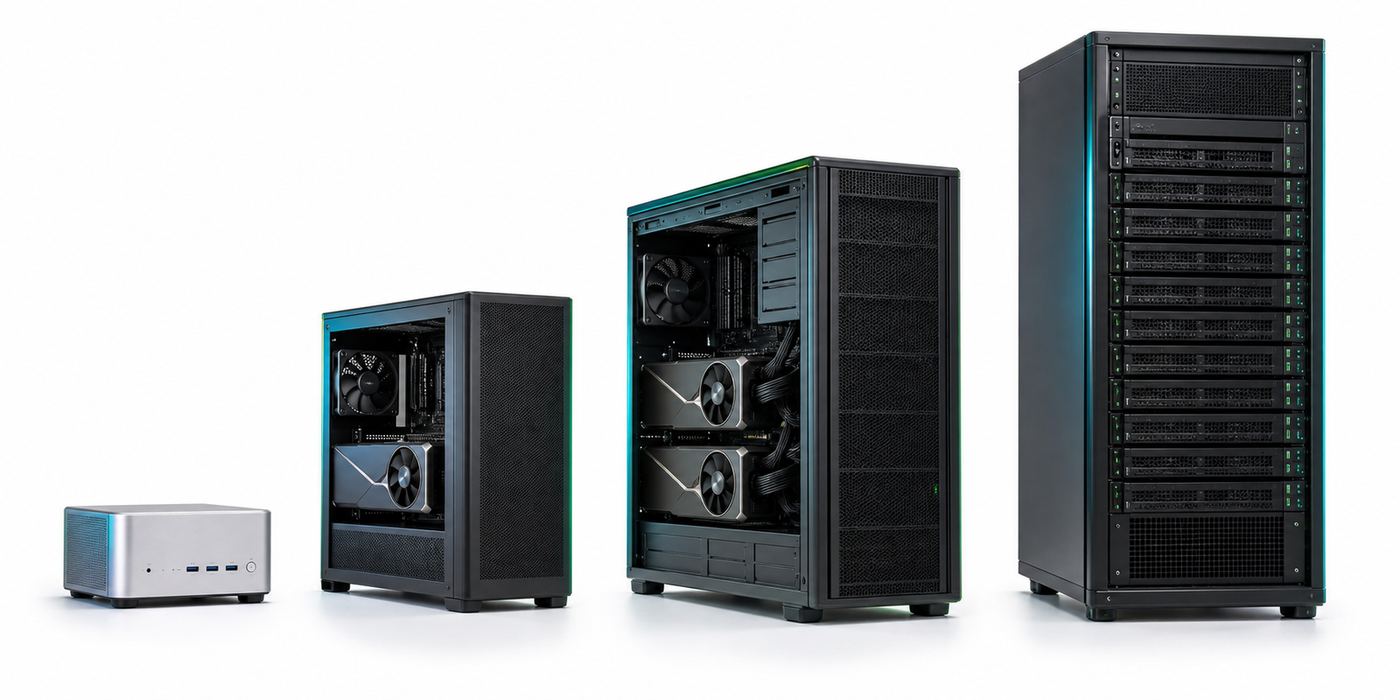
Complete, VYROX-commissioned systems - hardware sized, models loaded, runtime and agents wired in, staff trained.
How "users supported" is calculated: concurrent users = free VRAM after model weights ÷ KV-cache per session (≈ 2 × layers × kv-dim × context × precision), capped by GPU throughput ÷ a 15 tok/s per-user floor and by the runtime's parallel slots (Ollama ~8, vLLM many). "Team size" assumes typical intermittent office use (~1 active generation per 5 staff). Numbers shown are at ~8K context with FP16 KV-cache; Q8 KV-cache roughly doubles concurrency and shorter context increases it further. Use the cost configurator to model your exact model, context and concurrency.
Every tier above is a fully commissioned deployment. Nothing here is an add-on you discover later - it is priced in from the first quote.
We spec the exact GPU/CPU/RAM/storage for your model and team, source it, assemble and burn-in test before delivery - no guesswork on your end.
Ollama, vLLM or LM Studio installed and tuned, your chosen open model (Qwen3.6, DeepSeek V4, GLM-5.1 or similar) downloaded, quantized and load-tested at your real context length.
Connection to your documents and existing systems (accounting, case files, EMR, POS) via MCP (Model Context Protocol), so the model reads your business, not just the internet.
On-site or remote training for the people who will use and administer the system daily, plus written documentation so it doesn't depend on one person's memory.
Hardware and setup are covered for 12 months from commissioning. Component failures are diagnosed and replaced without a fresh procurement cycle.
Standard (10% of hardware/yr) or Premium (18%/yr) plans add monitoring, priority response and model upgrades - or go fully self-managed at zero recurring cost.
Pick what you'll use AI for and your team - the recommendation, hardware, model and 5-year savings update instantly.
Two ways to use it: set how many concurrent users you need and leave hardware on Auto - we pick the cheapest build that serves them - or drive every variable yourself (LLM size, quantization, GPU, context, hours/day). The itemised build cost, capacity, payback and cloud savings update live. Indicative estimates; your exact quote comes from the audit.
Indicative estimate. Hardware ≈ Malaysia street pricing during the 2026 GPU/DRAM shortage; commissioning, electricity (TNB commercial ~RM0.50/kWh) and optional support included as shown. Cloud baseline ≈ Team-tier seats (+ agent API where selected). VYROX confirms exact specs, prices and a measured savings projection in the free audit.
Using the same RM 180/person/month cloud-seat assumption as the calculators above, matched to a typical team size per tier. These are worked examples to show the shape of the maths - use the calculators above for your own numbers.
Swipe to see all columns
| Tier | Team size (example) | Cloud, 3 years | Local build + running, 3 years | 3-year saving |
|---|---|---|---|---|
| Desk AI | 5 people | RM 32,400 | RM 18,200 | RM 14,200 |
| Studio AI | 35 people | RM 226,800 | RM 36,000 | RM 190,800 |
| Engine AI | 100 people | RM 648,000 | RM 87,500 | RM 560,500 |
| Rack AI | 300 people | RM 1,944,000 | RM 460,000 | RM 1,484,000 |
Worked example only, not a quote. Cloud = seats × RM 180/month × 36 months (no price rises modelled, which is optimistic for cloud - most vendors raise per-seat pricing over time). Local = mid-point of each tier's build-cost range, plus 3 years of electricity and standard-plan support at the rates used in the cost configurator above. Your exact 3-year number depends on your model, context length and concurrency - run it in the cost configurator or ask for the free audit.
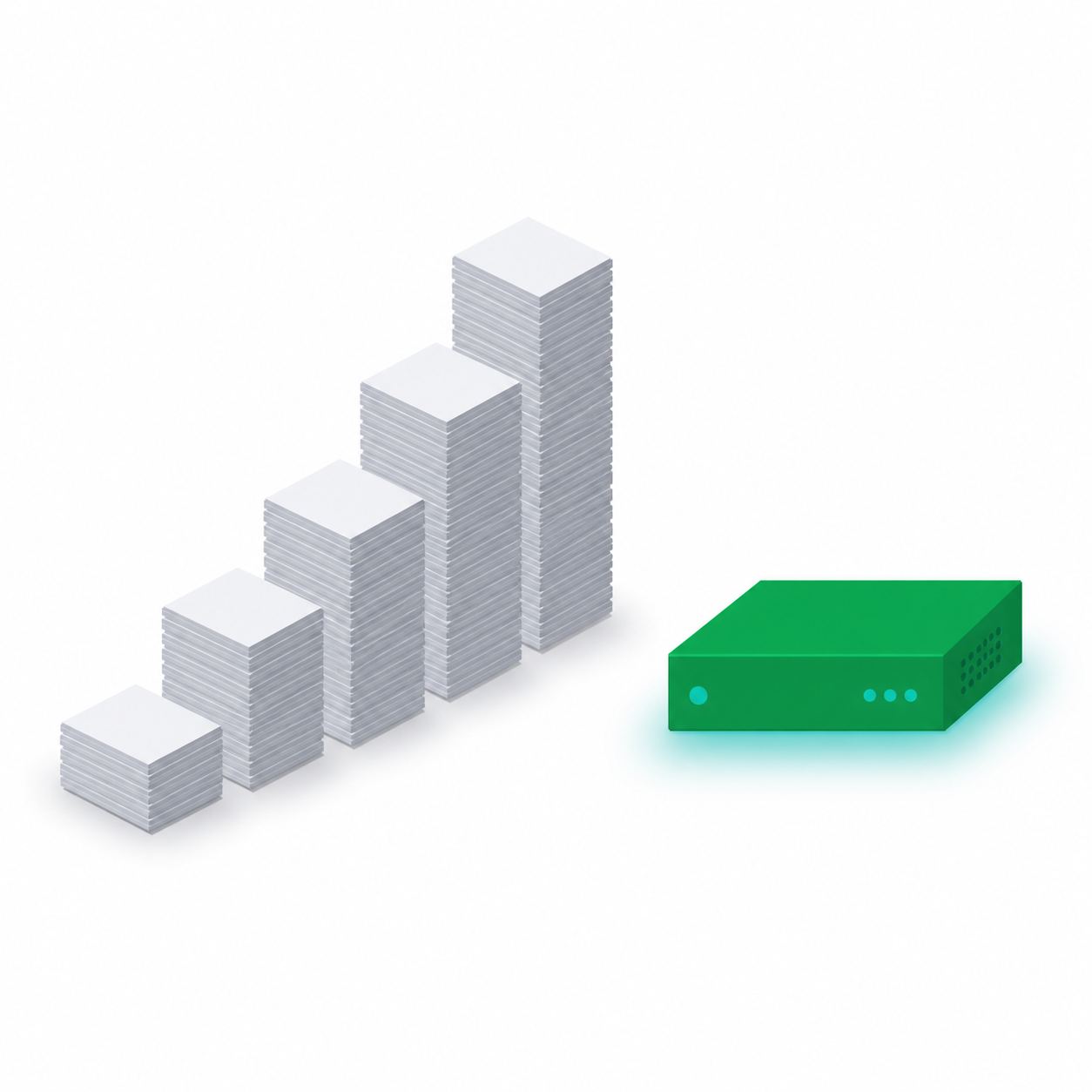
A 5-person clinic and a 300-person operations floor pay the same cloud rate per head, so the bill scales linearly with headcount forever. A local build's hardware cost barely changes once you're serving the same team on the tier above - which is why the saving in the table compounds so much faster for bigger teams, not just proportionally more.
Once the build is commissioned there are only four things left that cost money: electricity, optional support, the occasional part, and eventually a hardware refresh. Model upgrades are not on that list. Here is each one, with the arithmetic shown.
Illustrative worked example at RM 0.50 per kWh, the same commercial rate used in the cost configurator above. Malaysian commercial tariffs vary by band, by state and by demand charge, so treat this as a shape-of-the-number exercise and put your own last bill's rate in place of RM 0.50. The arithmetic is simply kWh per day x RM 0.50 x days.
Swipe to see all columns
| If the machine uses | Per day | Per month (30 days) | Per year (365 days) | Over 3 years |
|---|---|---|---|---|
| 2 kWh / day | RM 1.00 | RM 30 | RM 365 | RM 1,095 |
| 4 kWh / day | RM 2.00 | RM 60 | RM 730 | RM 2,190 |
| 8 kWh / day | RM 4.00 | RM 120 | RM 1,460 | RM 4,380 |
| 12 kWh / day | RM 6.00 | RM 180 | RM 2,190 | RM 6,570 |
Illustrative example, not a tariff quotation. The RM 1 to RM 6 per day figure quoted elsewhere on this page is the same range seen from the other direction: at RM 0.50 per kWh it corresponds to roughly 2 to 12 kWh a day, which is the span from a small desk machine idling most of the day up to a multi-GPU build under sustained load. A machine that mostly idles between prompts sits near the bottom of this table, not the top, because a GPU only draws its full rating while it is actually generating.
This is not new pricing. It is the 3-year table above with the build cost subtracted, so you can see what is left over as running cost. Build mid-point is the middle of each tier's quoted range. Running cost here includes both electricity and a standard support plan.
Swipe to see all columns
| Tier | Build mid-point | 3-year total (from table above) | Implied 3-year running | Implied per year |
|---|---|---|---|---|
| Desk AI | RM 14,000 | RM 18,200 | RM 4,200 | ~RM 1,400 |
| Studio AI | RM 27,000 | RM 36,000 | RM 9,000 | ~RM 3,000 |
| Engine AI | RM 65,000 | RM 87,500 | RM 22,500 | ~RM 7,500 |
| Rack AI | RM 340,000 | RM 460,000 | RM 120,000 | ~RM 40,000 |
Derived arithmetic from the 3-year worked example above, shown for transparency, not a separate price list. Rack AI uses the mid-point of the quoted RM 180k to RM 500k range; a build above that range carries a proportionally larger support line, because the support plan is a percentage of hardware cost. Self-managed teams remove the support percentage entirely and are left with only the electricity column from the first table.
Standard is 10% of hardware cost per year, Premium is 18%, self-managed is RM 0. On a RM 27,000 Studio AI build that is RM 2,700, RM 4,860 or nothing. This is the single biggest lever on your recurring cost, and it is entirely your choice each year rather than a locked contract.
Year one is covered by the hardware warranty included in every build. After that, the realistic failure candidates on a machine that runs continuously are fans, the power supply and the storage drives, all of which are commodity parts. GPUs are the expensive component and are also the one that sits in a stable thermal envelope when the build is sized properly.
The models named in the tiers above are open-weight models. When a better one is released that fits your hardware, you download it and swap it in. There is no per-seat uplift, no new licence and no renegotiation, which is the opposite of how a cloud vendor's model upgrade reaches your invoice.
Plan on the same three-year window the comparison table uses. The machine does not stop working at 36 months, and open models keep improving within the same VRAM (video memory) budget, so many teams simply keep running. If you do refresh, the outgoing hardware still has resale or second-workload value, which a cancelled subscription does not.
The tiers above cover the machine, the models, the runtime, the scoped integrations, training and a year of warranty. They do not cover everything a deployment can touch. Here is the honest boundary, so nothing on this list arrives as a surprise line on a later invoice.
Each of these is quoted per project rather than carrying a list price, because the cost depends entirely on your site, your systems and how much of it already exists. Ask for any of them to be priced in the free audit rather than discovering them later.
Swipe to see all columns
| Add-on | When you need it | When you can skip it |
|---|---|---|
| UPS and power protection | Continuous or overnight agent workloads, or a site with unstable power | Office-hours use where a restart is a minor inconvenience |
| Second unit for redundancy | The system sits in a customer-facing or clinical path where downtime is not acceptable | Internal productivity use with a manual fallback |
| Extra integrations over MCP | You want the model reading a system that was not in the original scope | The first two use cases already cover most of the daily work |
| Document preparation and clean-up | Your source material is scanned paper, mixed versions, or scattered across drives | You already have a tidy, current, single-source document store |
| Extended support beyond year one | No internal IT capability, or the workload is business-critical | You have IT staff and are comfortable self-managing with the documentation |
| Additional training cohorts | Rolling out to new departments or high staff turnover | A single team that was trained at handover |
| Rack, cabinet and cooling work | Rack AI class builds, or any build going into a shared server room | A Desk or Studio class machine in a normal air-conditioned office |
That rule protects you from us as much as from anyone else. Ask any vendor, including VYROX, to put the exclusion list in writing next to the inclusion list. A quotation that only lists what you get is telling you half the story.
Two businesses of the same headcount can land in different tiers. These are the variables that decide it, all of which you can test yourself in the cost configurator above before you speak to anyone.
Swipe to see all columns
| Variable | Pushes the price up | Pulls the price down |
|---|---|---|
| Concurrent users | Many people generating at the same moment, which needs more memory for session cache and more throughput | Intermittent office use, where roughly one person in five is actively generating |
| Model size | A 70B or larger model for the hardest reasoning work | A 27B to 32B class model, which handles most business tasks |
| Context length | Long documents held in memory per session, which multiplies cache use by every concurrent user | Shorter prompts, or retrieving the right passages instead of loading whole files |
| Quantization | FP16 or Q8 weights when maximum fidelity is required | Q4_K_M, which is the common default and cuts the memory requirement substantially |
| Agent workload | Automations running around the clock rather than only during office hours | Human-initiated use during working hours only |
| Support plan | Premium at 18% of hardware cost per year | Self-managed at RM 0, with your own IT staff and our documentation |
| Redundancy | A second unit so there is no single point of failure | A single machine with an accepted manual fallback |
| Integration scope | Several systems connected, each needing its own mapping and testing | Starting with one document store and adding systems later |
| Platform choice | Multi-GPU NVIDIA builds for batching throughput | Apple Silicon unified memory, which reaches large models on a smaller budget at lower throughput |
Each row corresponds to a control in the cost configurator above. Change one at a time and watch the itemised build cost, the capacity line and the payback figure move together, so you can see which trade-off is buying you what.
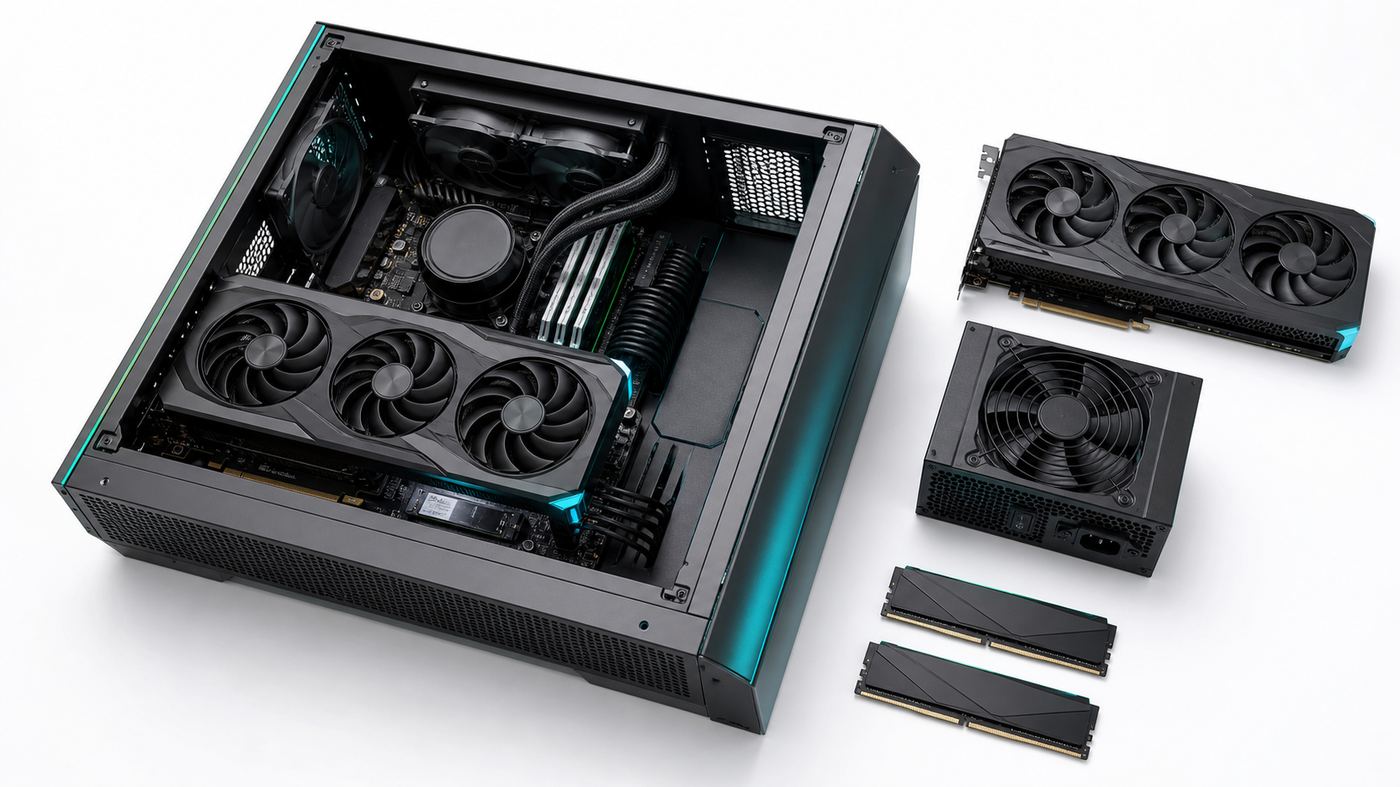
The hardest part of a local AI project is usually not the technology. It is turning a page of specifications into a request a finance lead or a board will sign. Here is the framing that works, the questions you will be asked, and where the answers already are.
Swipe to see all columns
| The question | How to answer it | Where the number comes from |
|---|---|---|
| What are we spending today? | Total your current AI and assistant subscriptions, plus any per-token API bills, per month | Your own invoices, then enter that as the cloud figure in the calculators above |
| When does it pay back? | Give a month, not a feeling. The calculators produce a break-even month from your own inputs | The savings calculator and the cost configurator on this page |
| What is the recurring commitment? | Electricity plus an optional support plan, and nothing else. State whether you are choosing self-managed, Standard or Premium | The running cost section above, including the per-year table |
| What if it does not get used? | Name the two use cases that justify it on their own, and who owns them. Do not promise organisation-wide adoption in month one | Your own pilot scope, agreed before purchase |
| What is the downside if we stop? | You keep the hardware, which has resale or second-workload value. A cancelled subscription returns nothing | The resale question in the FAQ below |
One line for the one-time build, one line for the annual running cost. Merging them into a single number is what makes the request look larger than it is and invites a comparison against a monthly subscription price that is not a like-for-like.
Put the current subscription spend directly beside the new line. The request is rarely new money in full: for most teams it is a capital purchase that retires a recurring expense, which is a much easier paper to sign.
Hardware is a physical asset and is normally handled differently from a monthly service fee, but the exact treatment, useful life and any allowances depend on your entity and your auditor. Get that confirmed internally rather than taking a vendor's word for it, including ours.
For clinics, firms and agencies, the fact that documents never leave the building is often the point that closes the approval, not the savings. If your organisation has PDPA (Personal Data Protection Act) obligations or client confidentiality duties, put that paragraph above the cost table, not below it.
Approvals stall when nobody is accountable for the outcome. State who administers the machine, who decides which documents it reads, and who reports back at 90 days on whether the two use cases worked.
Copy this shape and fill it with your own figures from the calculators above. It fits on one page, which is the point.
The questions we actually get asked before someone signs off on a build.
Book a free 45-minute Local-AI Audit. We measure your current cloud spend, spec the exact build, and give you the costed break-even date - in writing, no obligation.
No deck pitch. Just engineers sizing your build.
Free Local-AI audit