Snooker King · Snooker King AIoT Lighting & Billing System
Chapter 11: Settings Selling Items
VYROX Wiki · Updated 3 March 2025 · https://www.vyrox.com/wiki/settings-selling-items
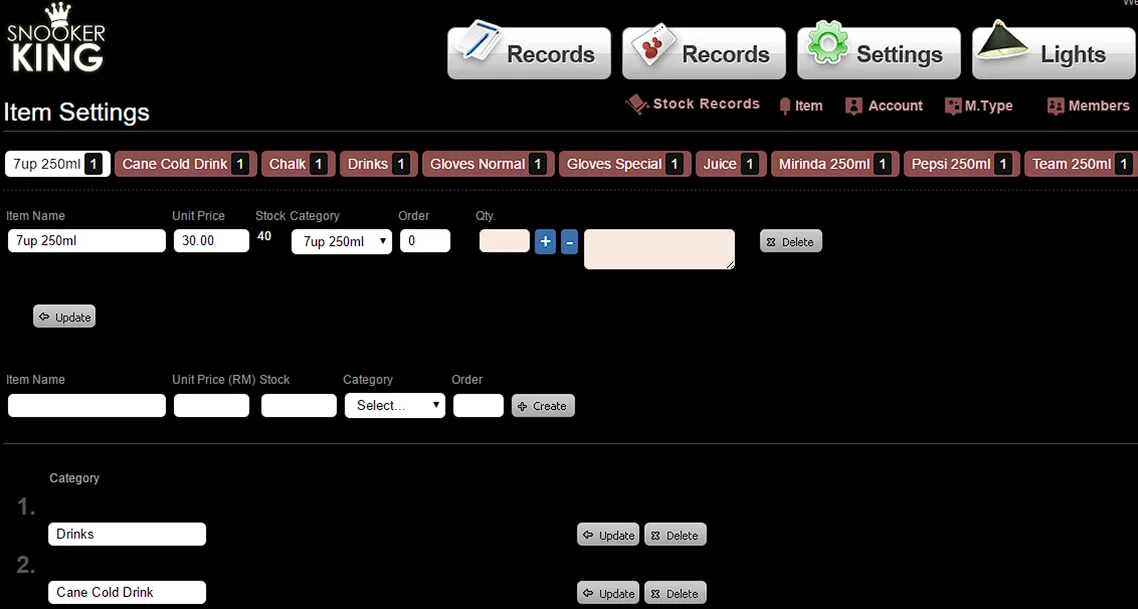
11.1. Add Category (Must fill in category before adding selling items)
Go to Settings > Item> Category
Enter name for each category
Sample:
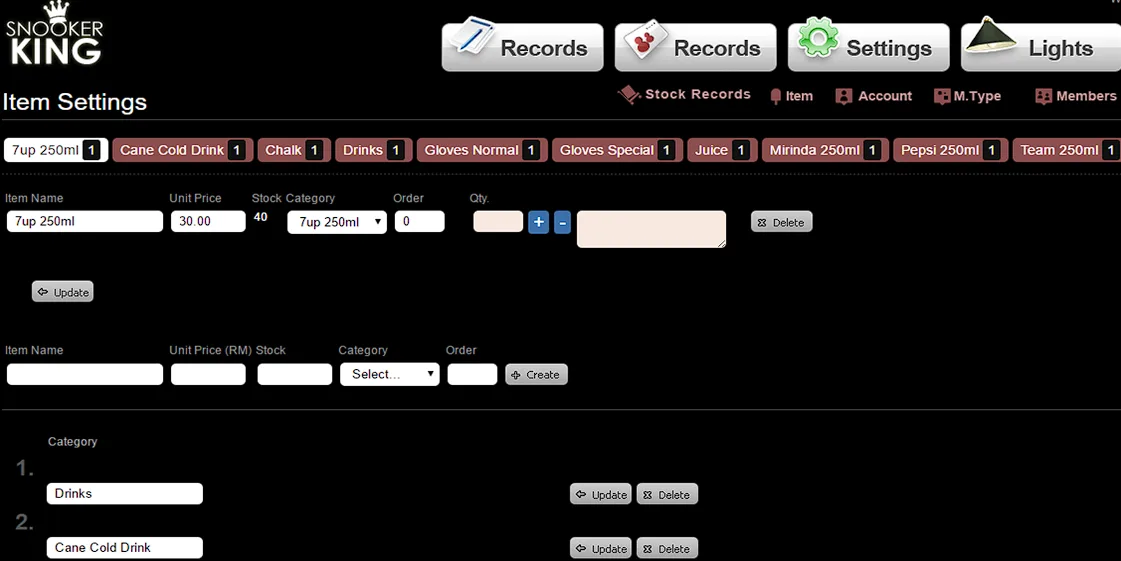
11.2. Adding Selling Items
Fill in Item, Price, Stock and select Category options.
Remember to select category for each selling items.
Then, click “Update” button to save this setting.
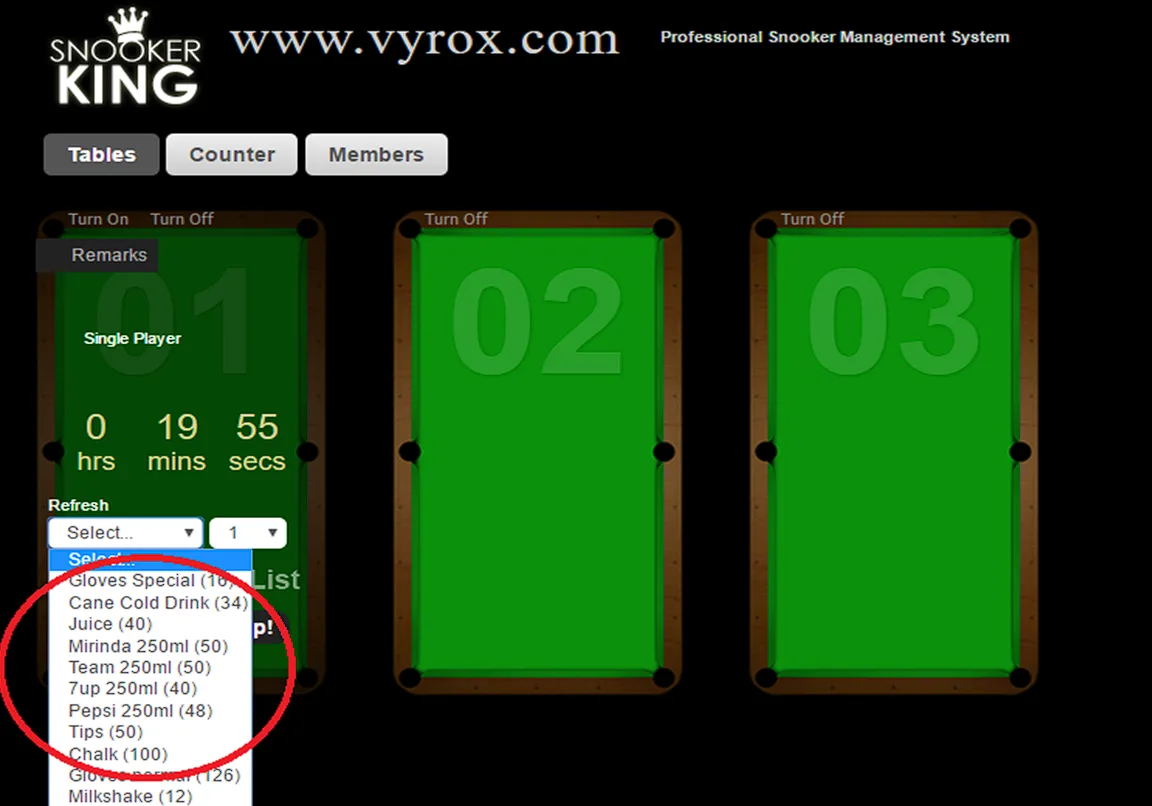
Sample:
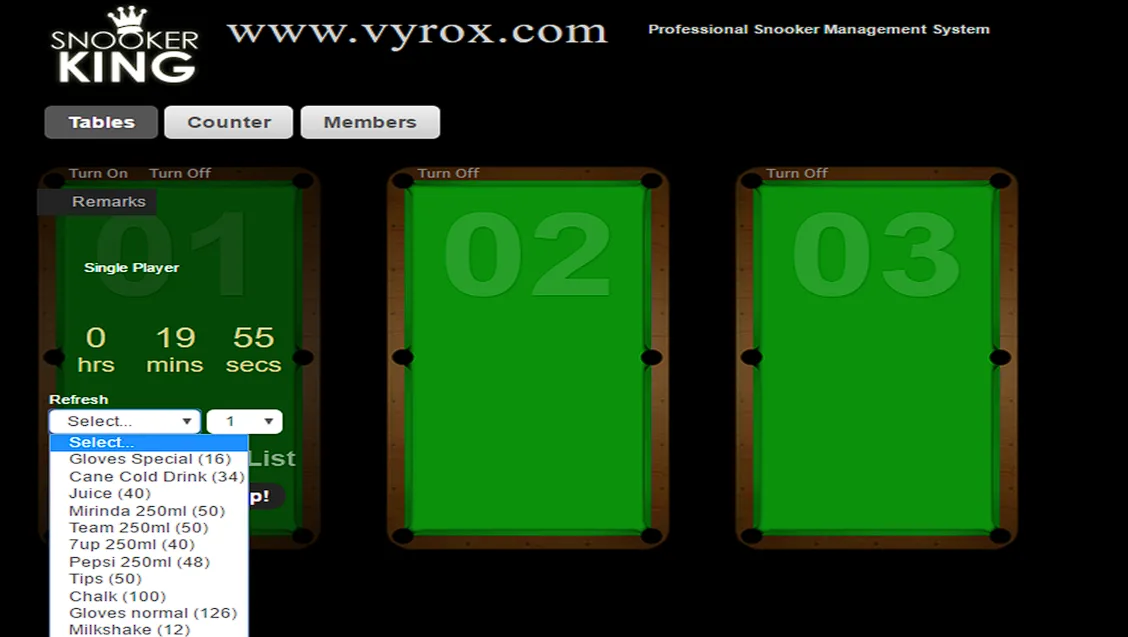
Effect:
11.3. Stock Record for each Selling Items
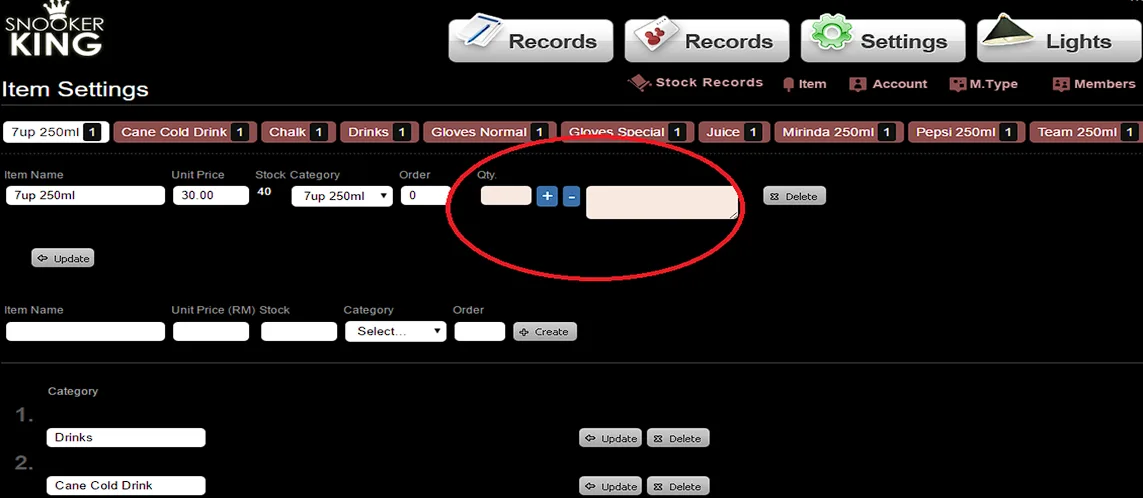
Fill in stock amount inside textbox of Quantity of each item and click “ + ” button to stock in.
Fill in stock amount inside textbox of Quantity of each item and write the remark beside the “Delete” button to mention that why you are going to deduct the stock. Then only to click “-” button.
Sample:
Effect:
The system automatically deducts the number of remaining stock when items checkout.
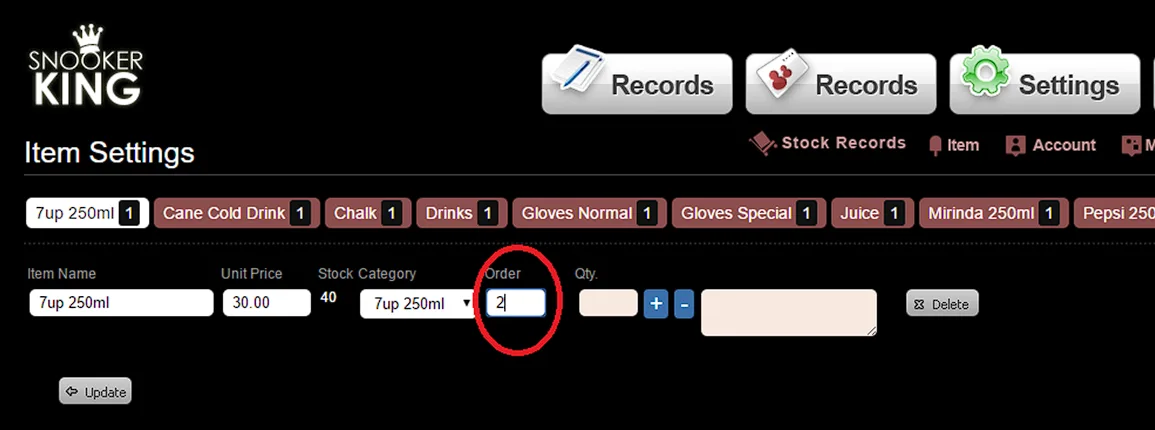
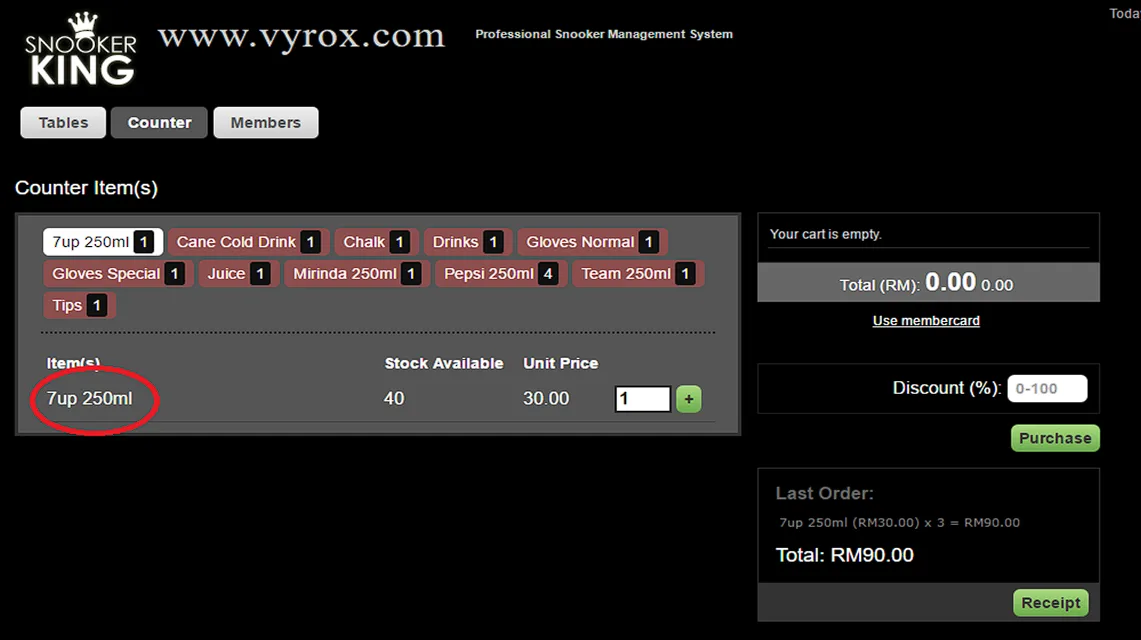
11.4. Arrange the item order in the counter
Please key in the number to arrange the item order.