VYROX Very Intelligent Platform (VIP) · Very Intelligent Platform: User Guide
This guide provides a step-by-step process for applying an access card. Learn how to request a new card to ensure secure and convenient access to facilities.
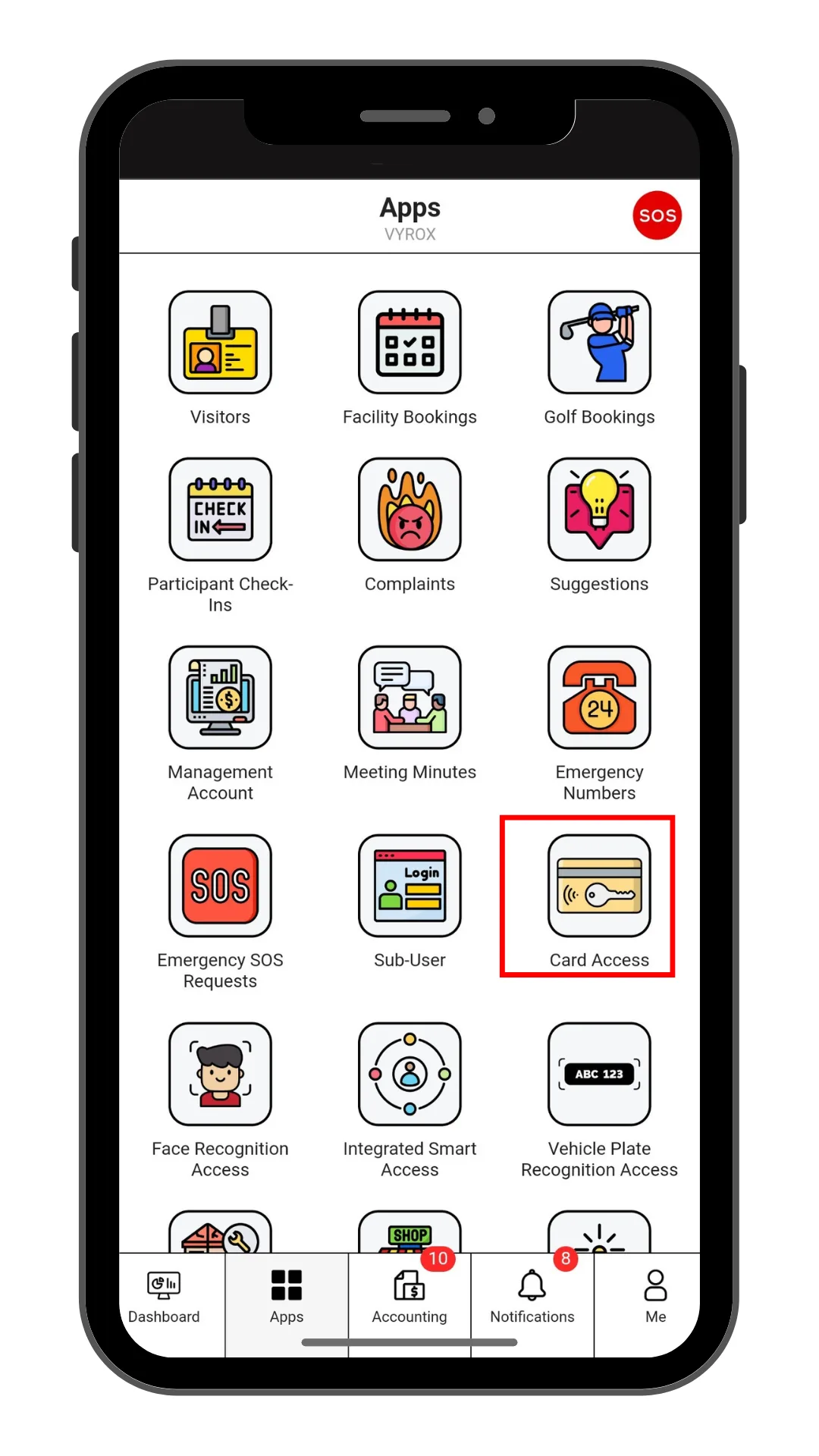
Click “Card Access” icon
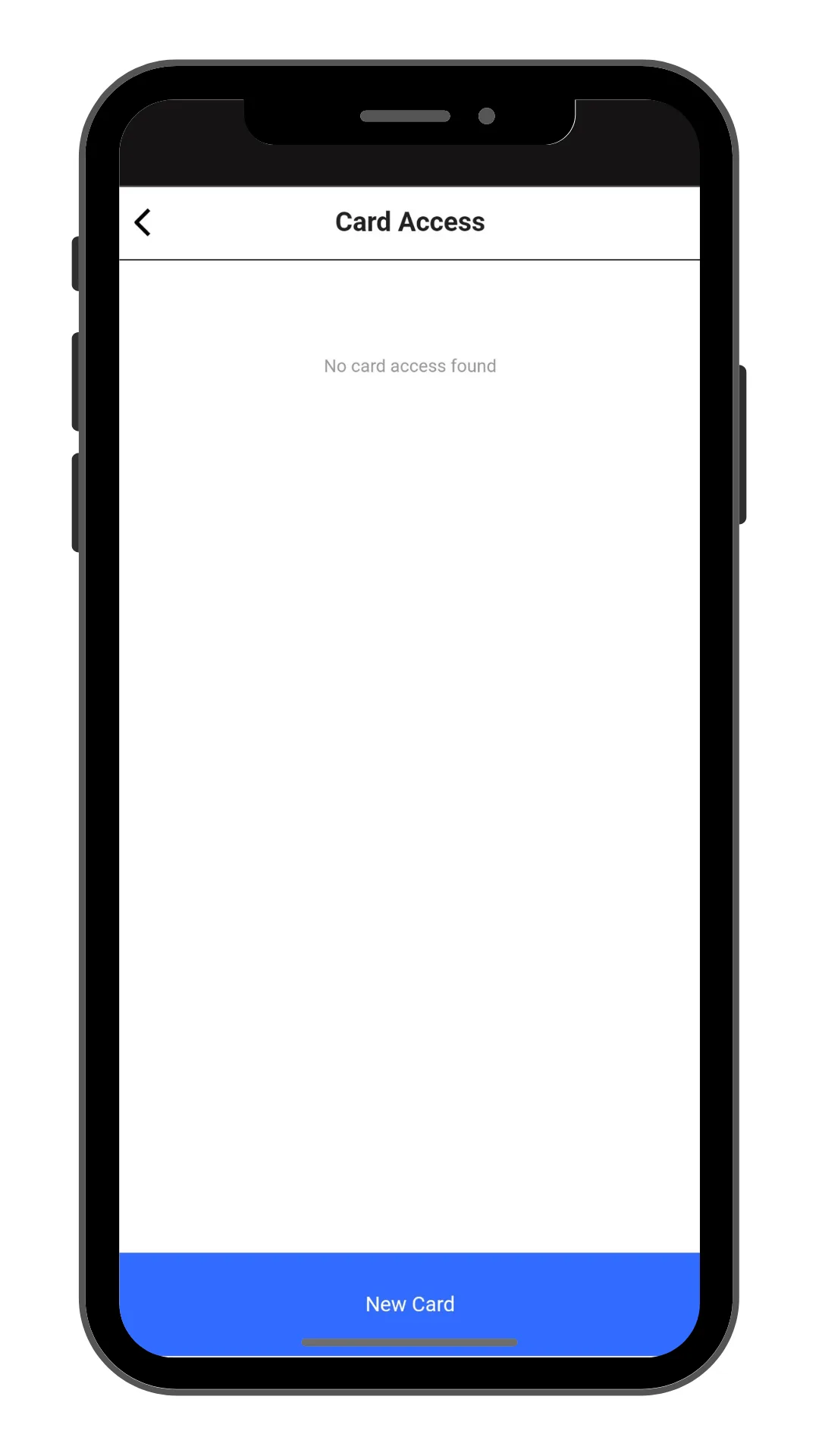
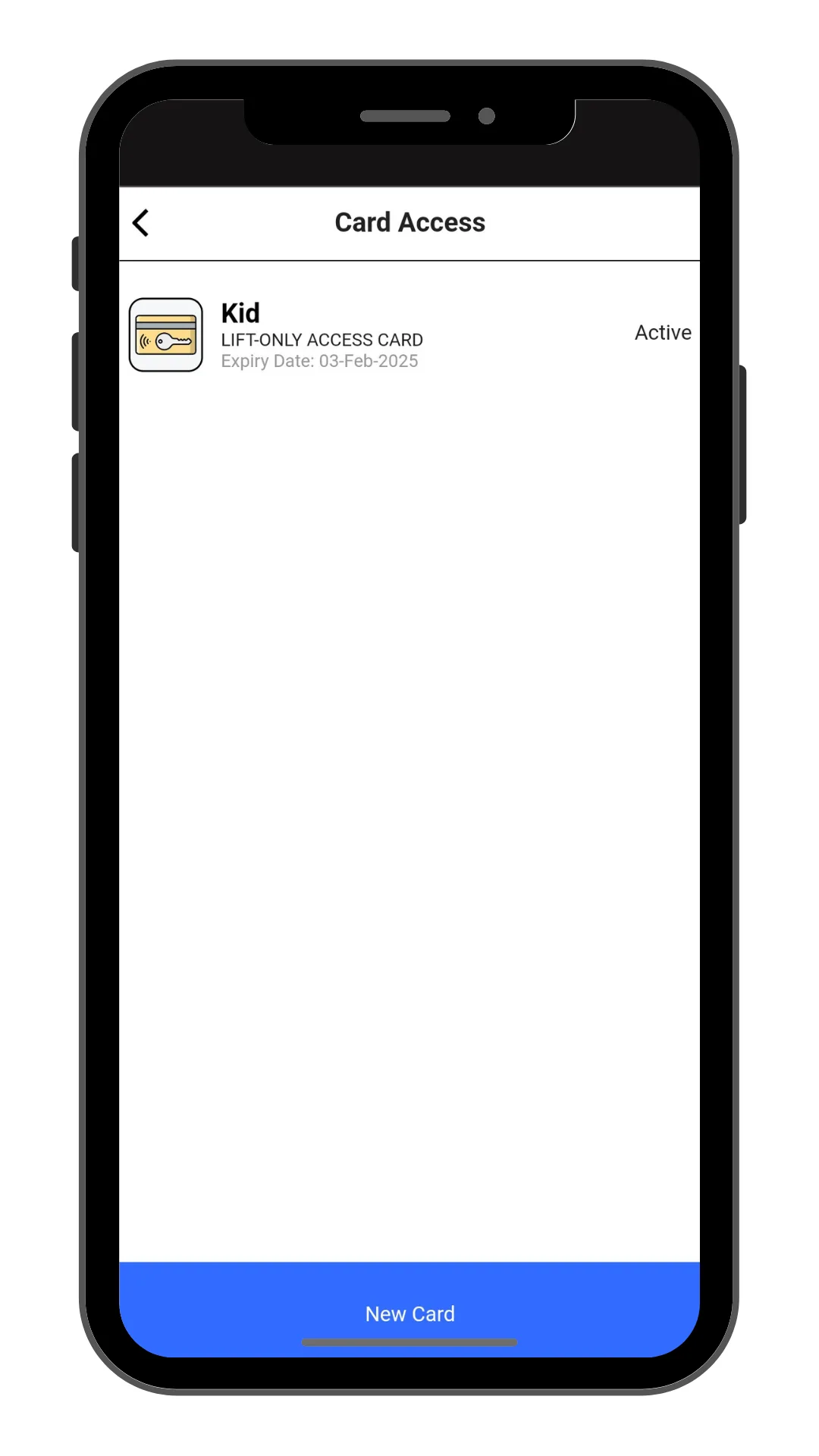
Click “New Card” to make a new card.
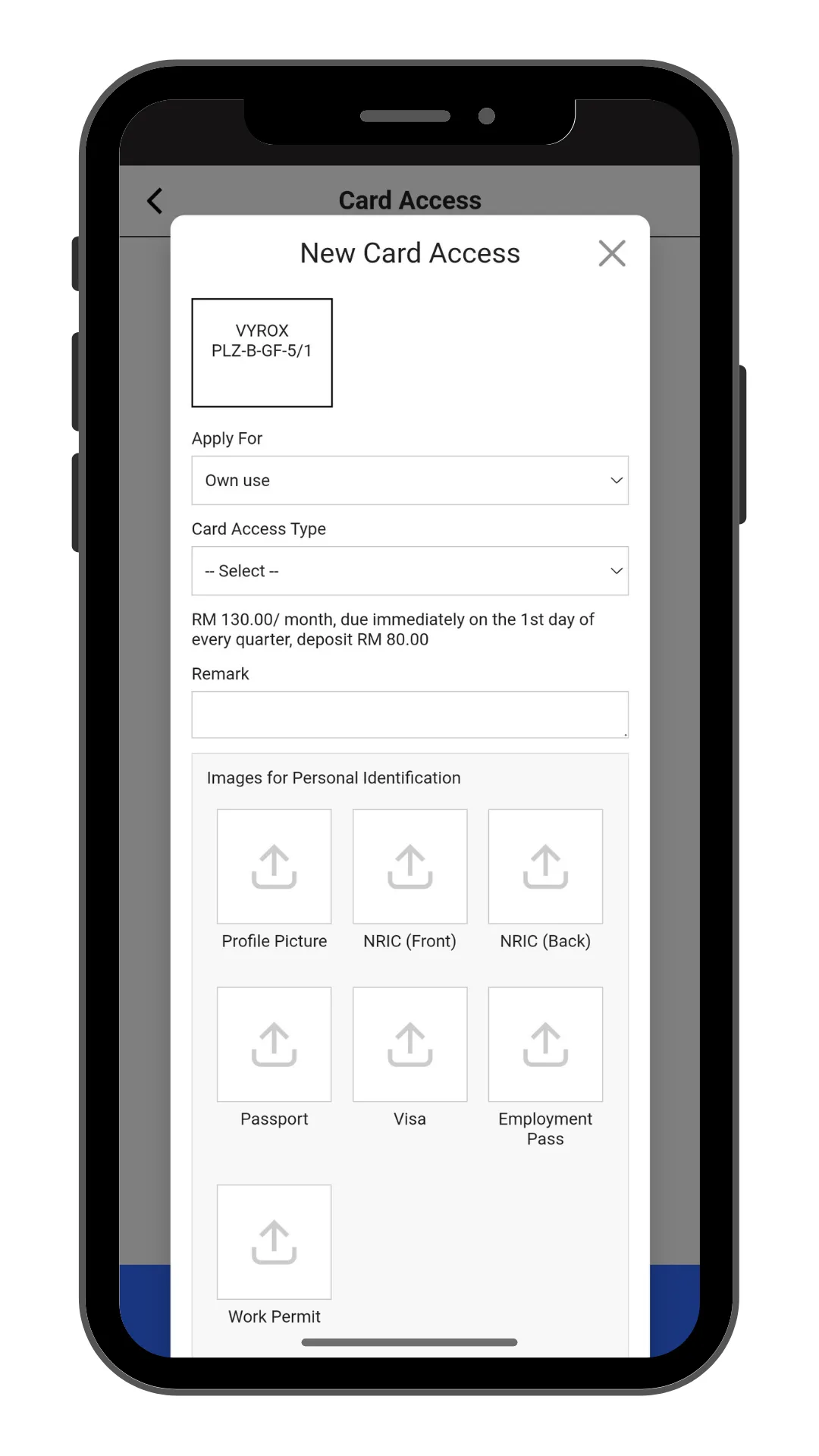
Select Apply for, Card Access Type, Remark, and include Pictures of Profile Picture , NRIC , and Relevant documents.
Click “Add” to create.
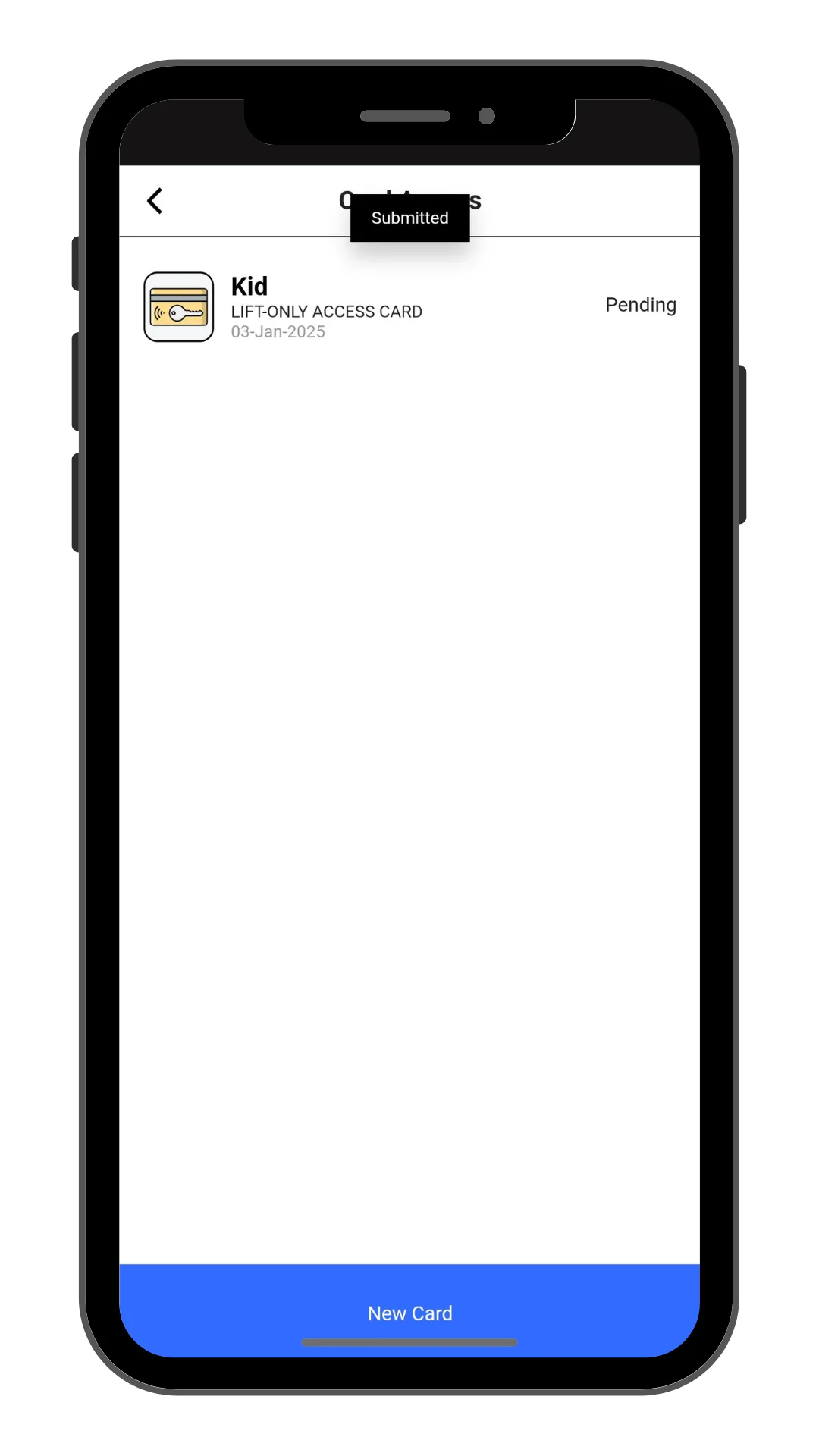
Manangement will need to approve access.
New created access will be listed in this page.