VYROX Very Intelligent Platform (VIP) · Very Intelligent Platform: User Guide
This guide will walk you through the steps to access your account securely. Follow these simple instructions to sign in, verify your account, and agree to our terms to start using the platform seamlessly.
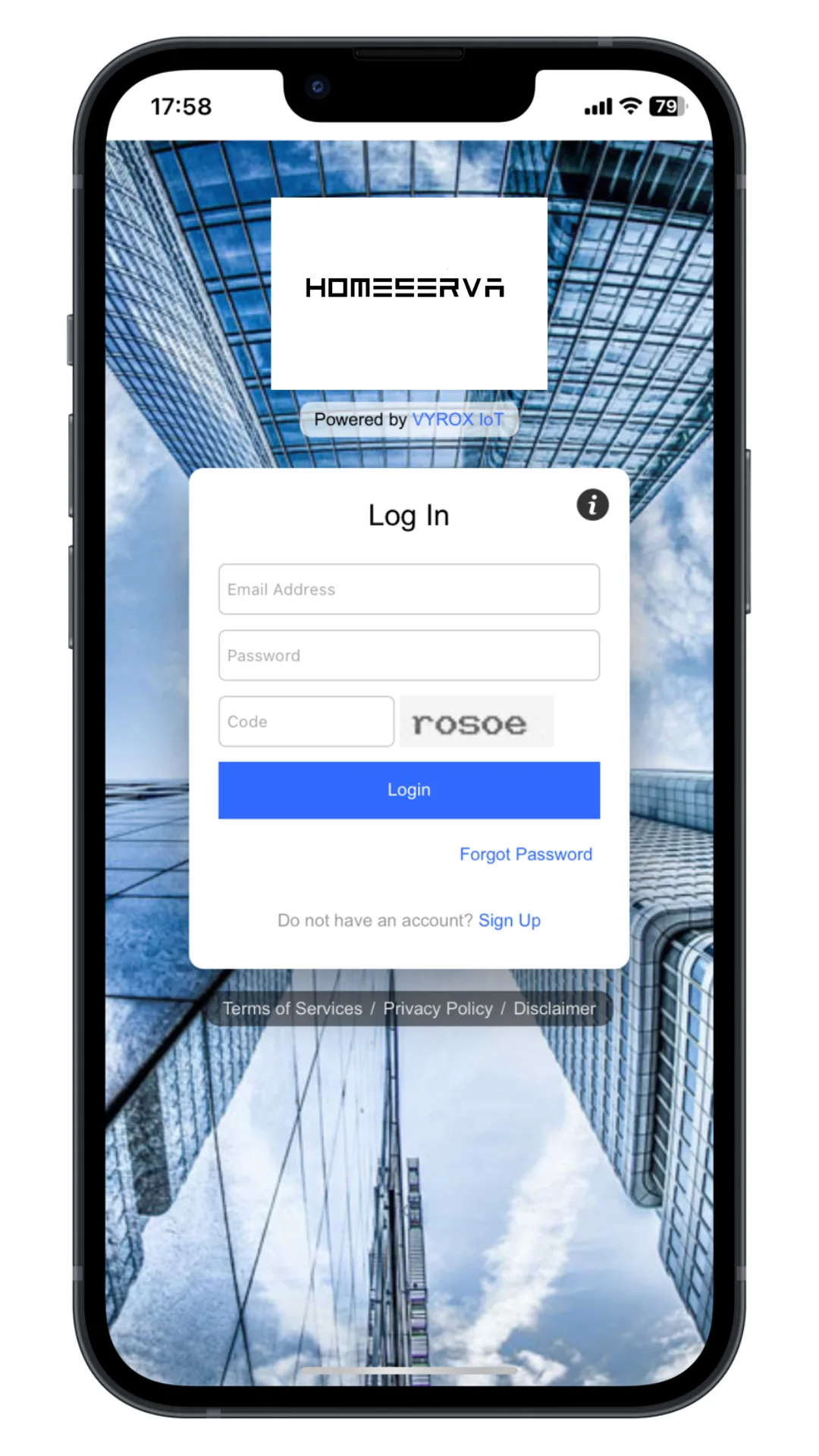
Owner receive an email notification with a temporary password from Homeserva. Users enter their registered email and temporary password.
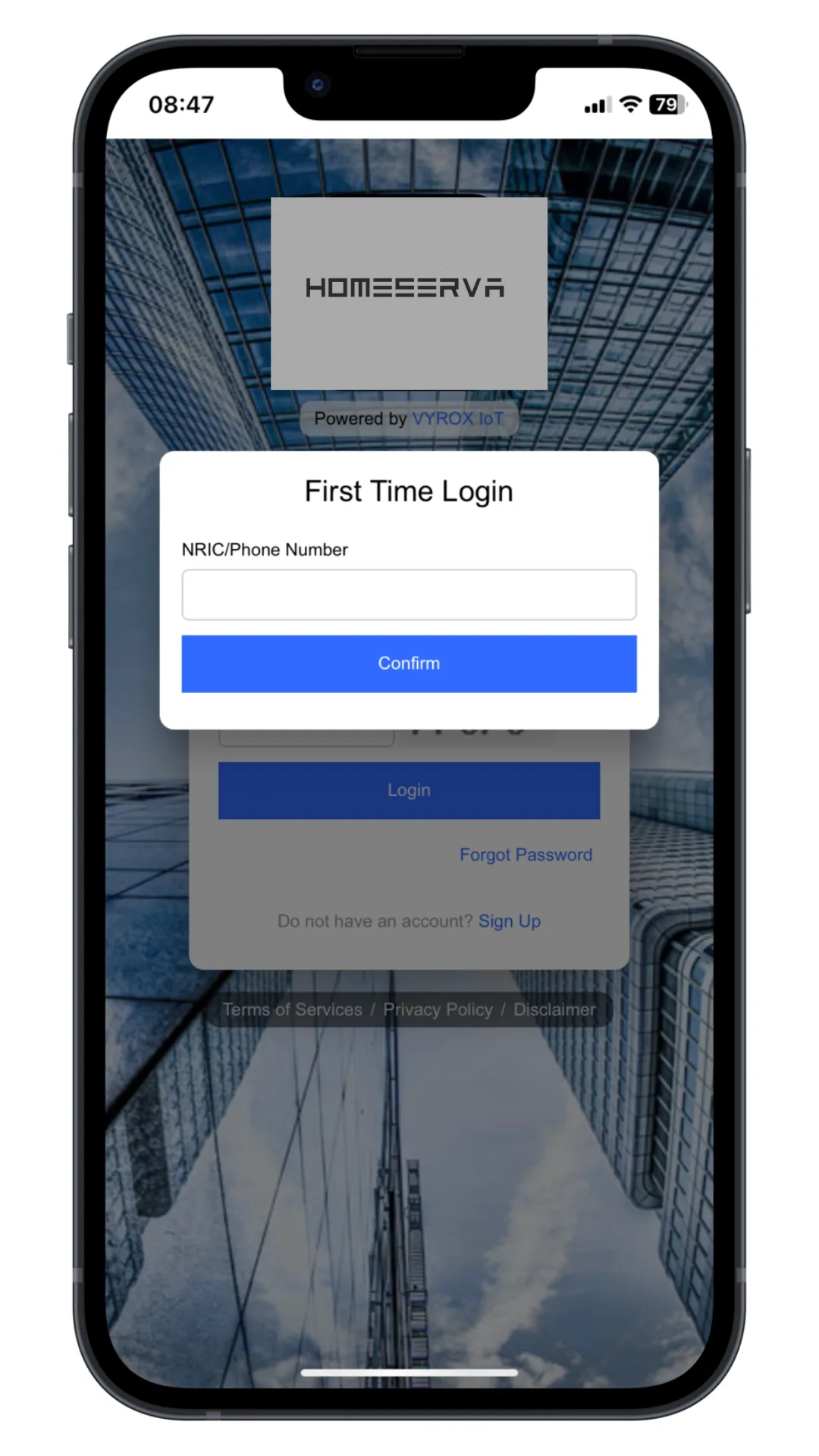
Enter your NRIC or phone number to verify your system account.
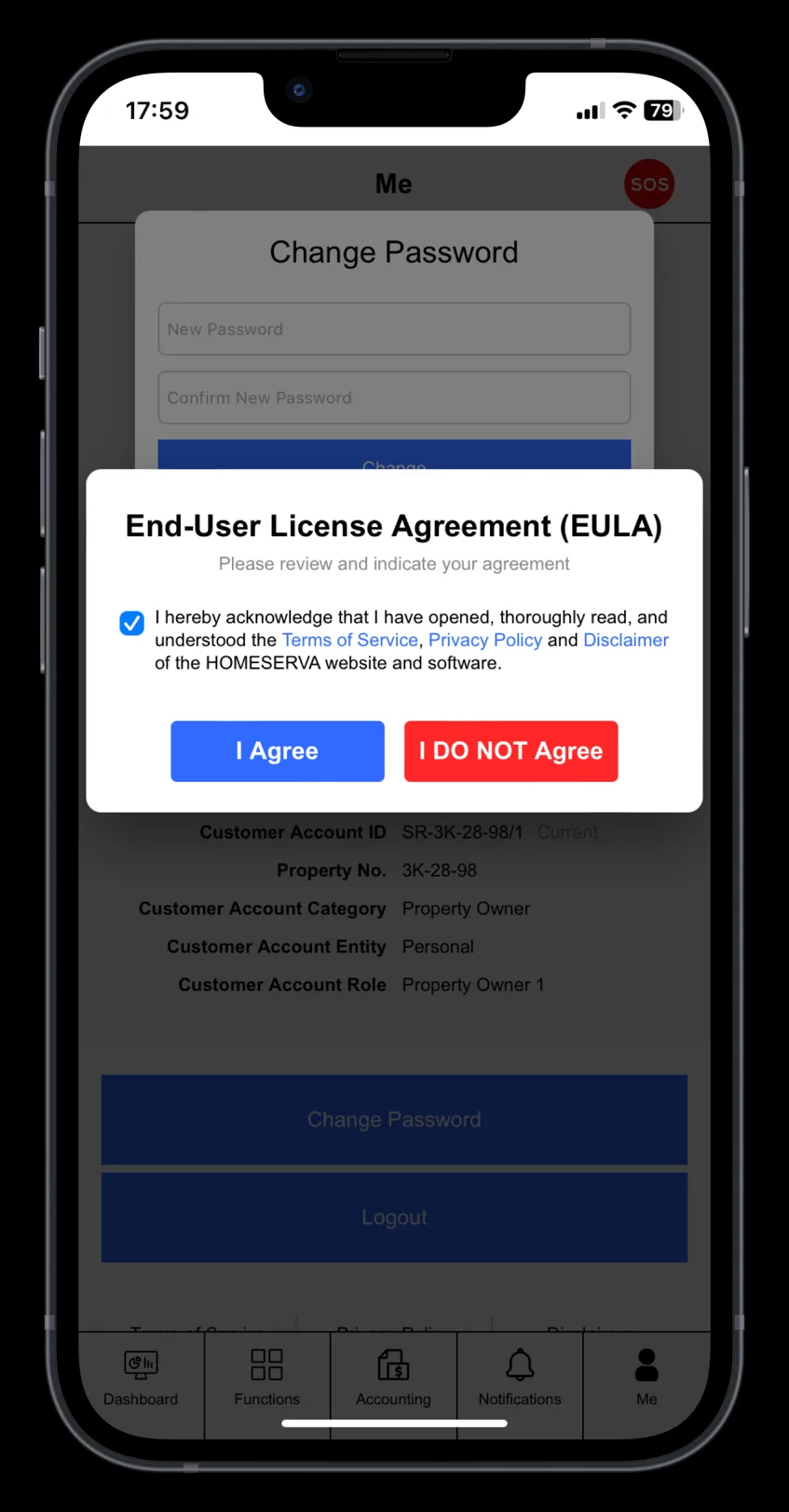
Review our Terms of Services, Privacy Policy and Disclaimer. Tick the box to acknowledge the agreement and click “I Agree”.