Snooker King · Snooker King AIoT Lighting & Billing System
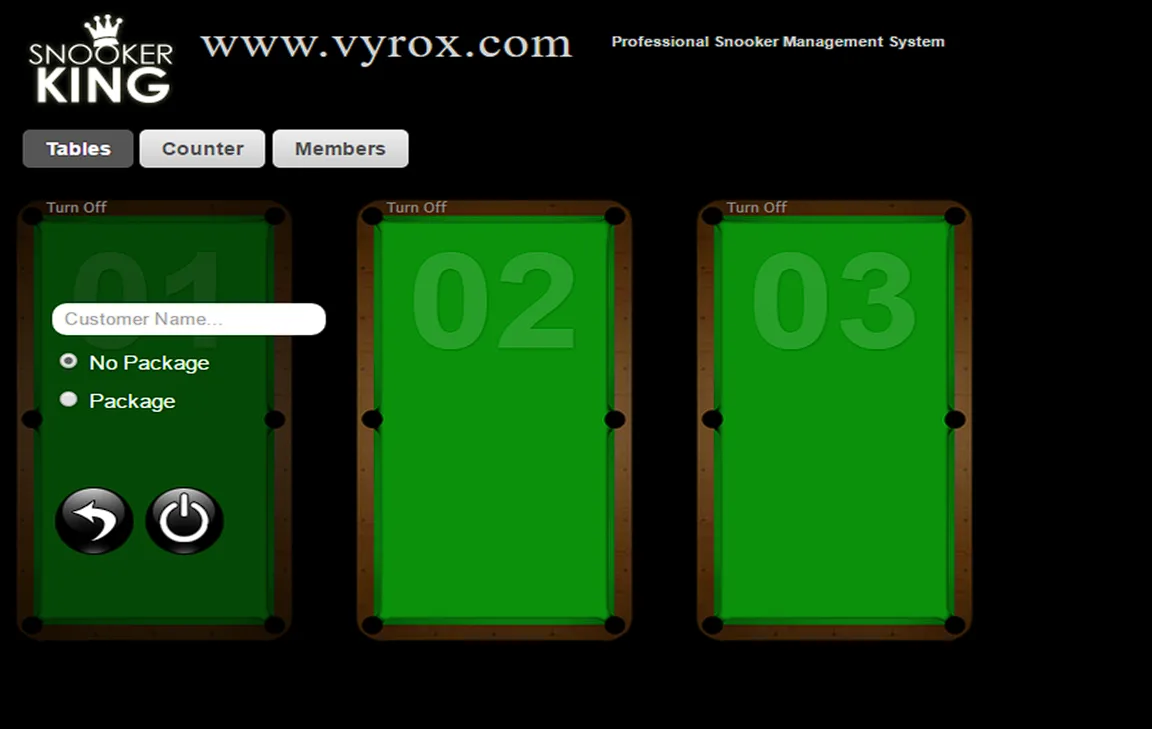
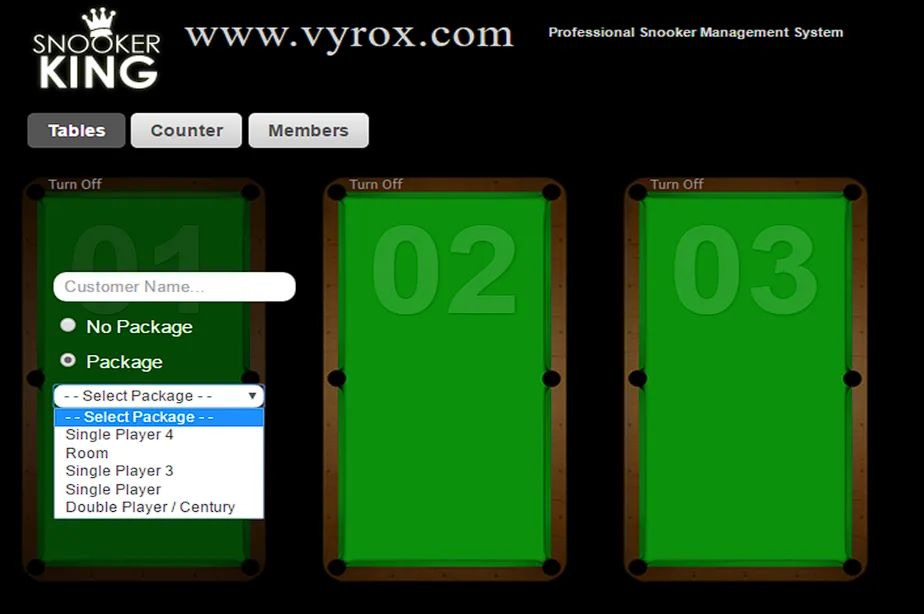
1. Click a snooker table > select “No Package” or “Package” > Click Power button to start the game > Lights ON
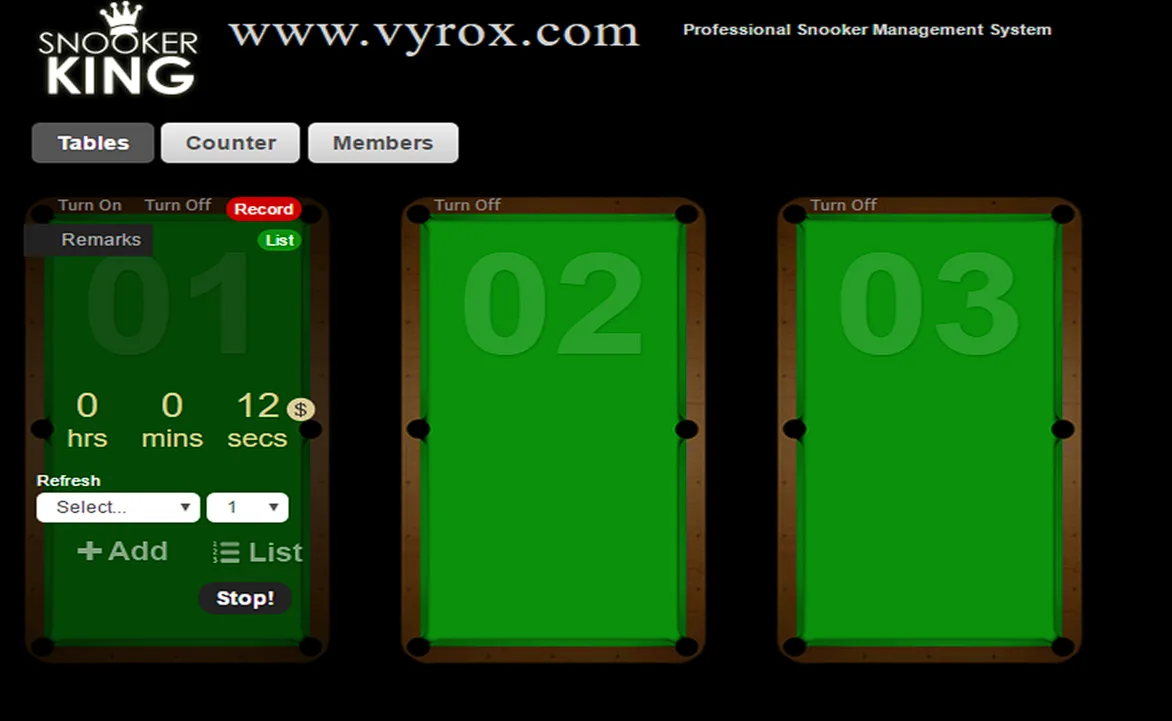
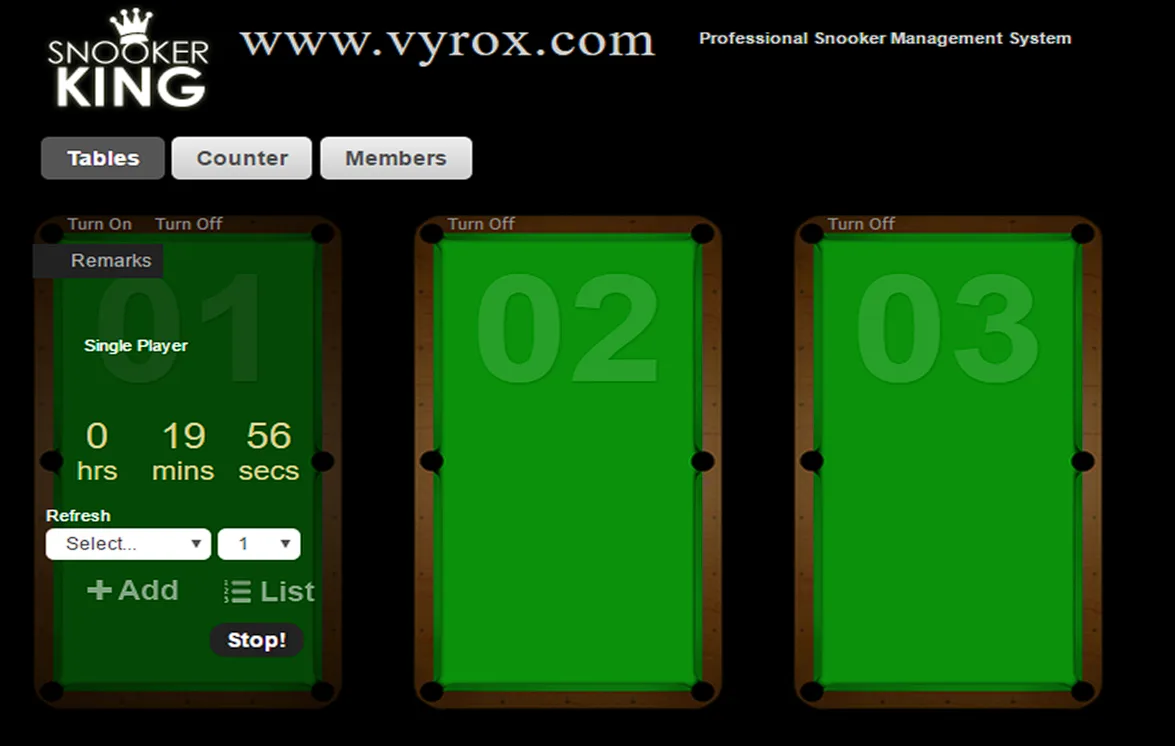
2. “No Package Option” is pay for a flat rate based on total usage. Click “Stop!” to switch OFF the lights when customers want to quit the games.
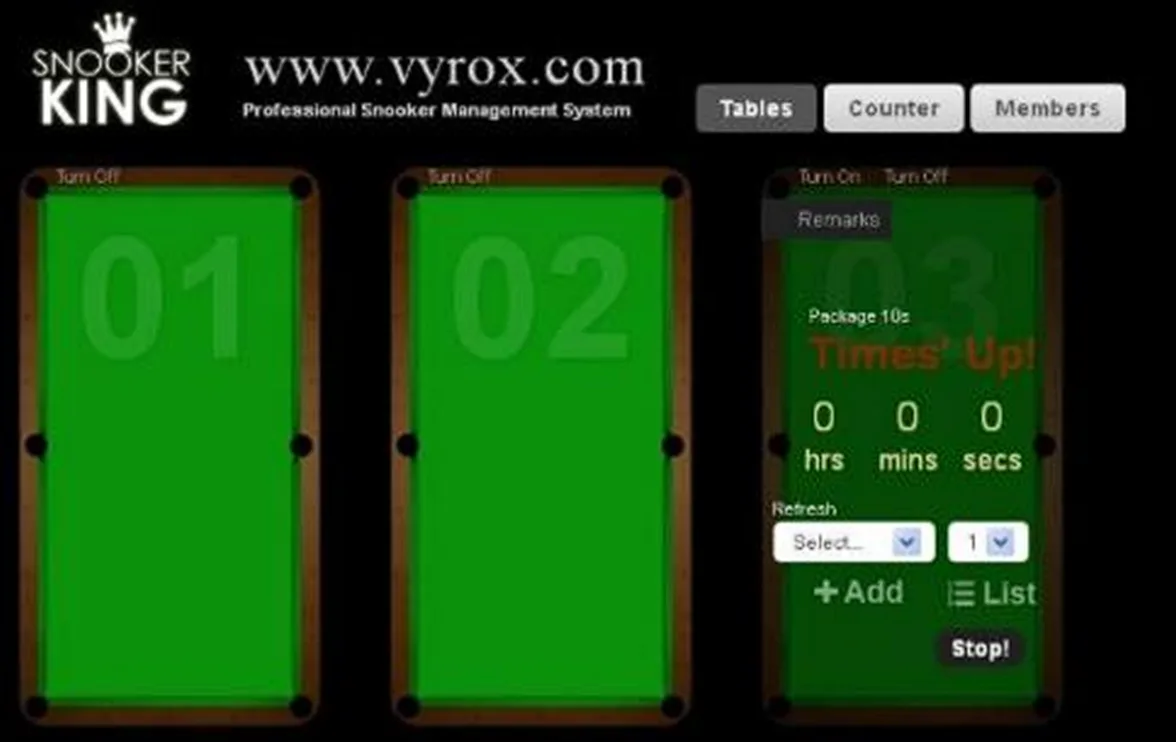
3. “Package Option” is pay for hourly rental package. Click “Stop!” to switch OFF the lights after timer countdown is finished.
4. There have many package selections in “Package Option”. For example, single player 4 package, room package, single player 3 package, single player package and double player/century package.