Table of Contents
4. Point of Sales System for F&B and Retail Shop (POS)
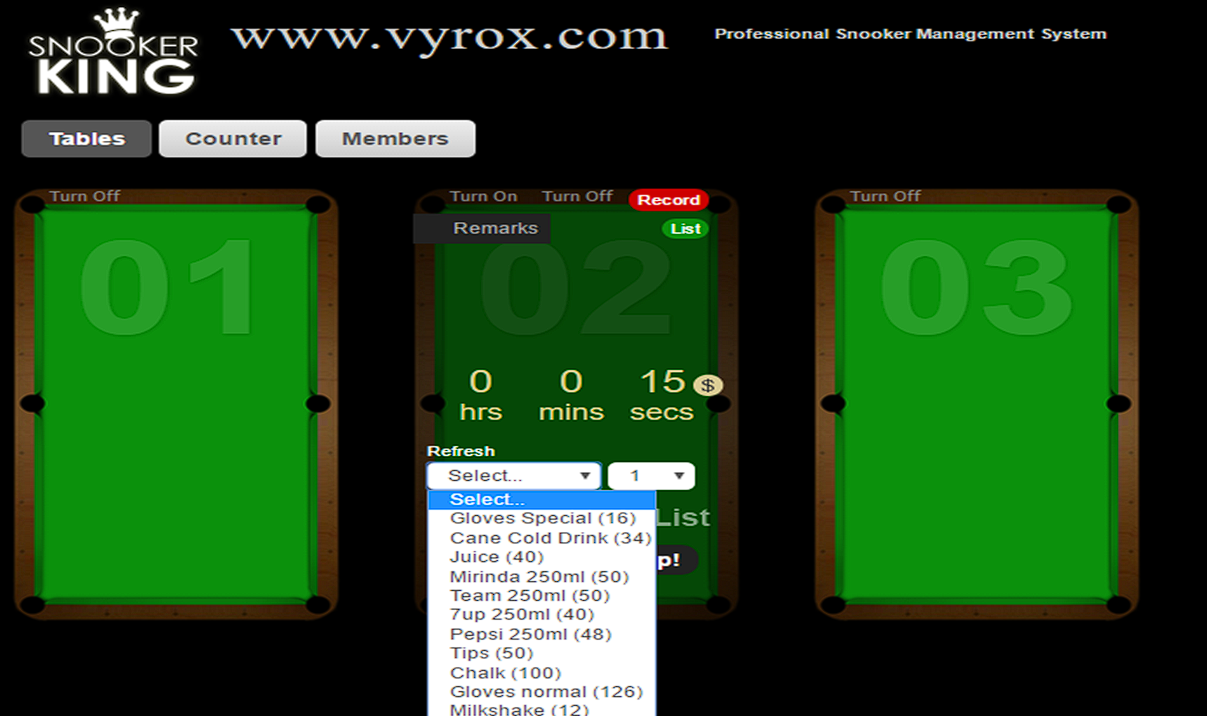
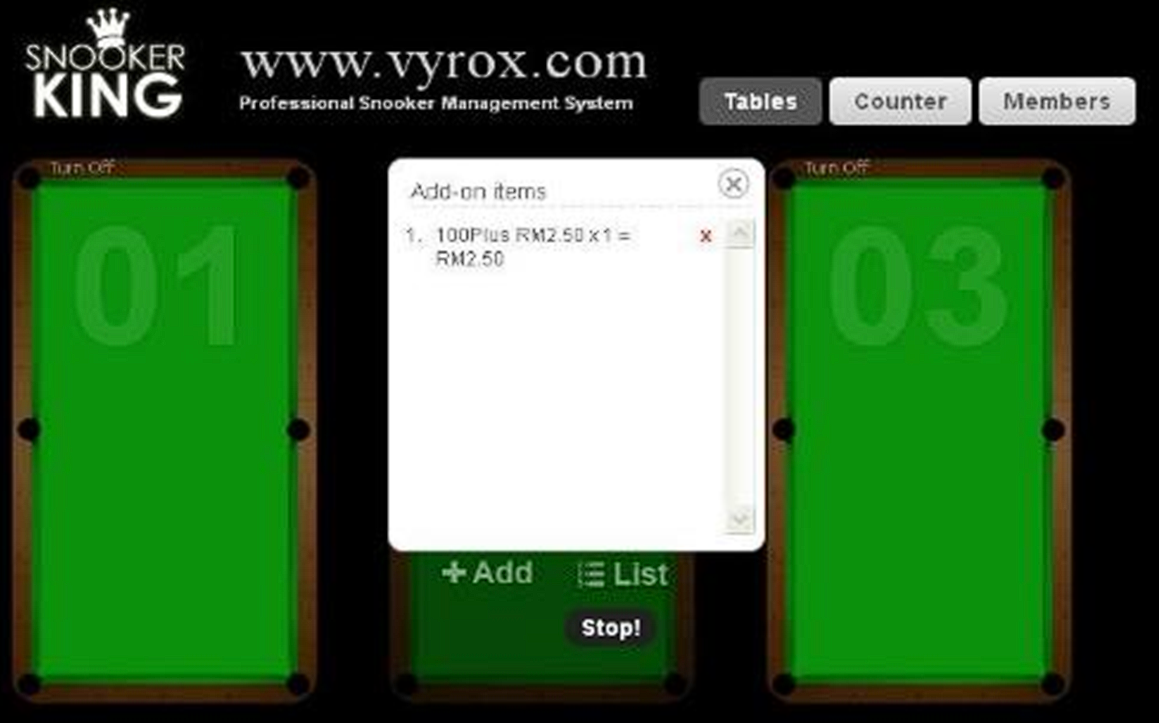
4.1 Customer Order Items and only Pay after the Game
Select item on snooker table > Select quantity > Click “+Add” icon to confirm orders > Click “List” to check order items > wait customer checkout with table game
 |
 |
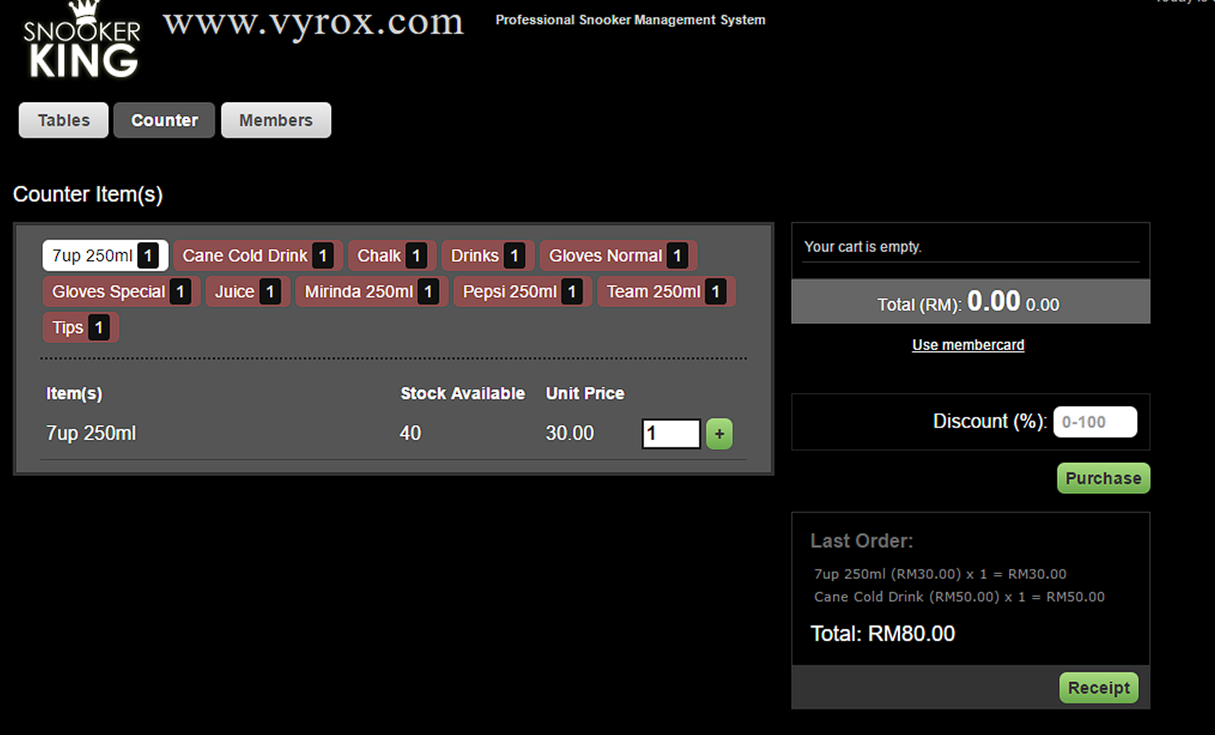
4.2 Customer Order Items and Pay on the Spot at Counter
Click Counter icon > enter quantity for order items > click “ + ” icon > Click “Purchase” to confirm the order > Click “Receipt” to print receipt of order items > Pass the order items to customer.
 |