8. Membership Sales Reporting
Read this chapter to learn how to check and view sales report.
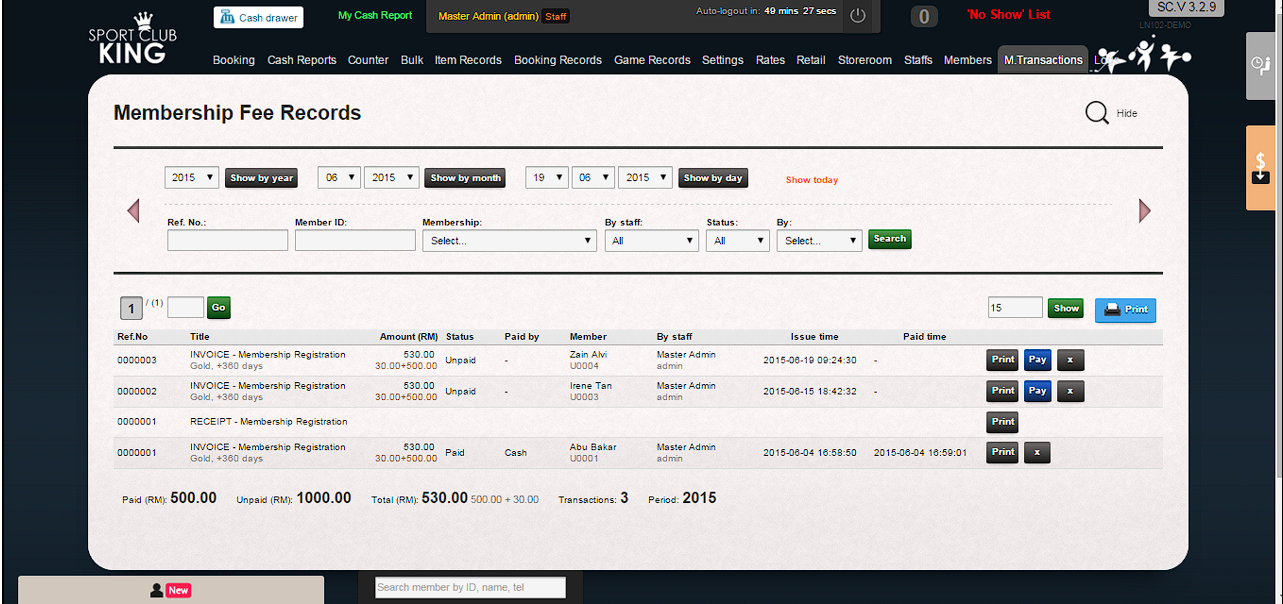
1. Go to “Member Transactions” page to check daily, monthly and yearly sales record.
2. Select date and click “show by date”.
3. Daily sales report will be generated as follows.
 |