VYROX Very Intelligent Platform (VIP) · Very Intelligent Platform: User Guide
This guide will help you update your login password quickly and securely. Follow the steps below to change your password and ensure your account stays protected.
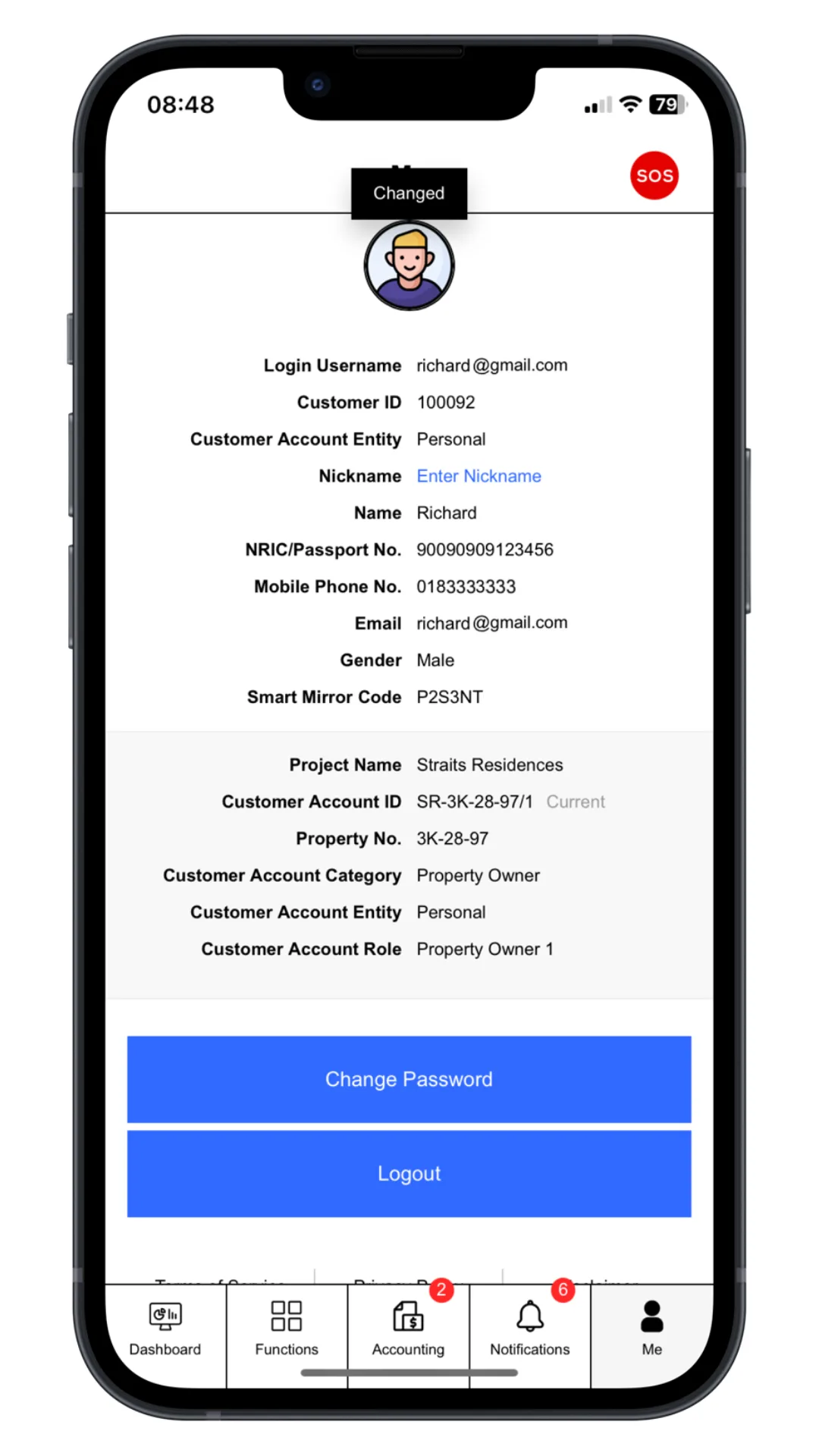
Click “Me”.
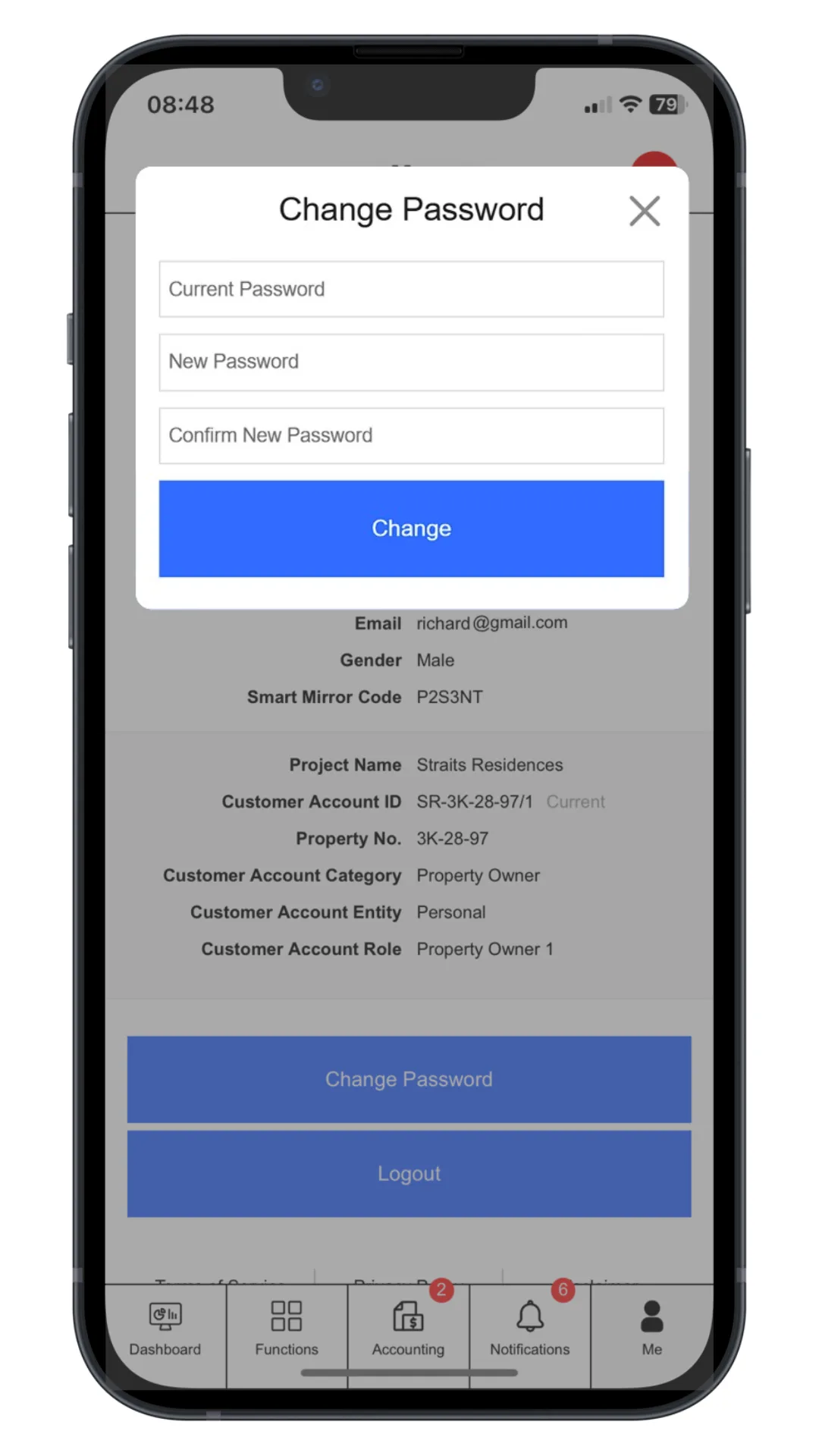
Click “Change Password”. Enter current password, new password and comfirm new password