Snooker King · Snooker King AIoT Lighting & Billing System
13. Account Management
VYROX Wiki · Updated 3 March 2025 · https://www.vyrox.com/wiki/account-management
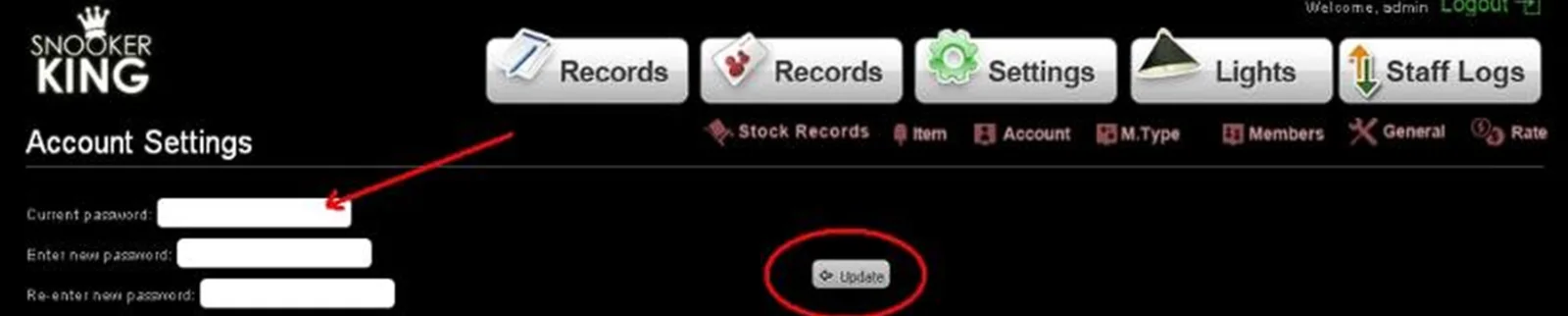
13.1. Changing administration account password (administration to view and edit settings)
- Fill in textbox on column one: current password
- Fill in textbox on column two: new password
- Fill in textbox on column three: Retype new password
- Remember to click “Update” button to save this setting
Sample:
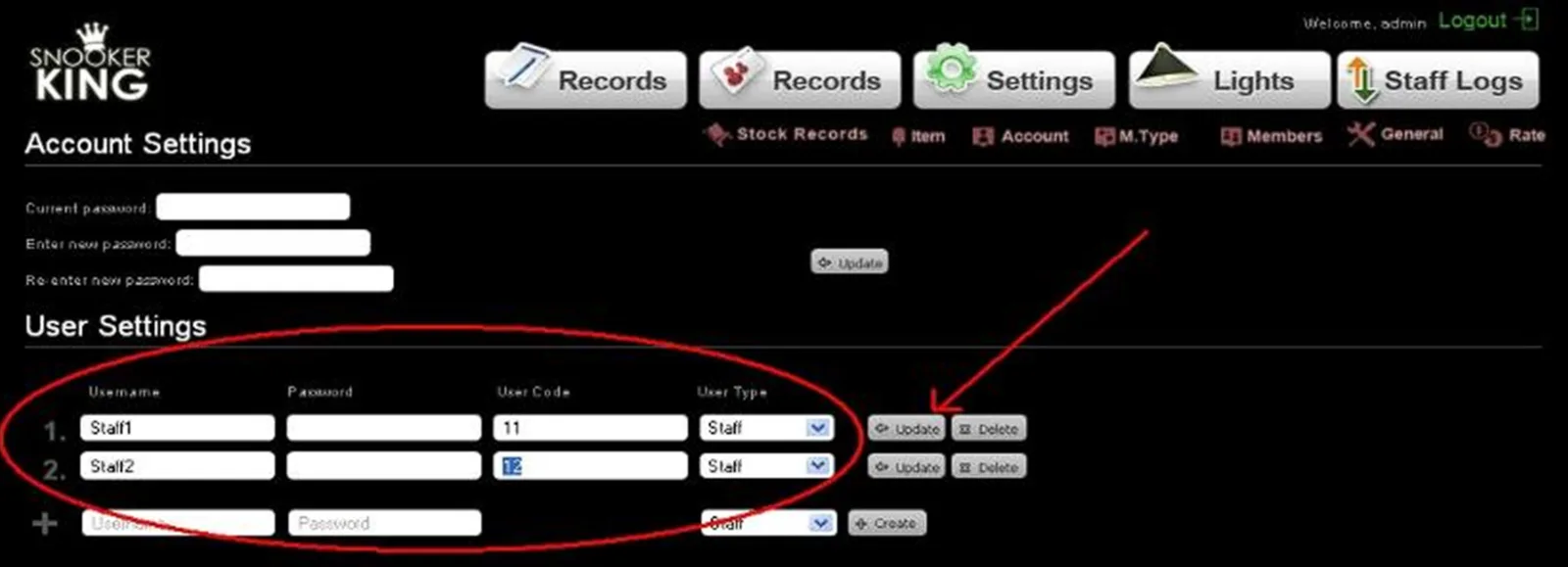
13.2. Creating a new user/staff account (staff to view records only, but can’t edit settings)
- Fill in username account, password and user code.
- Click “Create” button to add new account
- User code: for internal reference only
Sample: